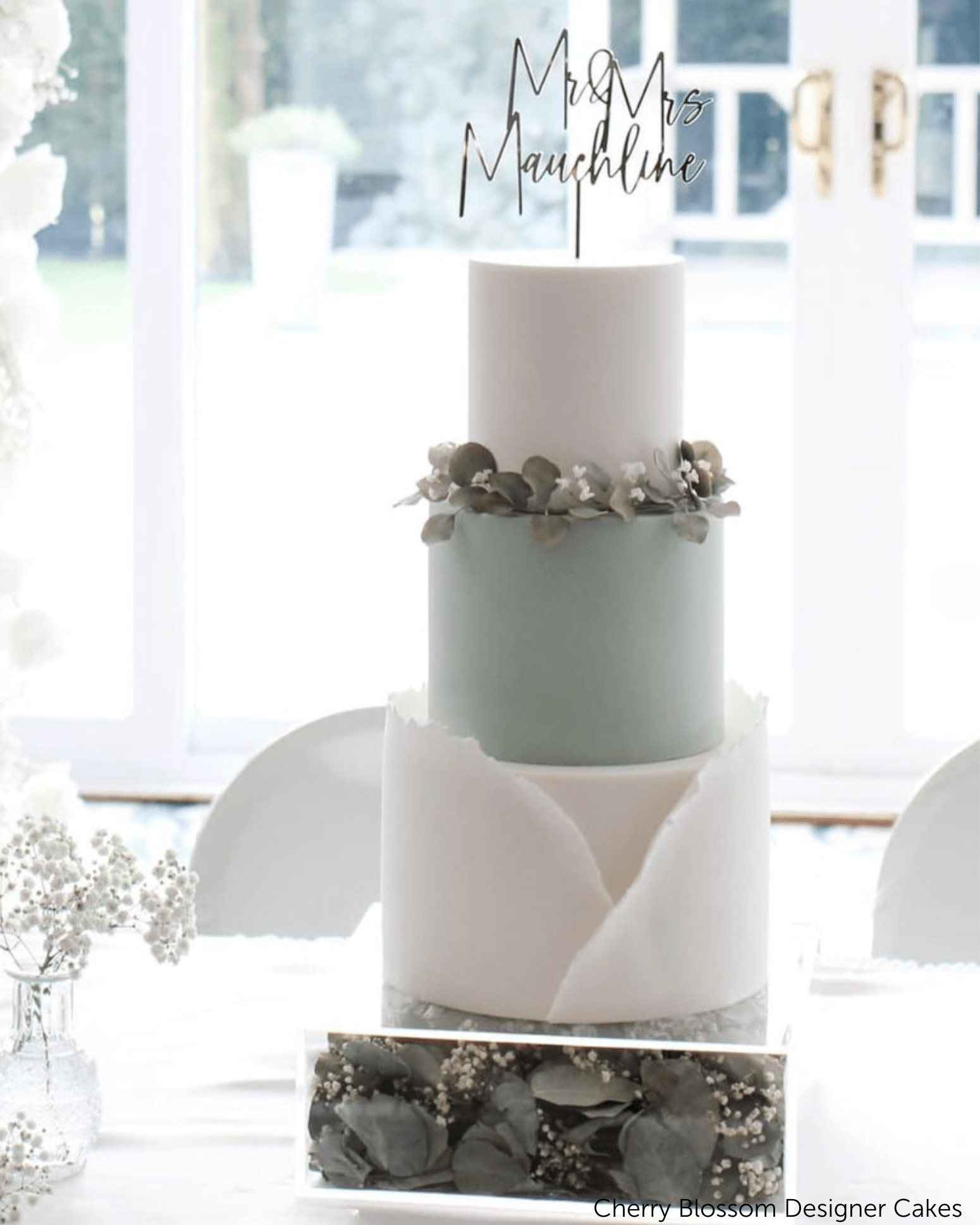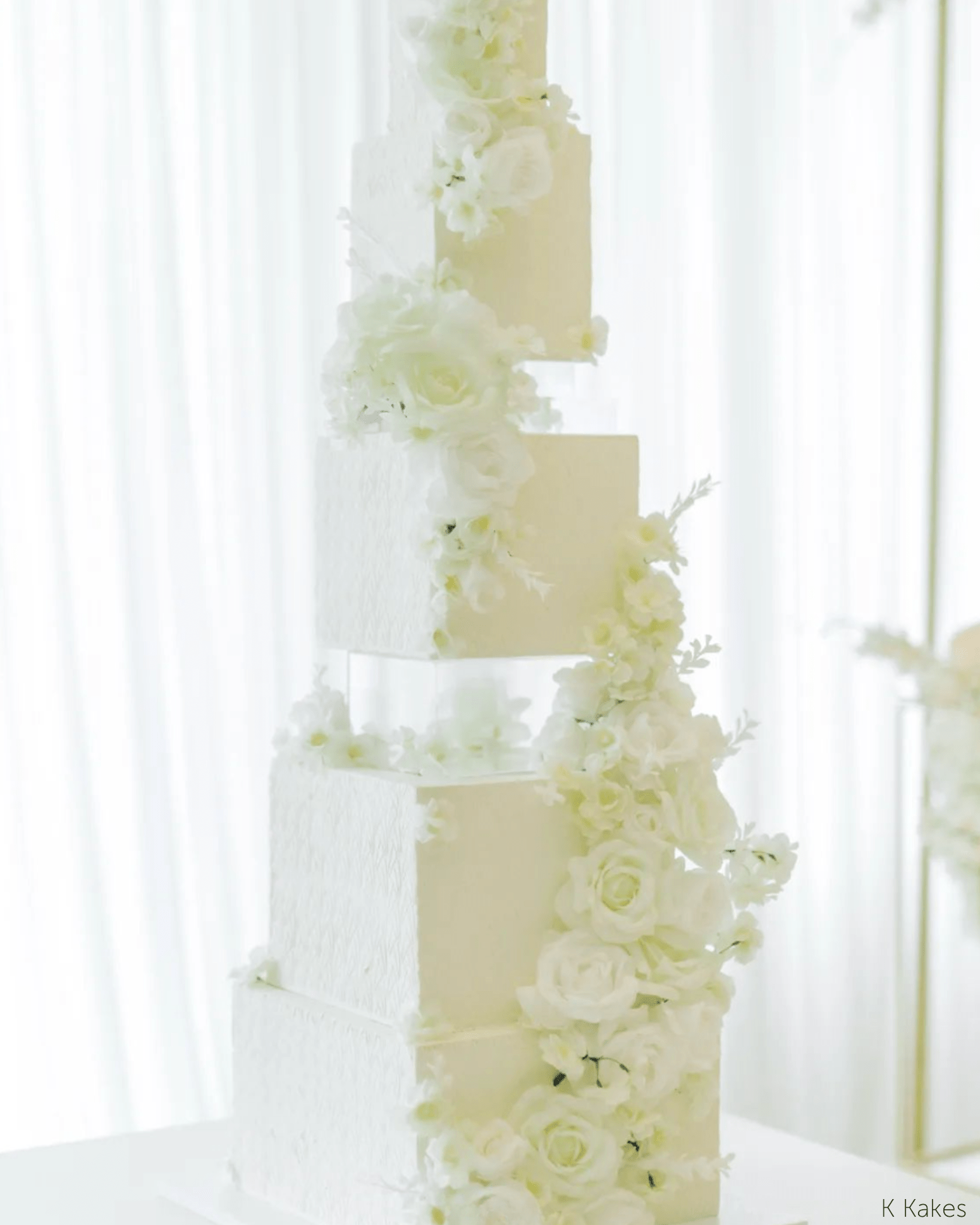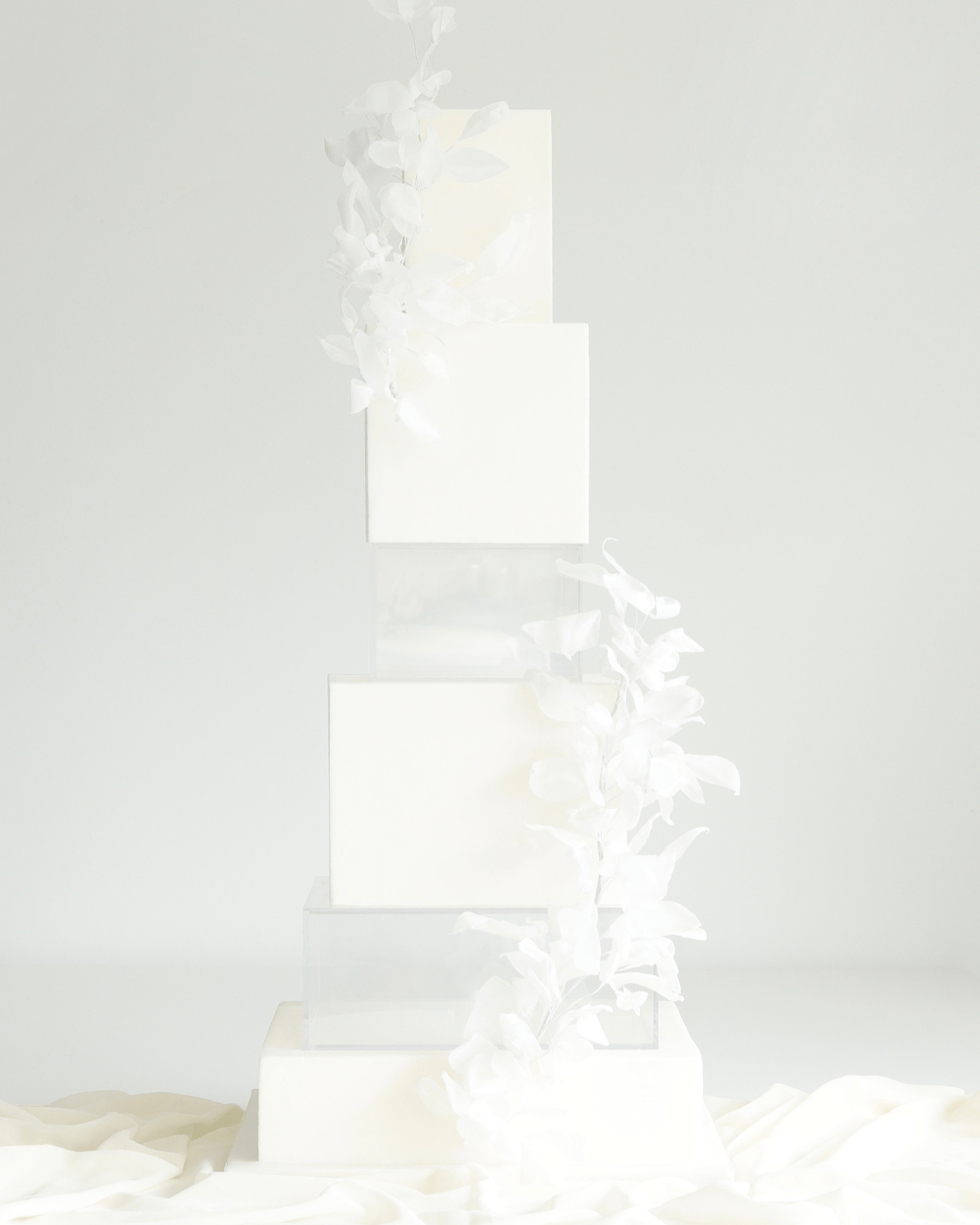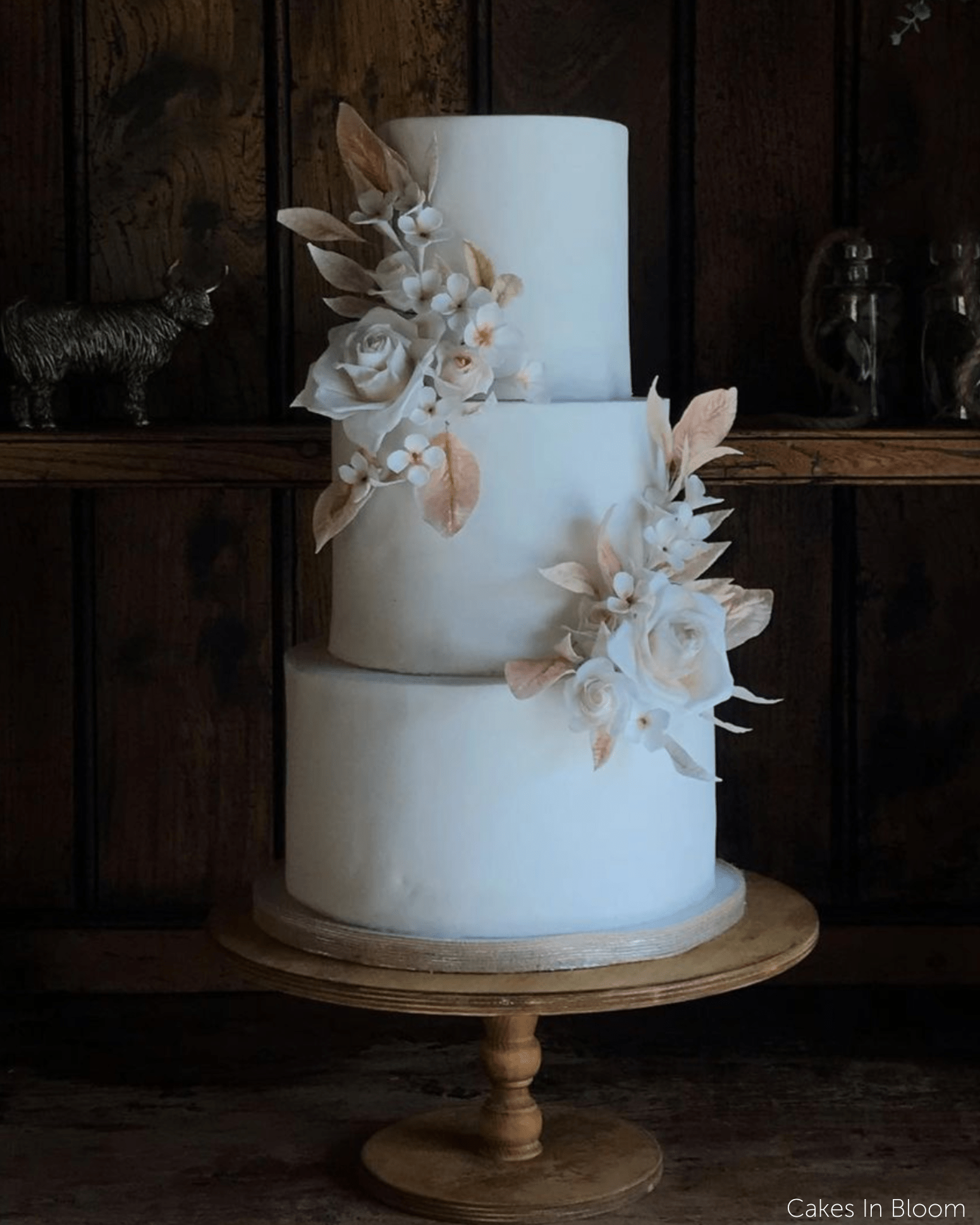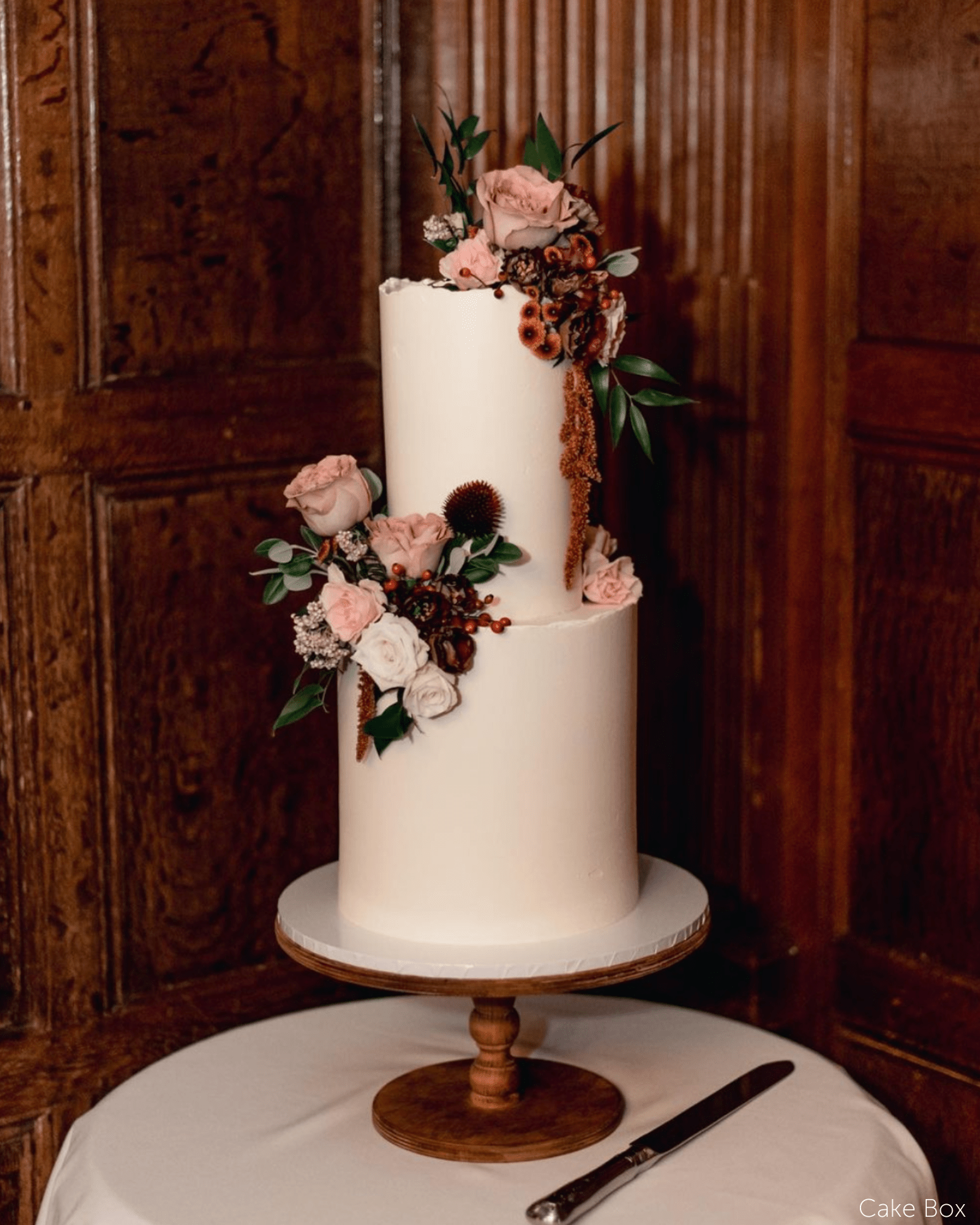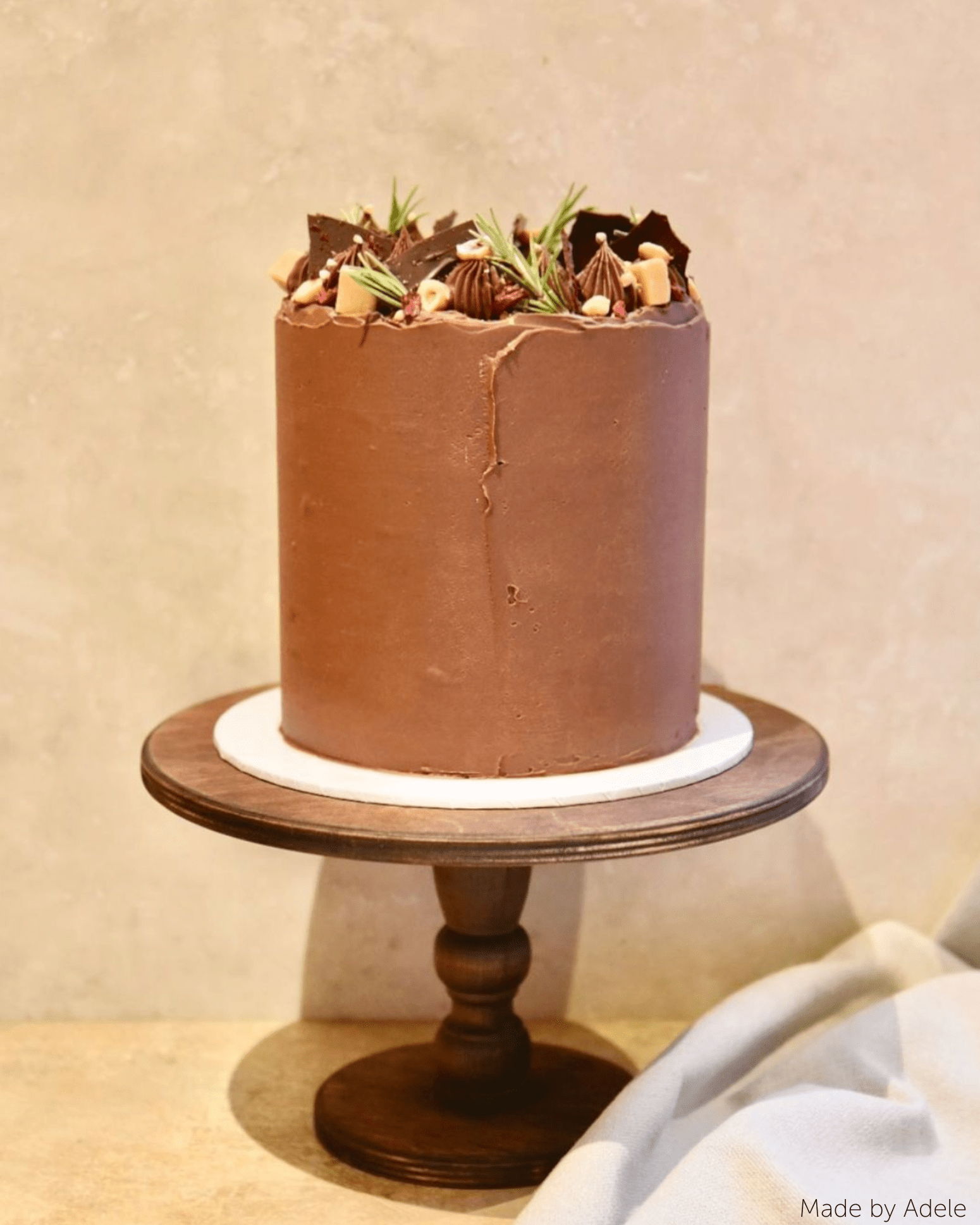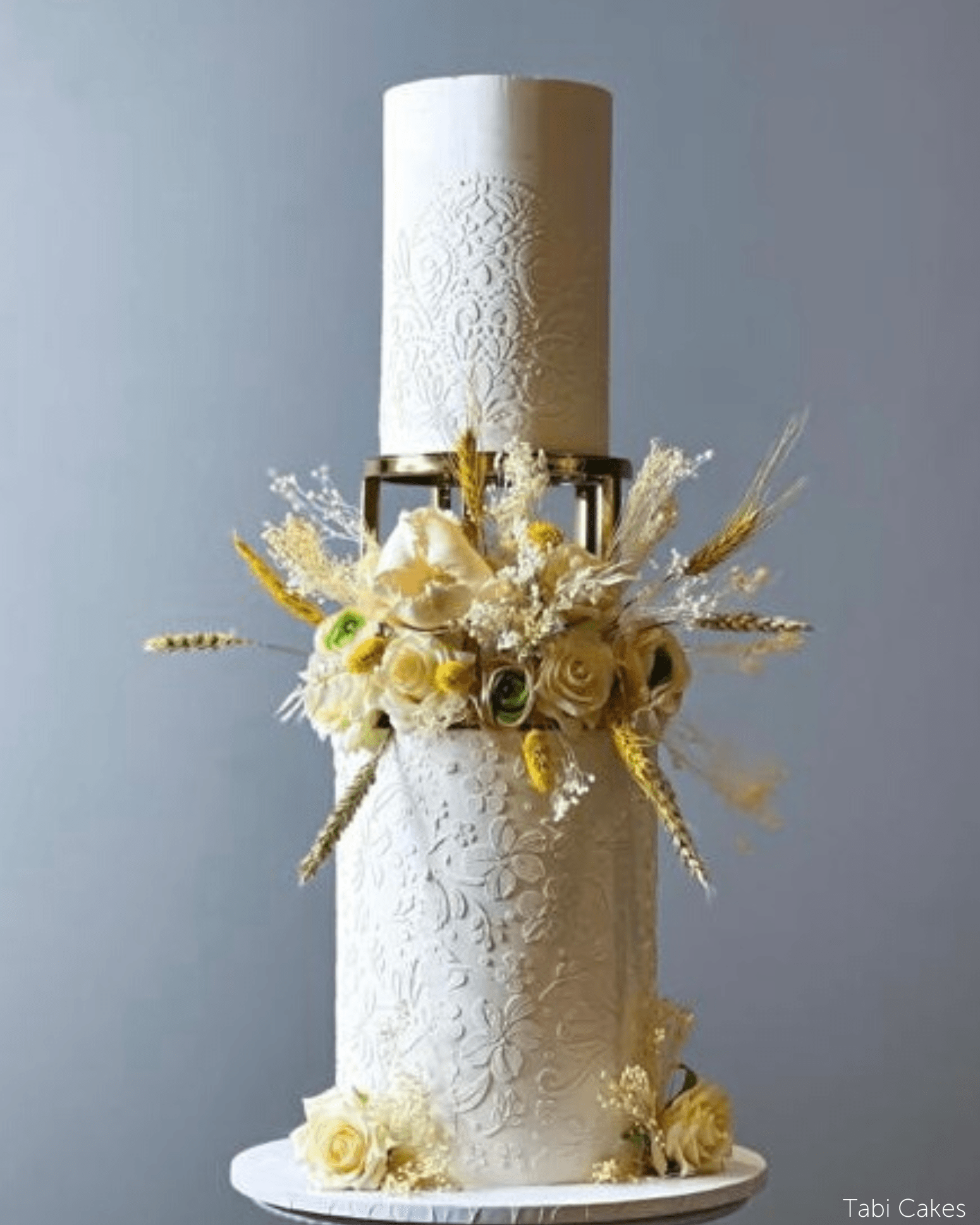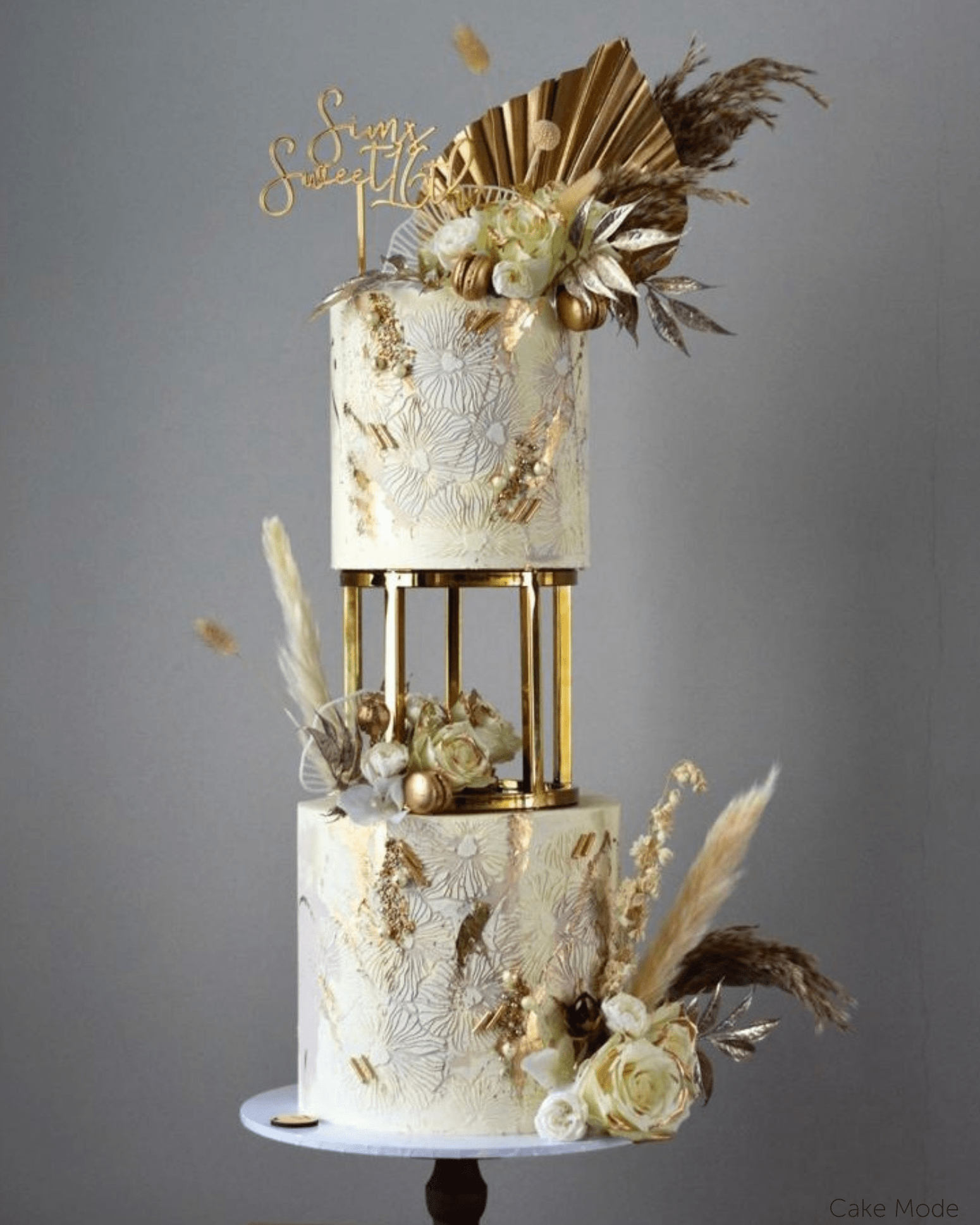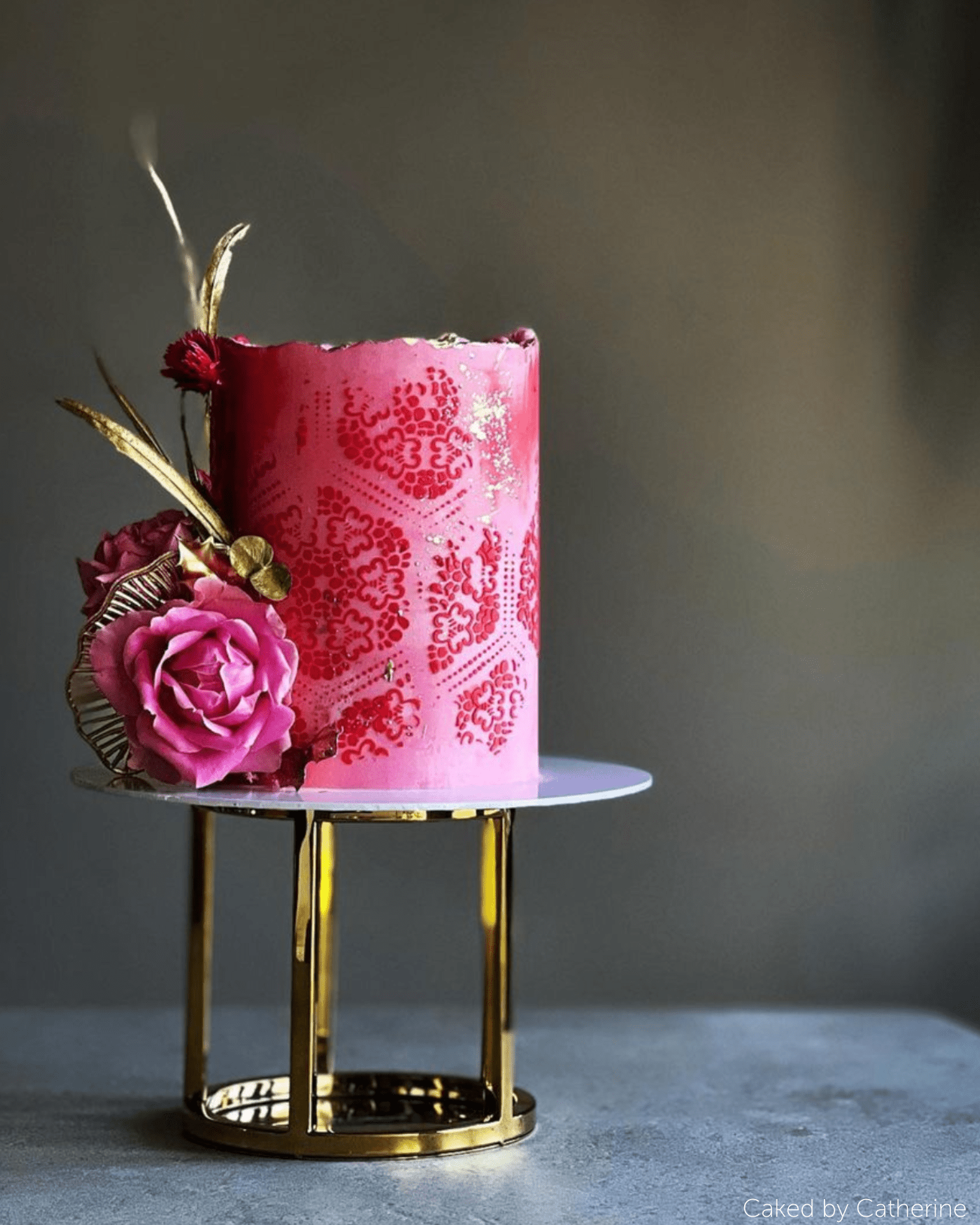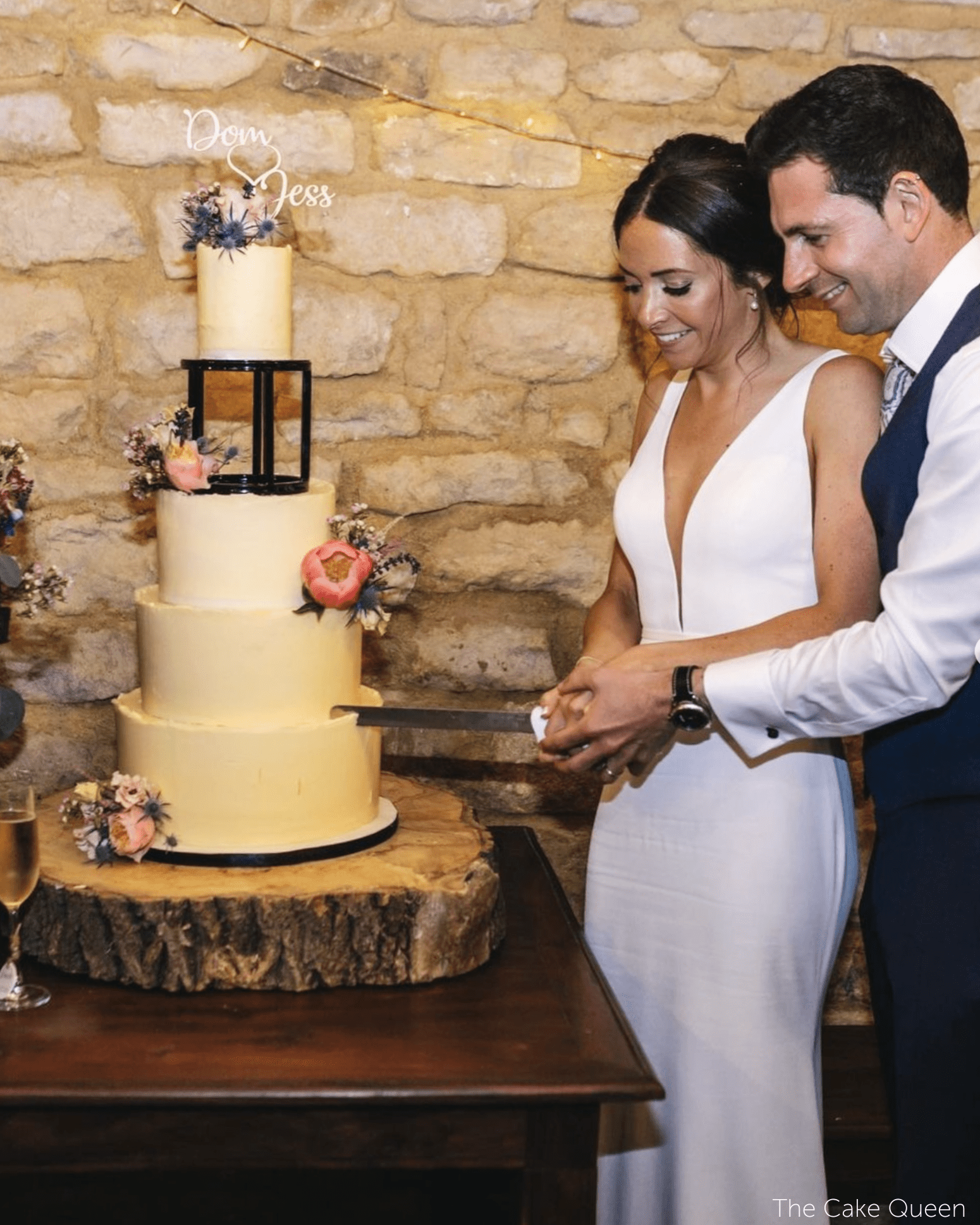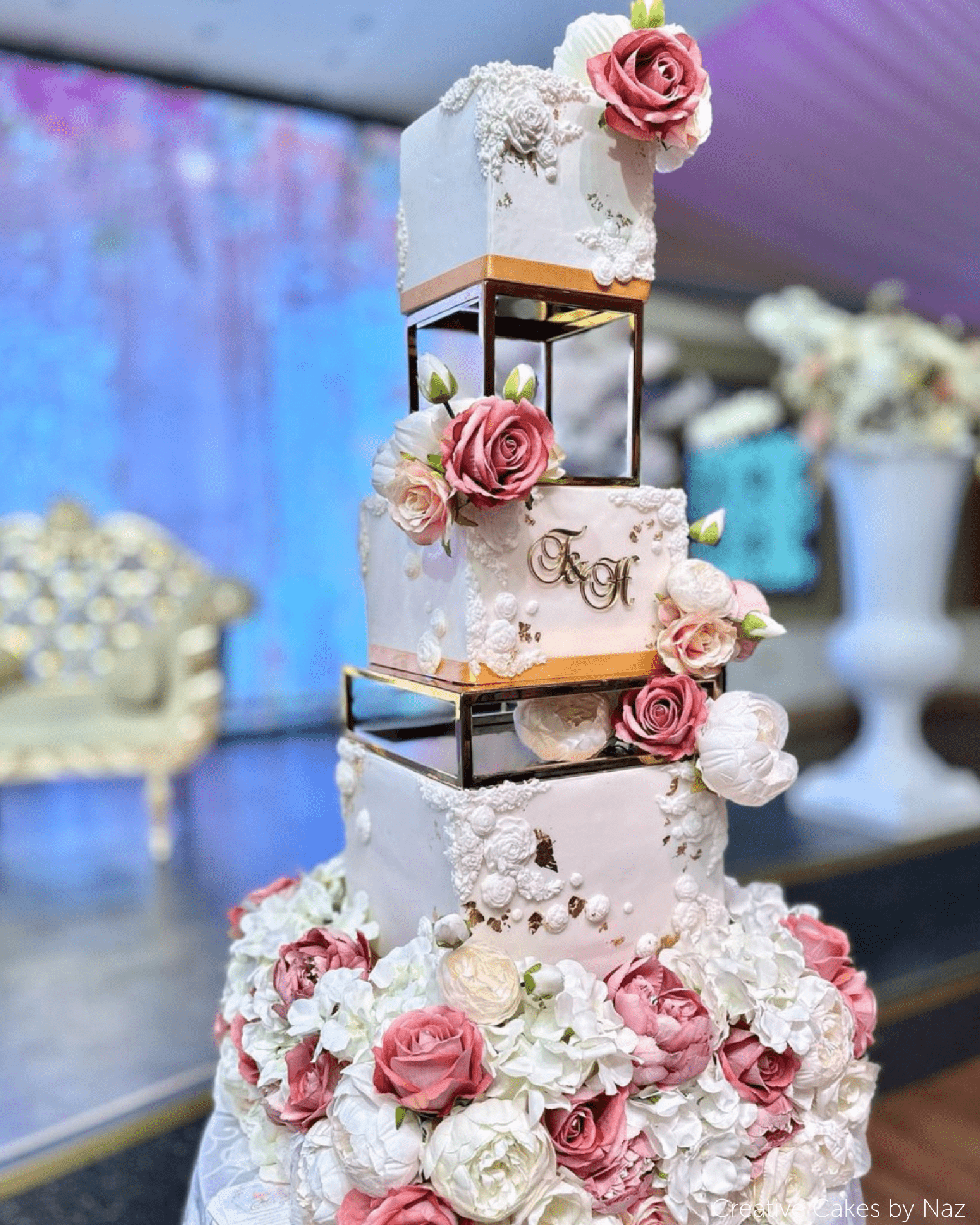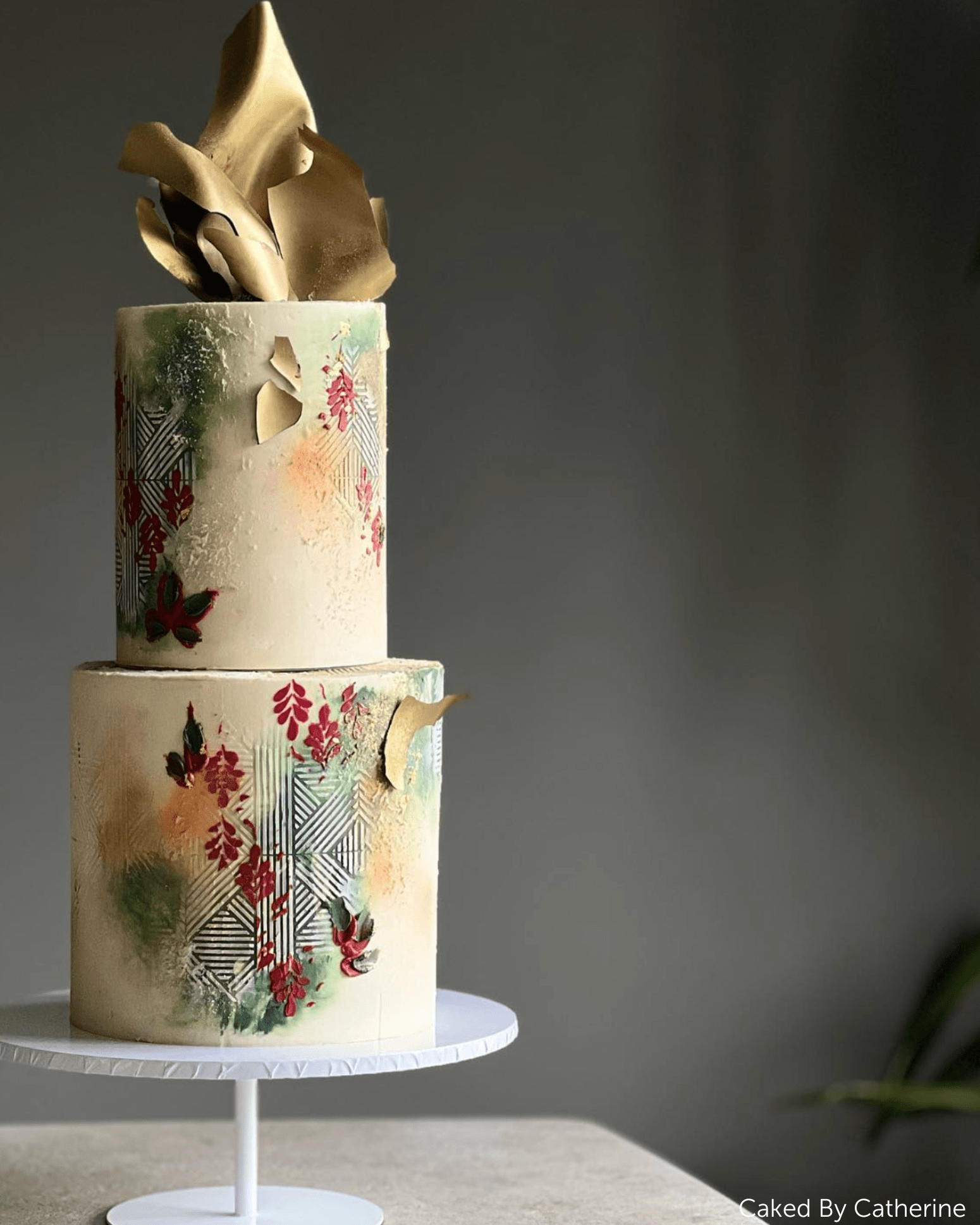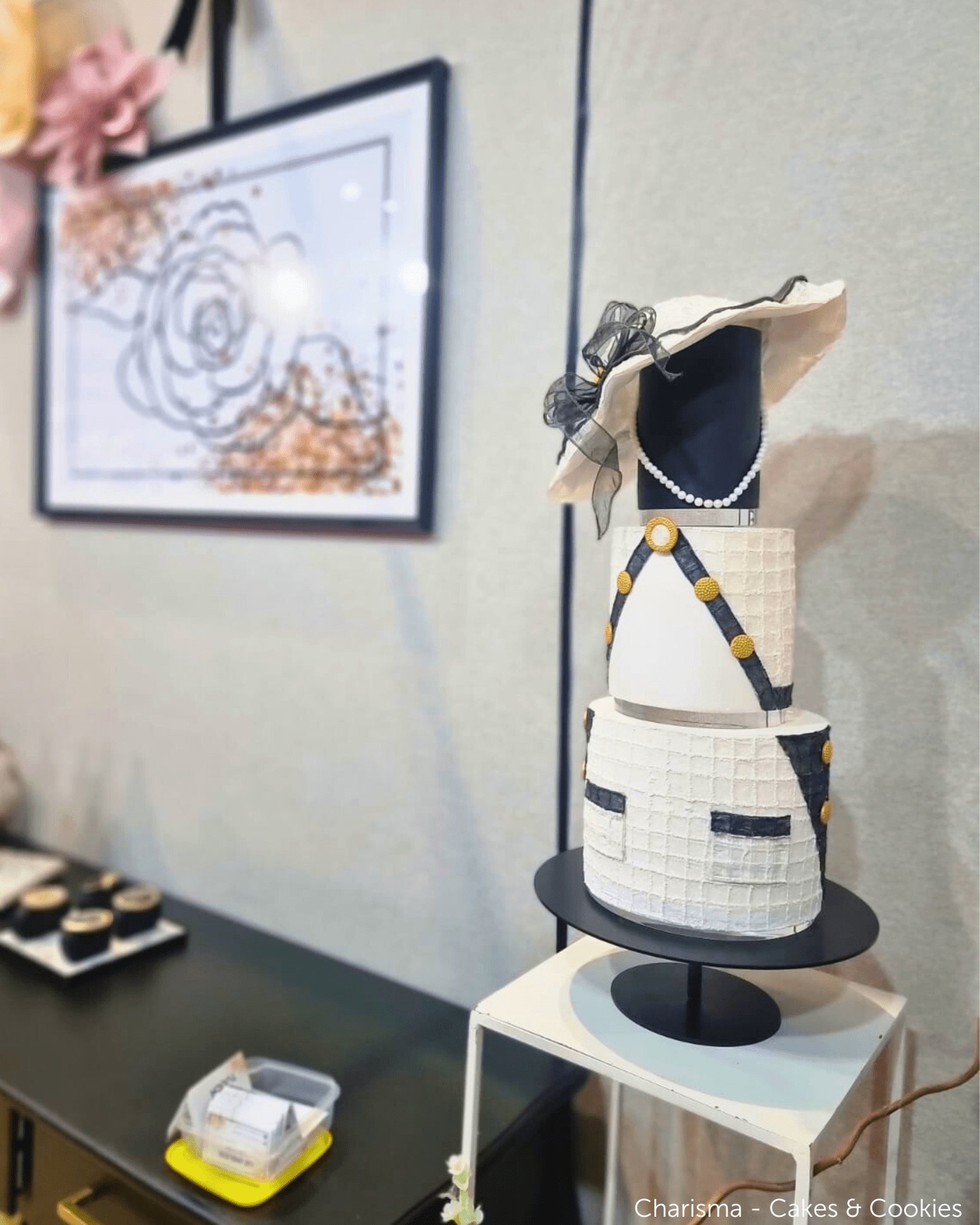

Digital Cake Sketching
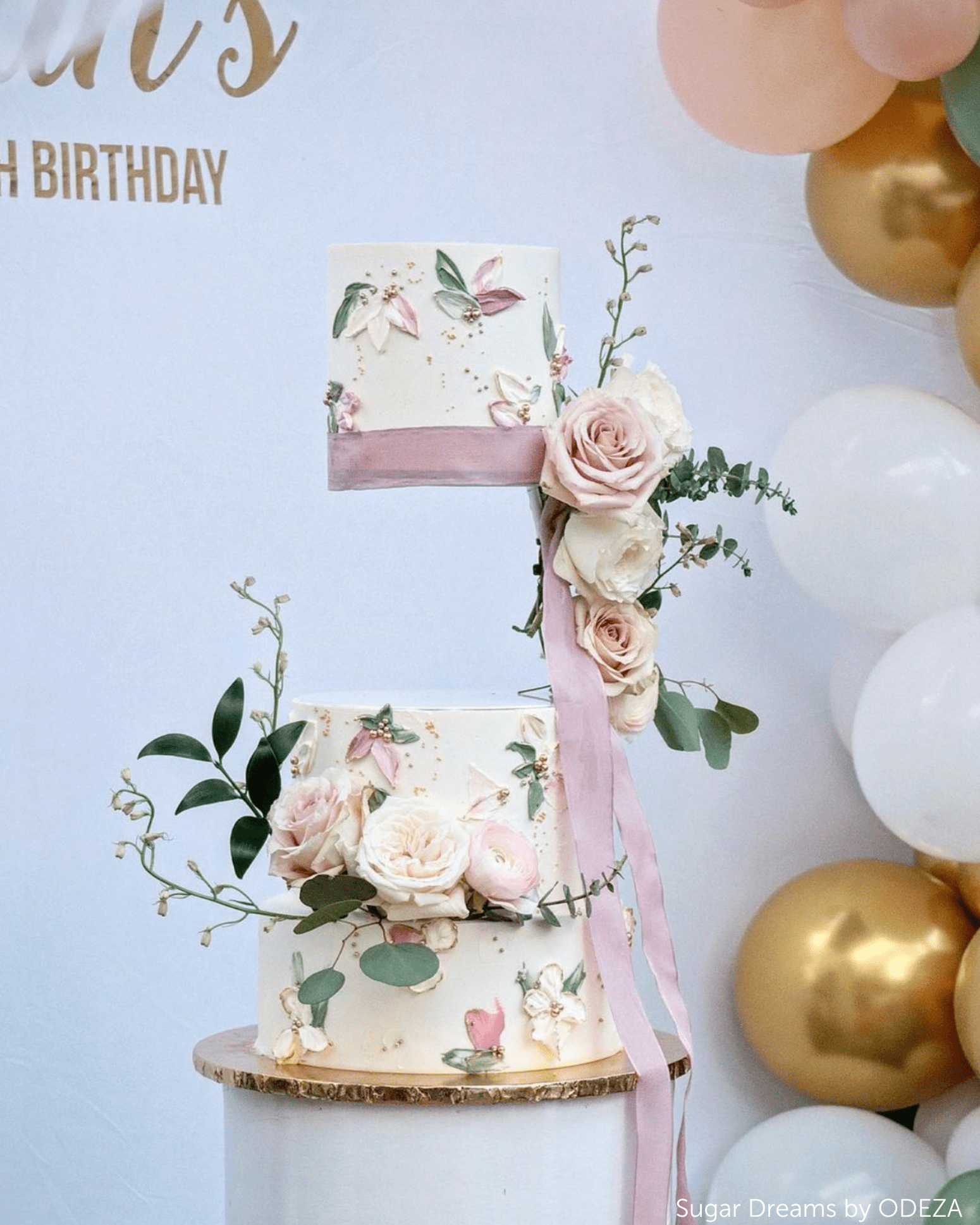
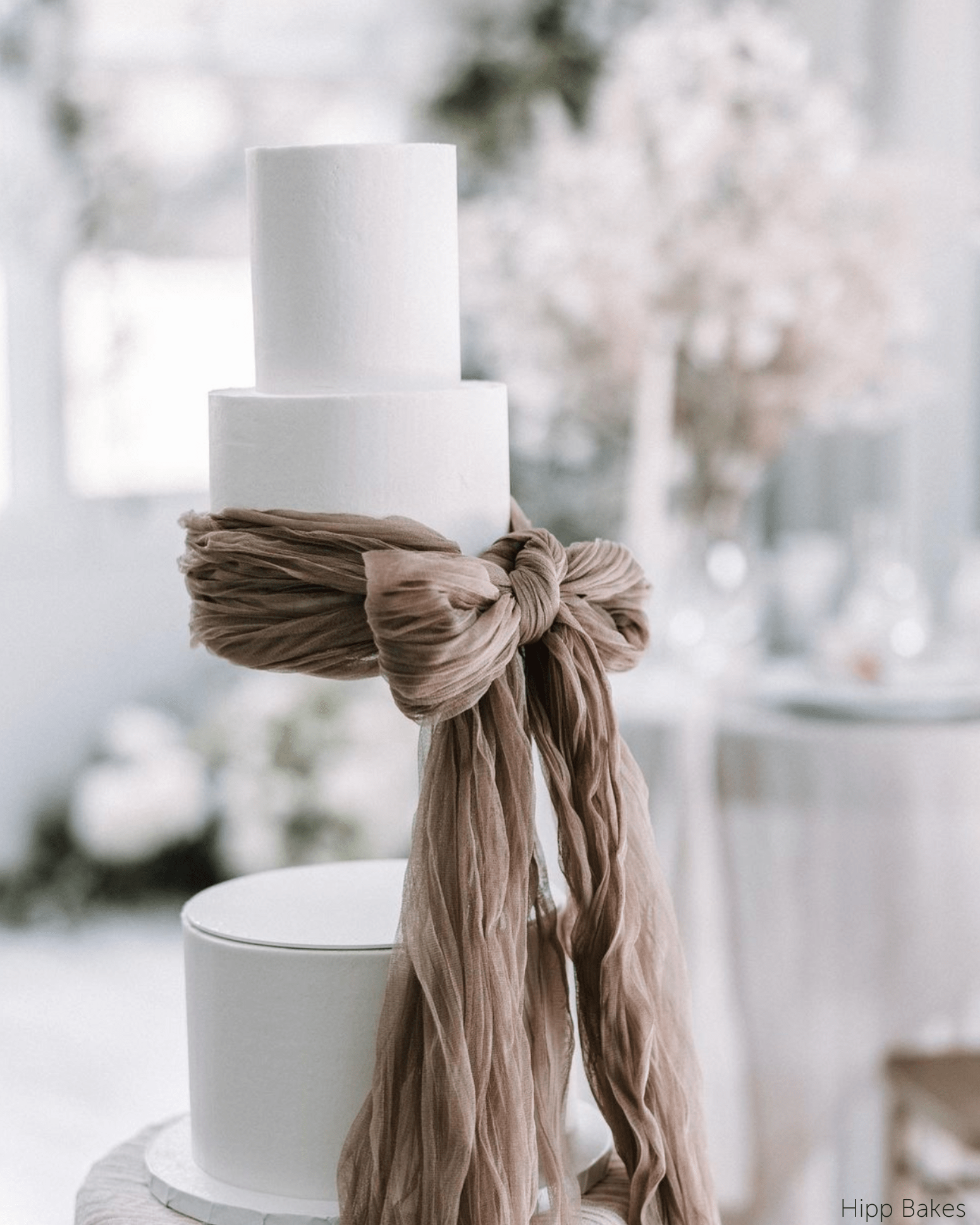
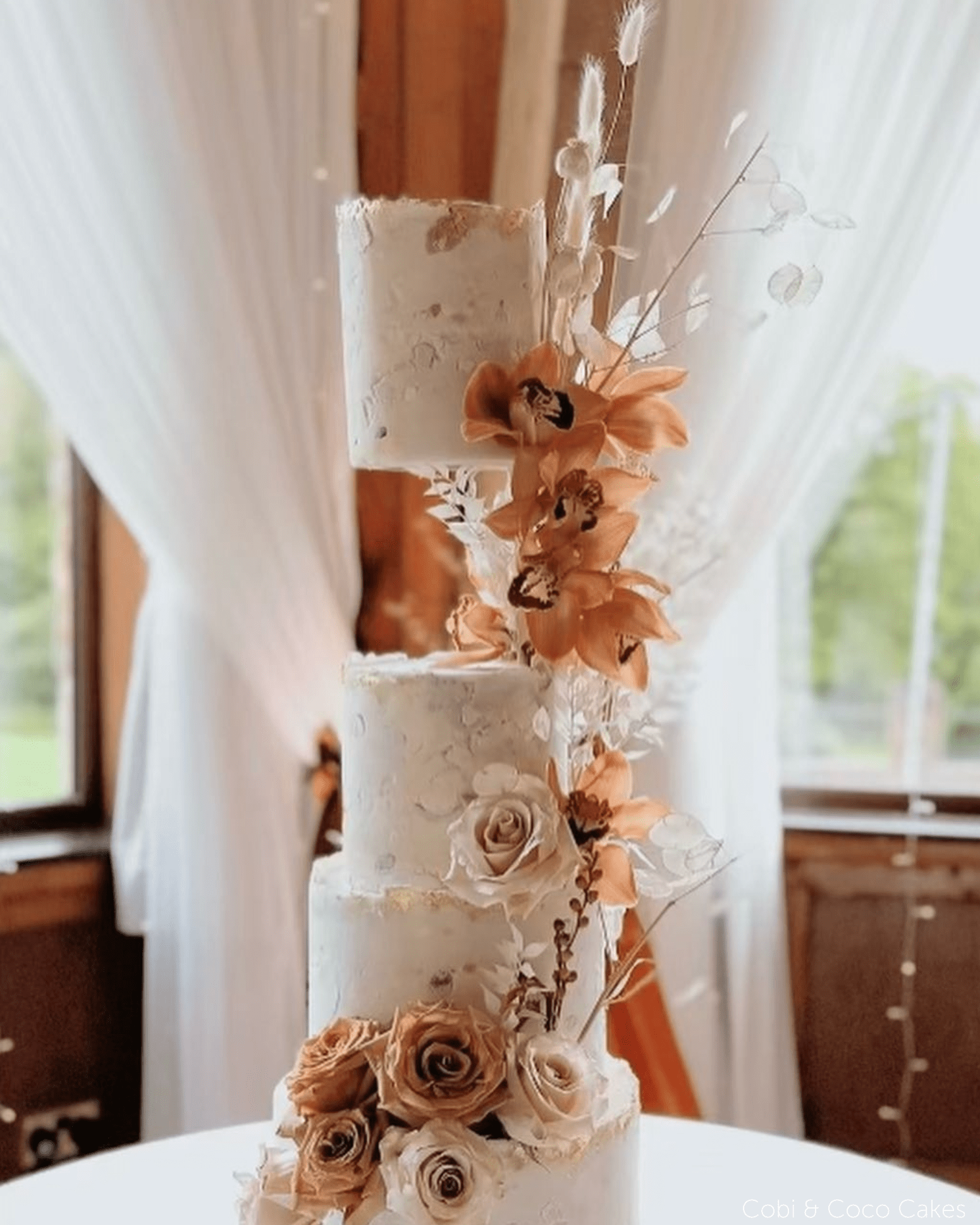
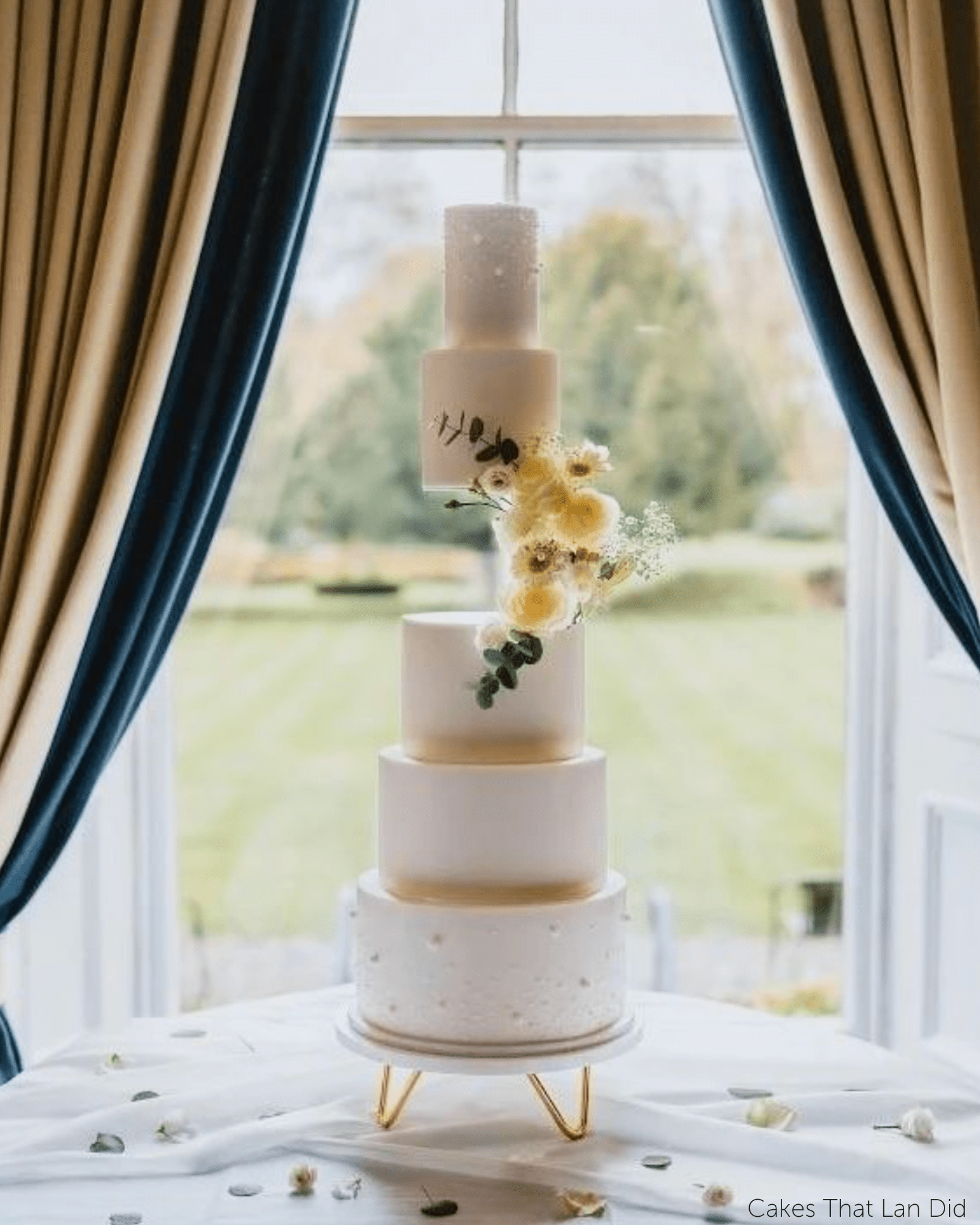
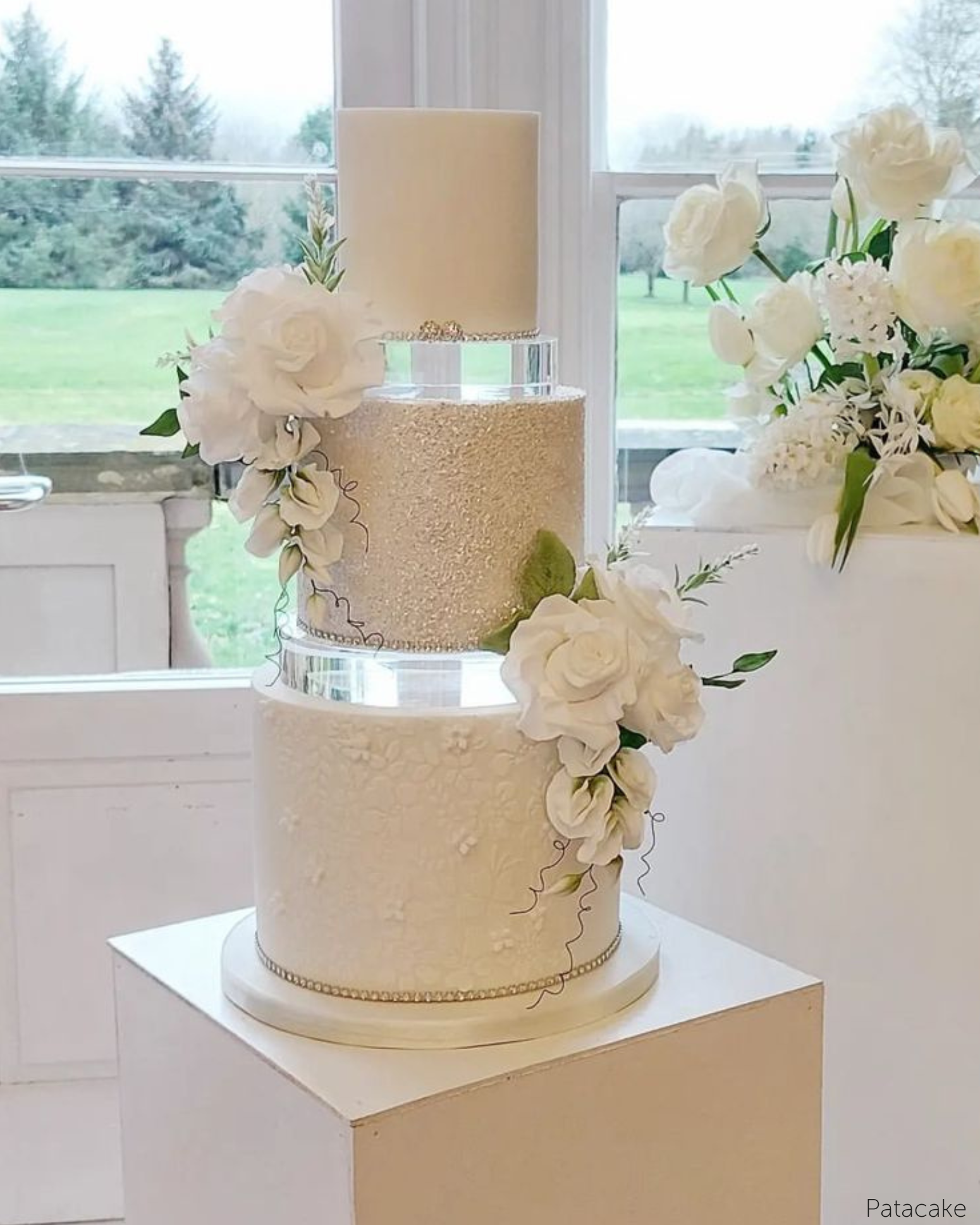
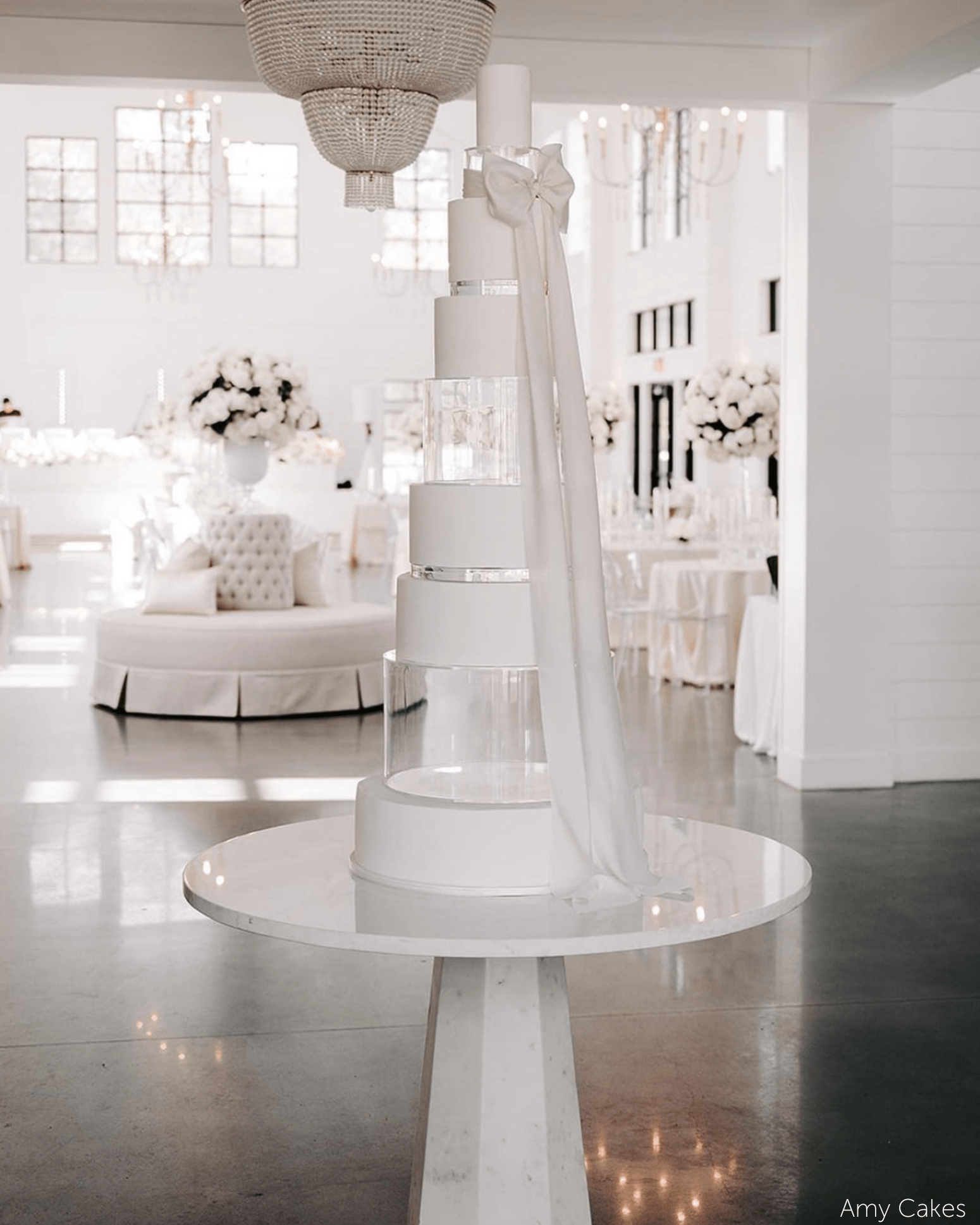
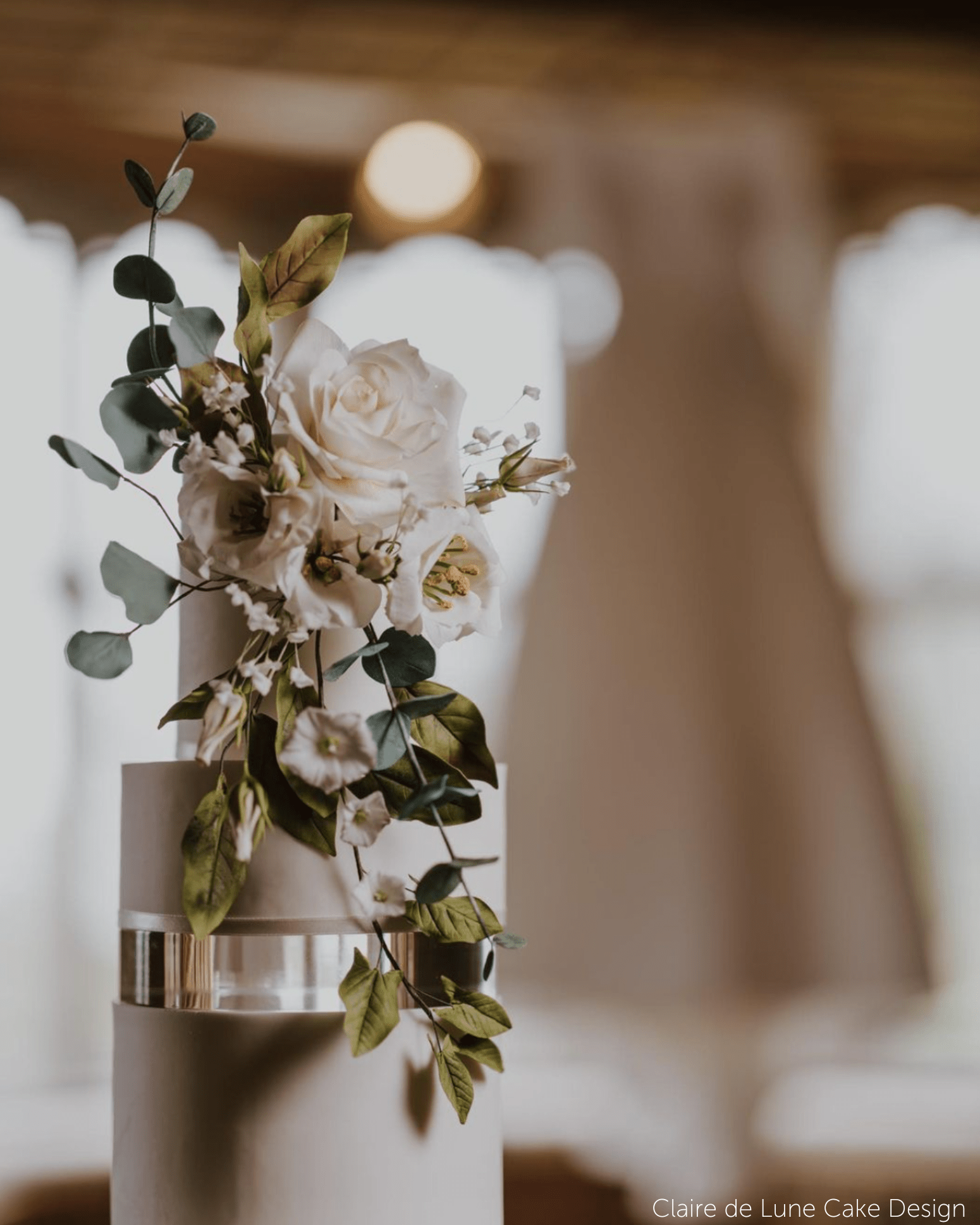
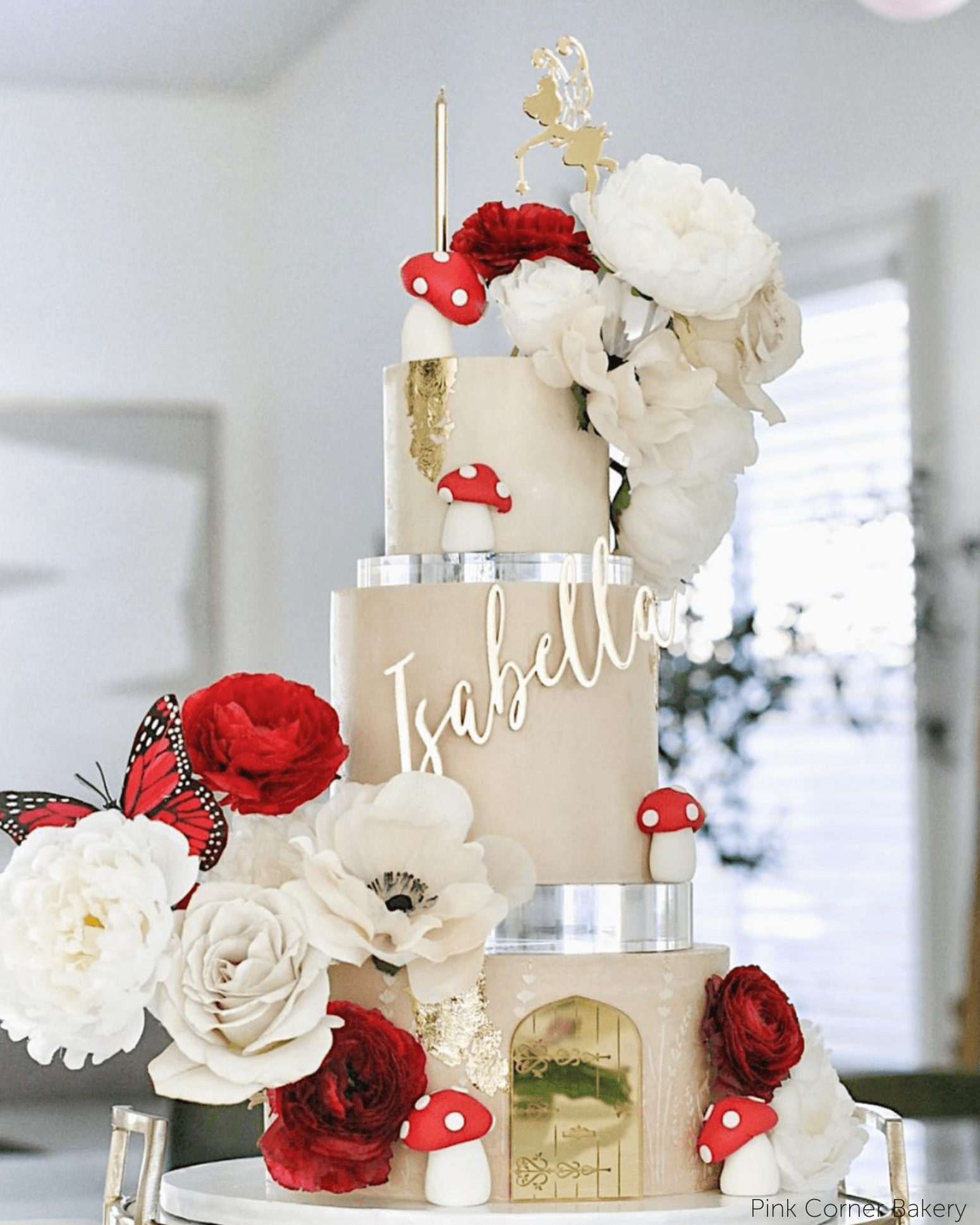
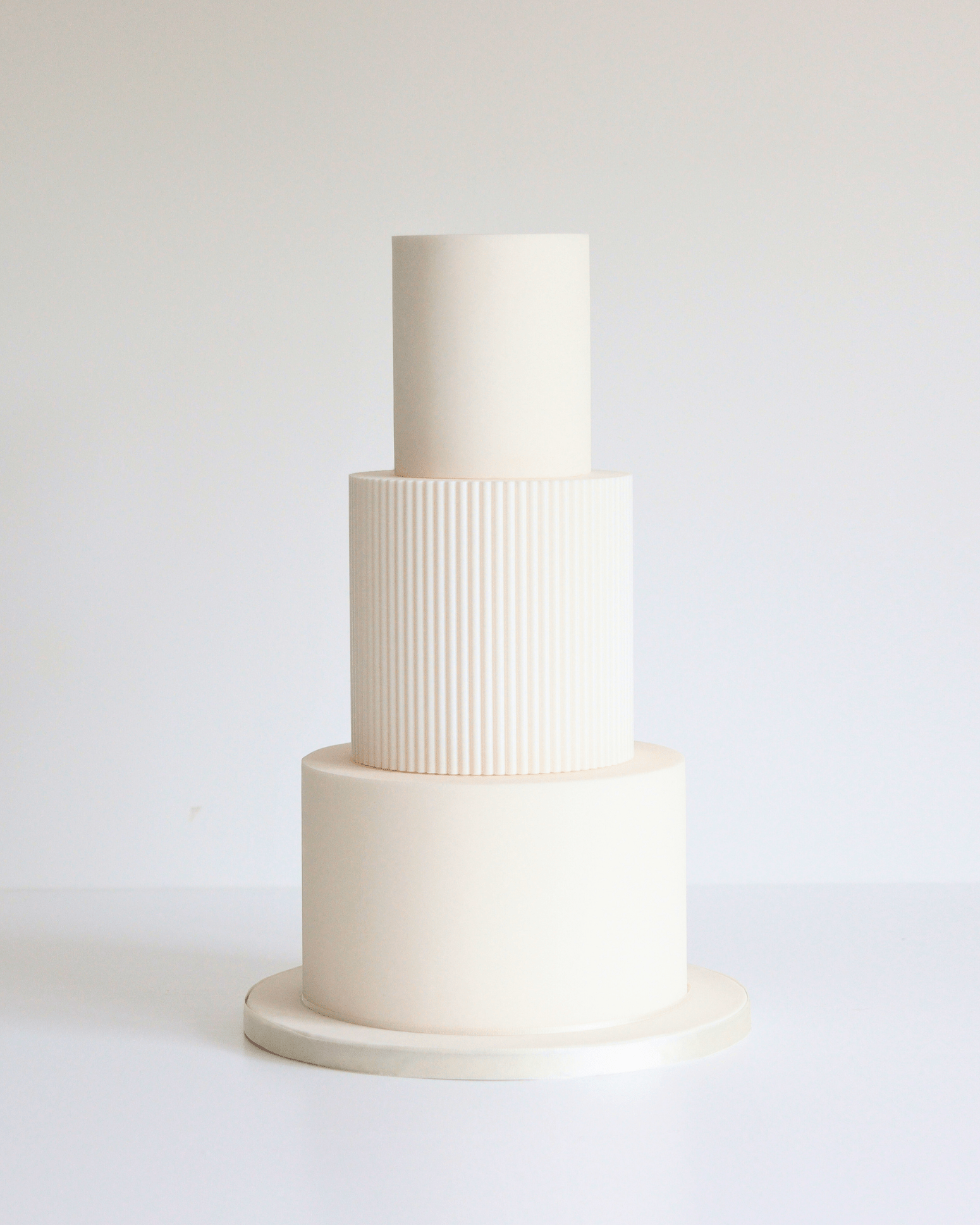
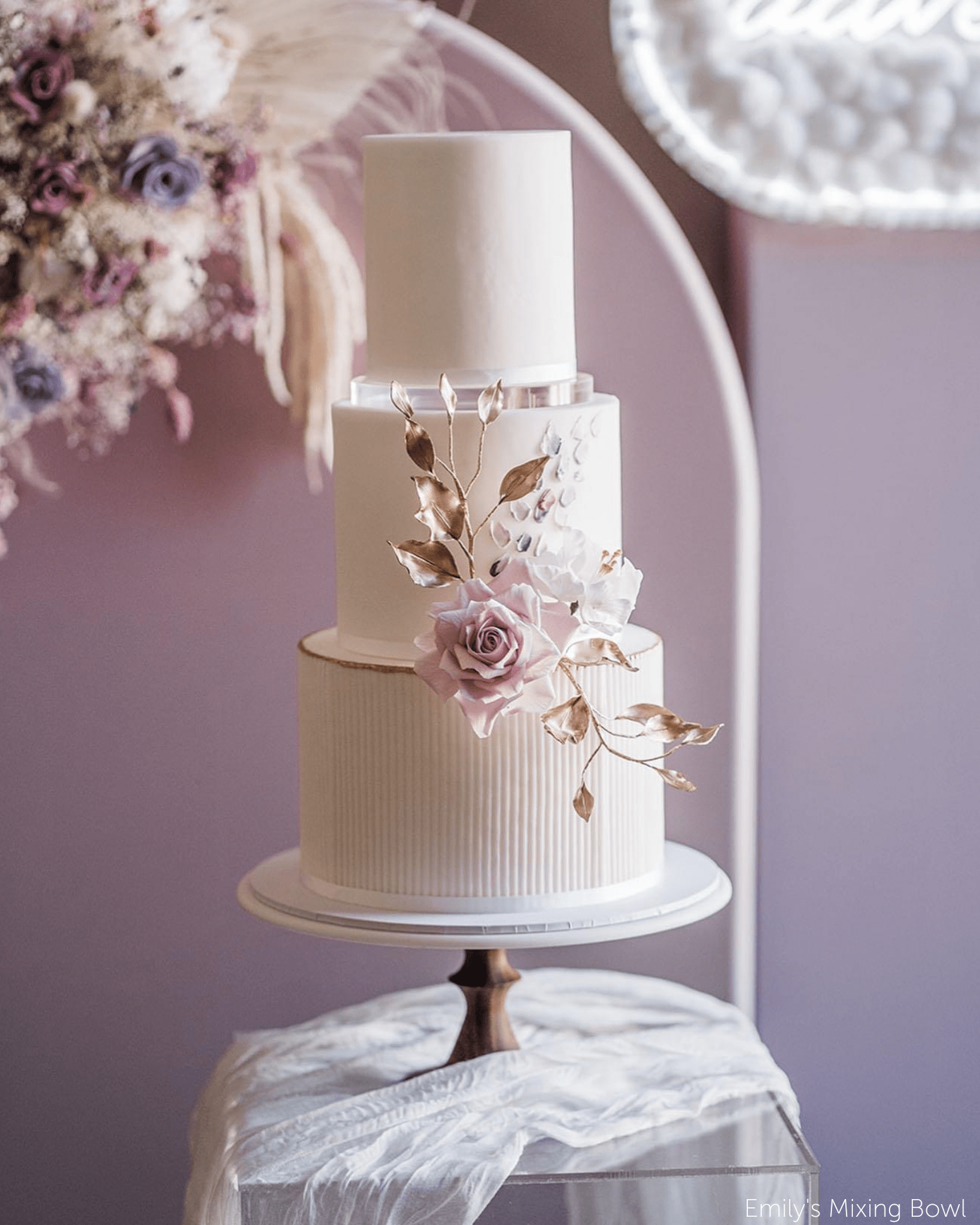
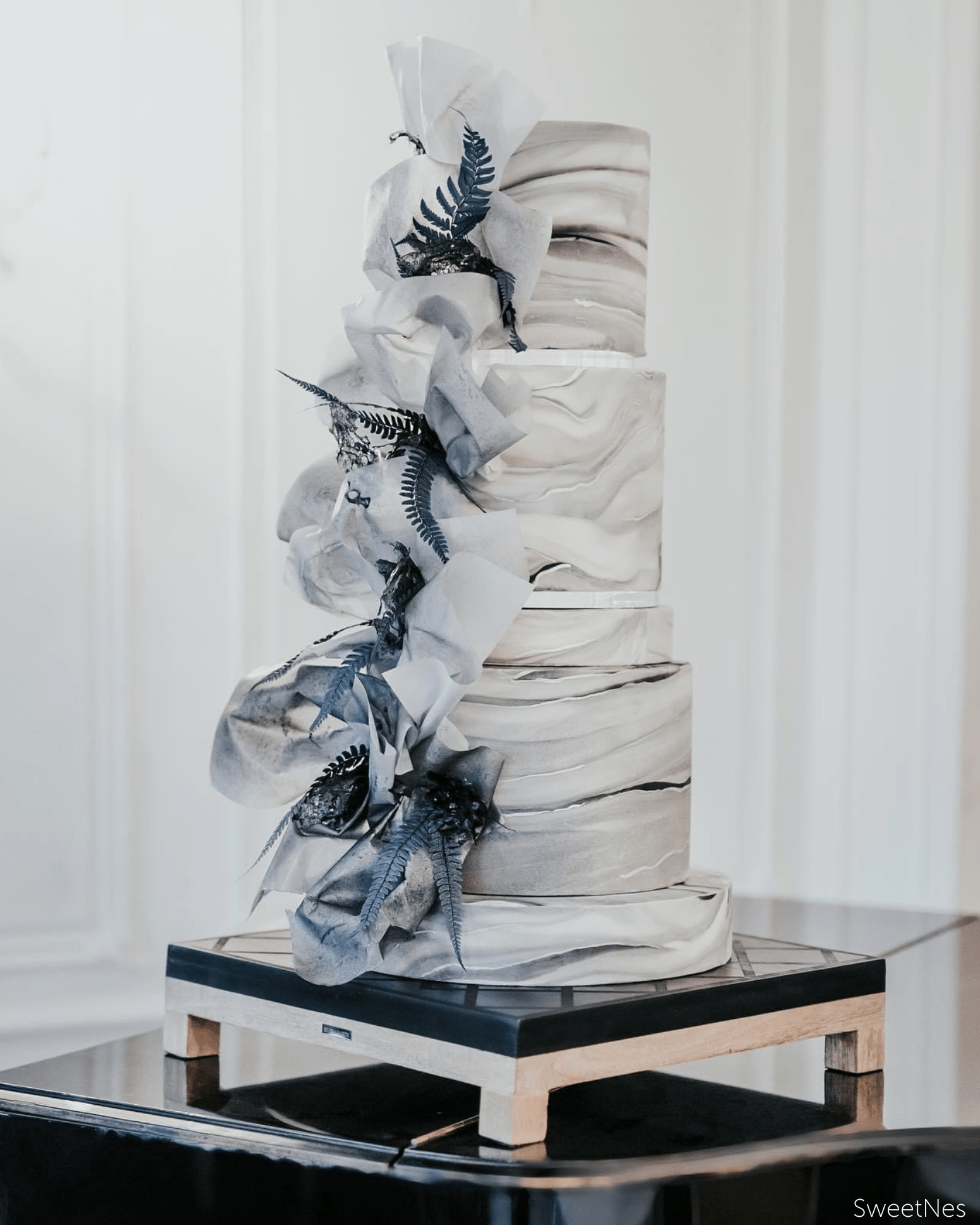
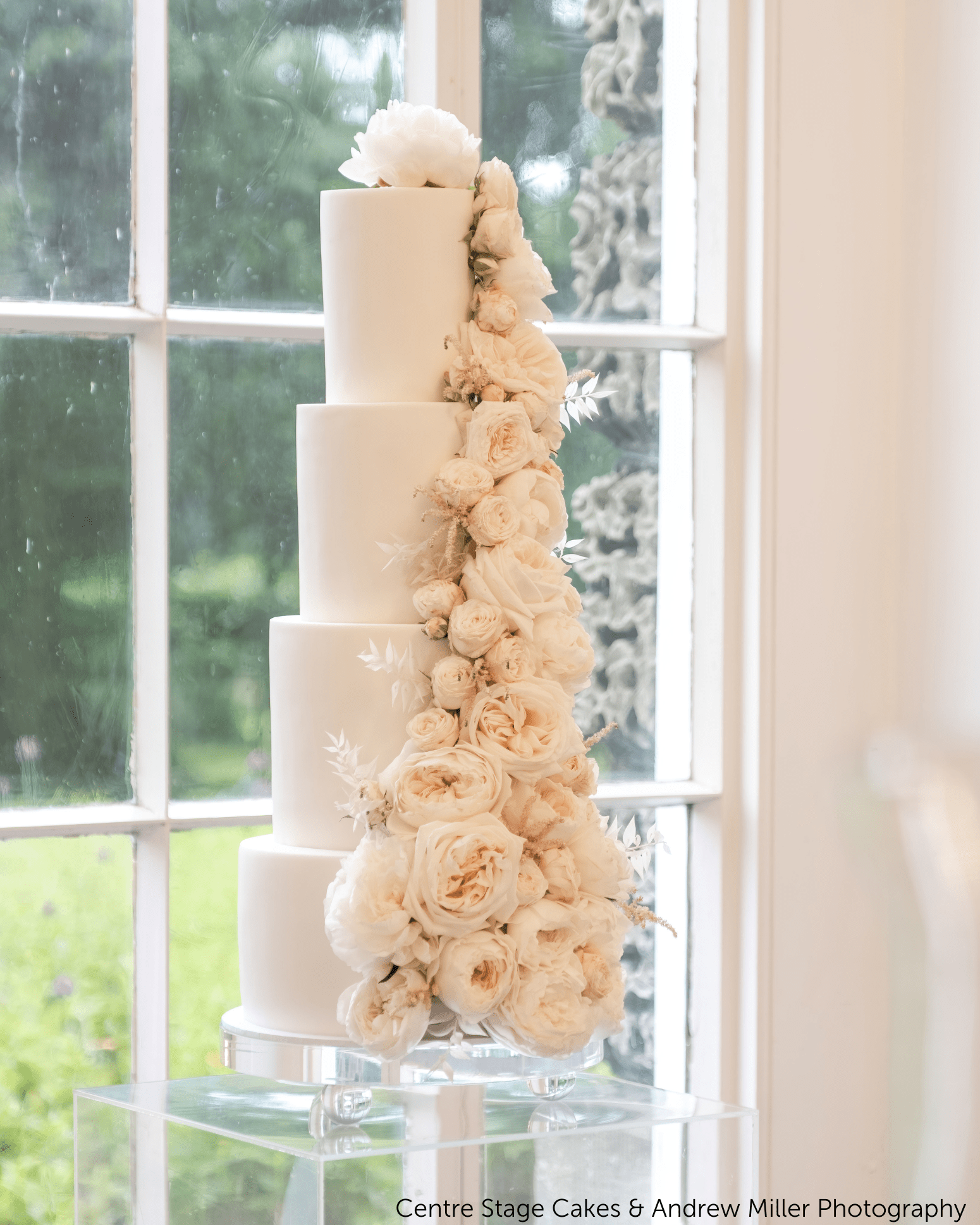
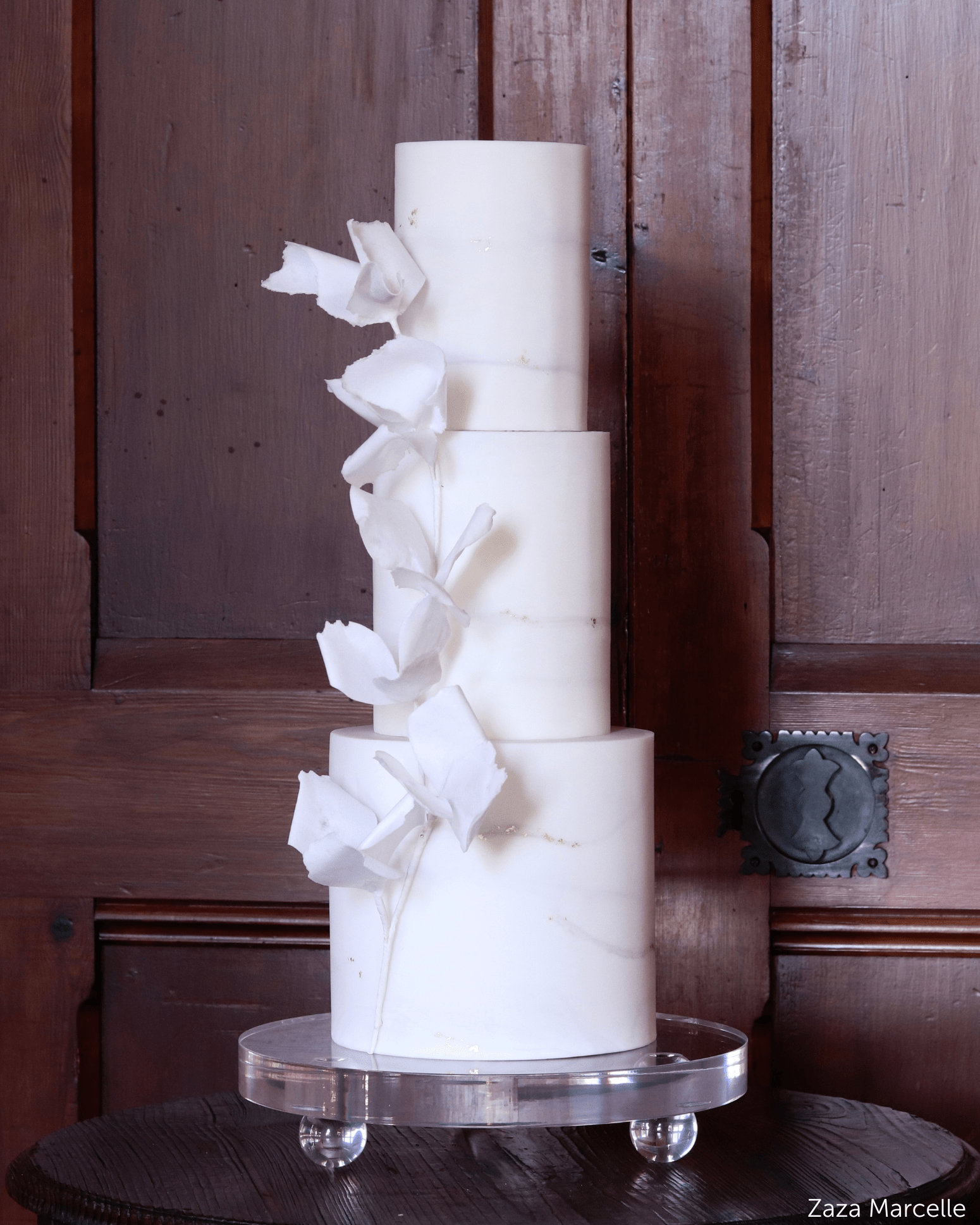
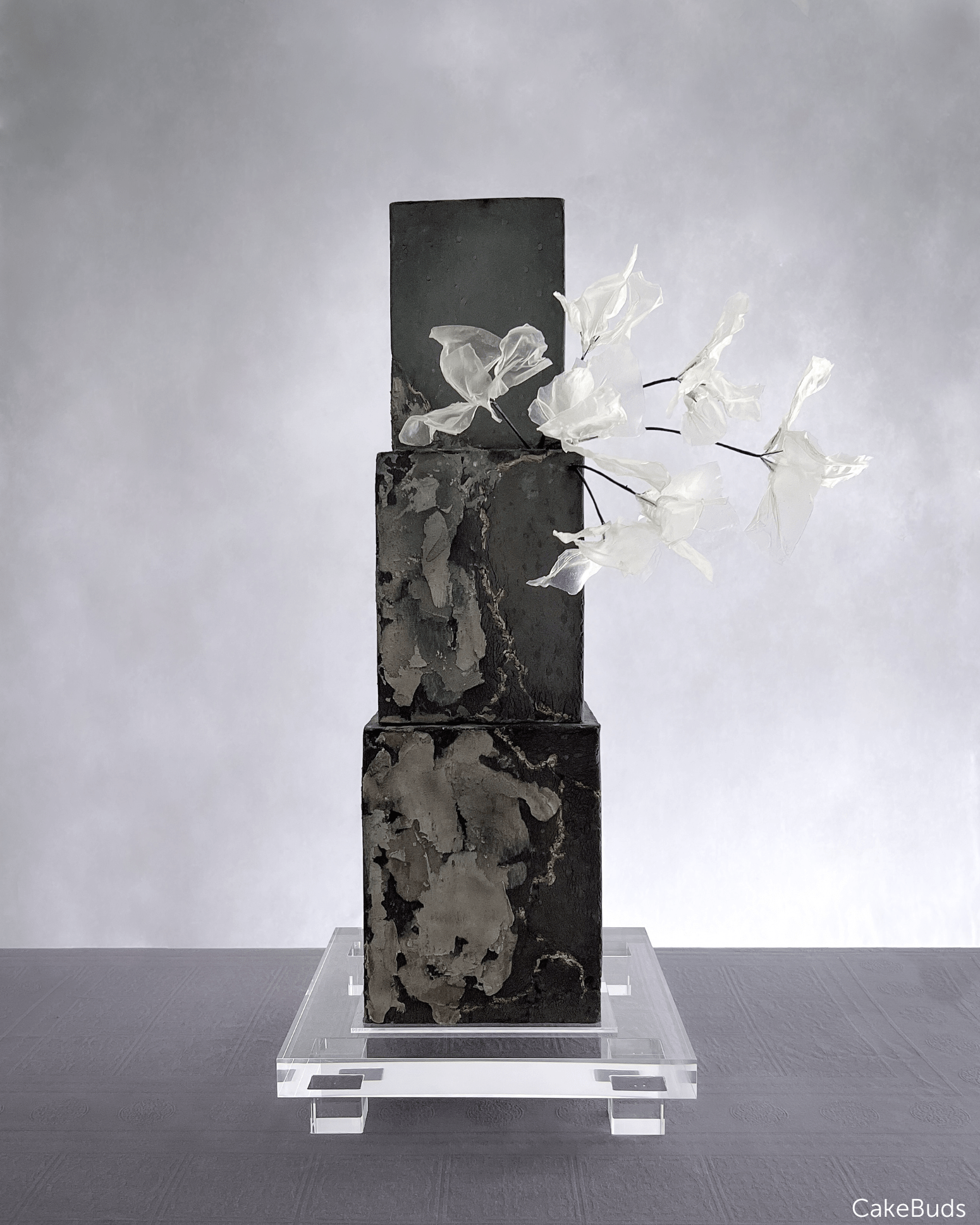
Digital cake sketching means designing a cake on screen — usually in Procreate on an iPad — instead of drawing it on paper or describing it in an email. You build the cake from reusable pieces: tiers, textures, florals, stands, separators. Because the pieces are stamps rather than pen strokes, you can move a floral spray, swap a texture, restack the tiers or recolour the whole thing in seconds.
For most cake makers the point is not the drawing. It is the conversation. A client who can see the cake says yes faster, changes their mind earlier, and asks for fewer revisions after the deposit has landed. A sketch is also a quoting tool: once the design is on screen you can count the tiers, spot the structure you will need and price it honestly.
Why Procreate
Procreate is a one-off purchase, runs on any iPad, and handles layers properly — which is the whole game. Every element of your cake sits on its own layer, so nothing you place is permanent. Procreate Pocket does the same job on an iPhone if that is what you have. You do not need pressure sensitivity and you do not need an Apple Pencil, though a stylus helps.
What you do need is a set of cake sketching stamps. Drawing a three-tier cake freehand takes an afternoon. Stamping one takes minutes.
The workflow, brief to sign-off
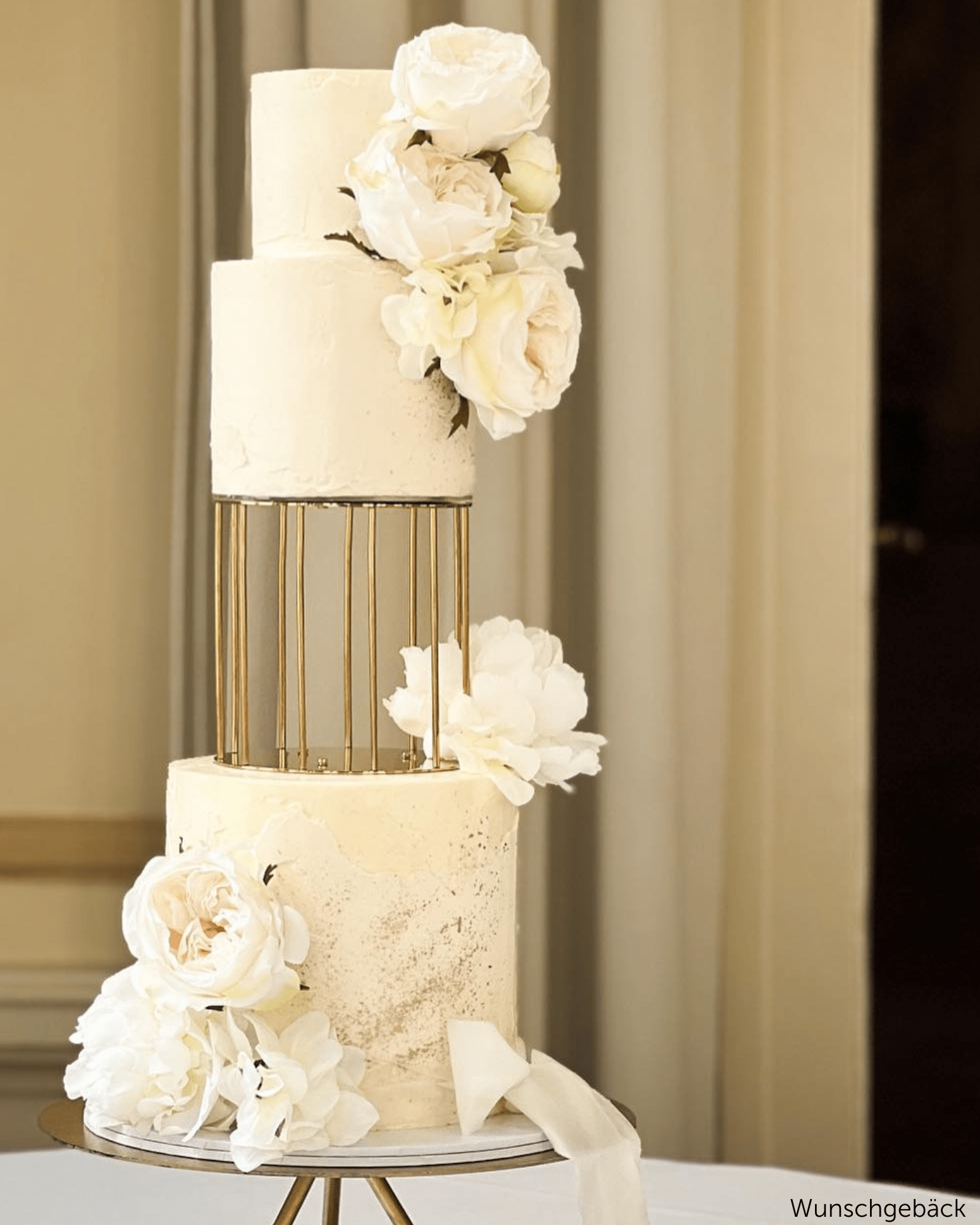
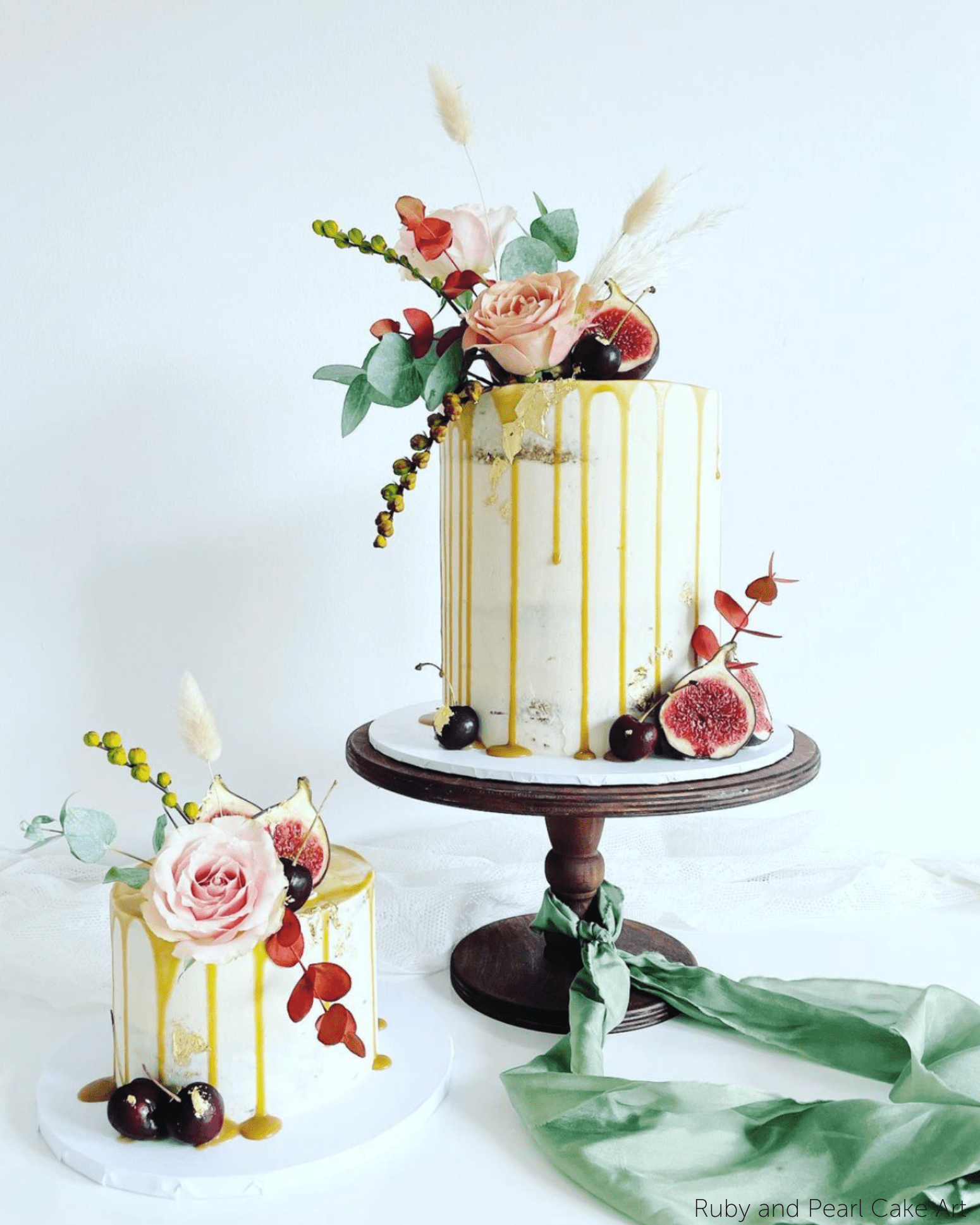
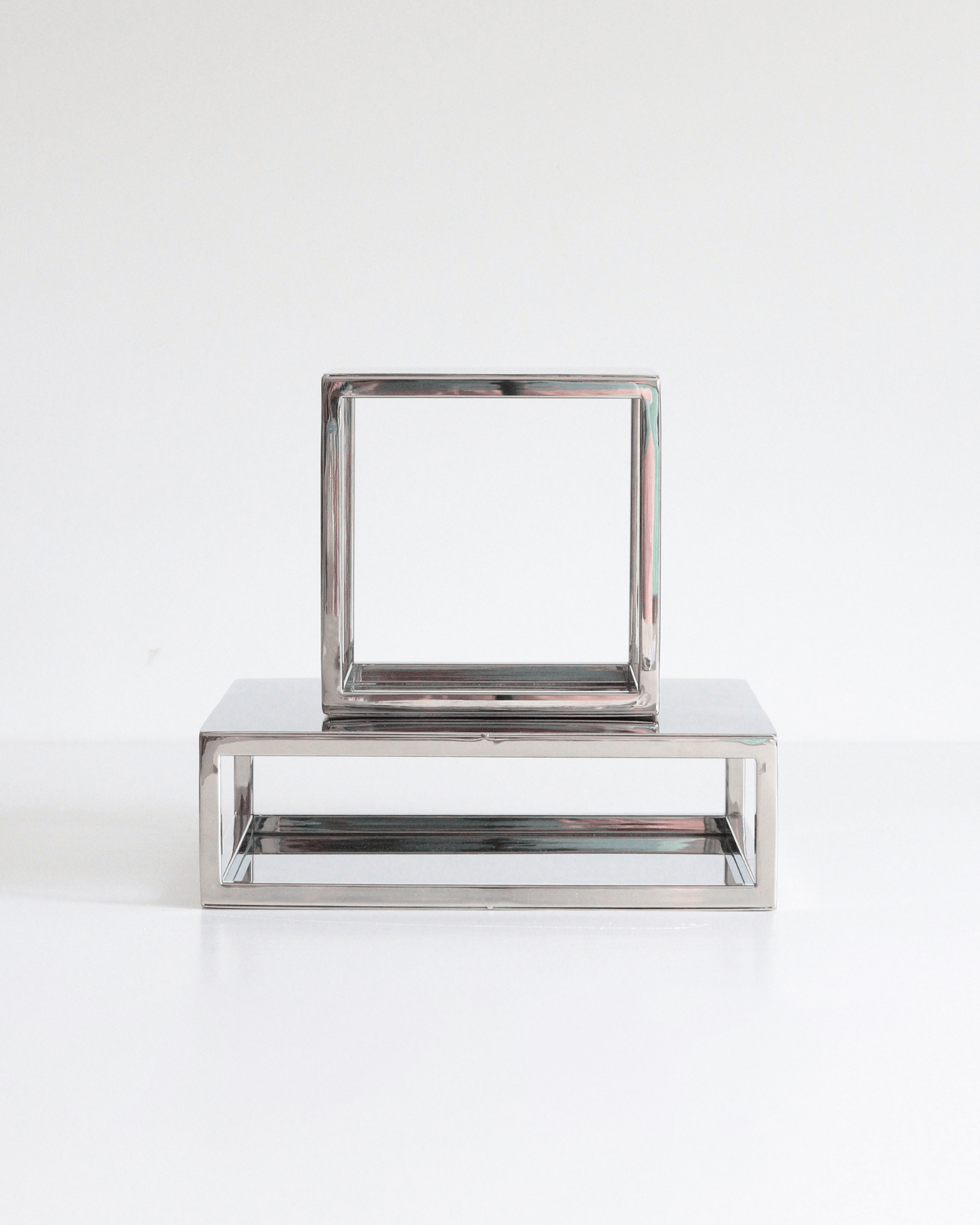
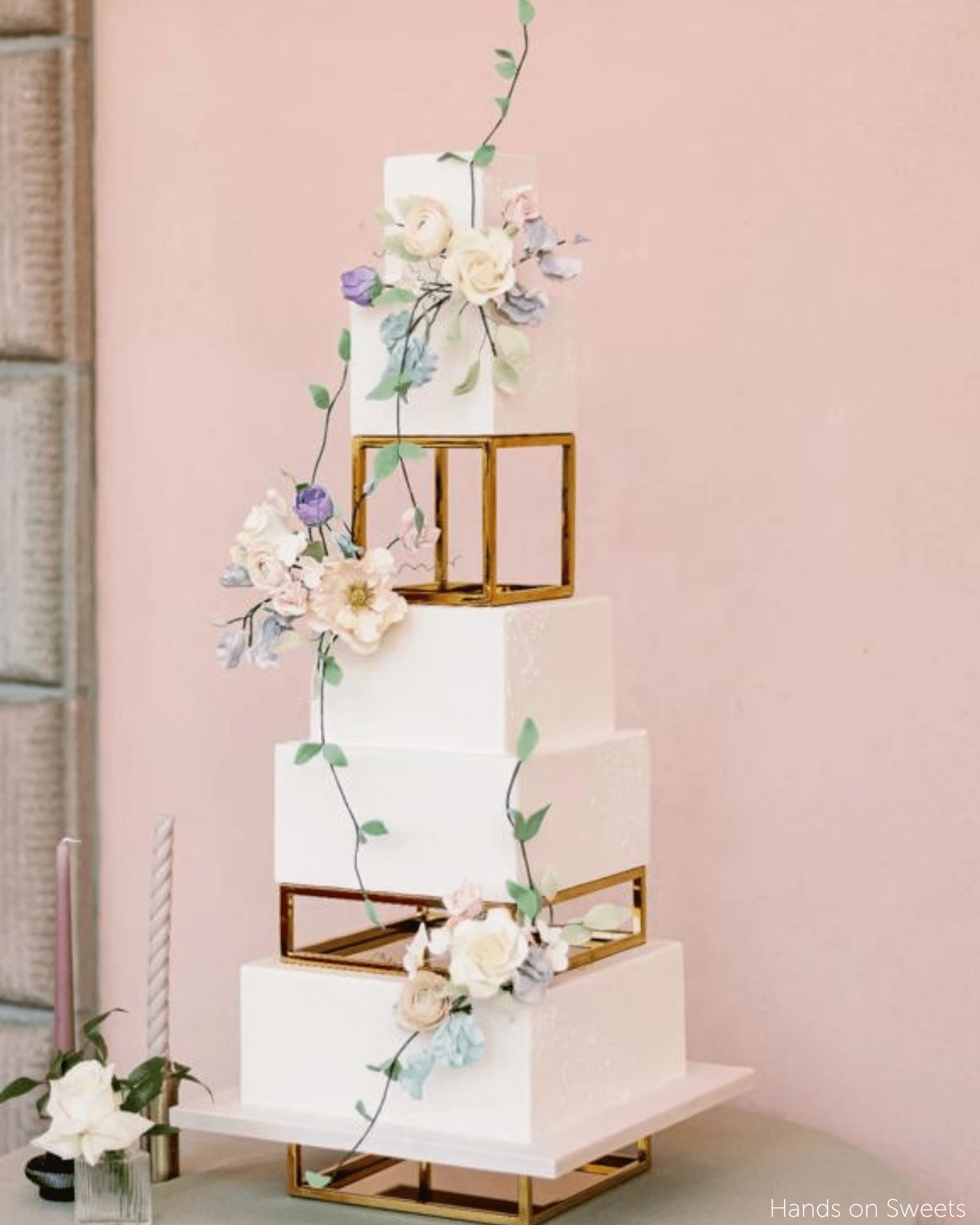
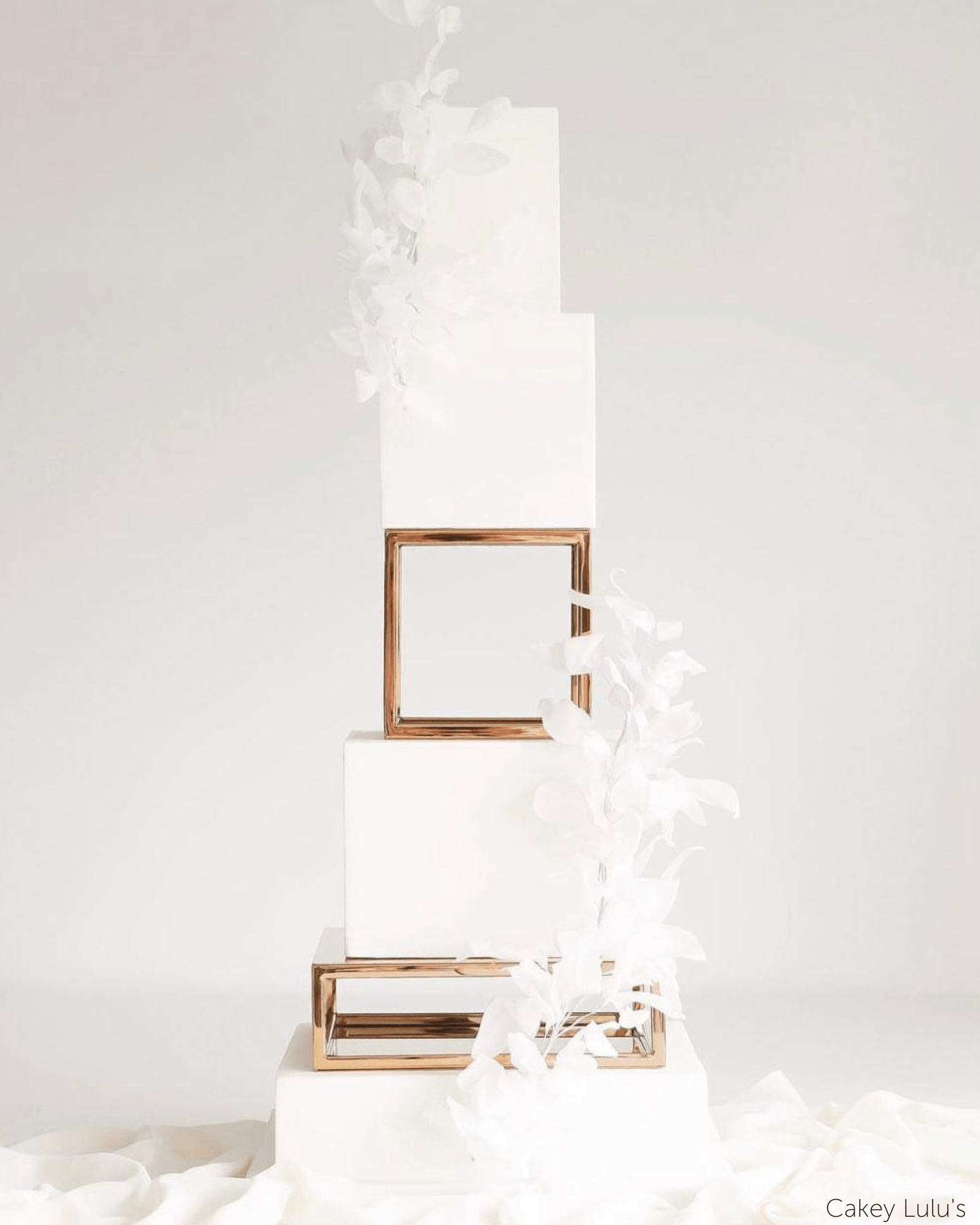
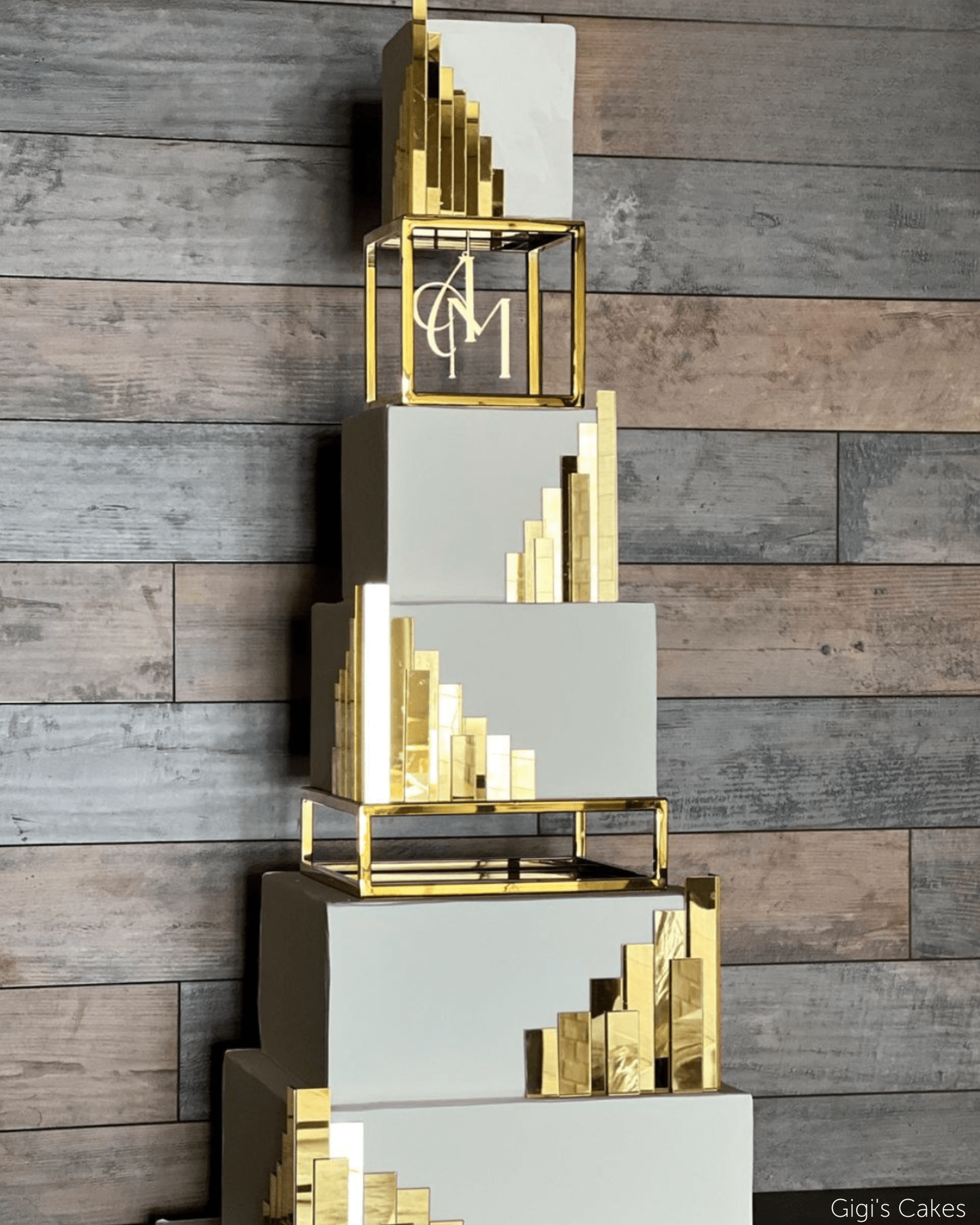
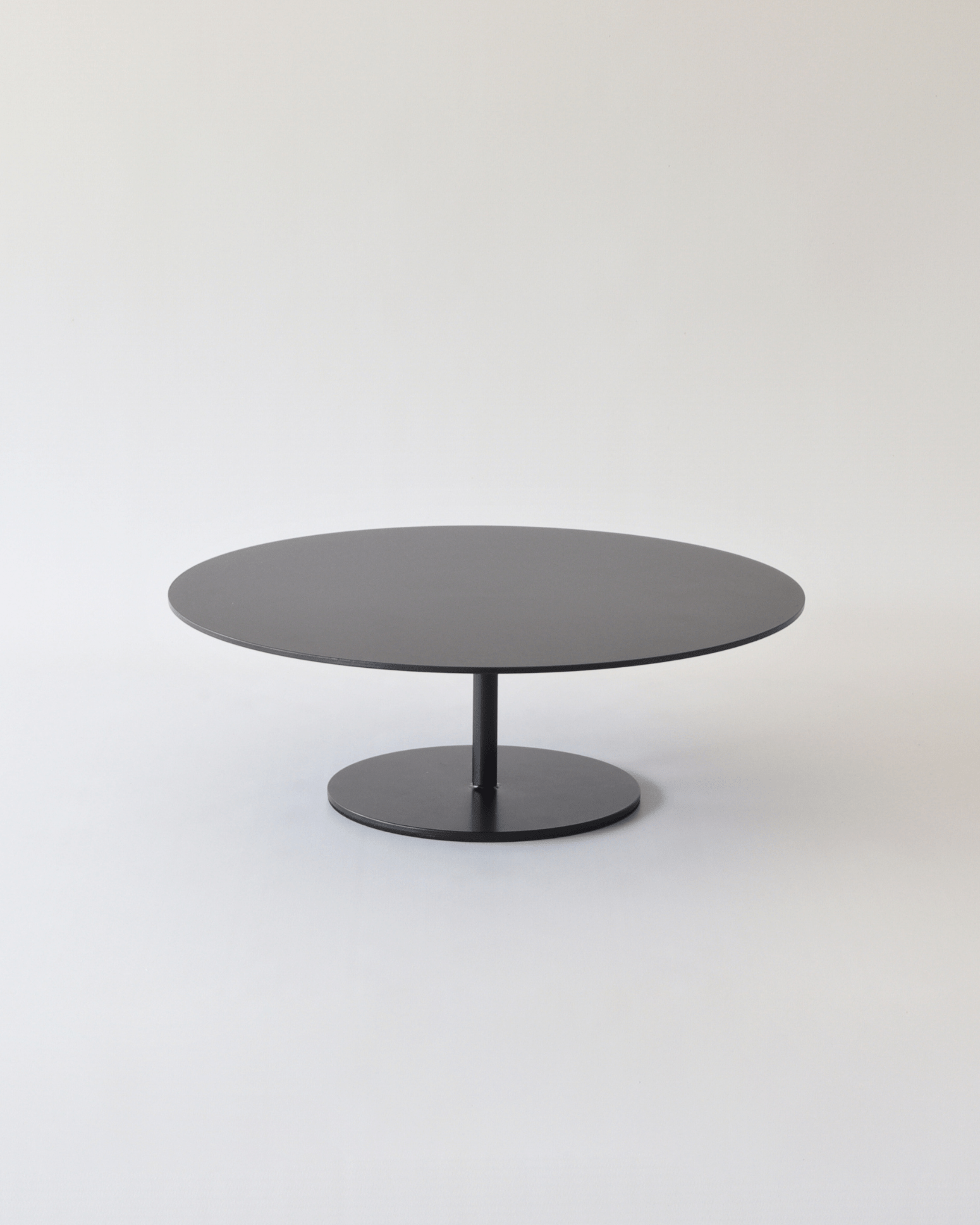
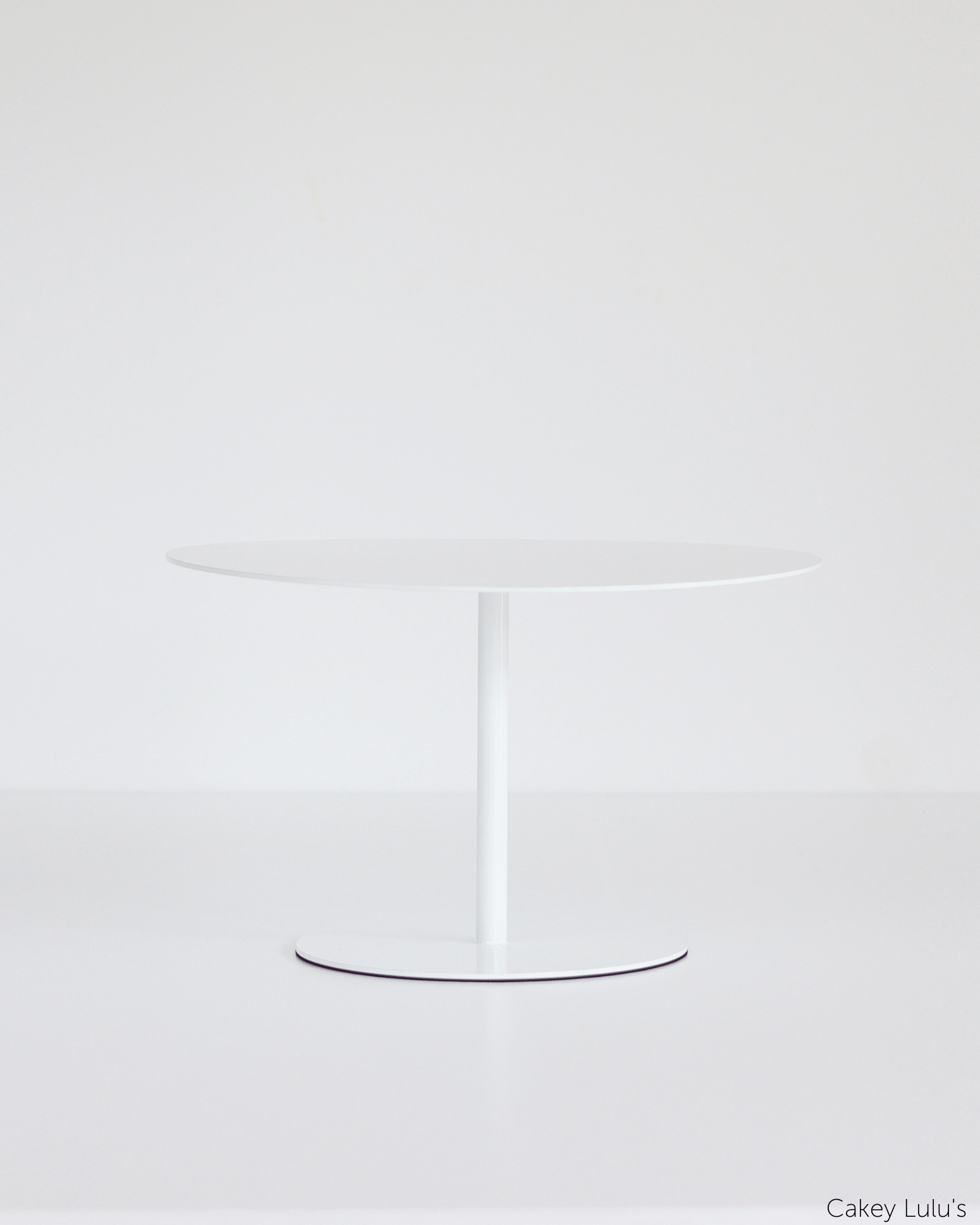
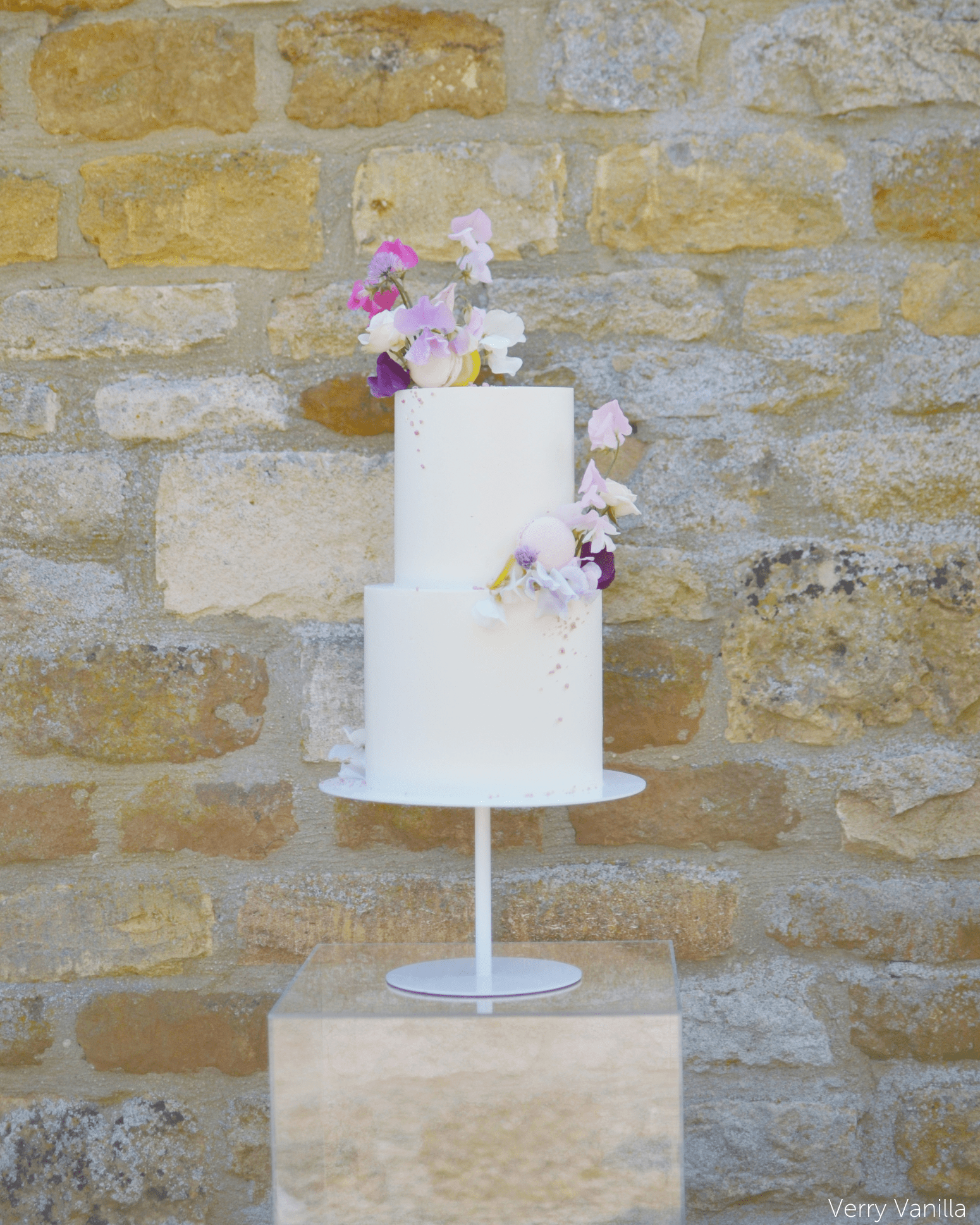
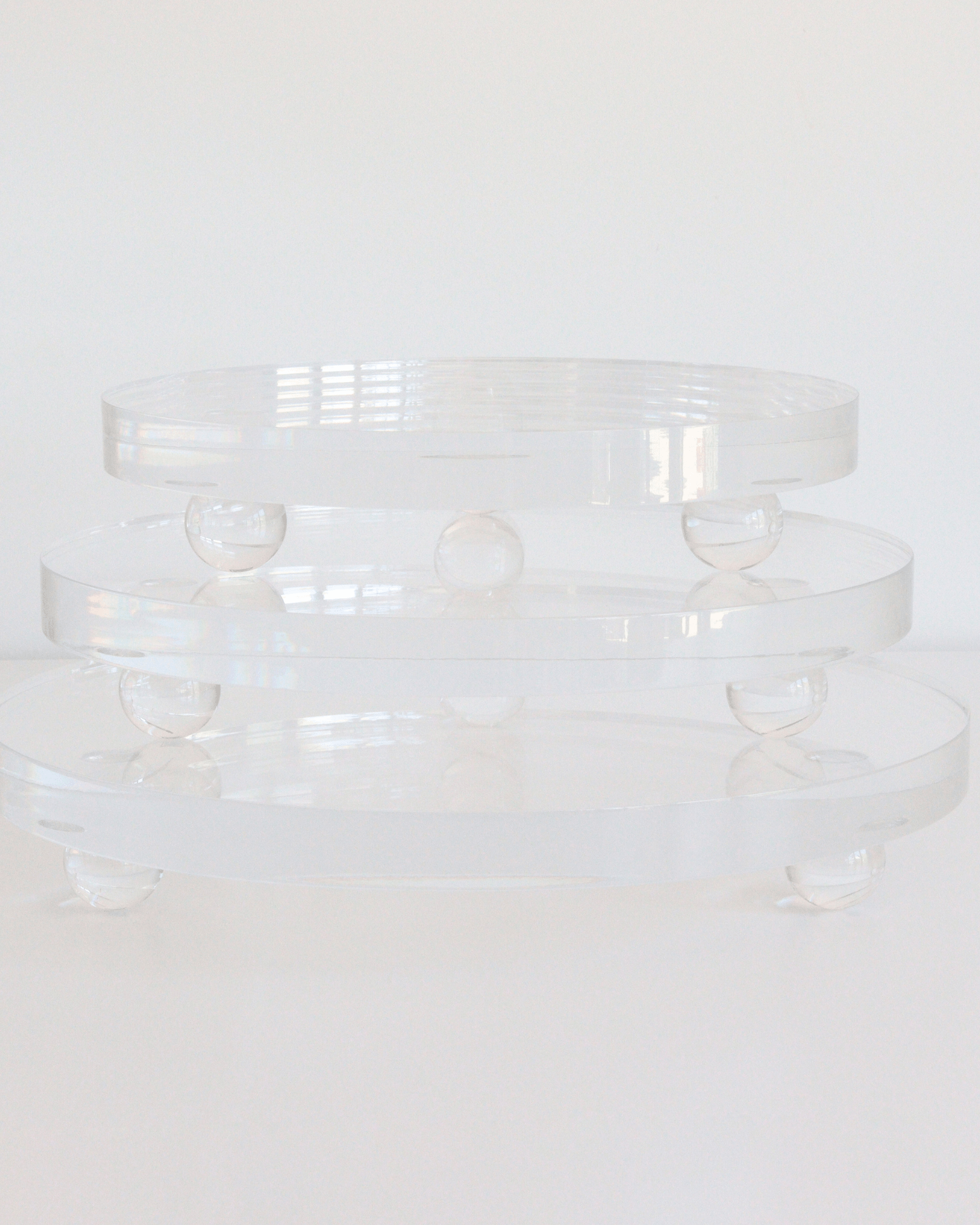
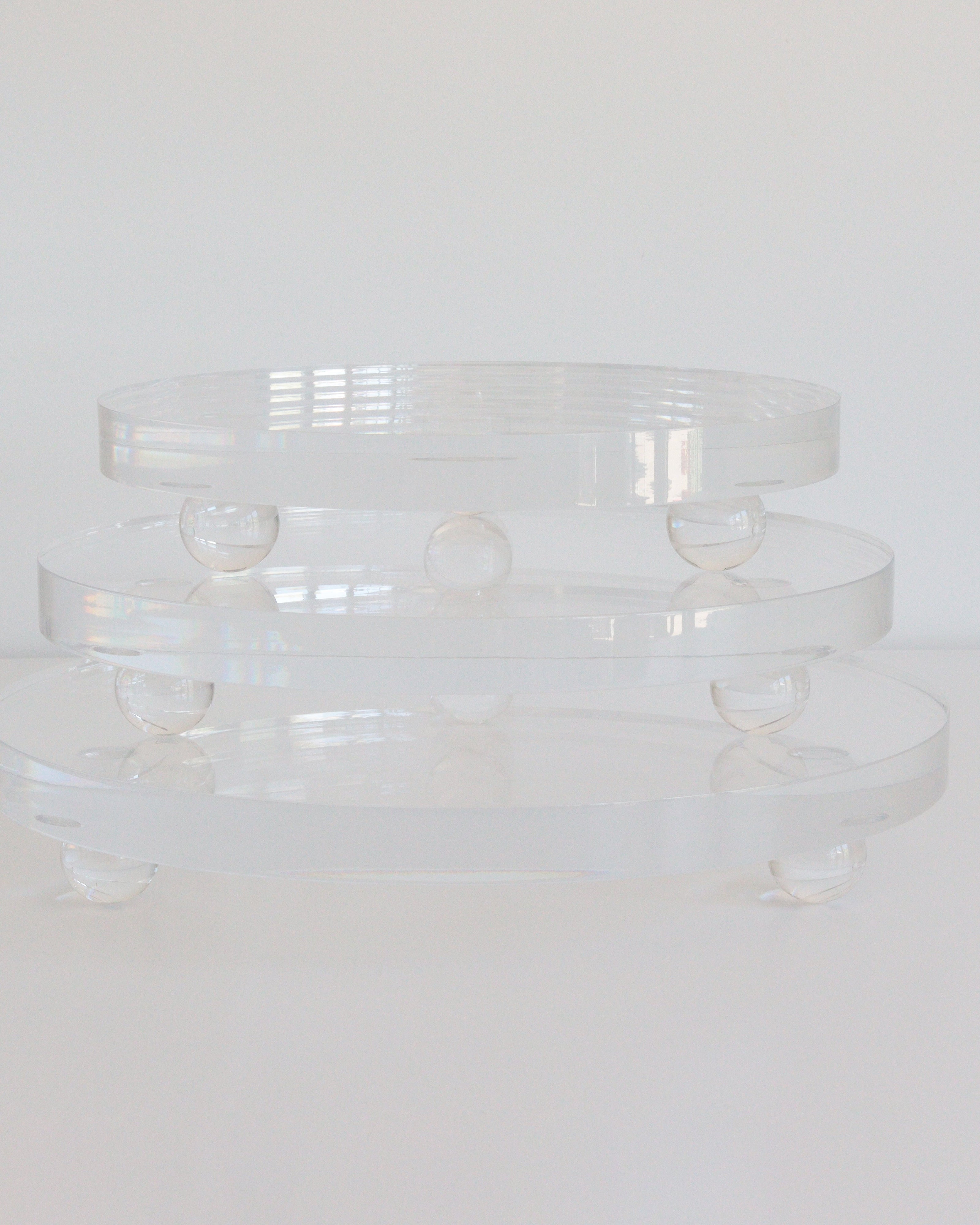
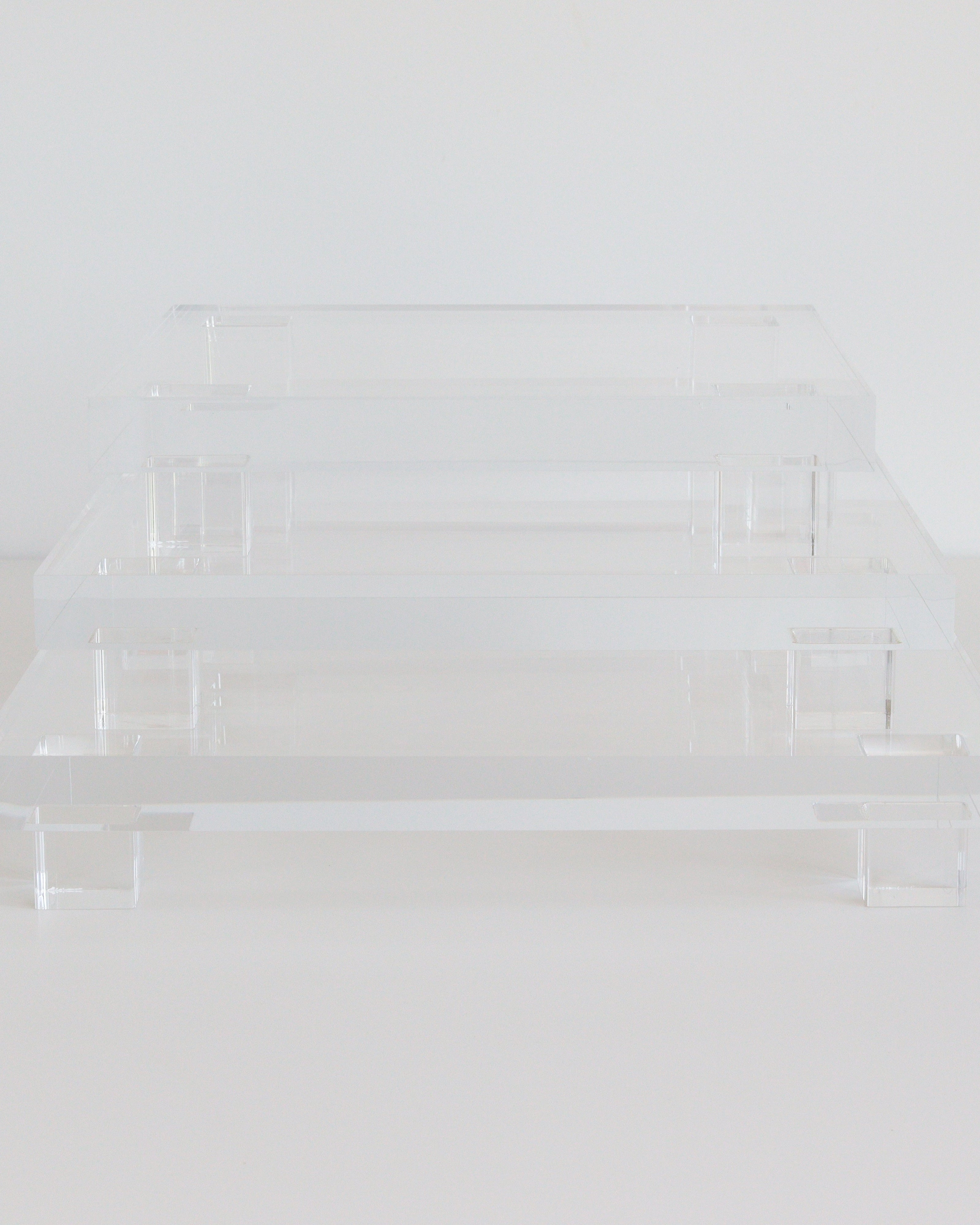
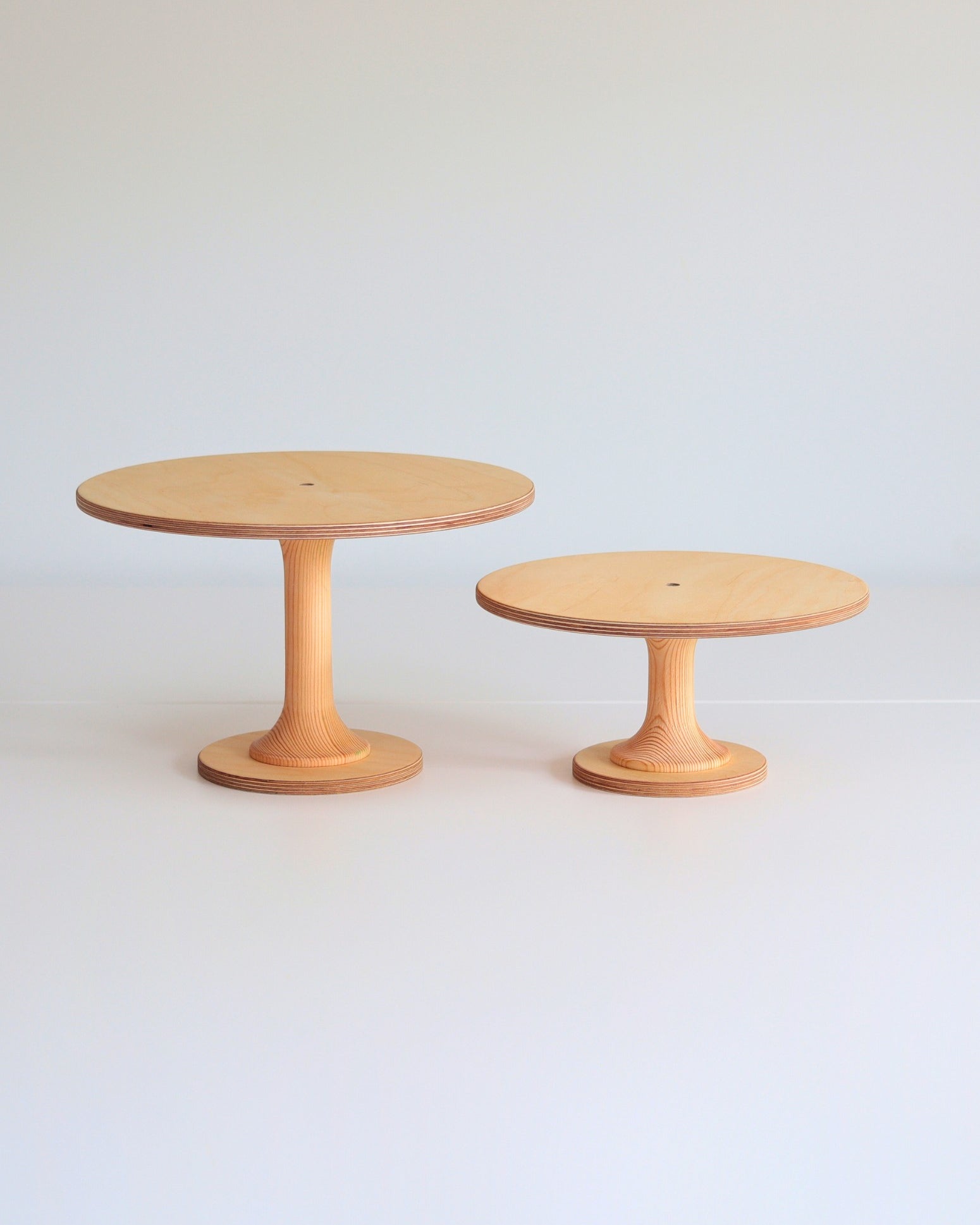
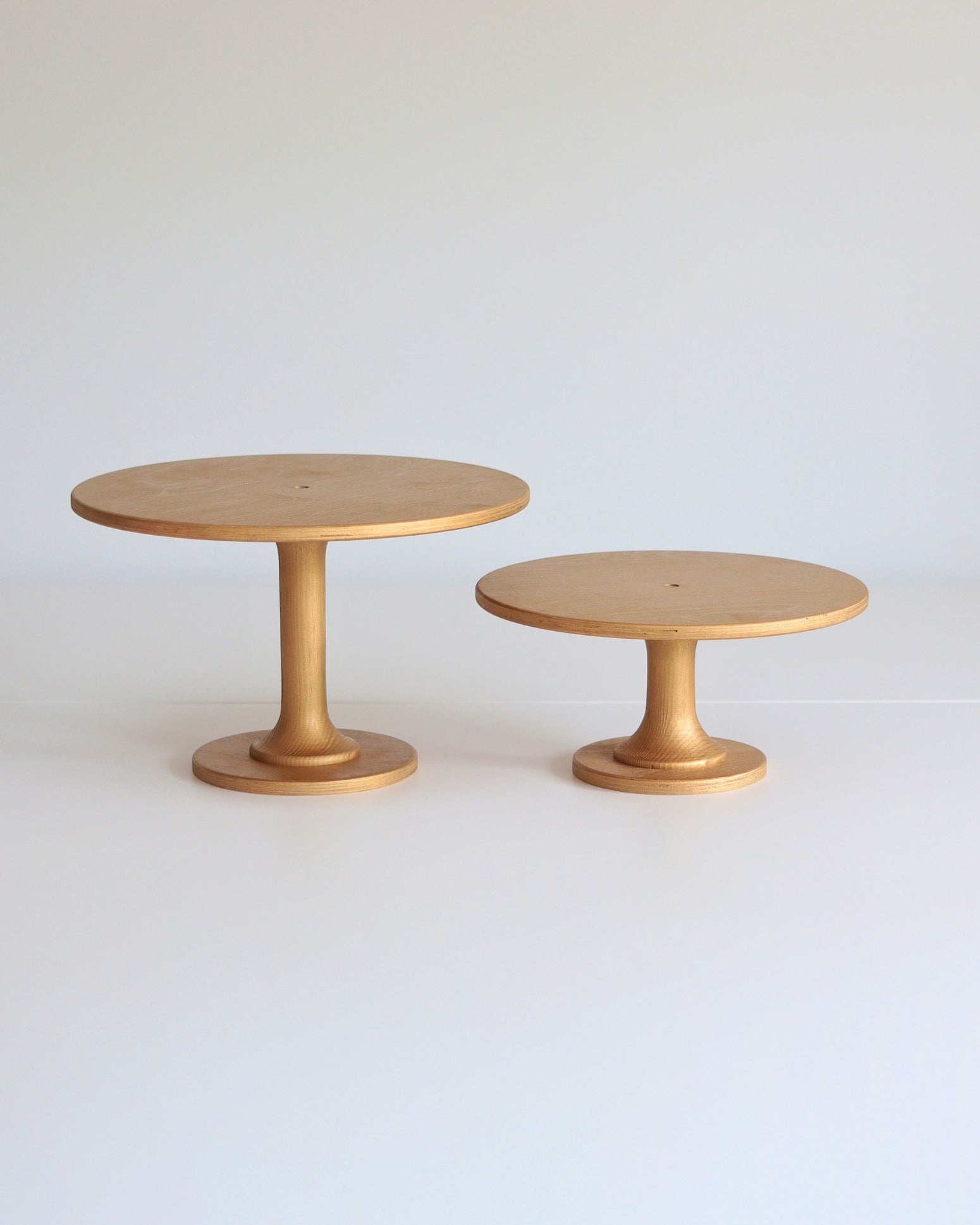
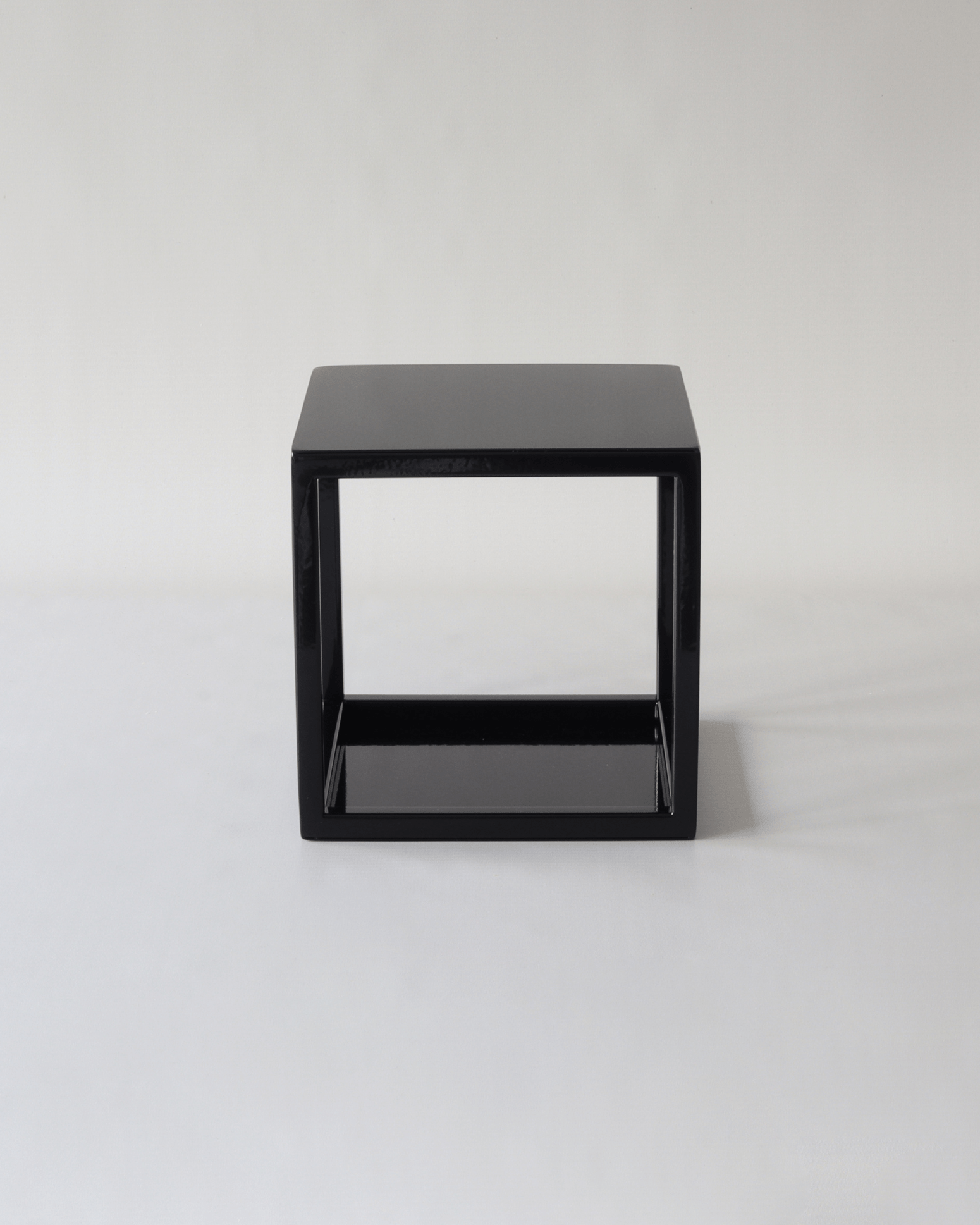
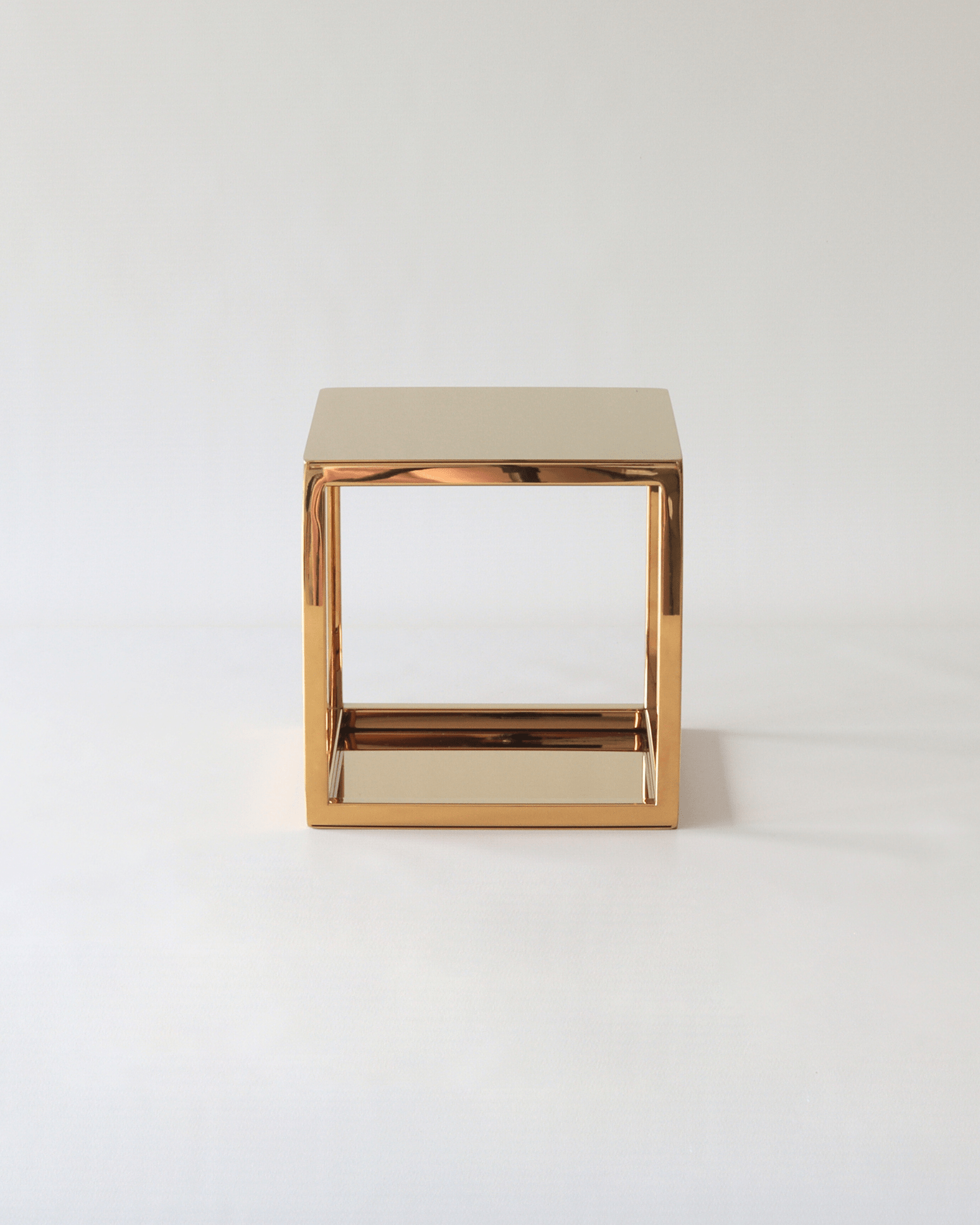
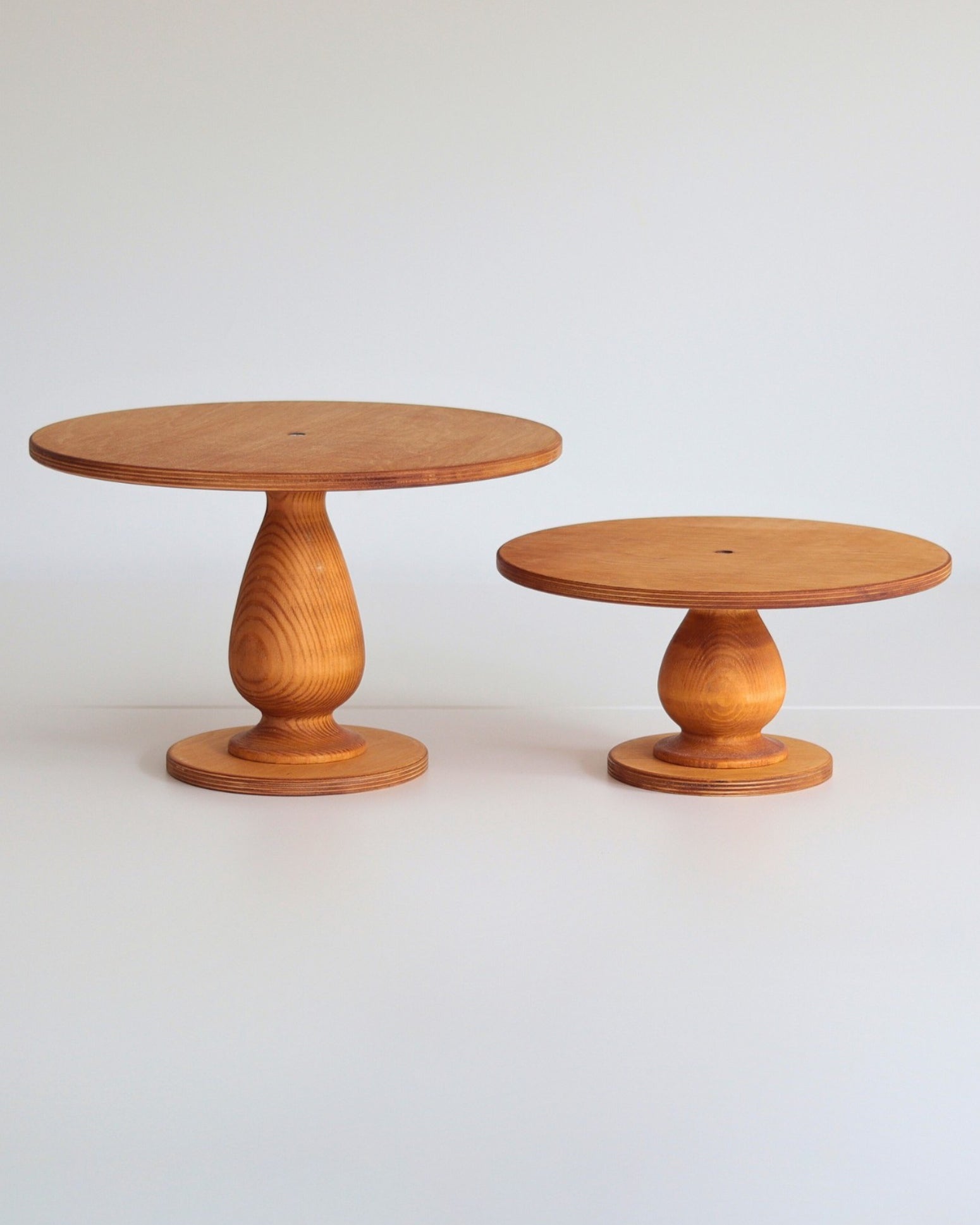
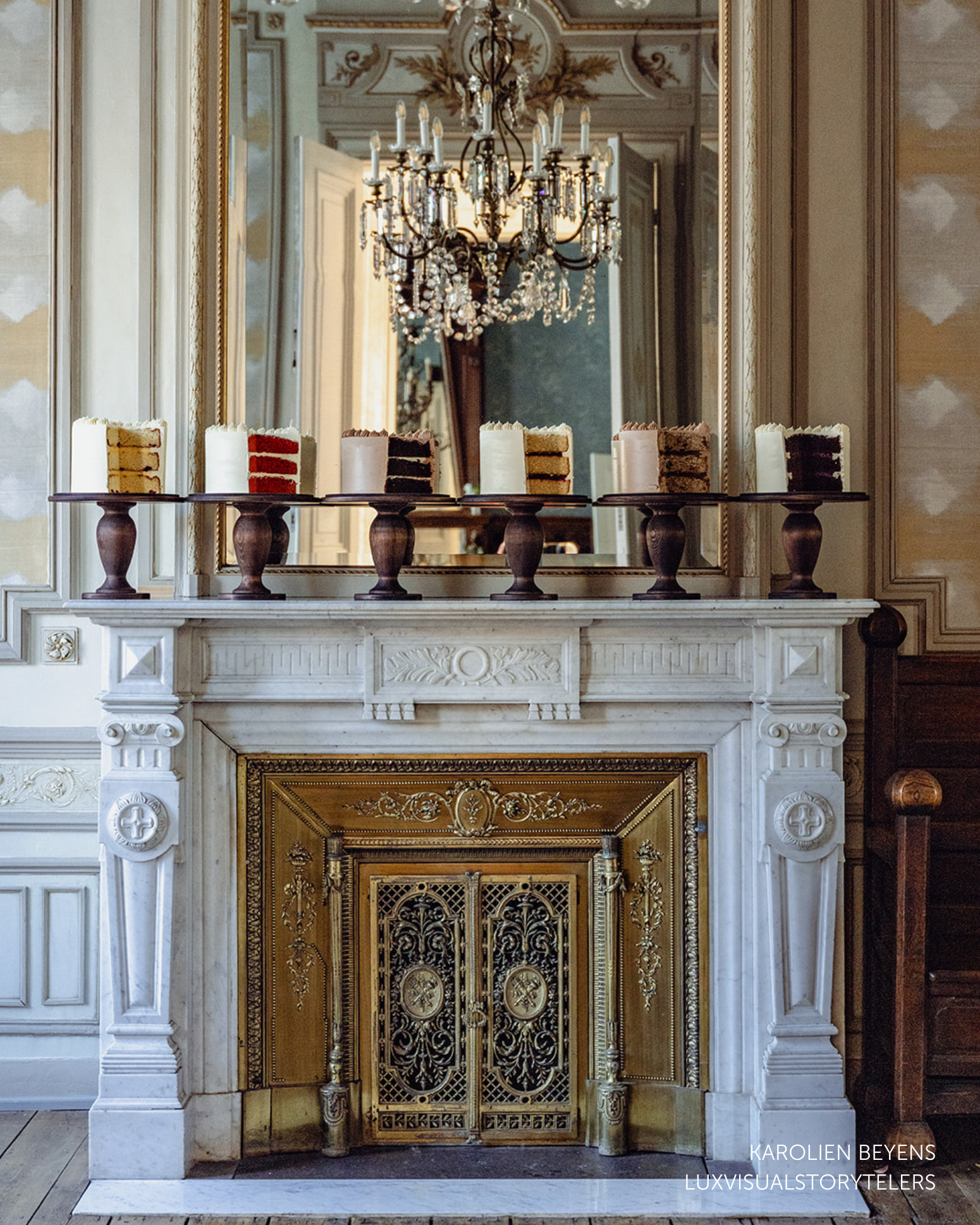
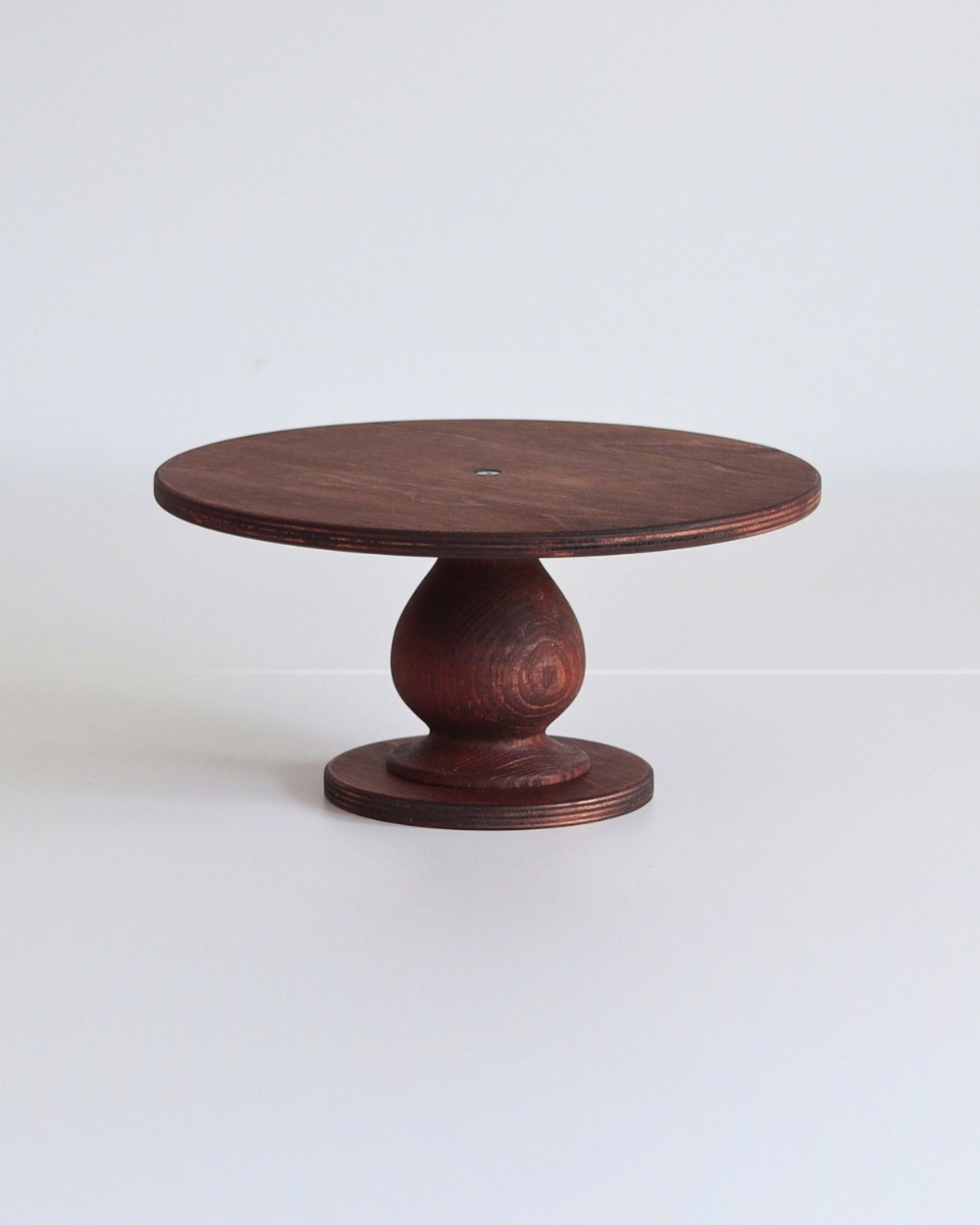
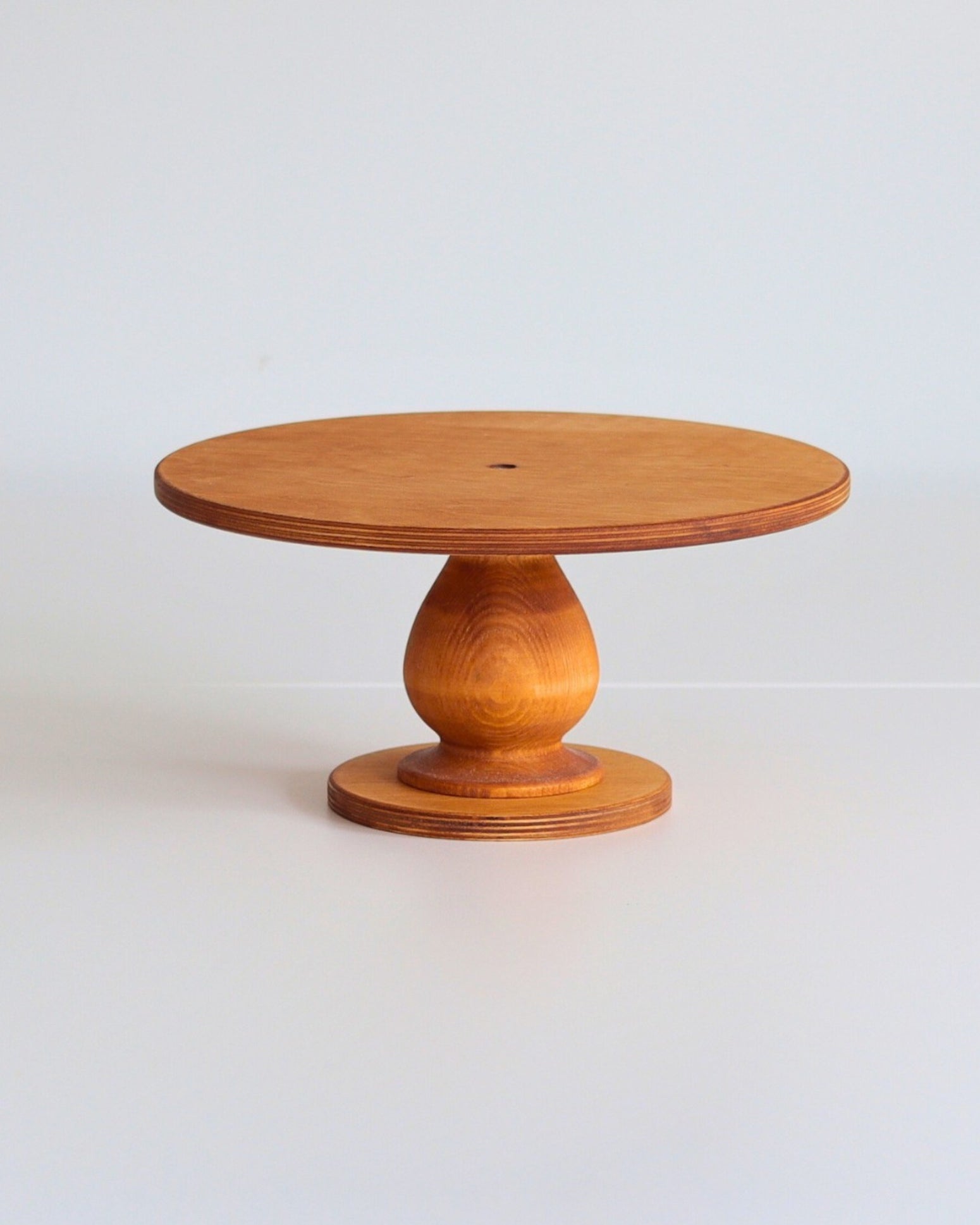
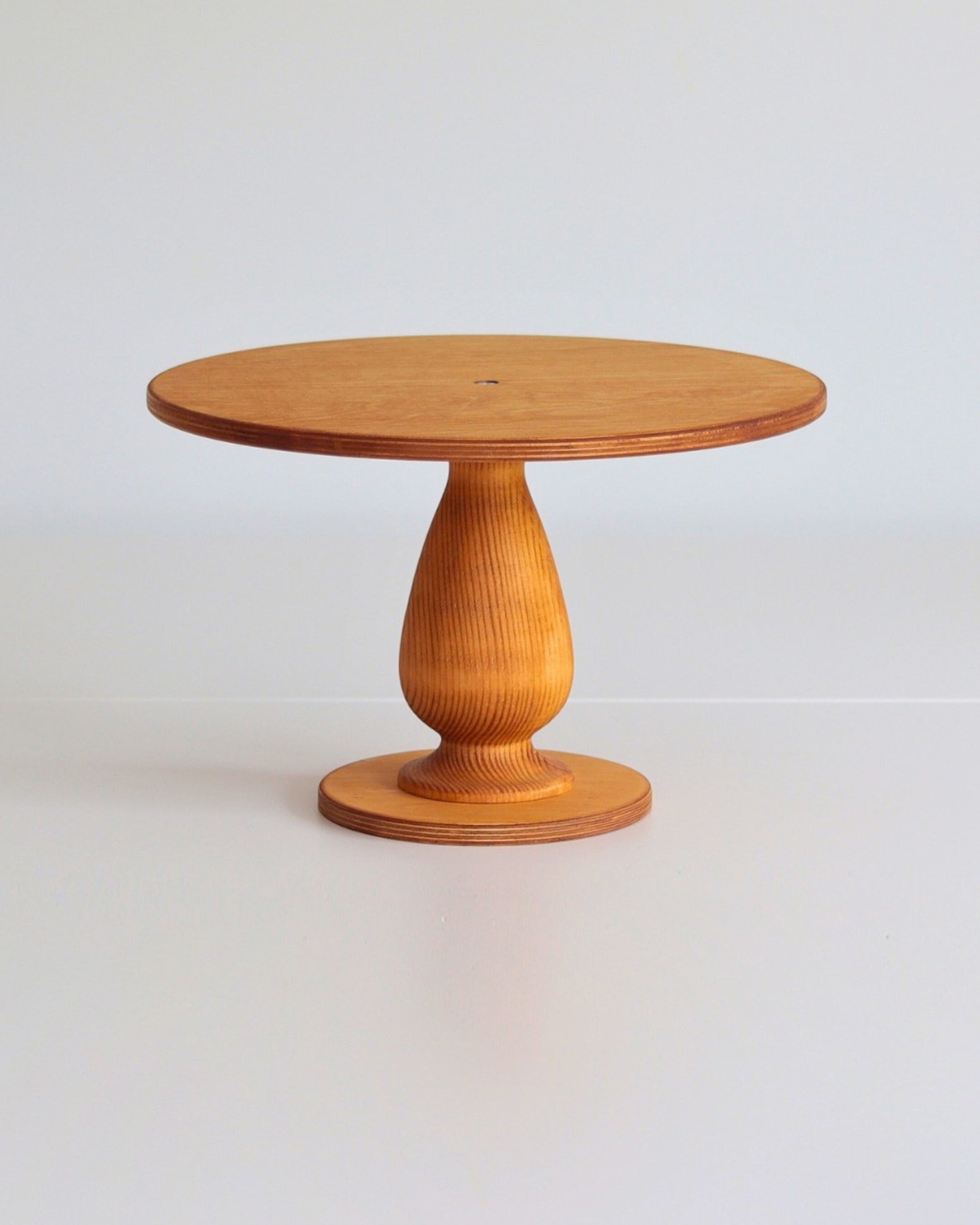
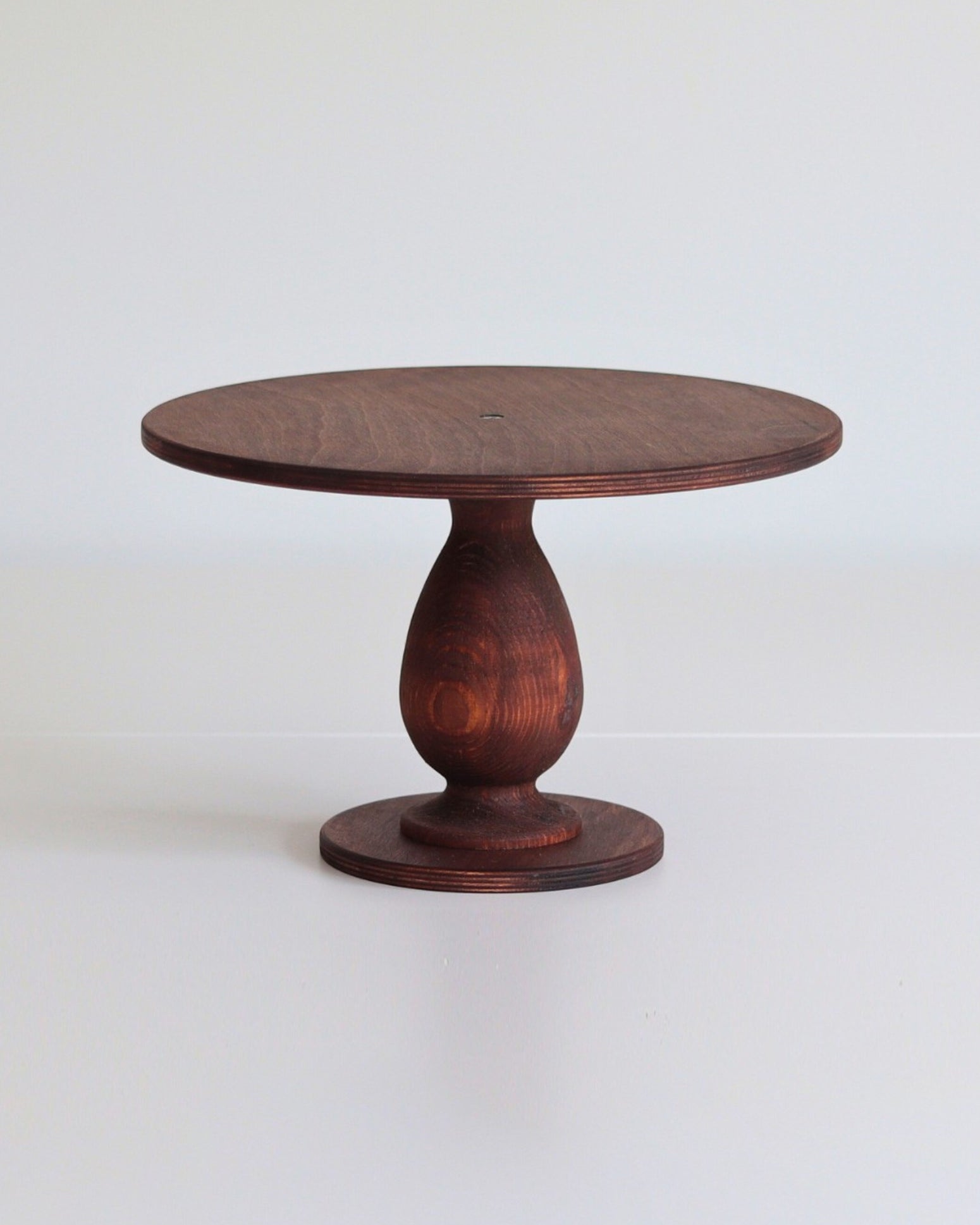
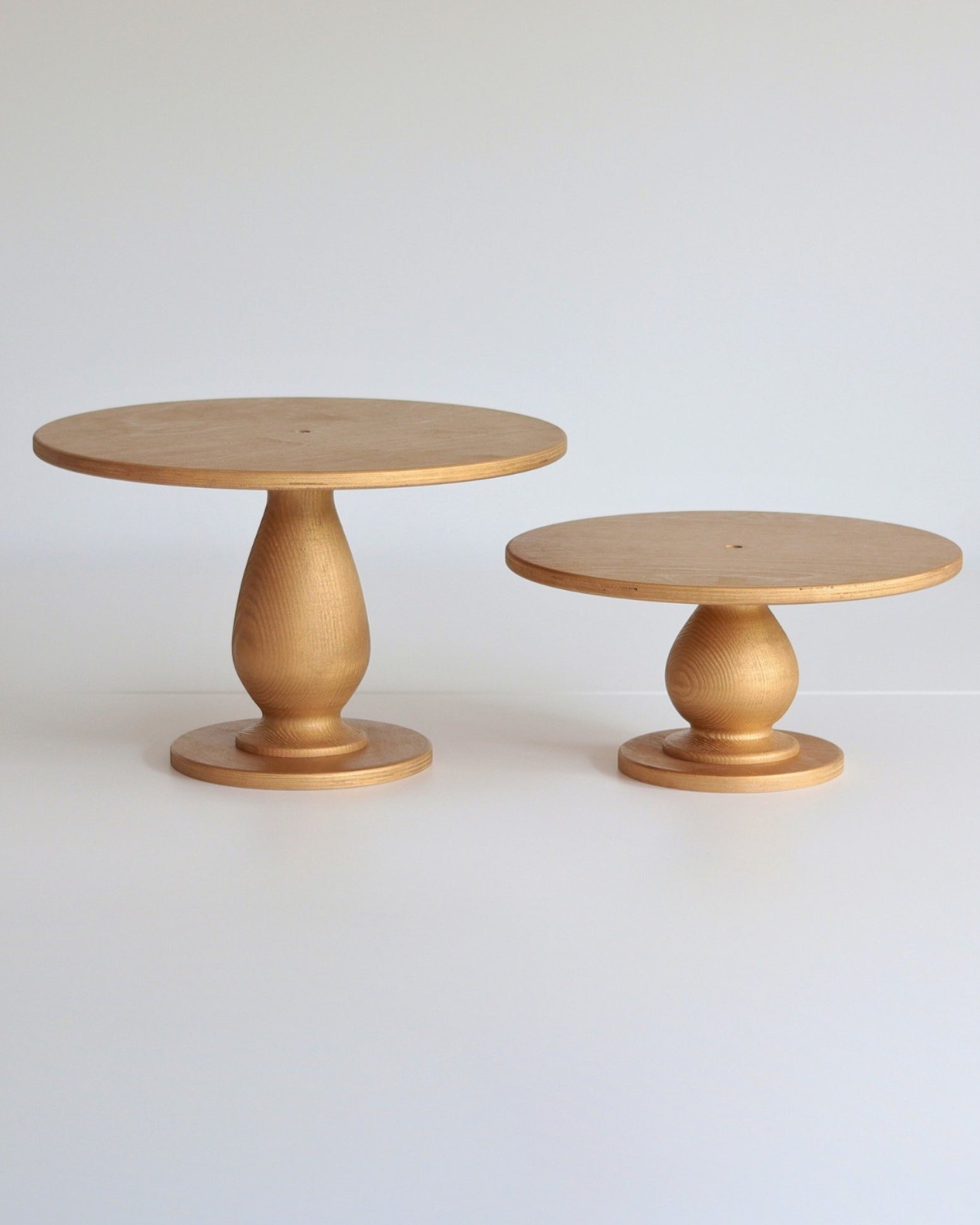
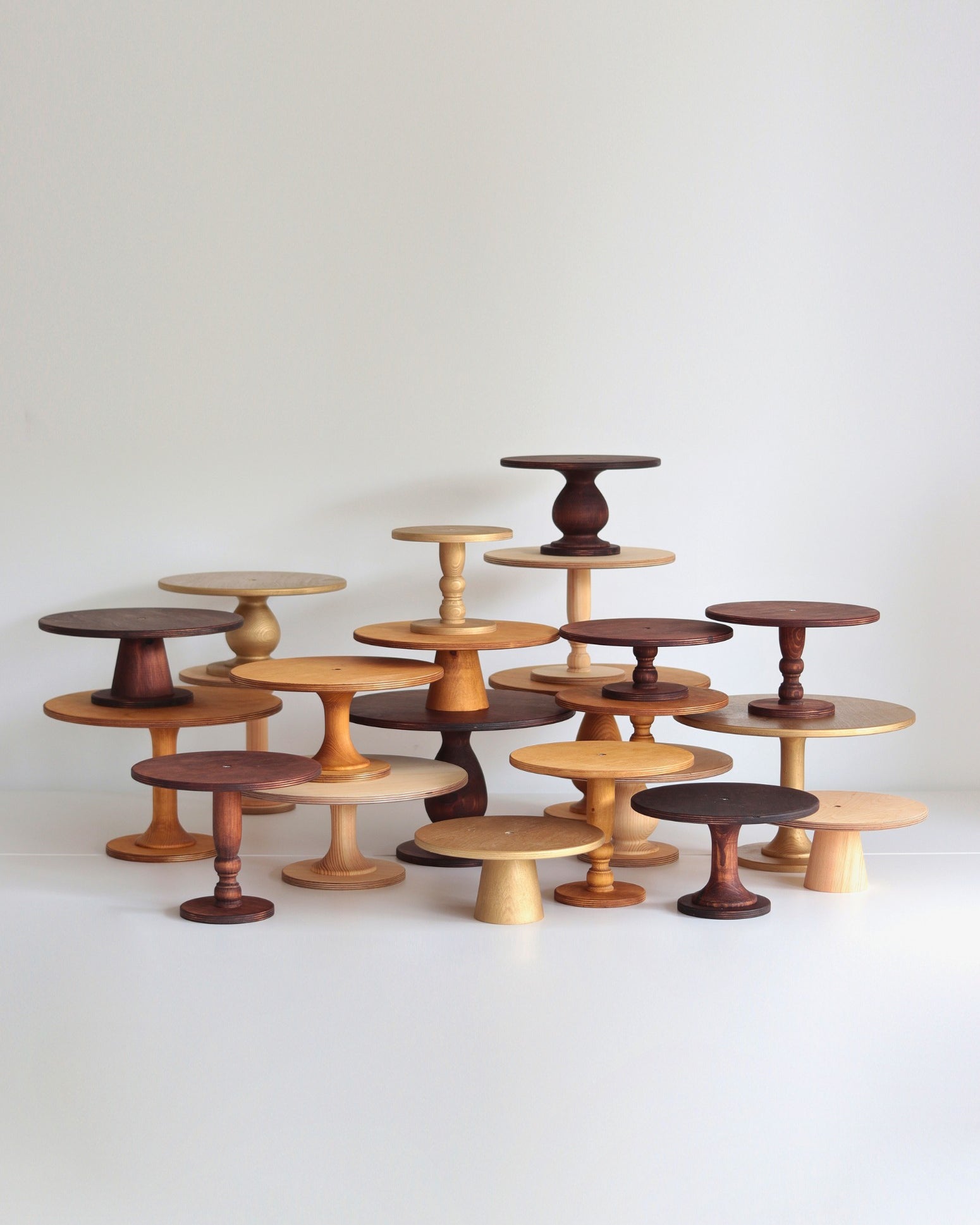
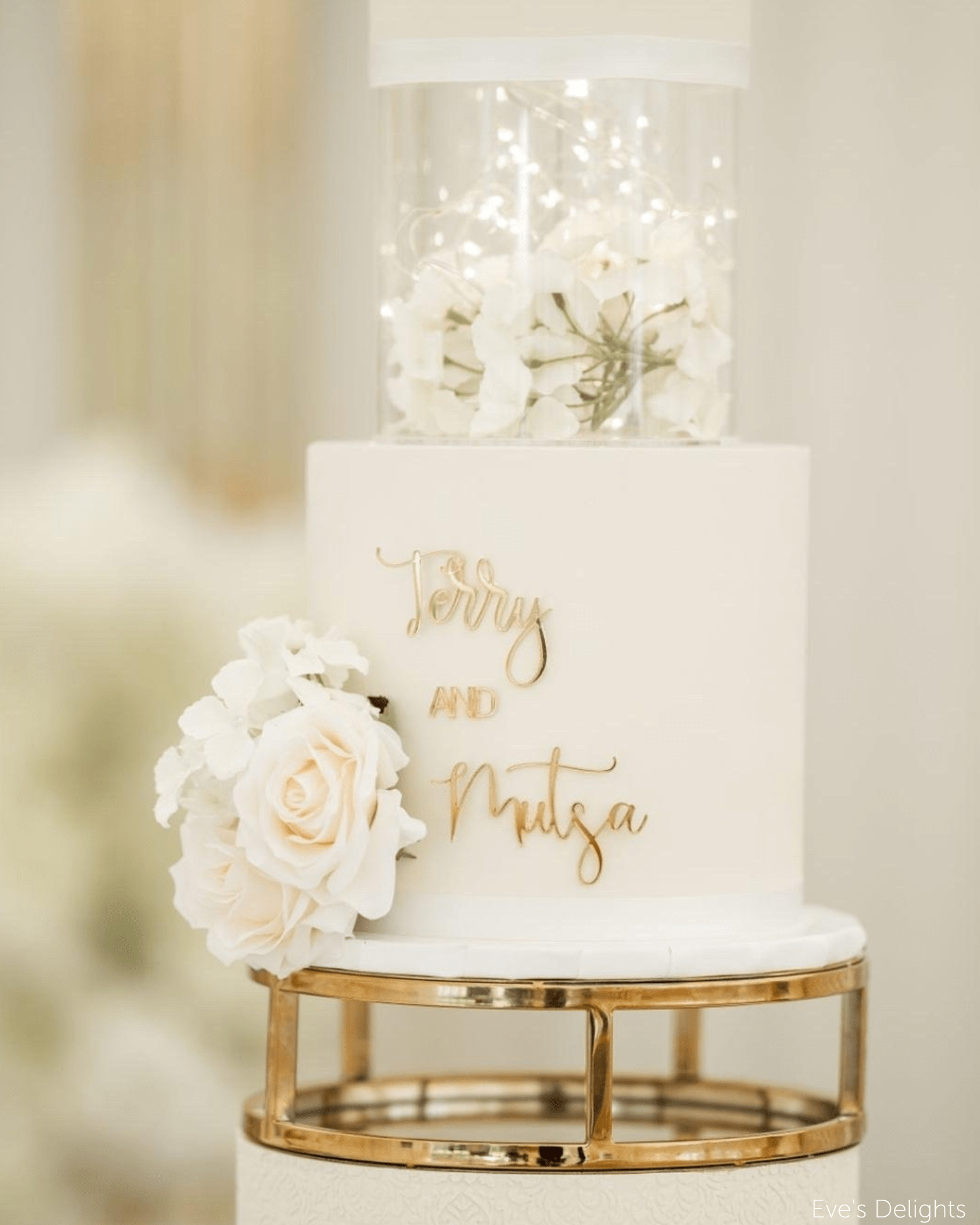
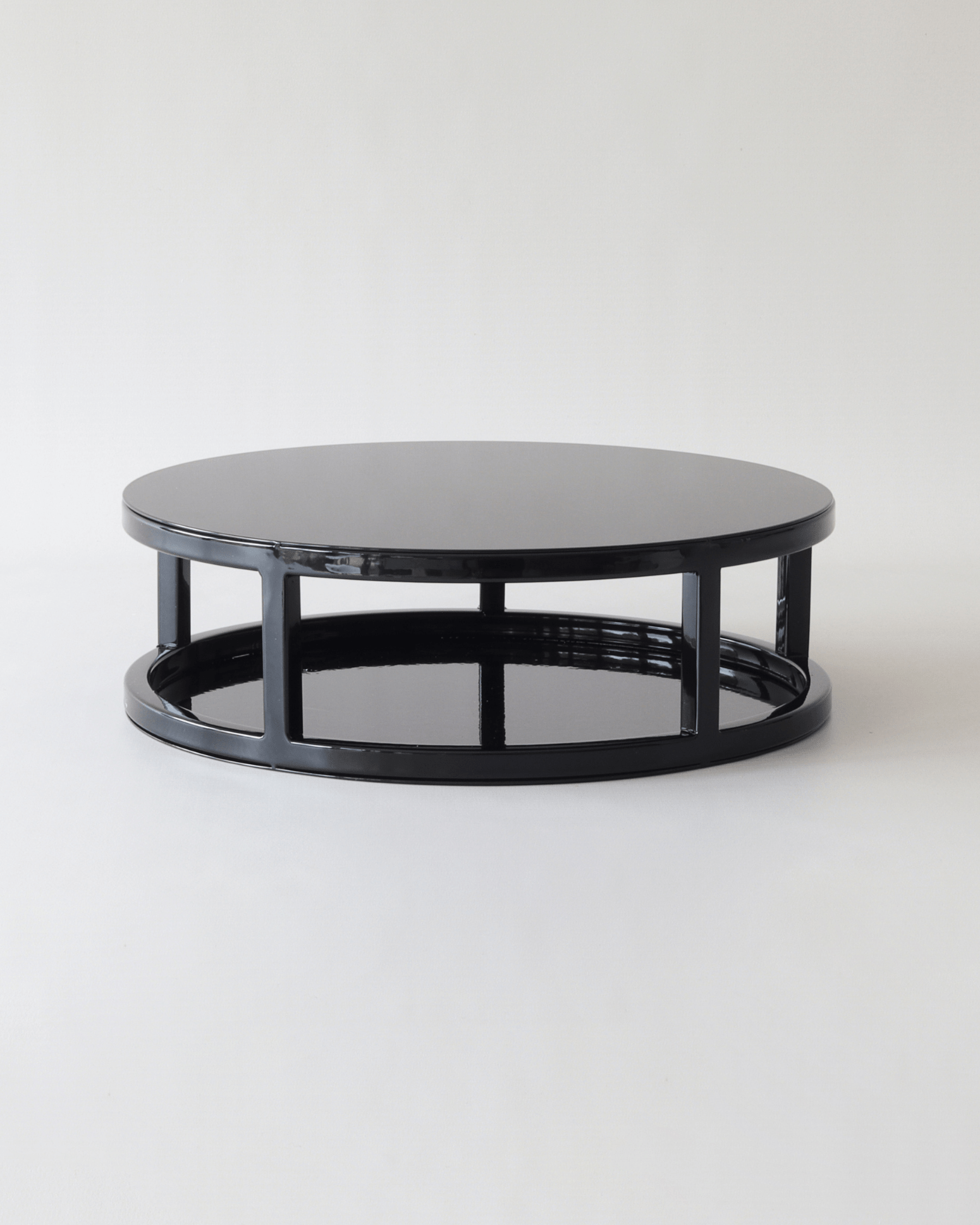
- Start with the stand, not the cake. If the design will sit on a pedestal or plinth, place that first. It fixes your proportions and makes the proof look like a real table rather than a floating drawing.
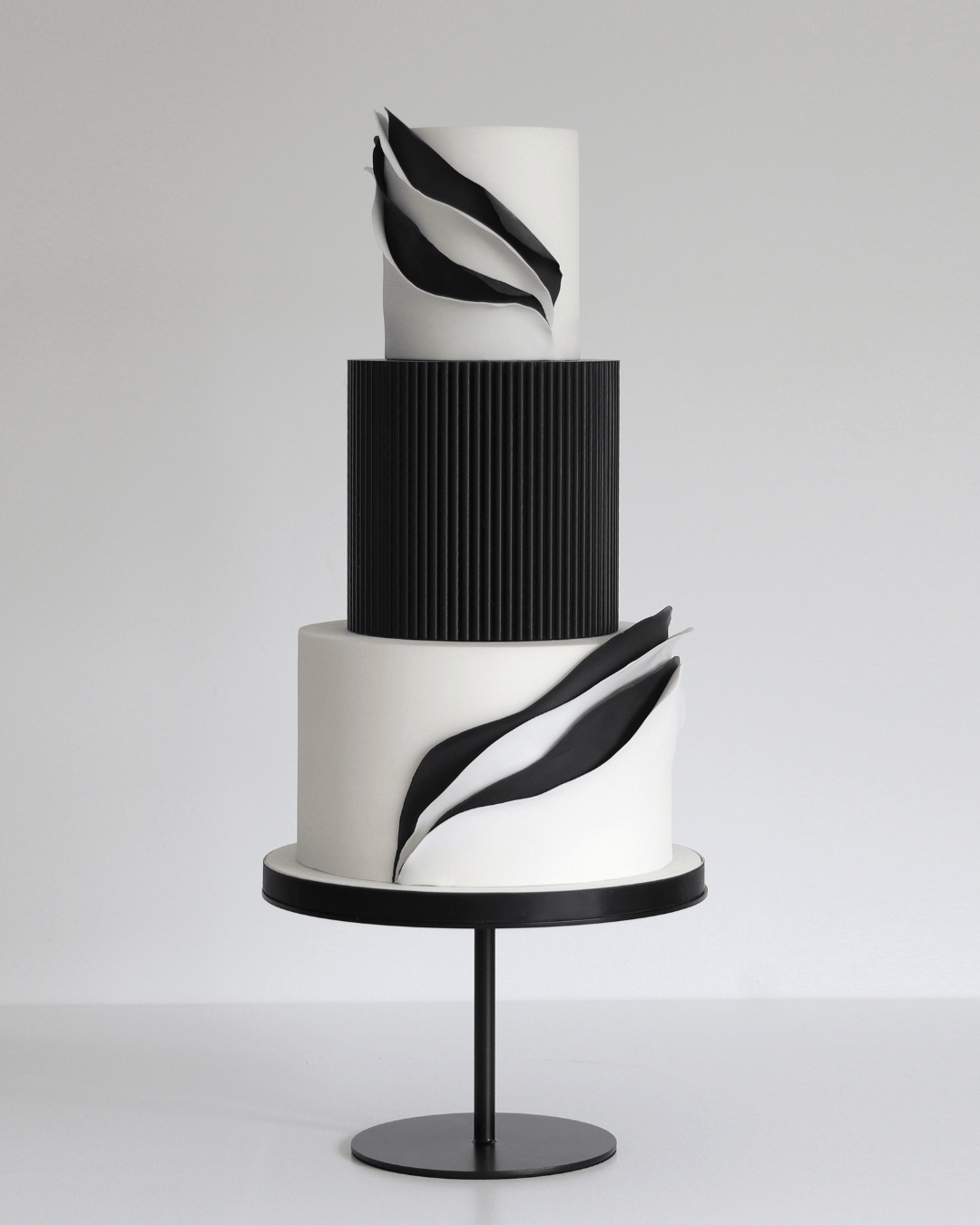
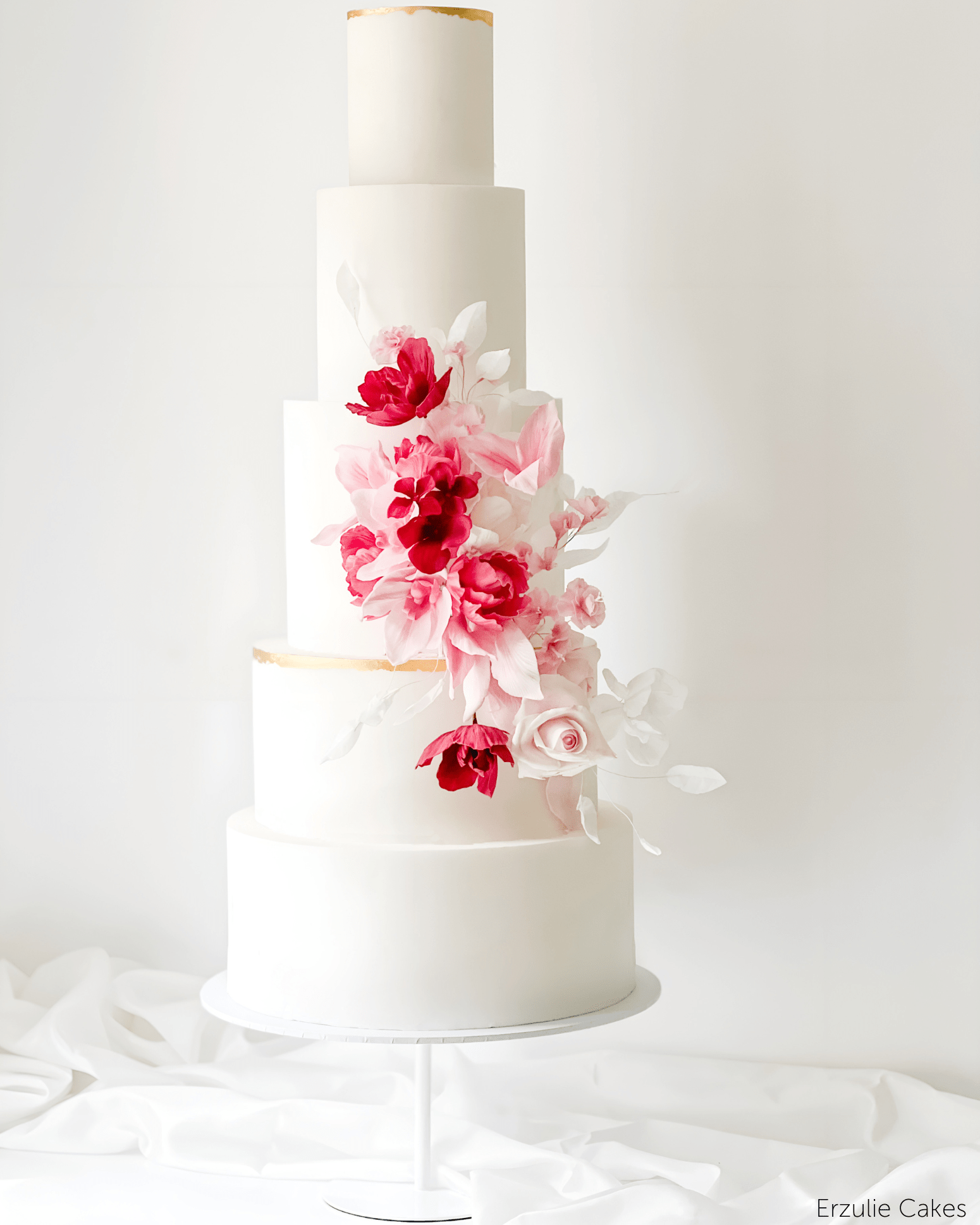
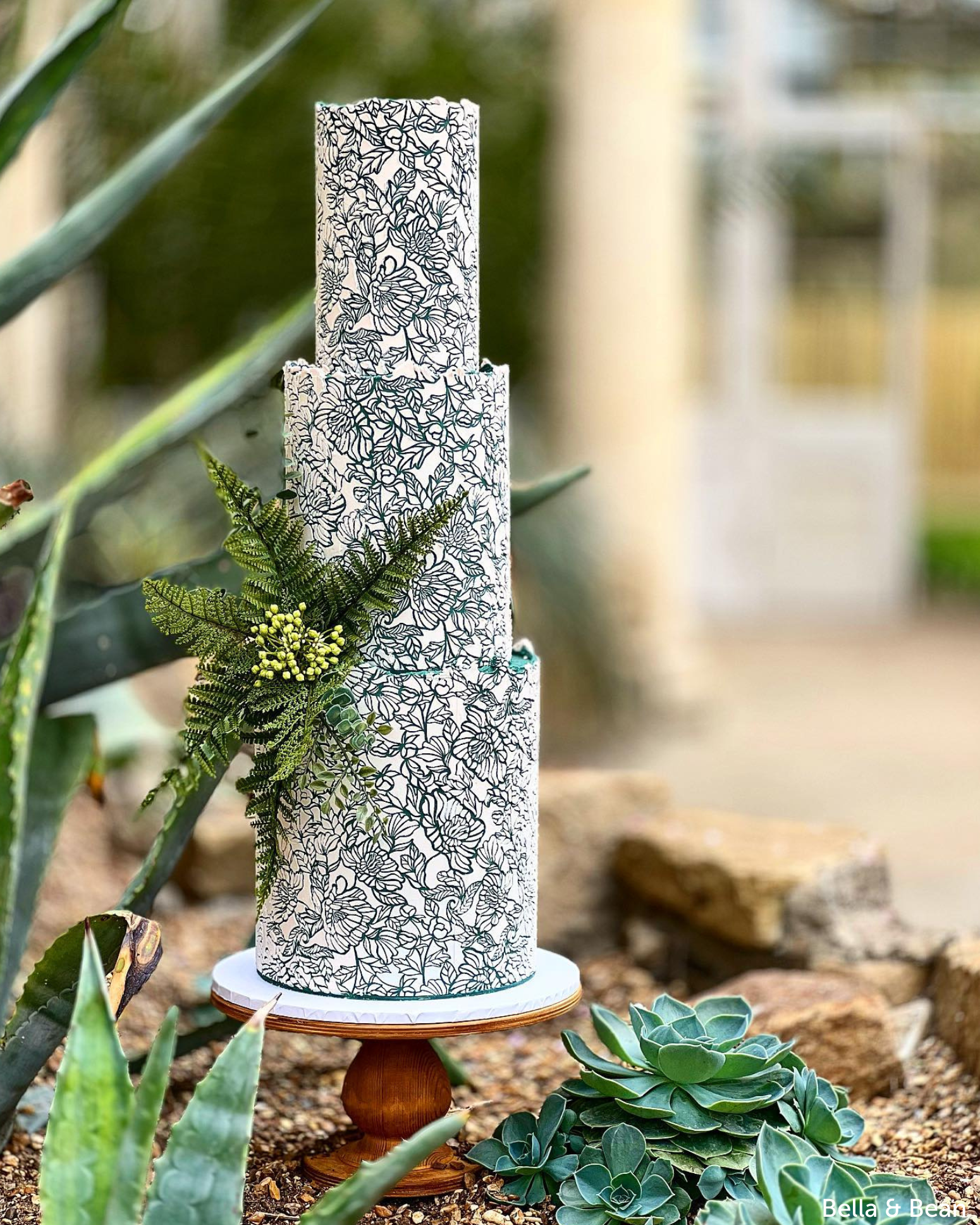
- Stack the tiers. Outline stamps if you want to colour them yourself, pre-painted 3D stamps if you want a finished tier in one tap.
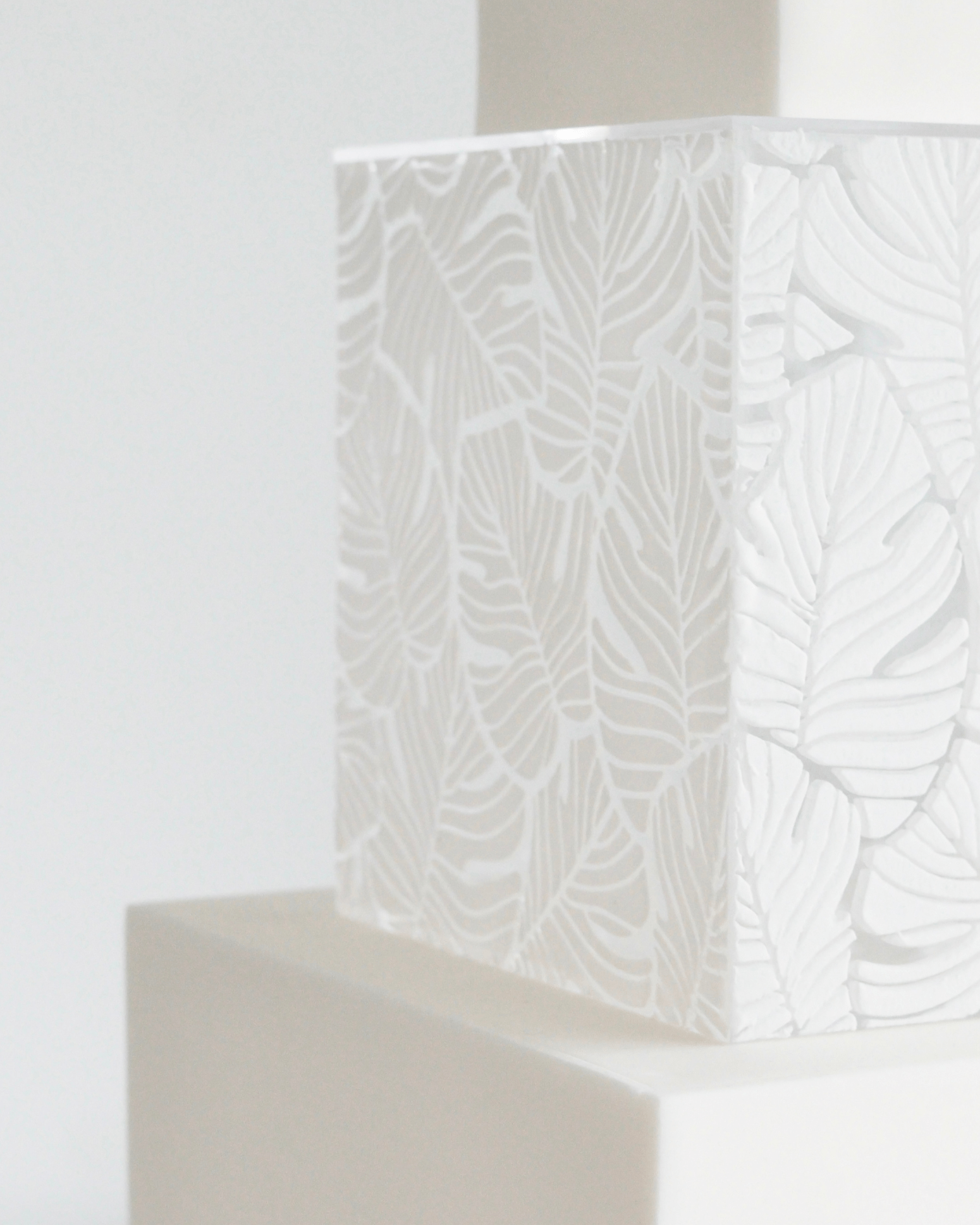
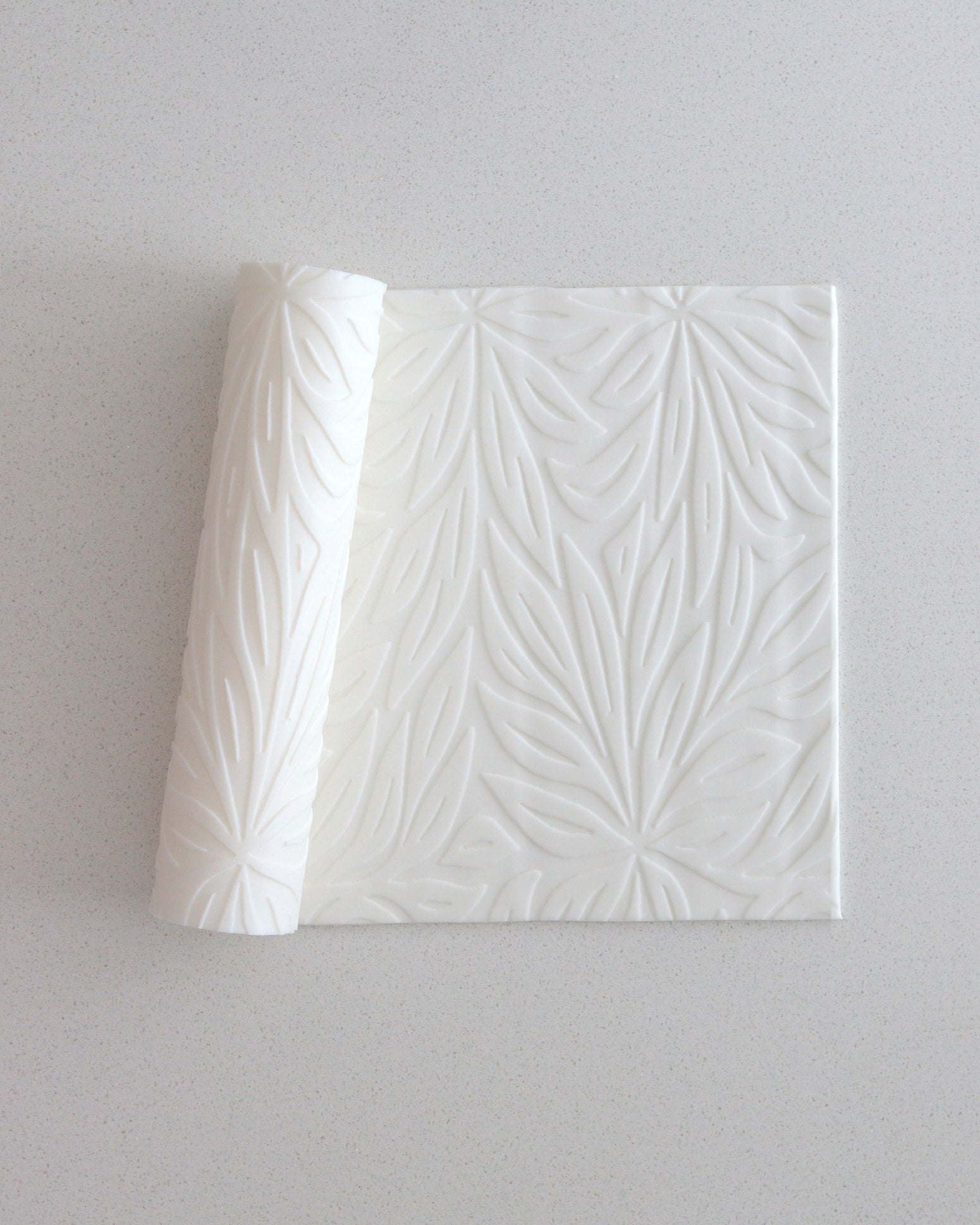
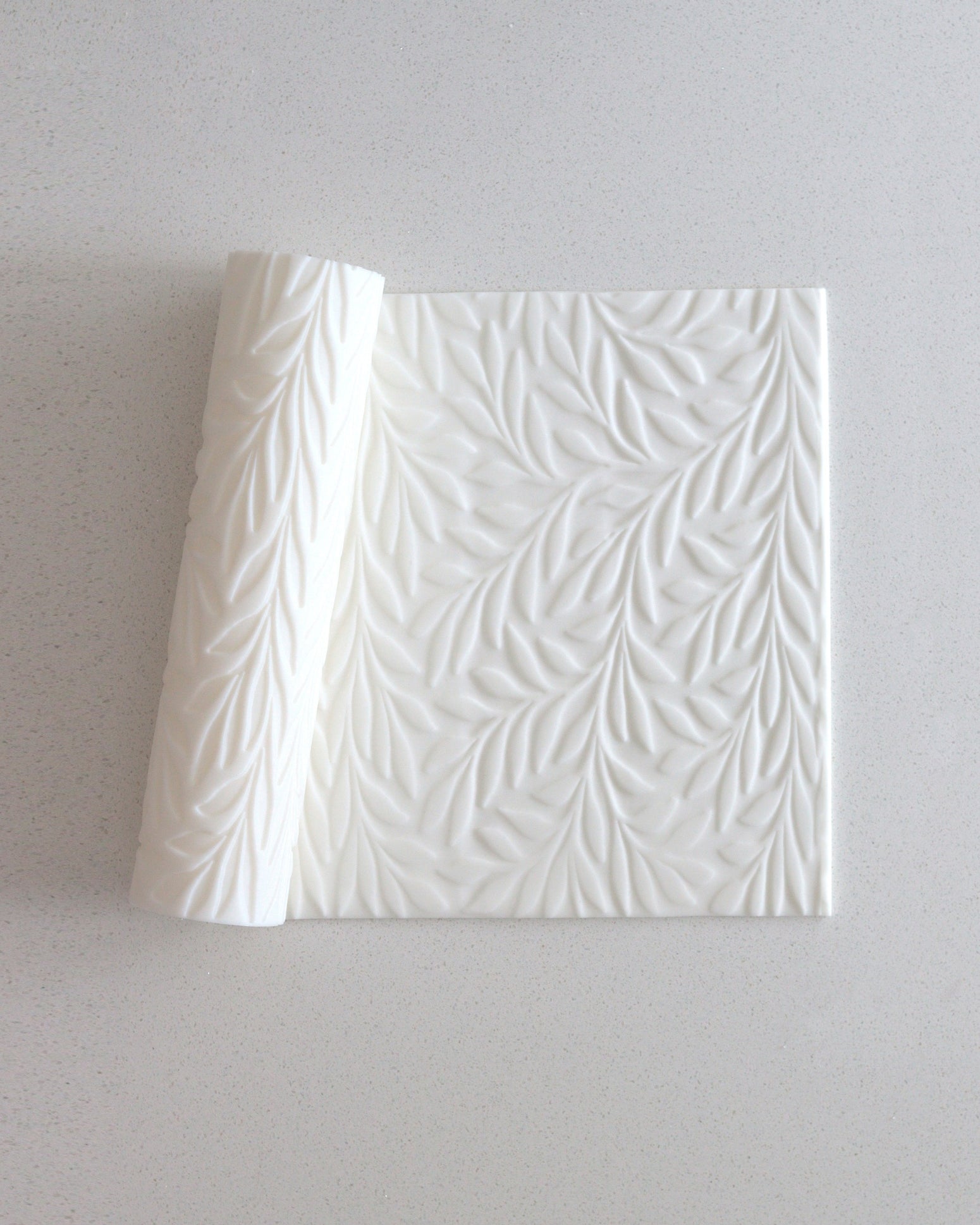
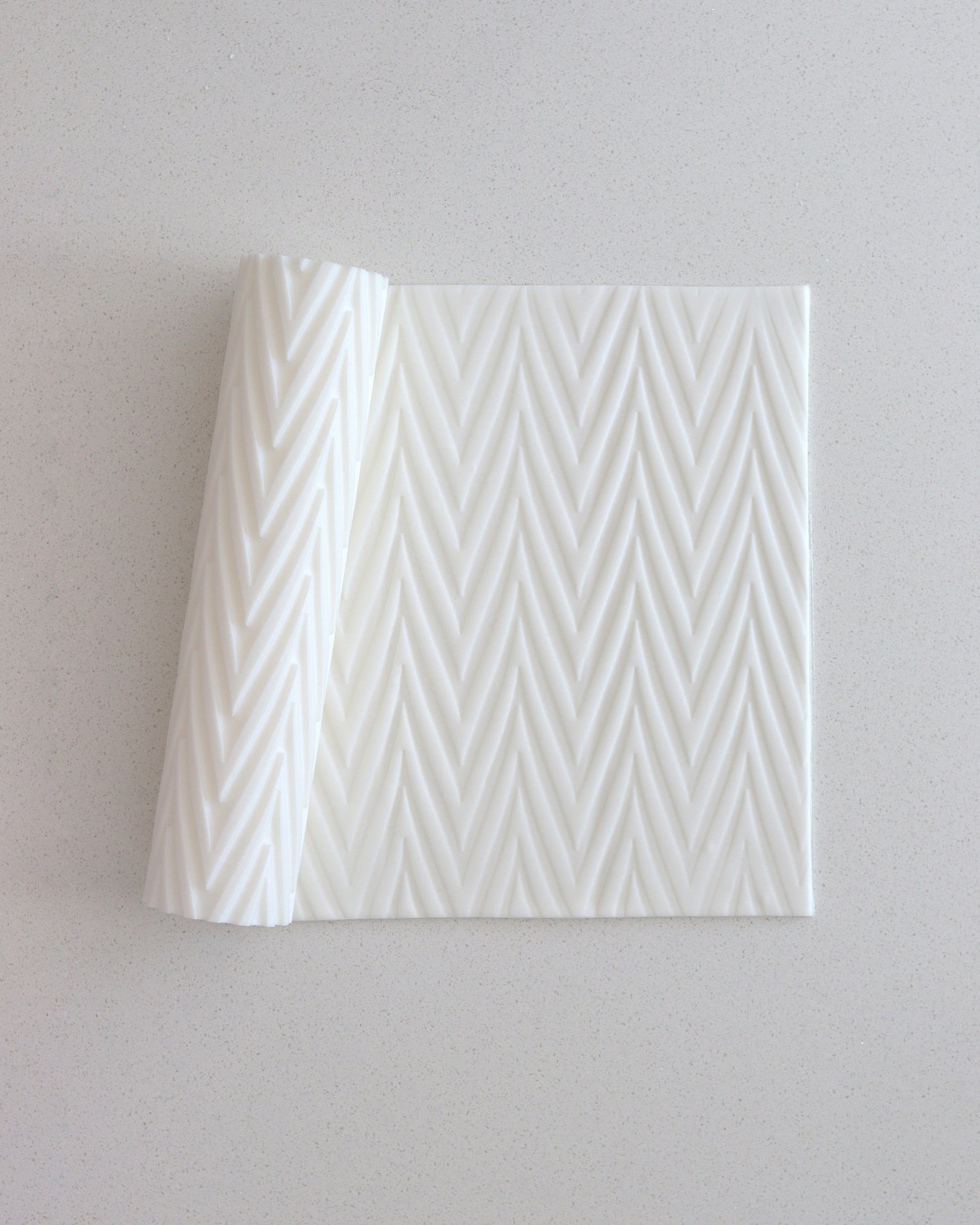
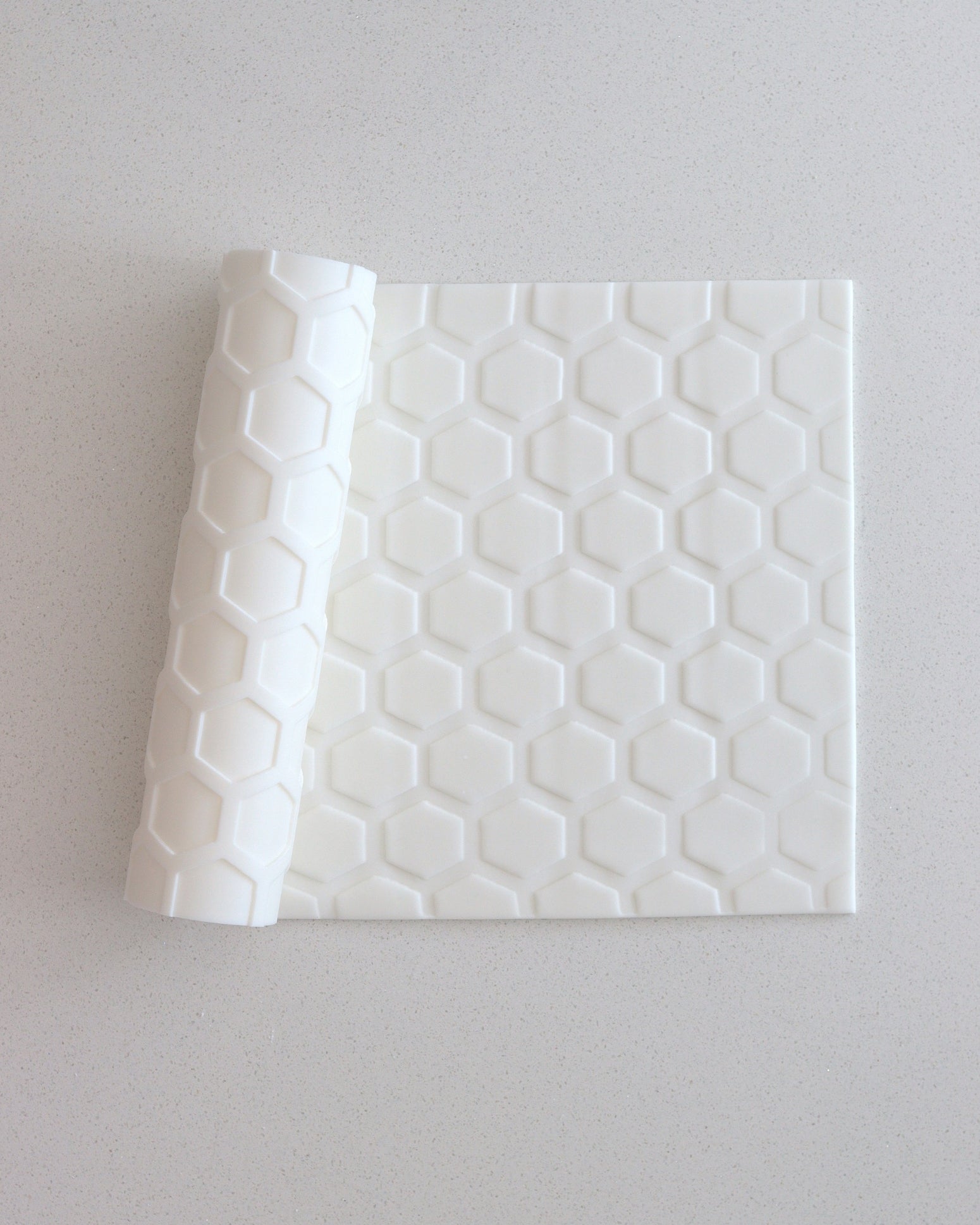
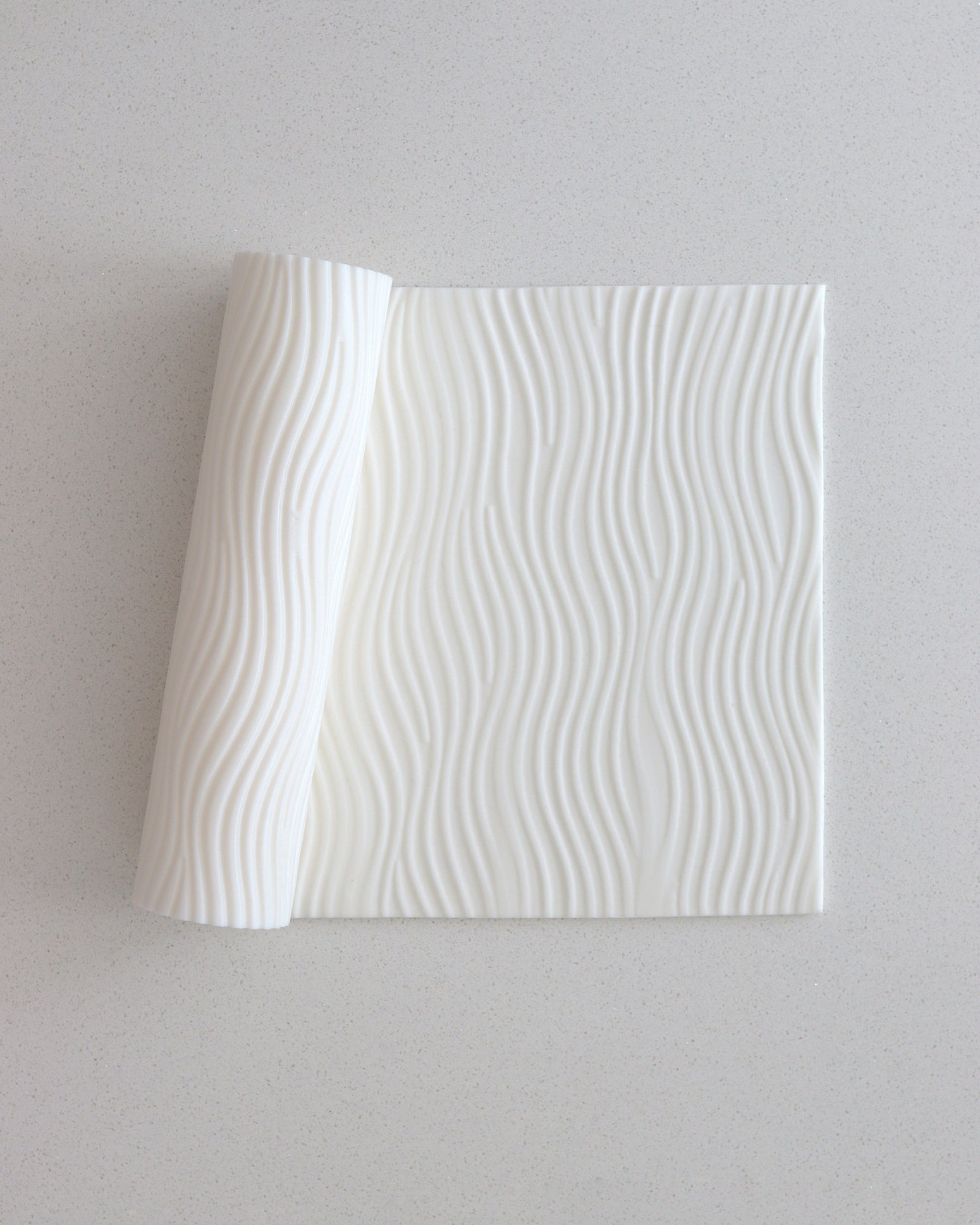
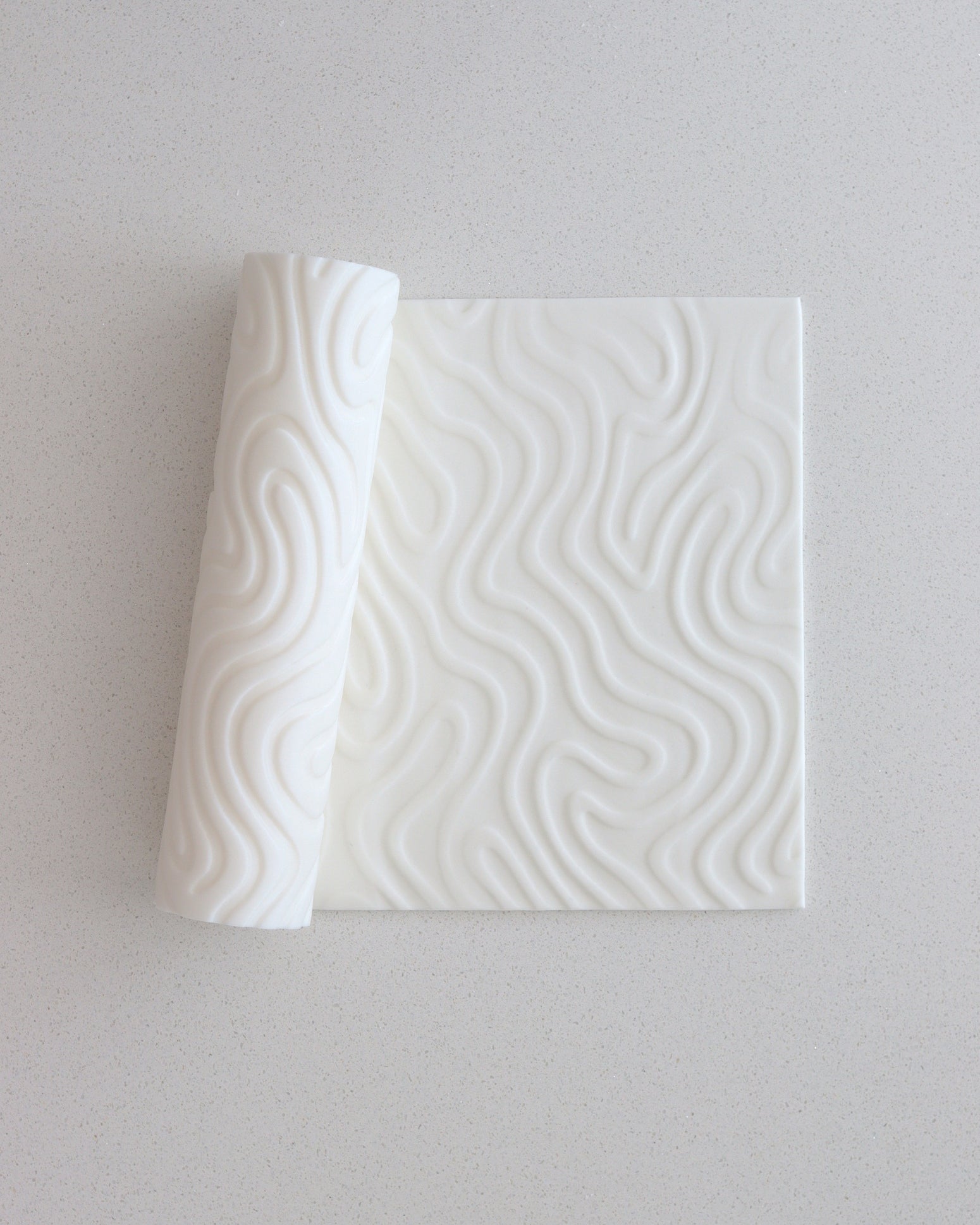
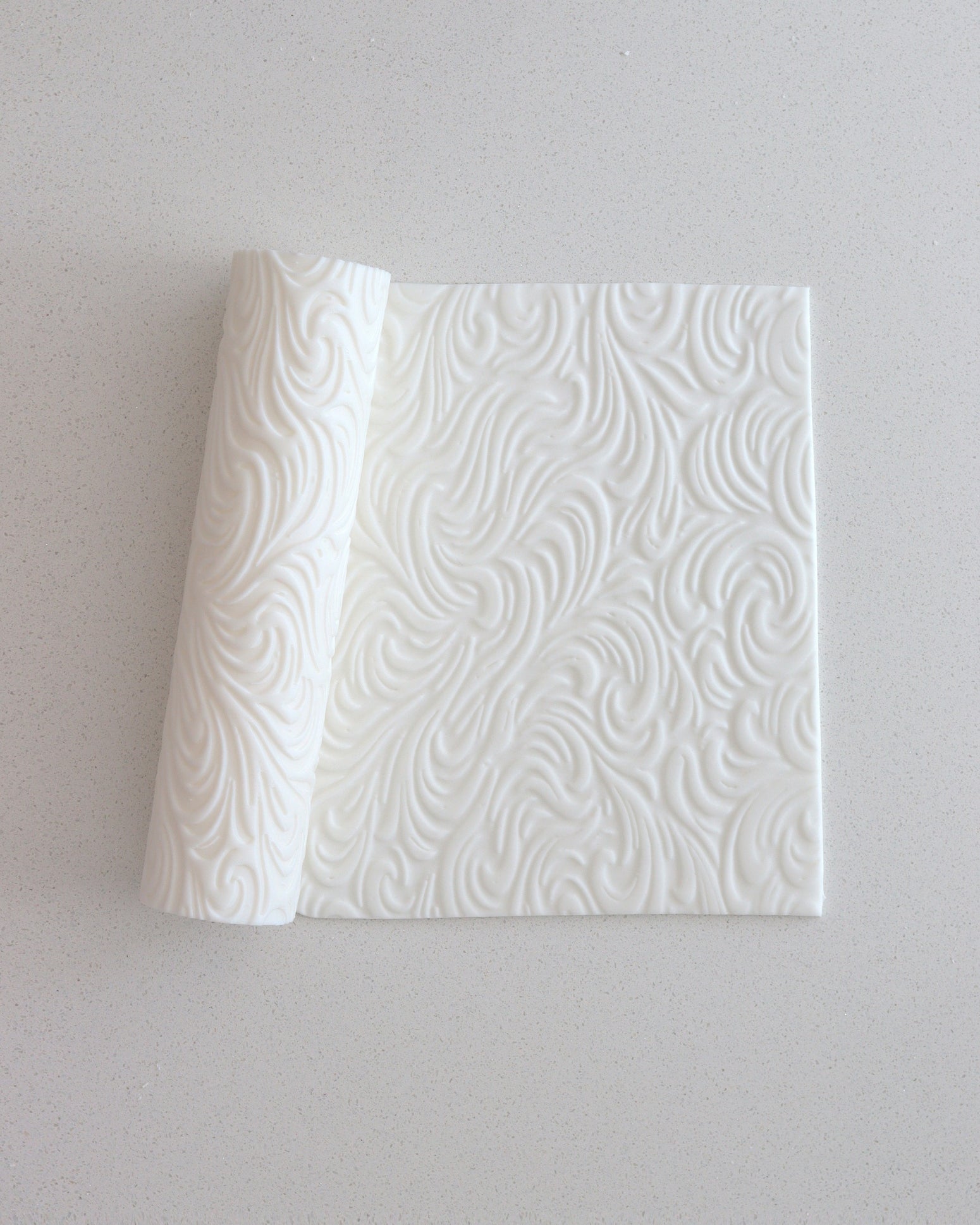
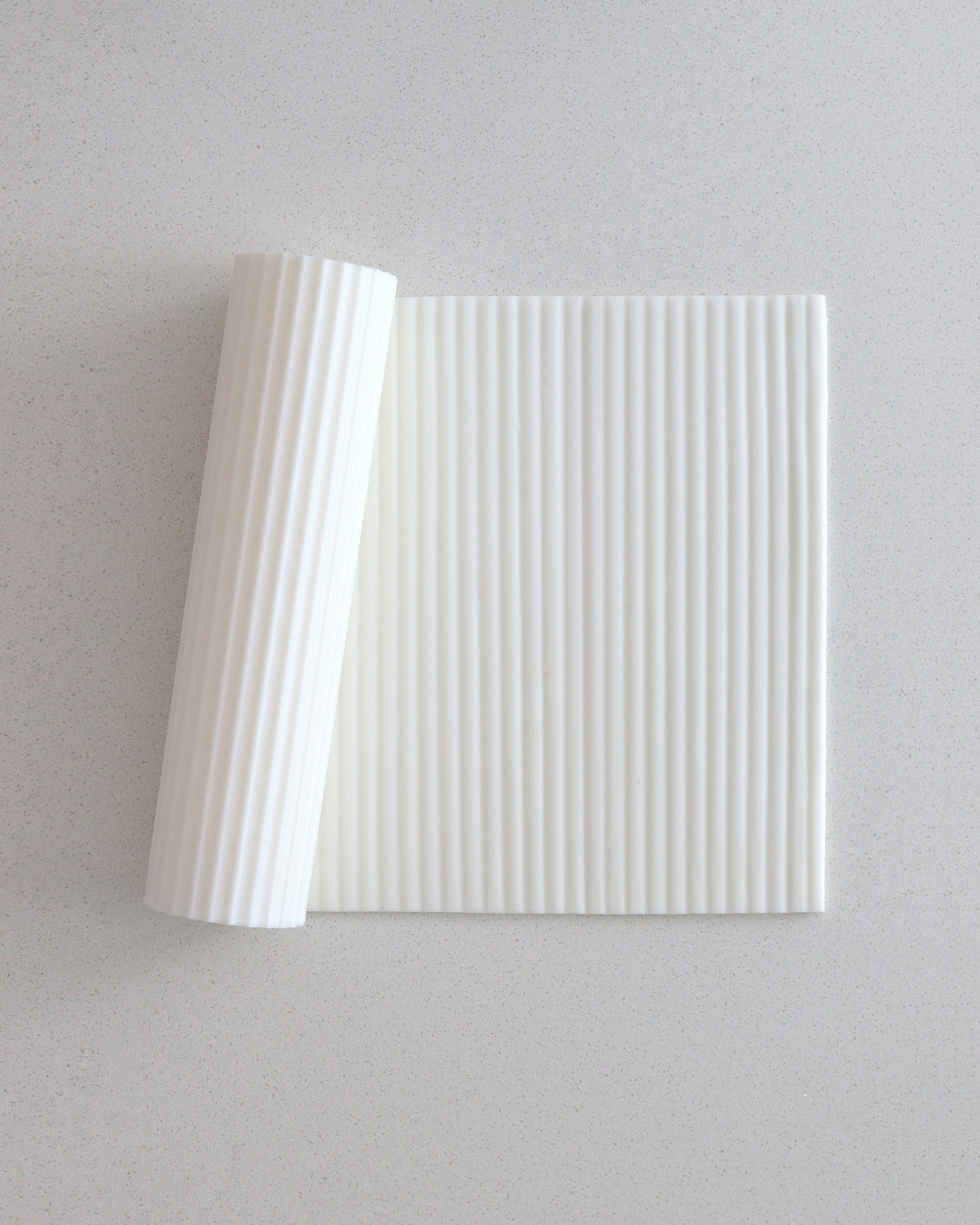
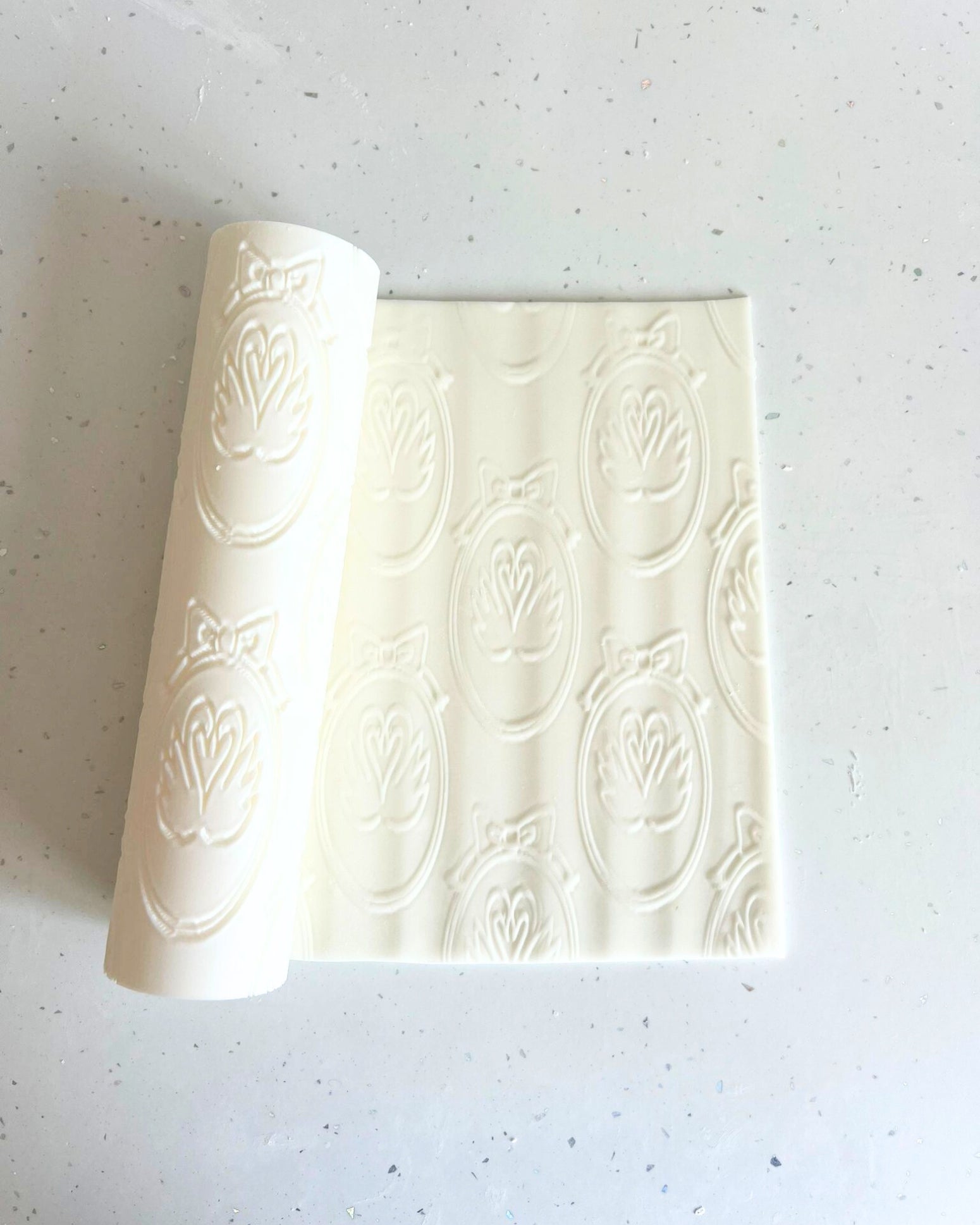
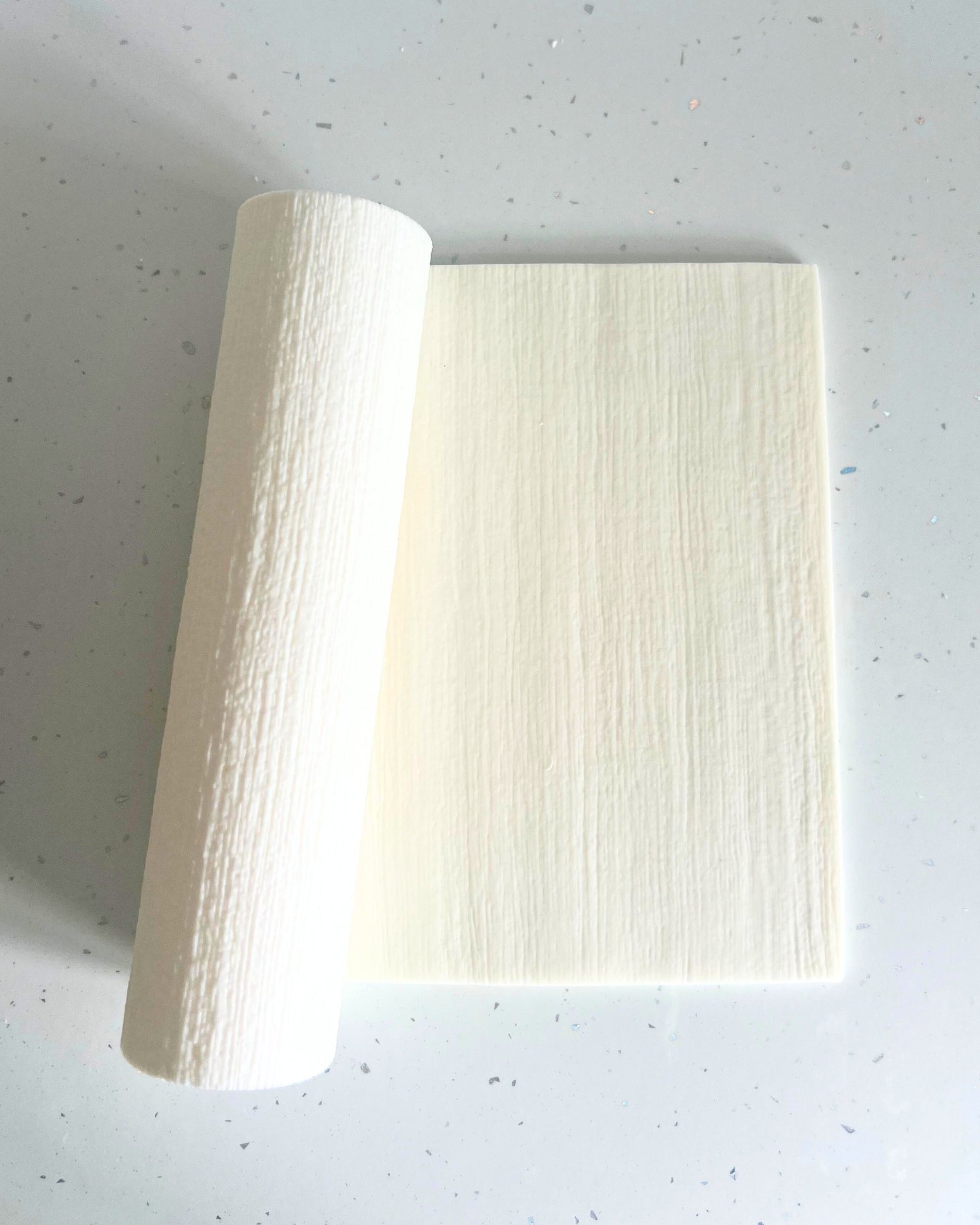
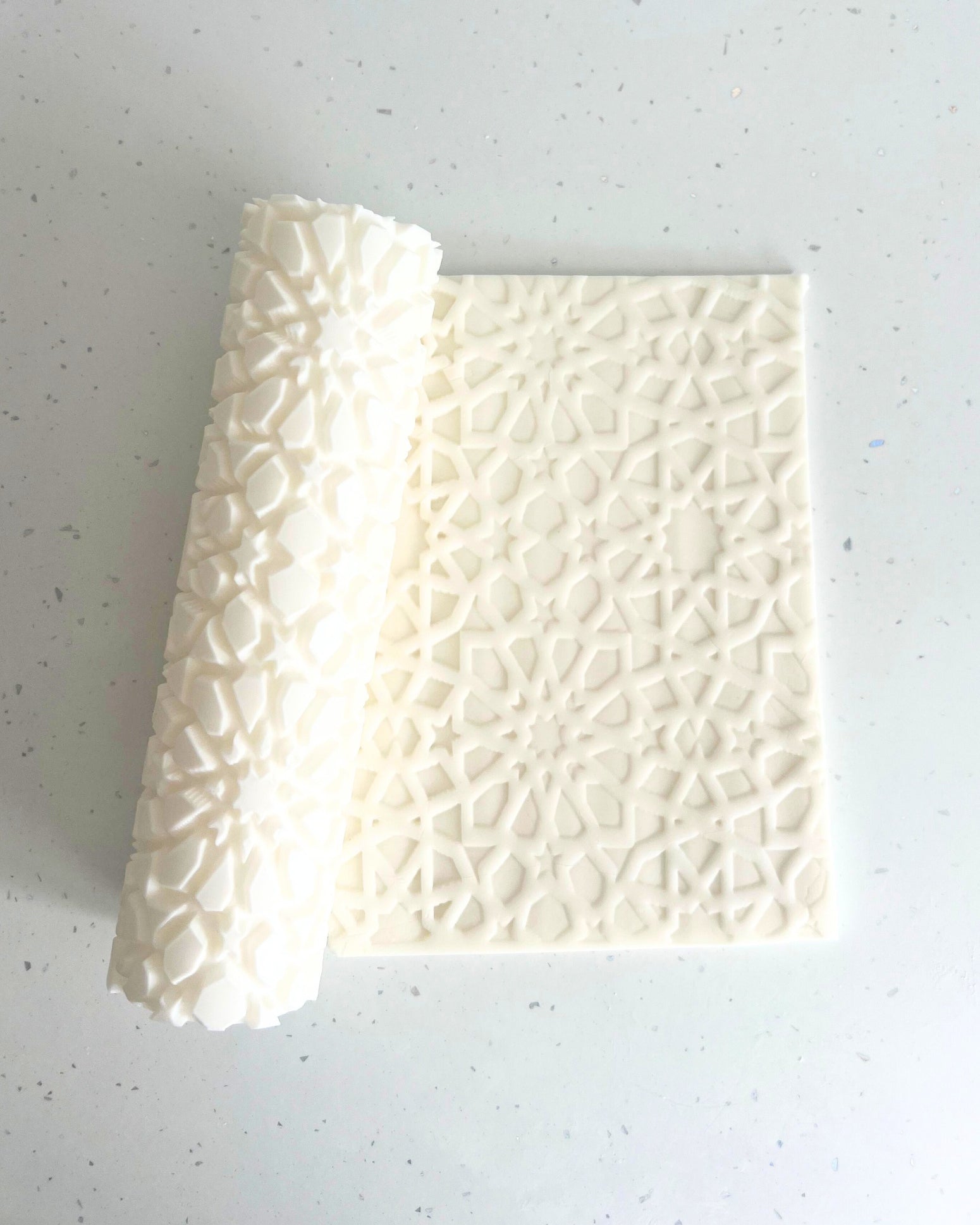
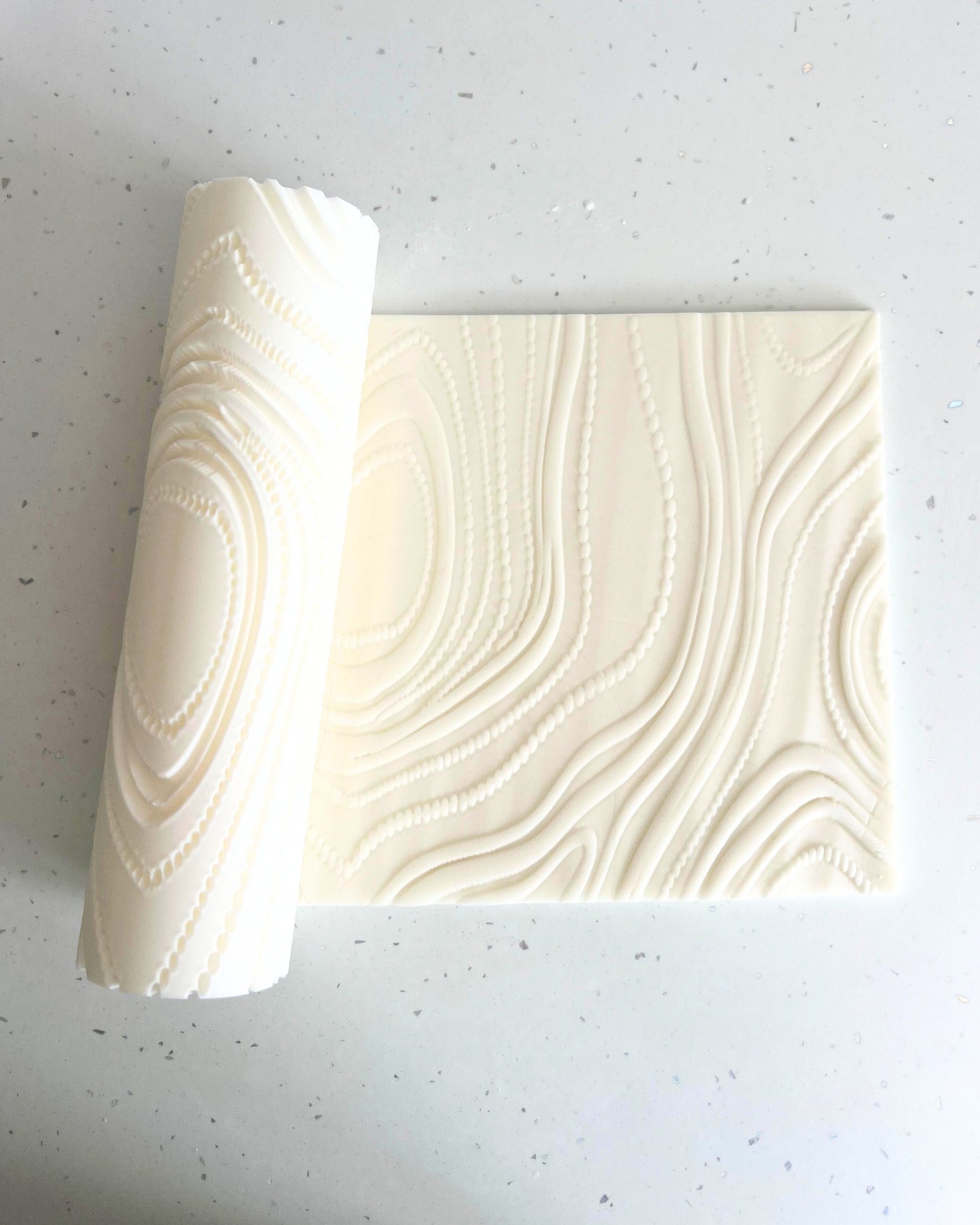
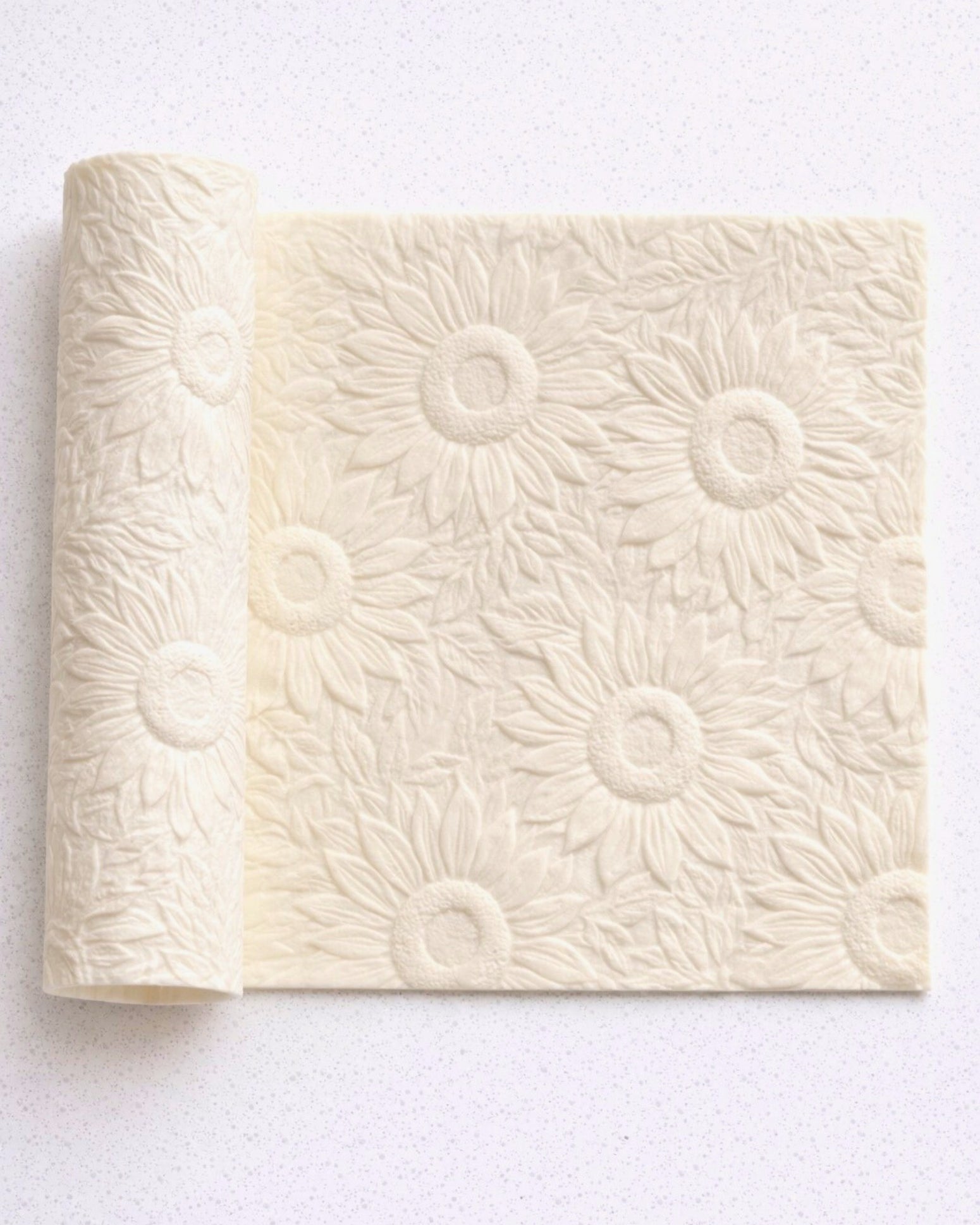
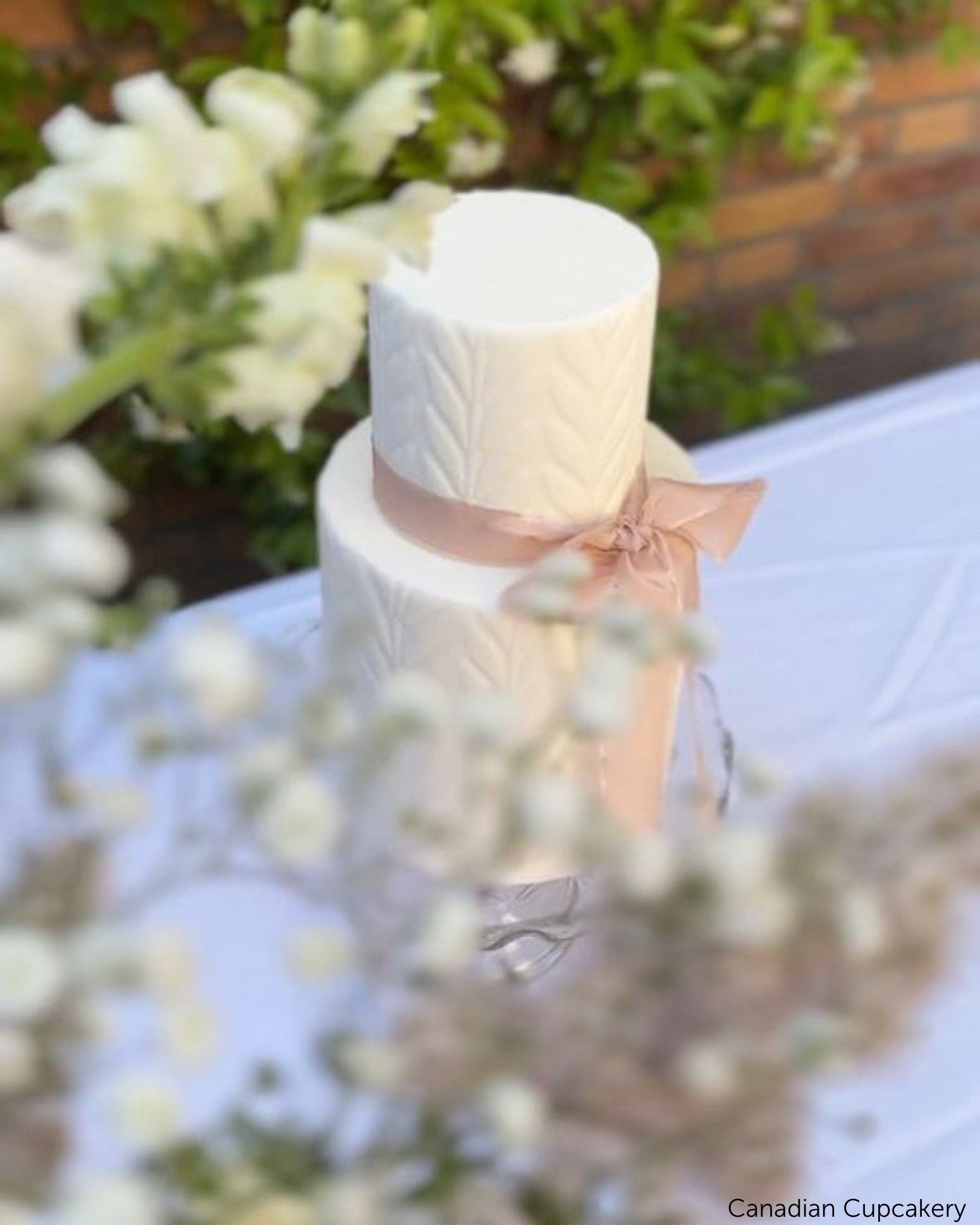
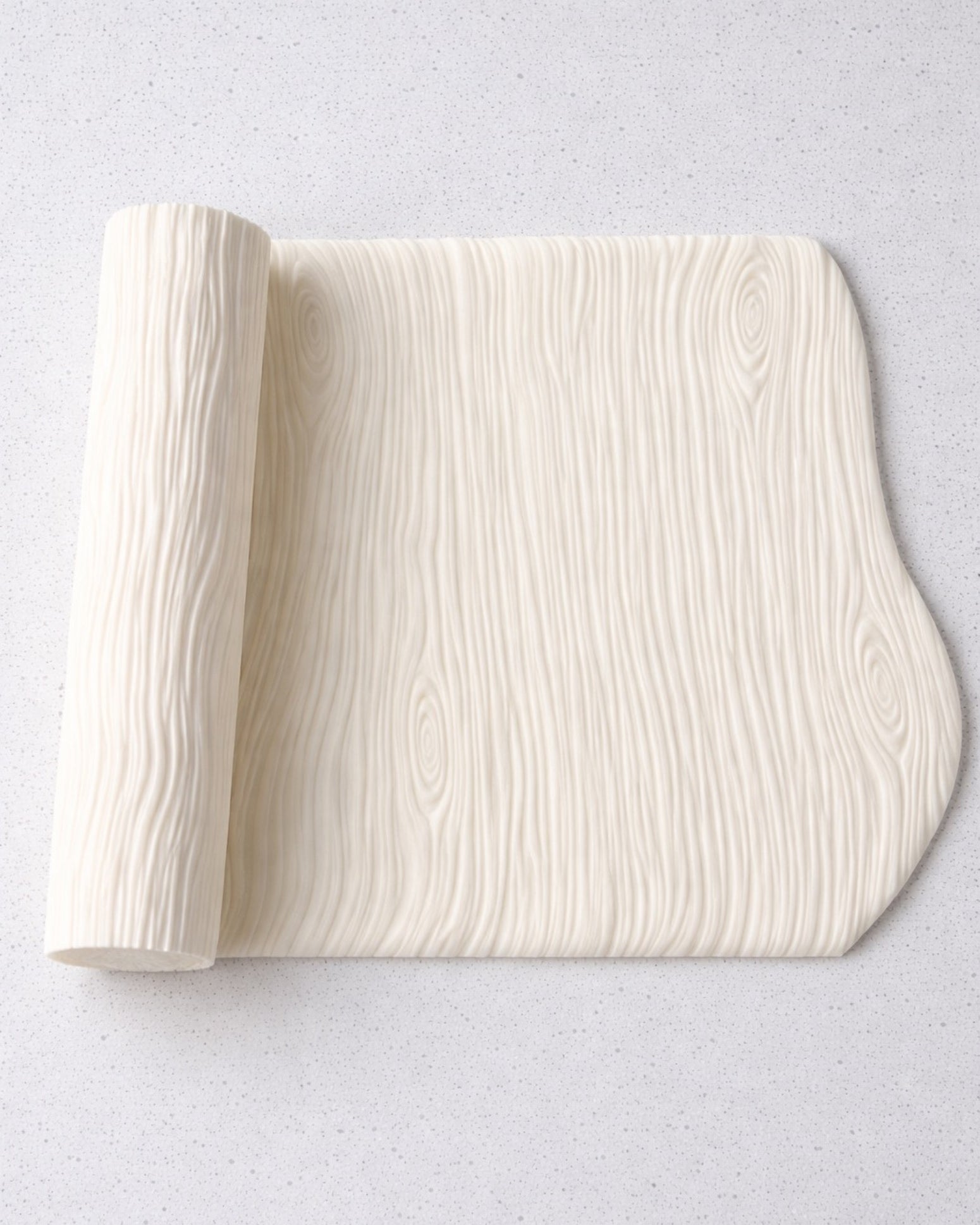
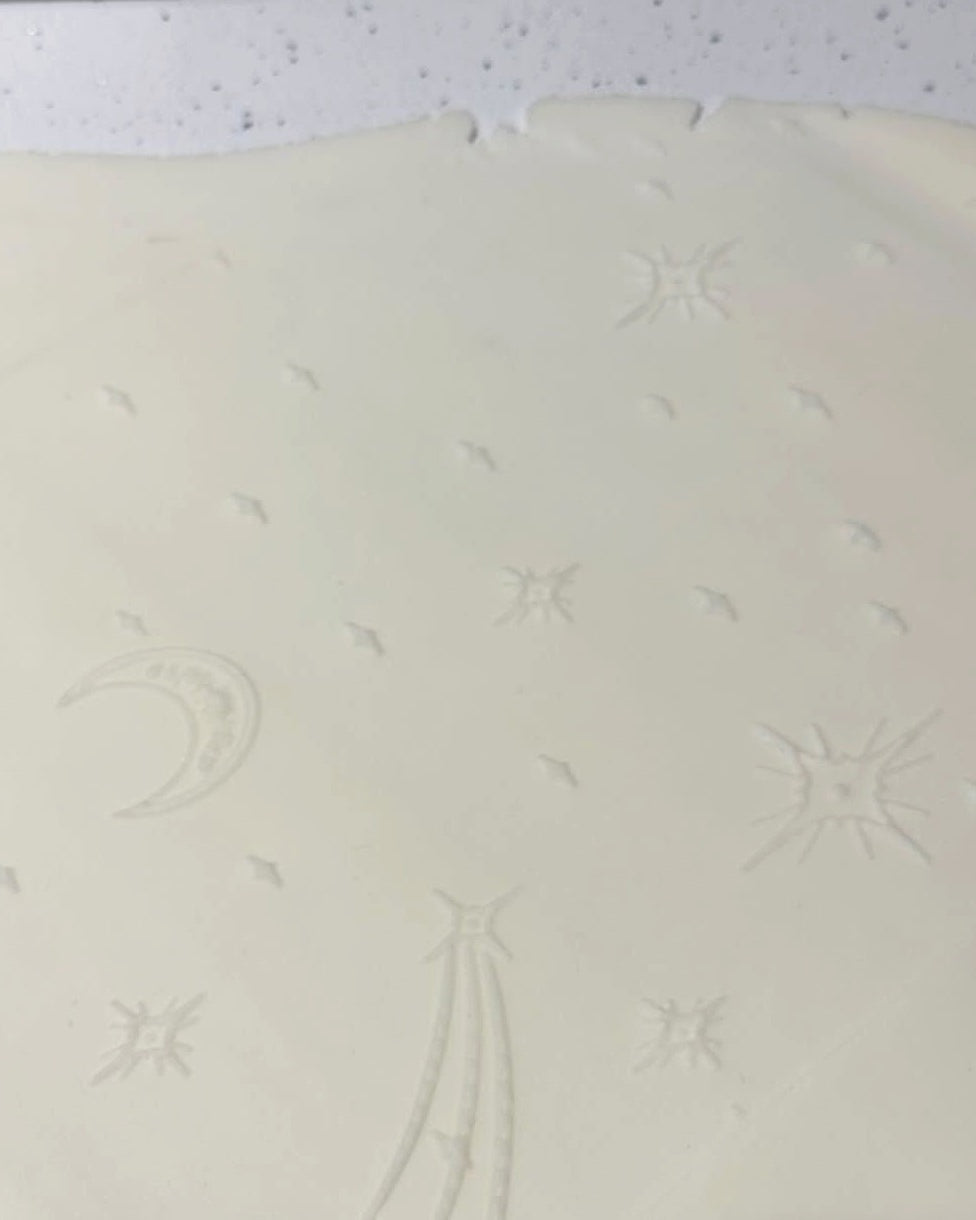
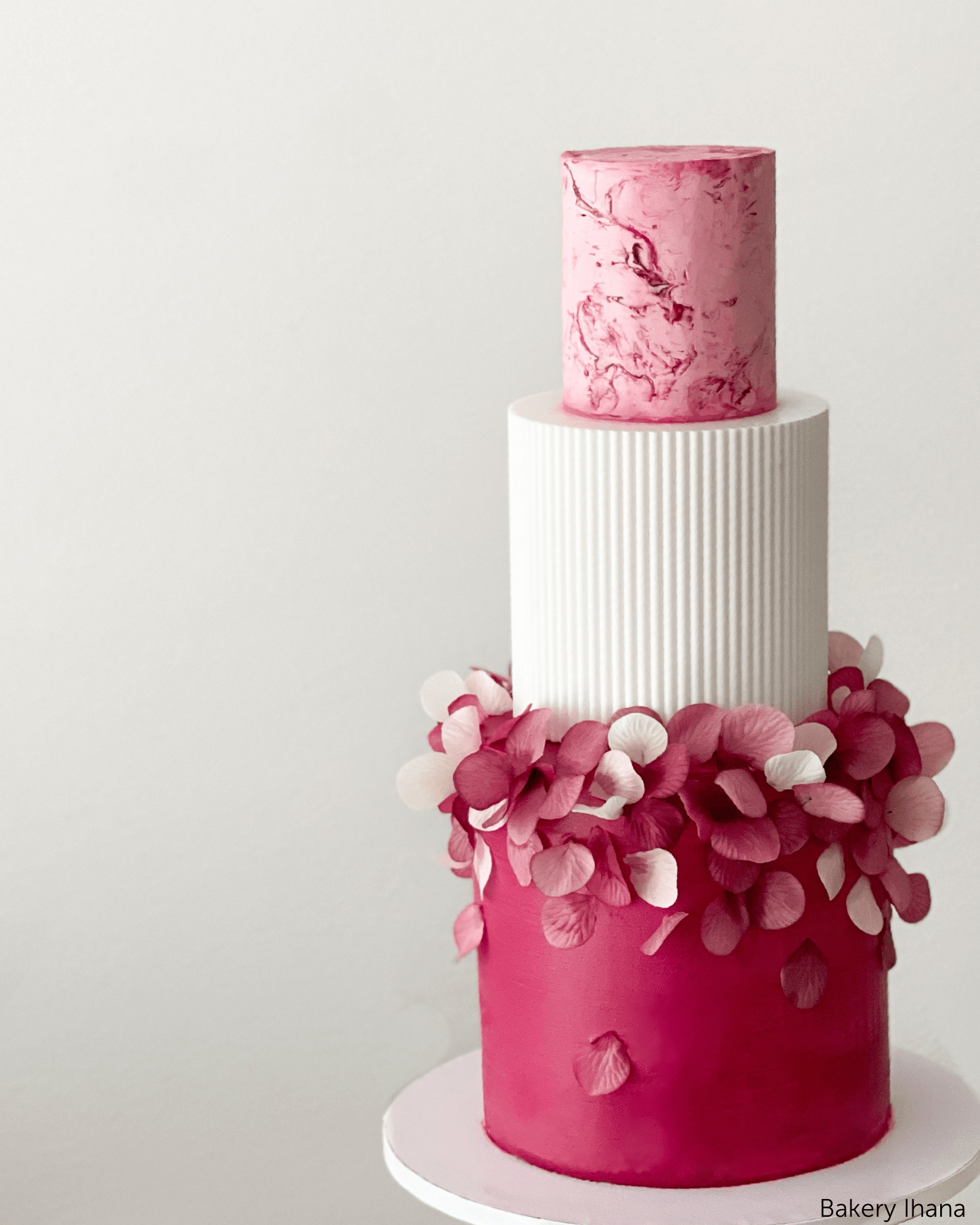
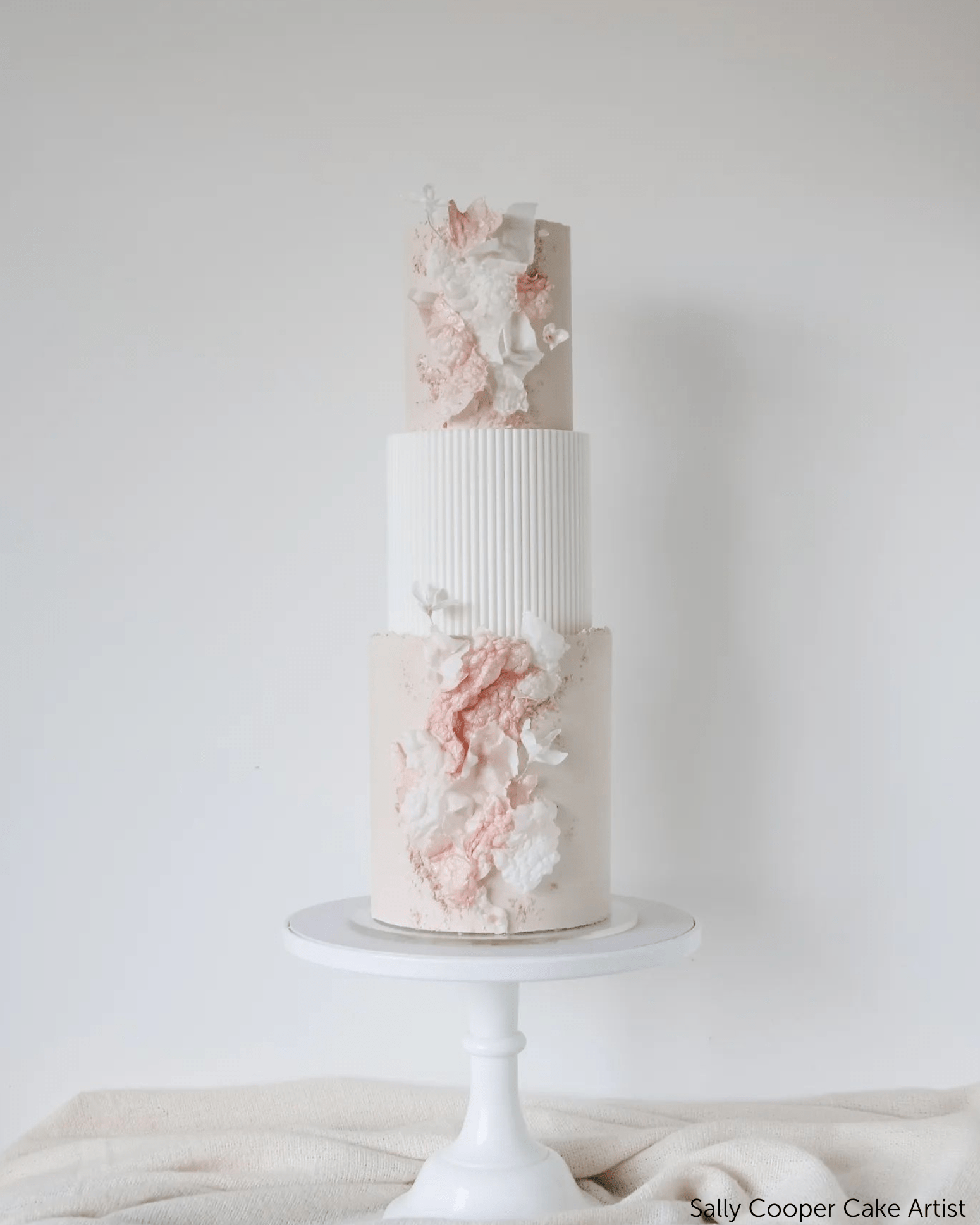
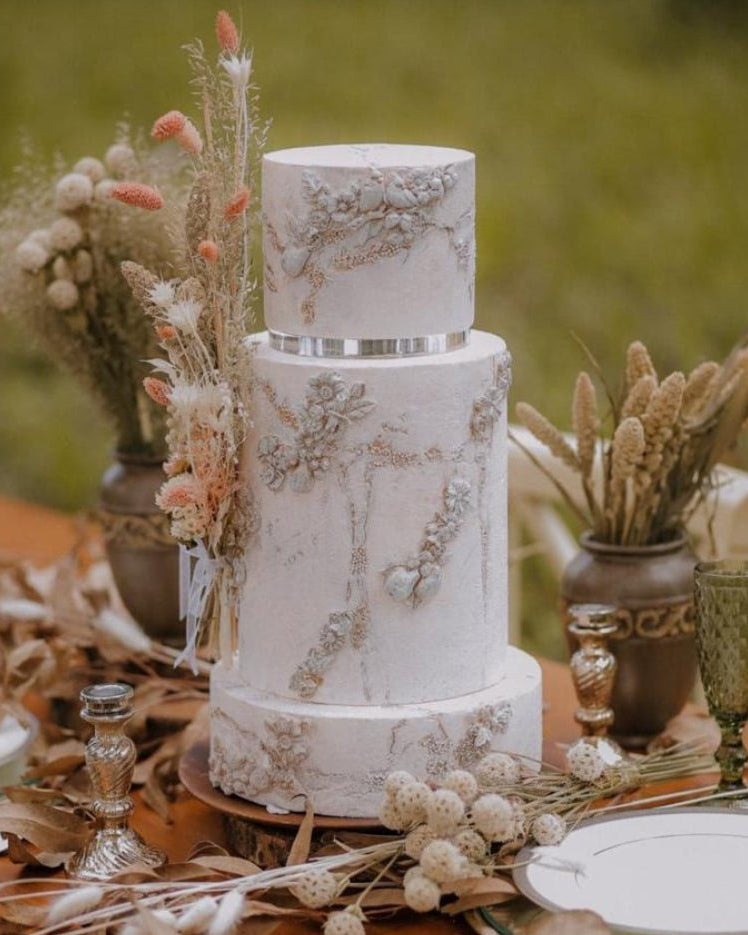
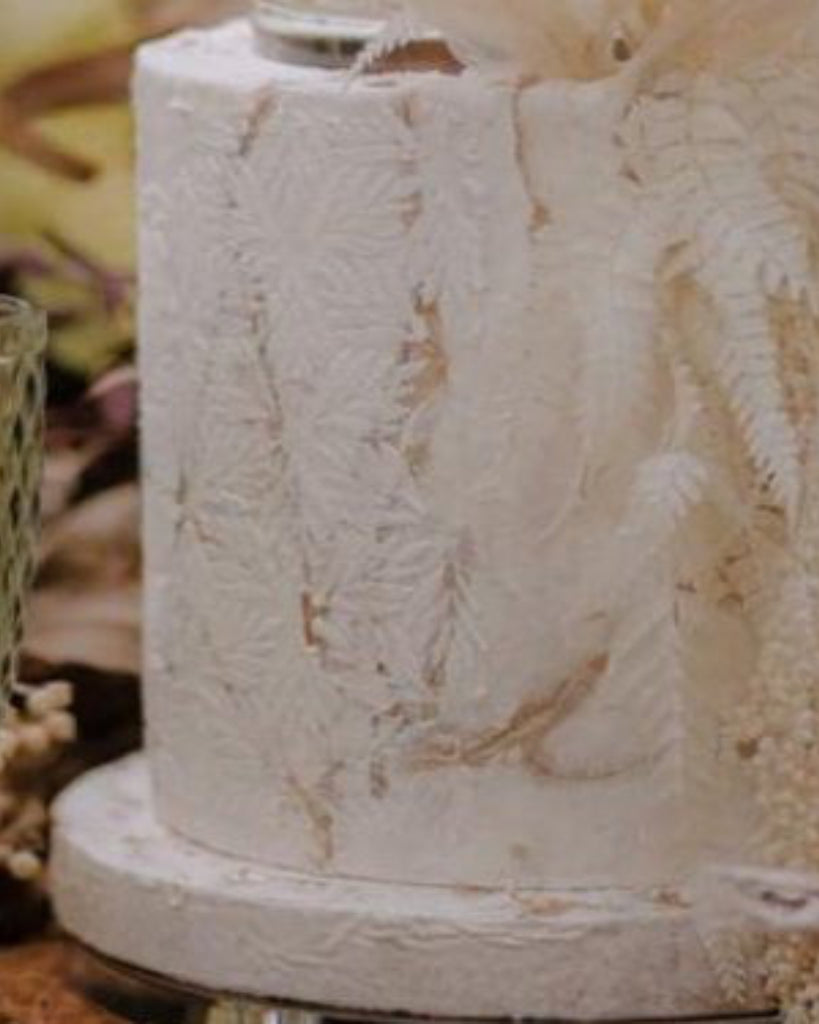
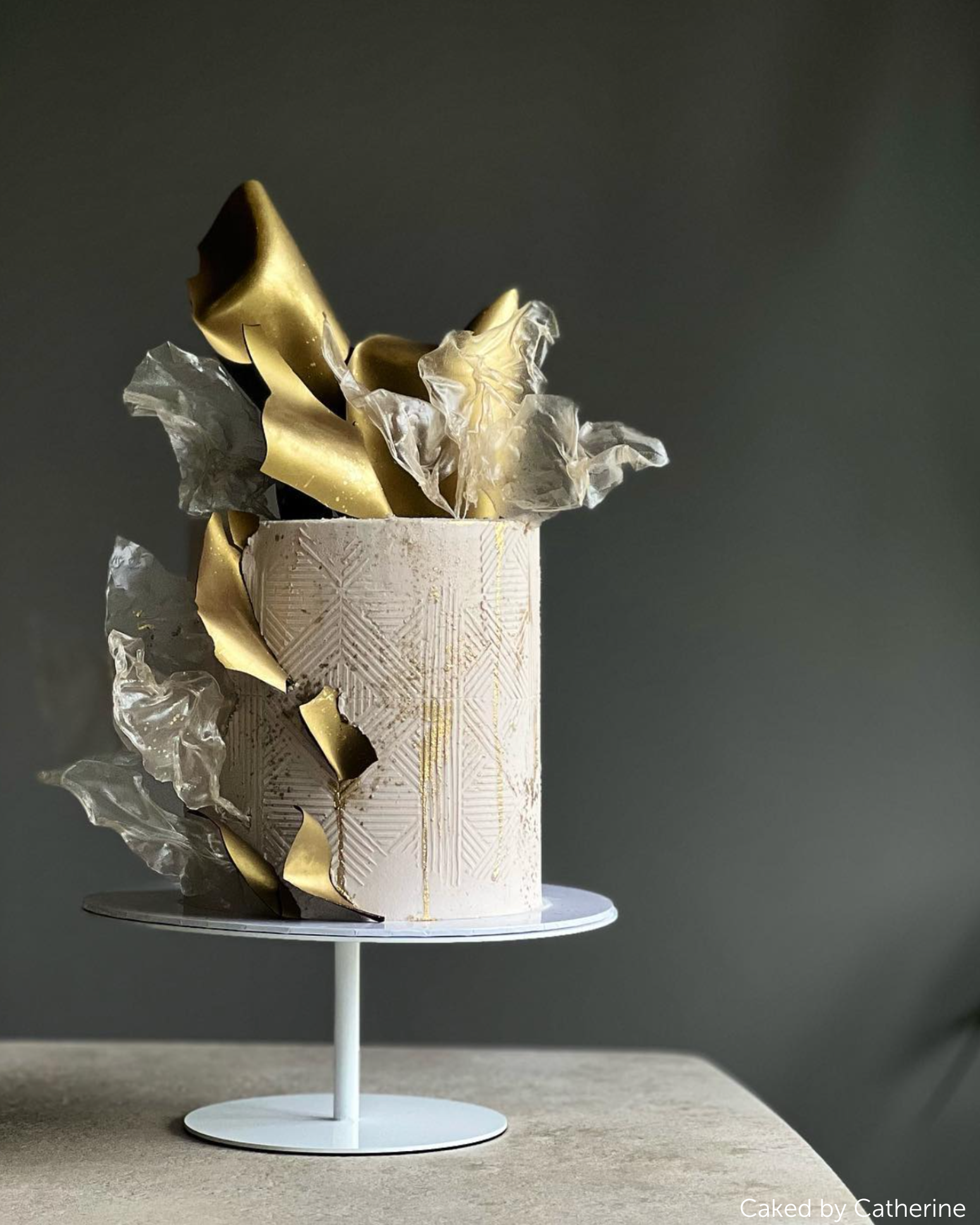
- Add texture. Use stamps that match the texture rolling pins you actually own, so the finish you show is the finish you can roll.
- Colour and light it. Client palette, a soft shadow under the cake, one light source. A few minutes here is the difference between a drawing and “my cake”.
- Send it for sign-off. Export as JPEG or PDF with a short note asking them to confirm. Get the yes in writing before you buy an ingredient.
The full step-by-step version is here: how to sketch cakes digitally for clients using Procreate.
Sketch the prop, then order the prop
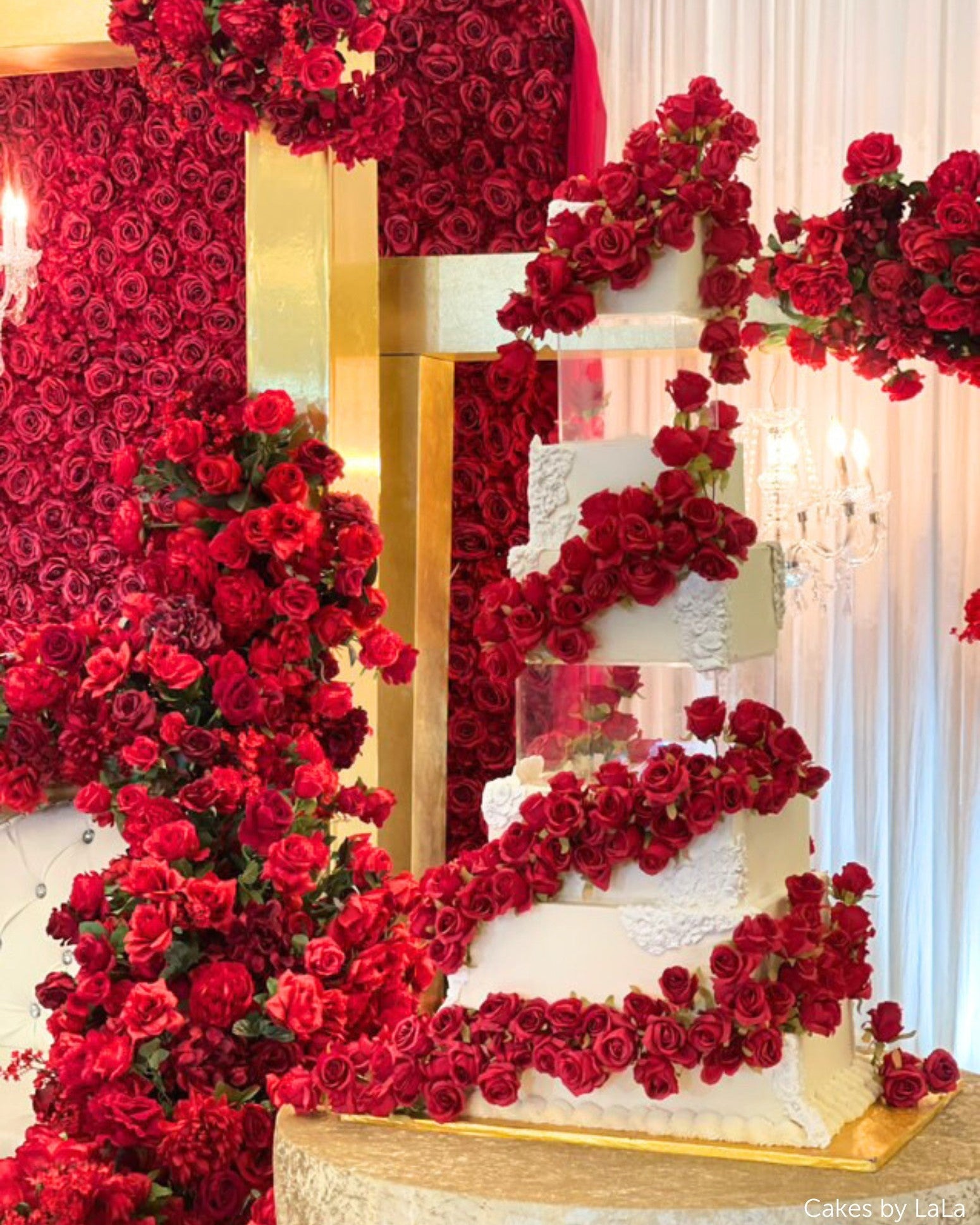
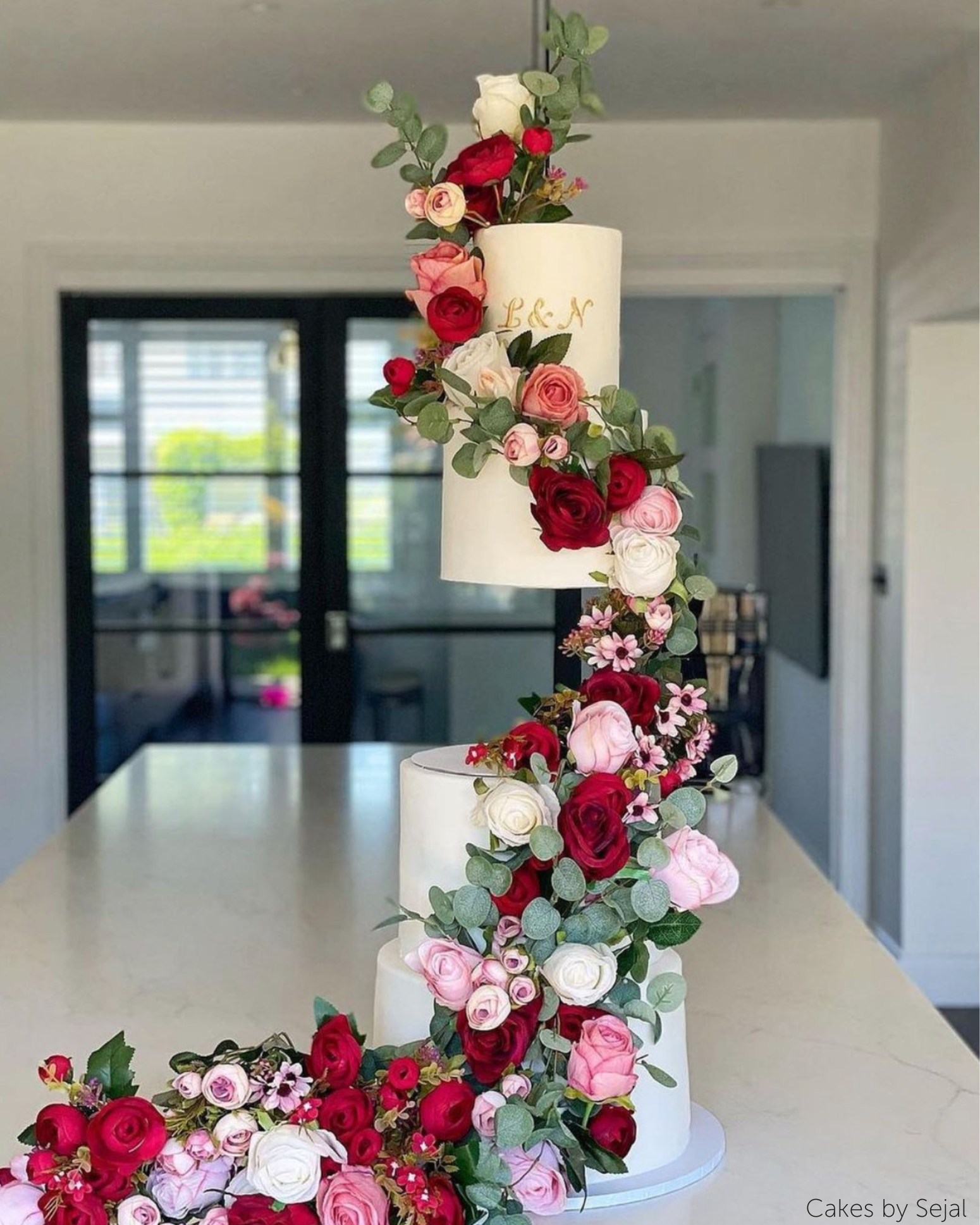
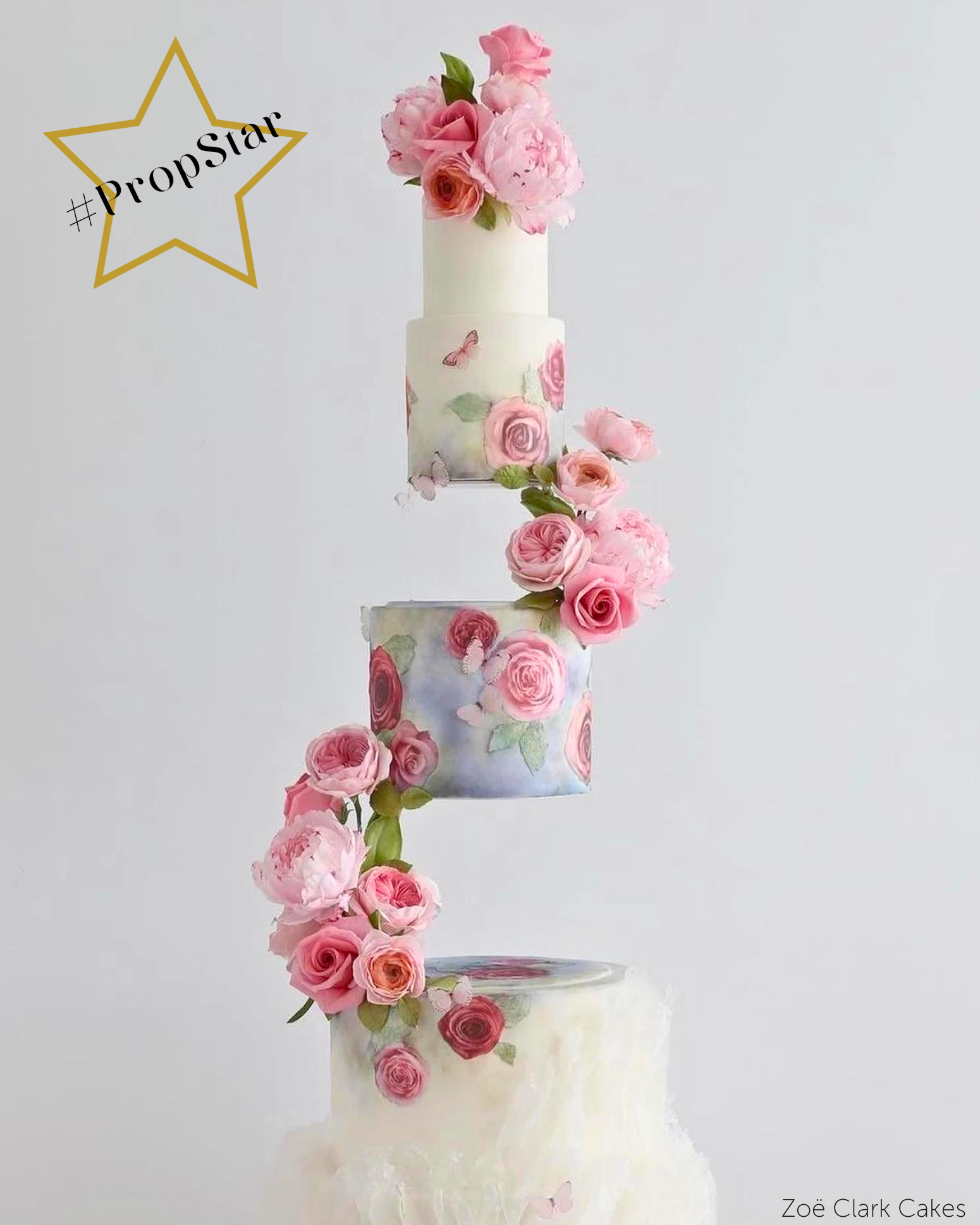
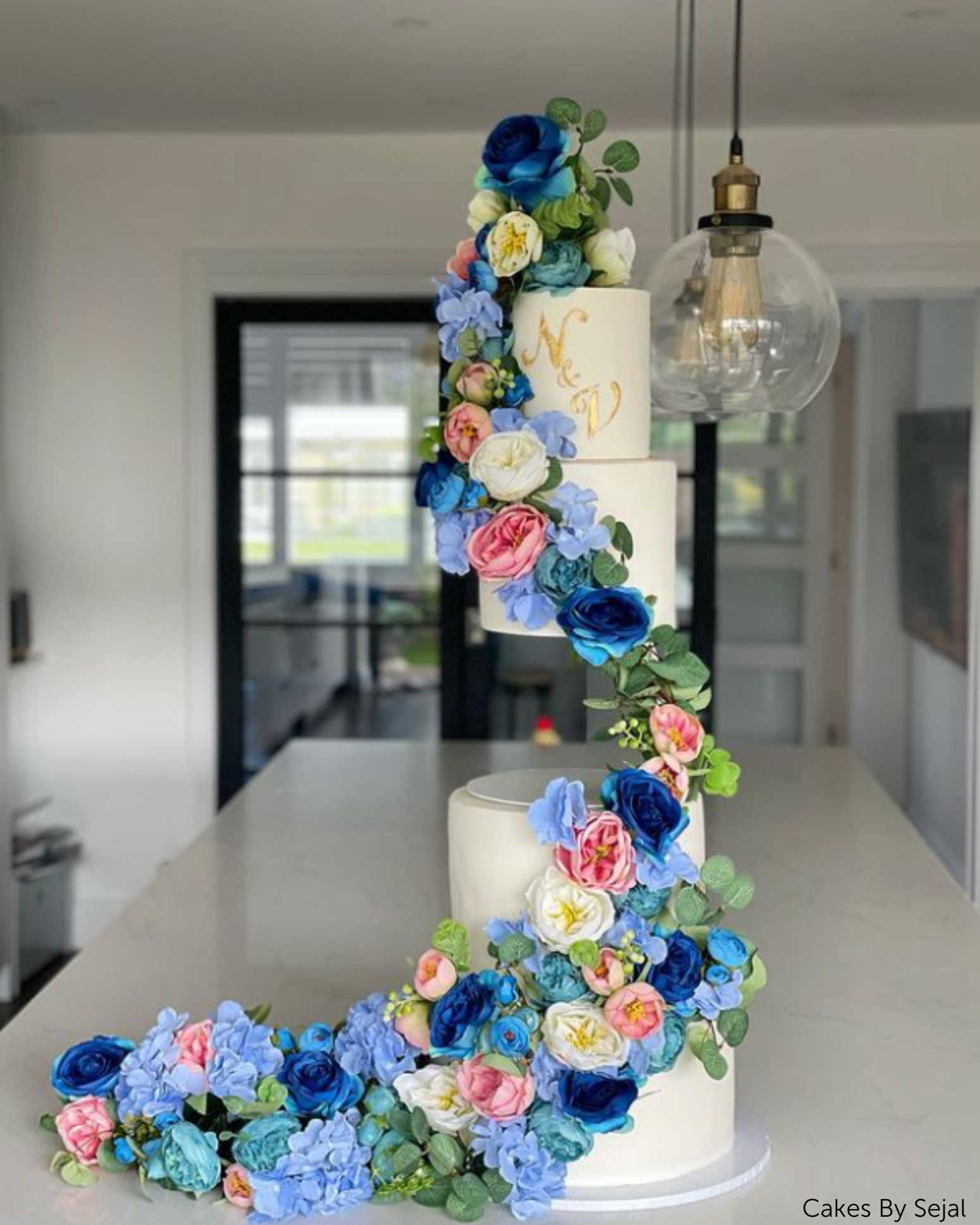
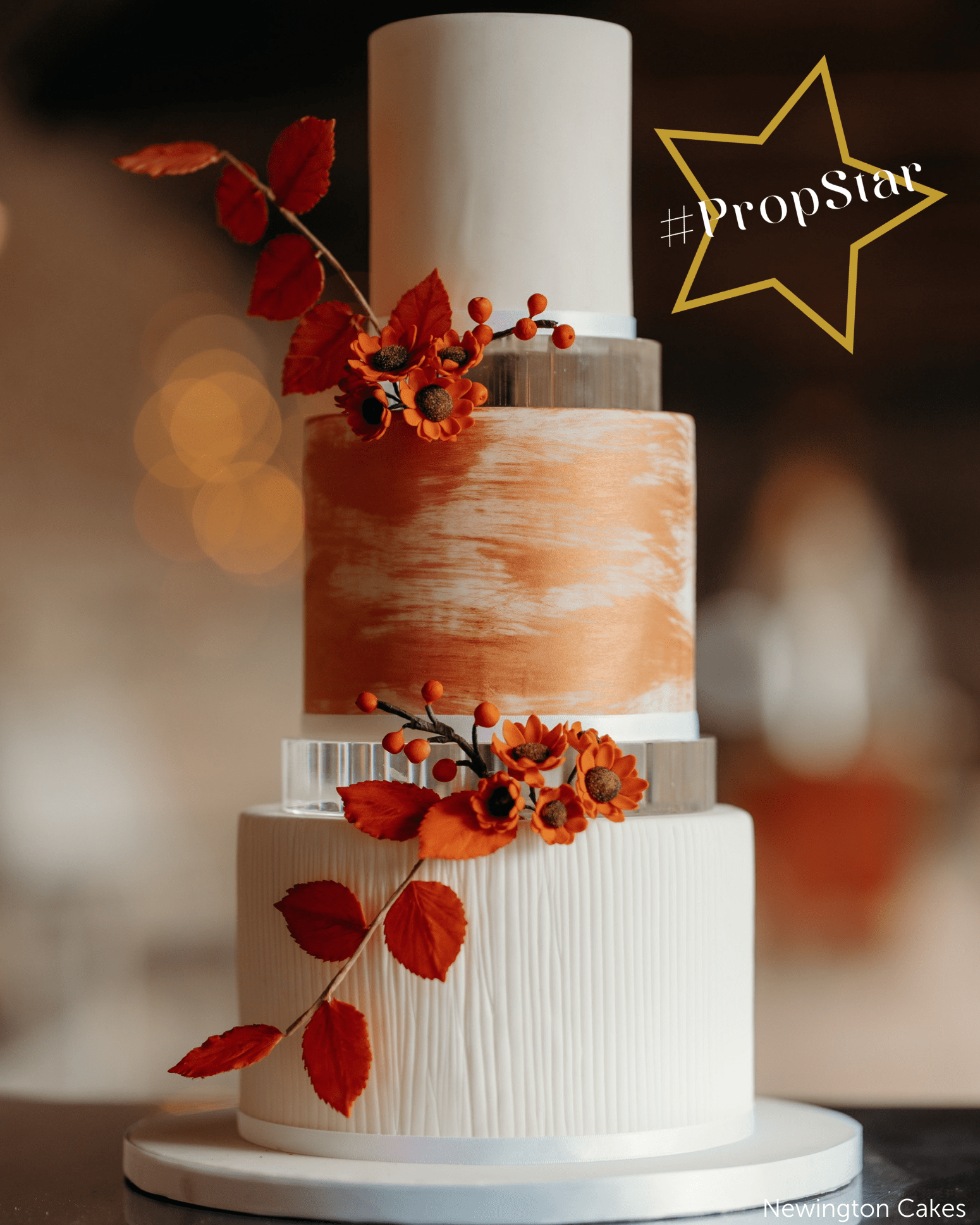
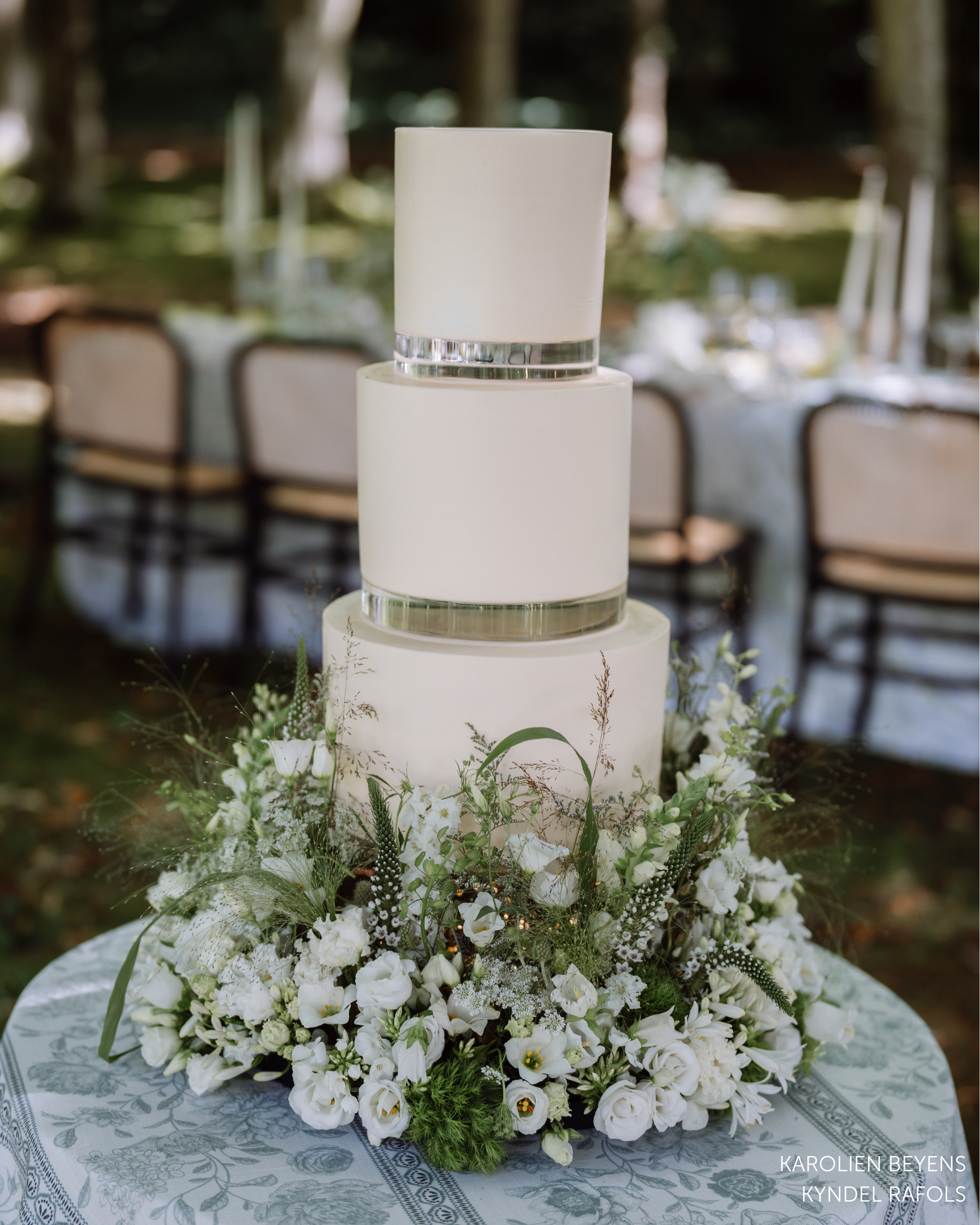
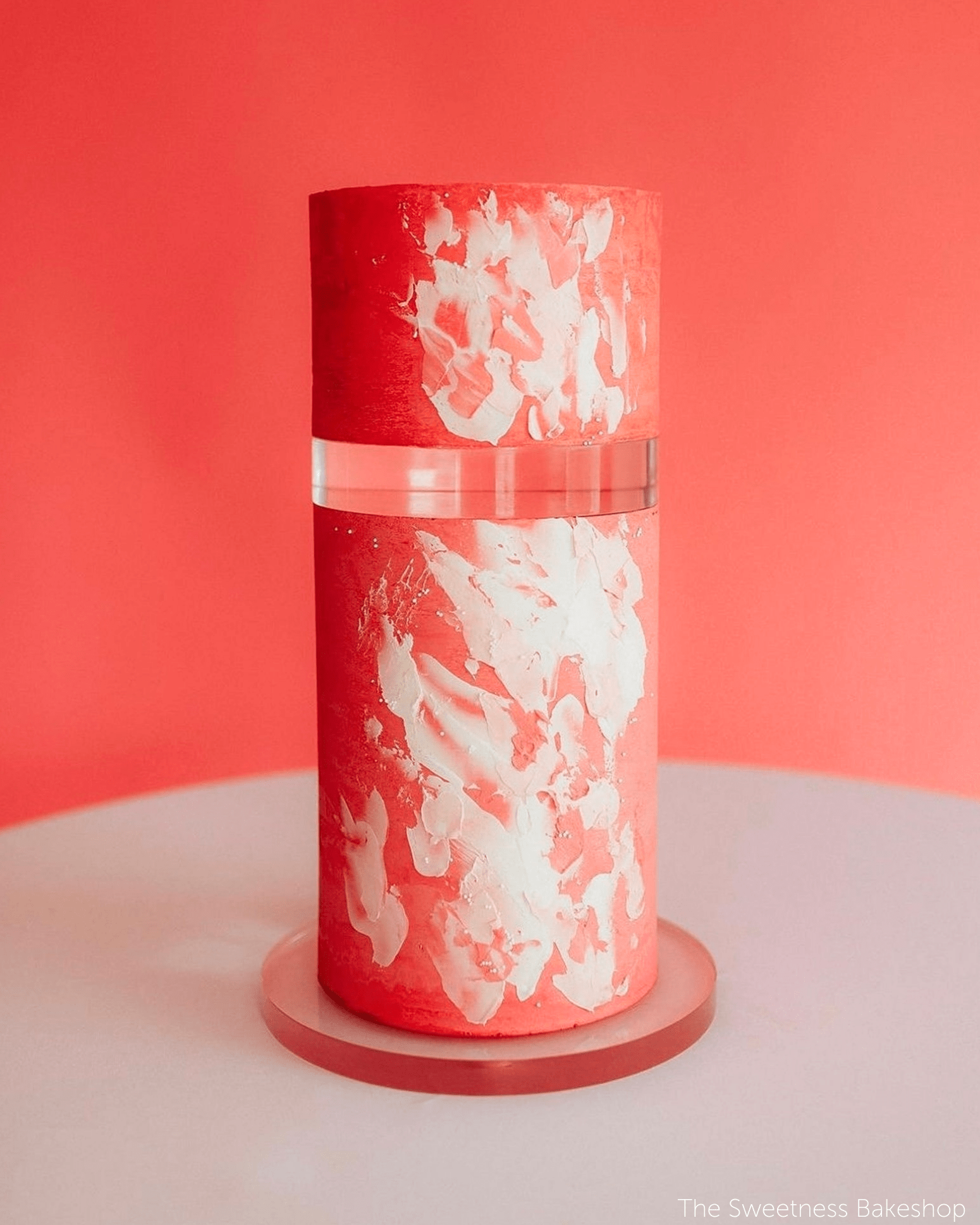
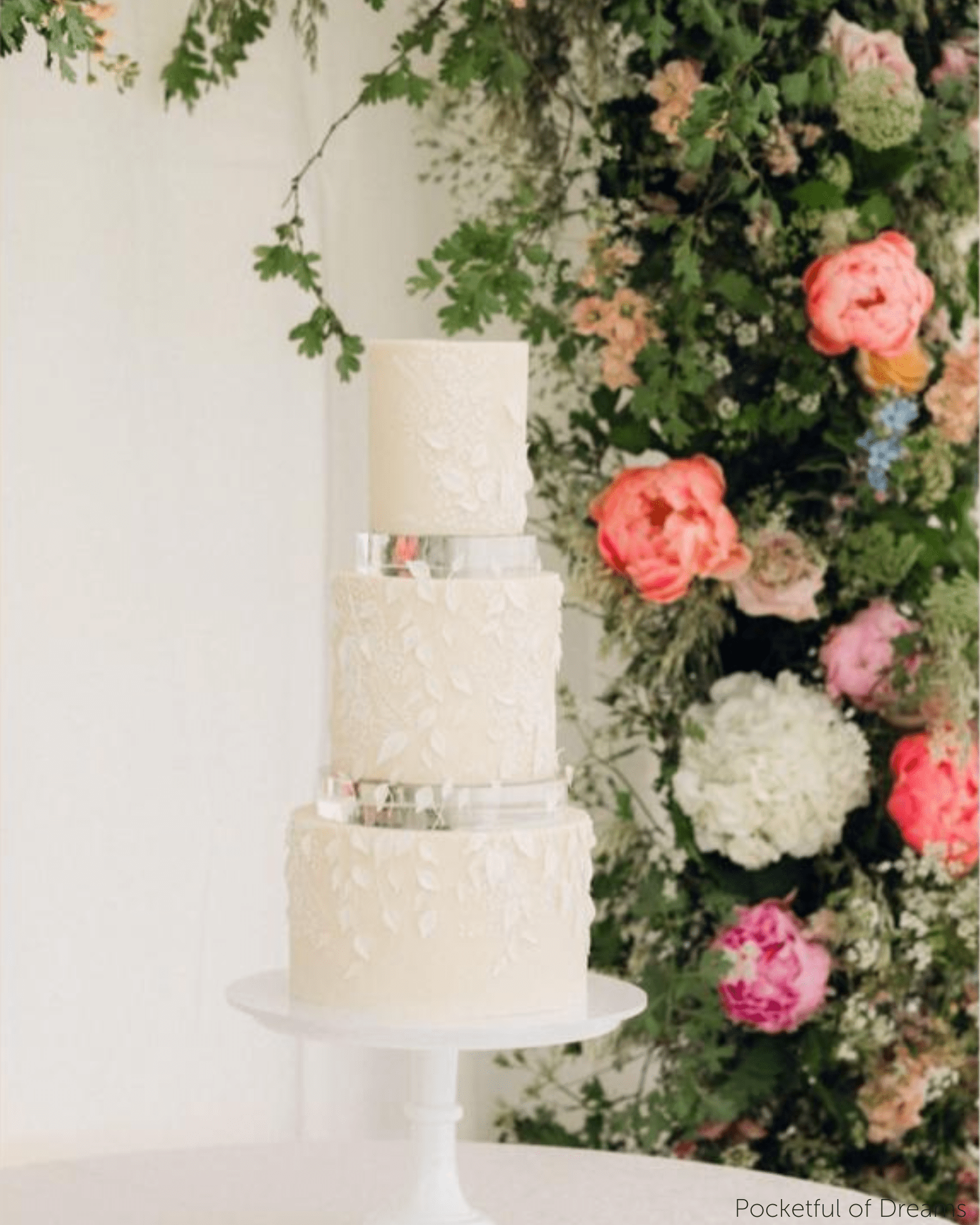
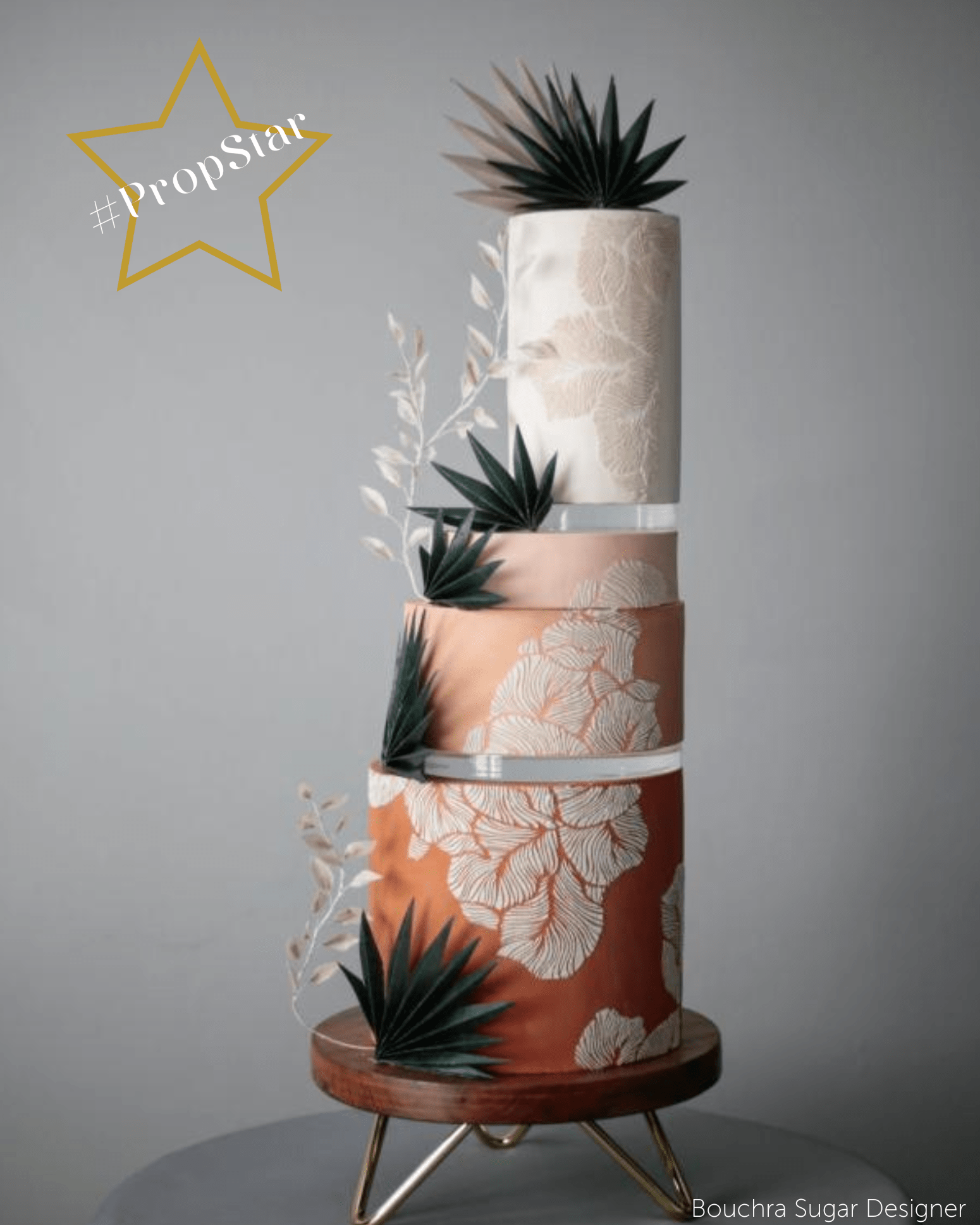
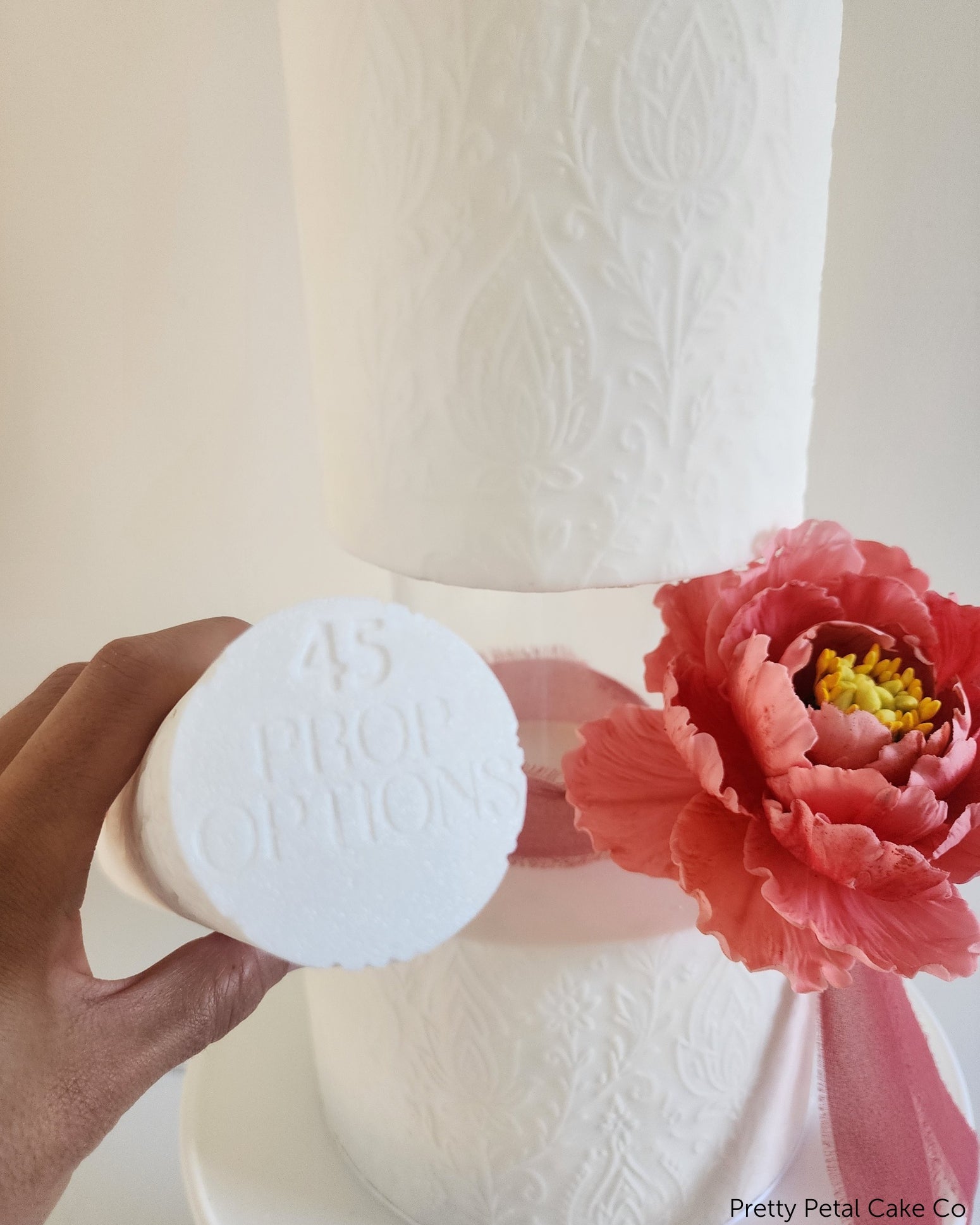
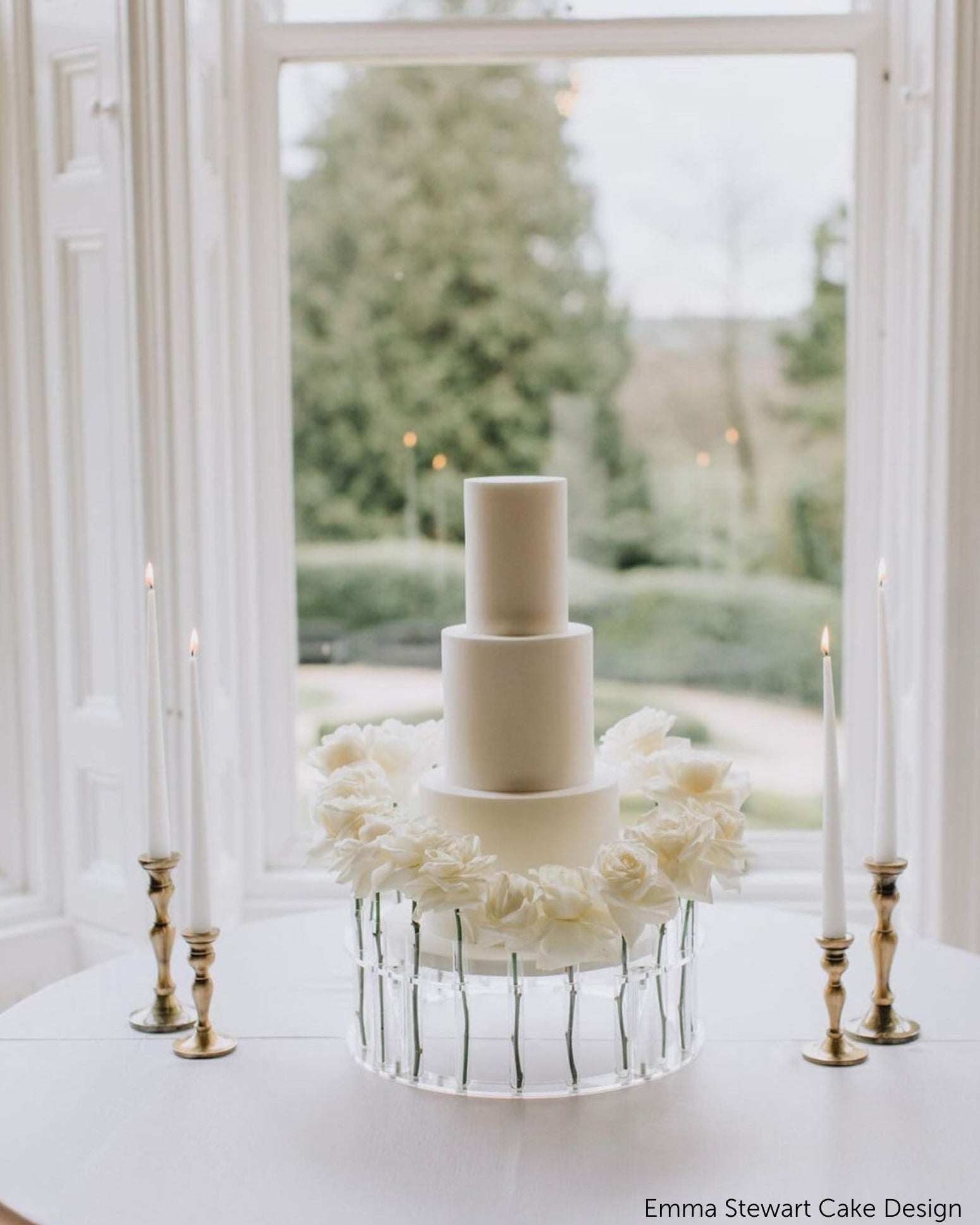
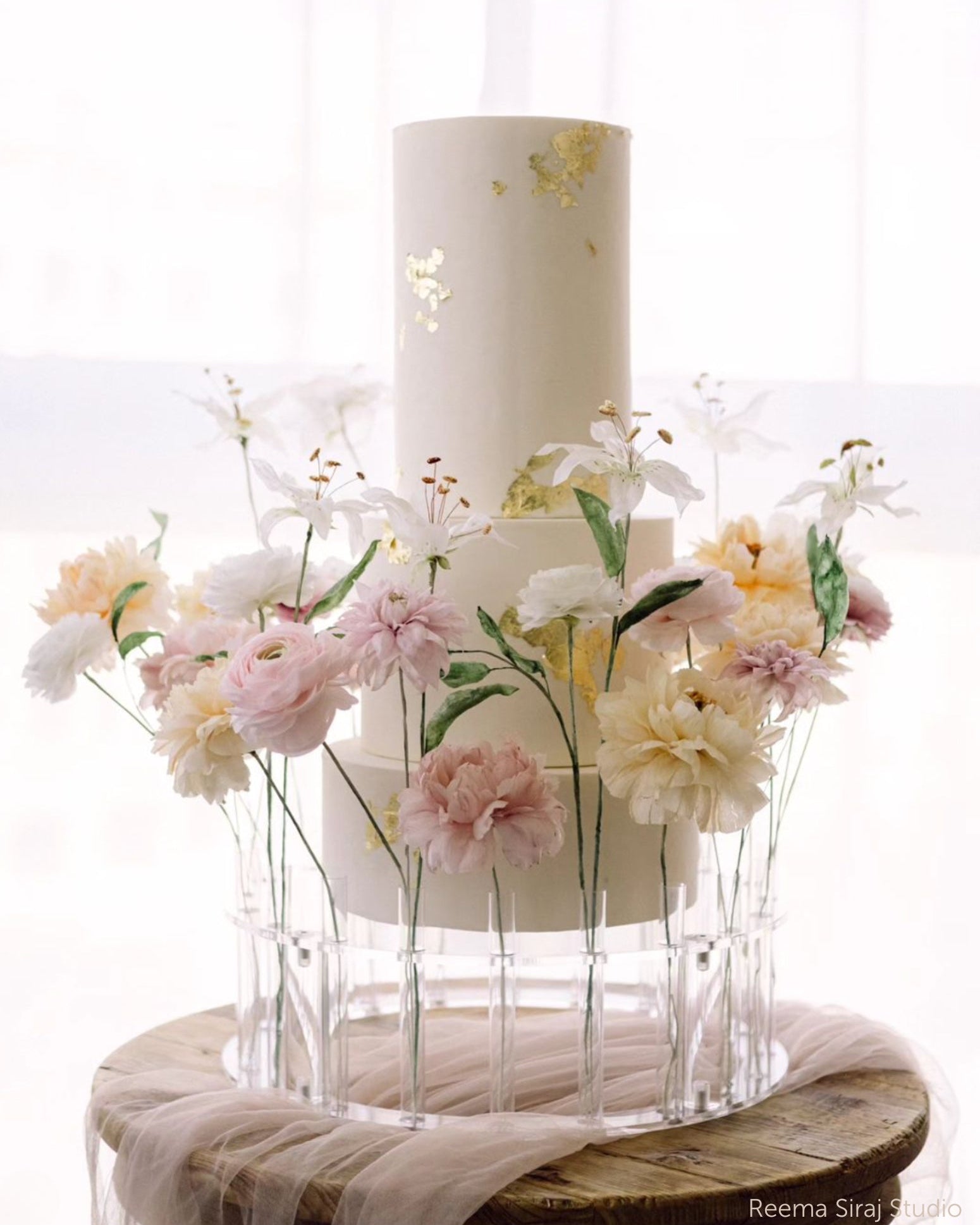
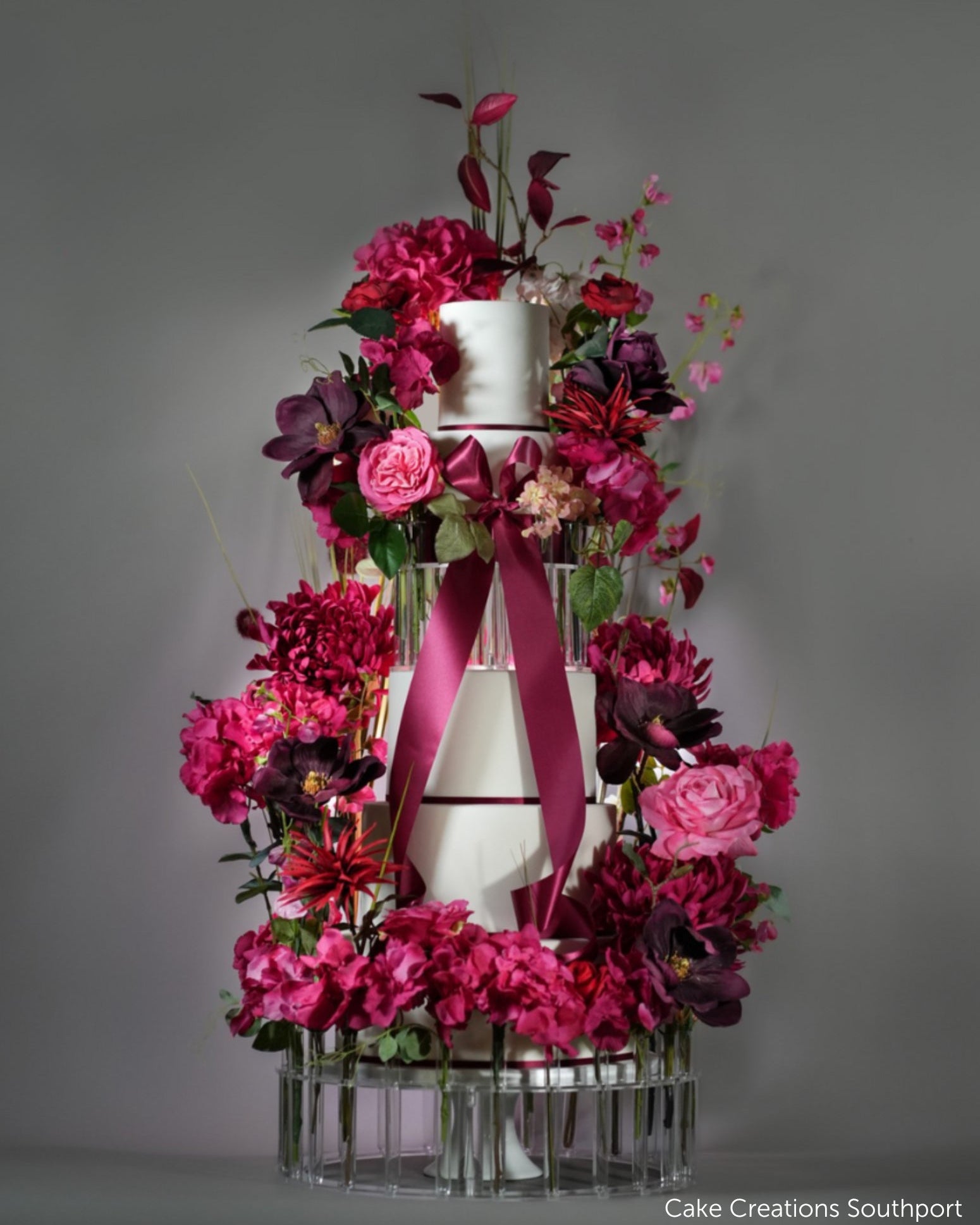
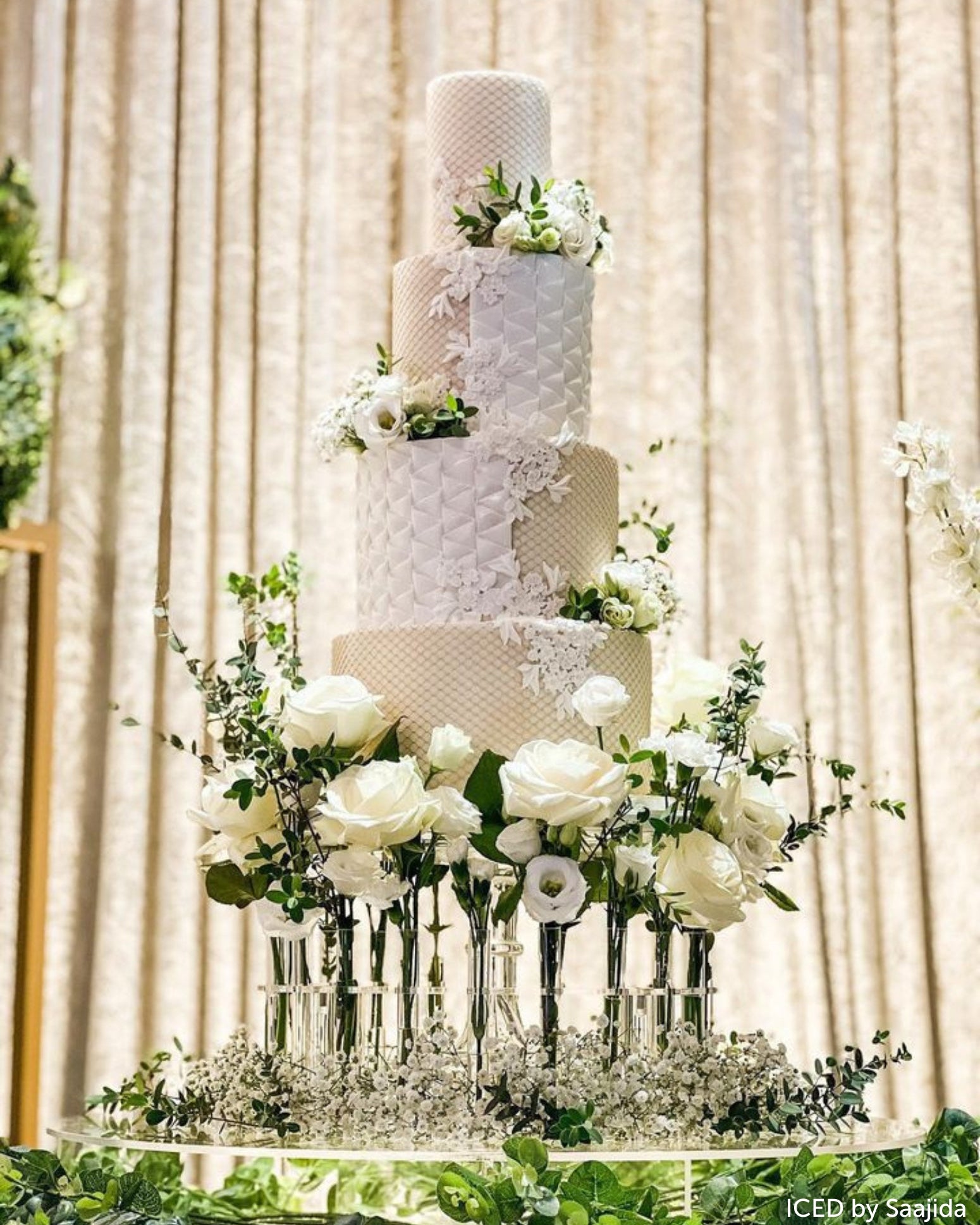
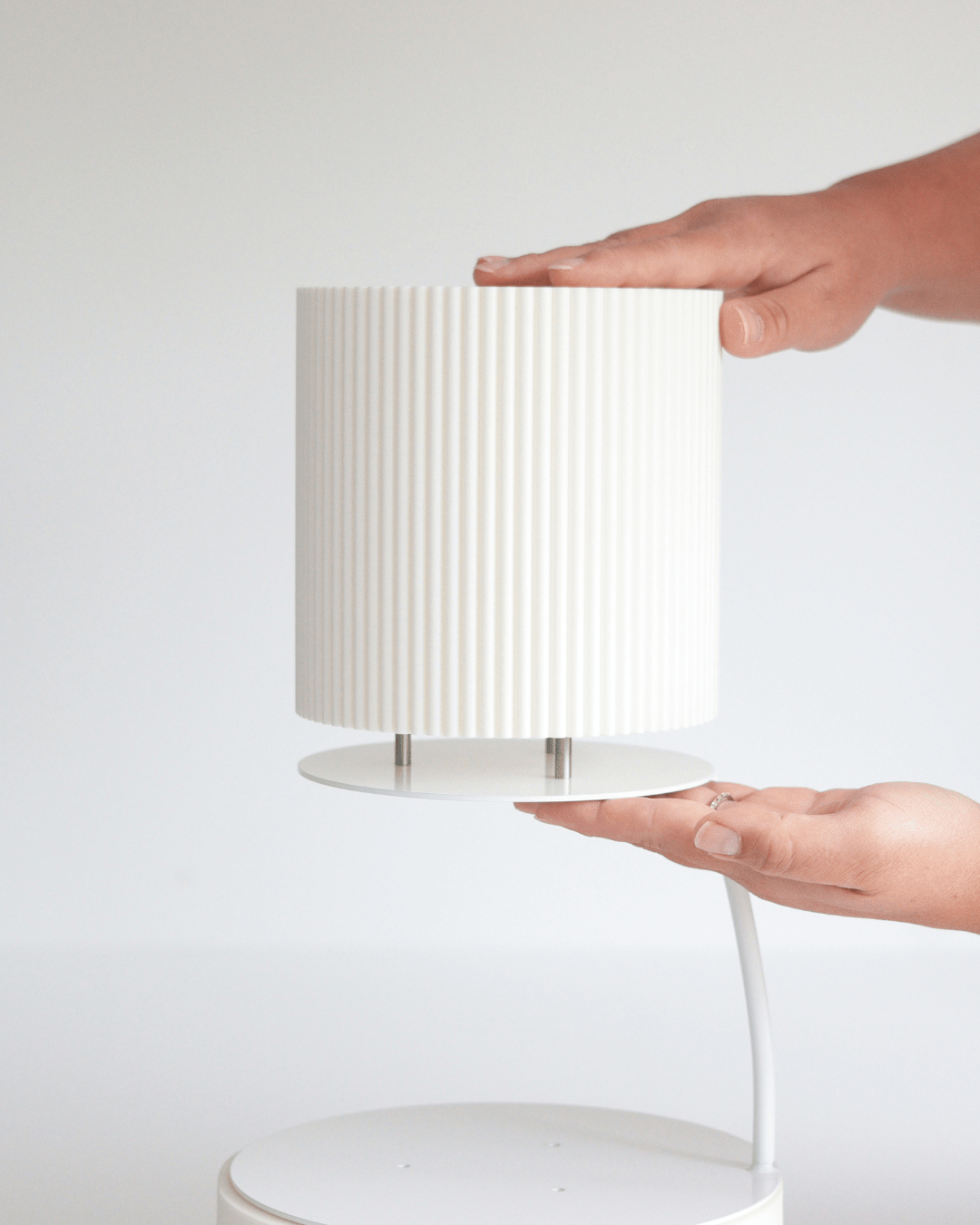
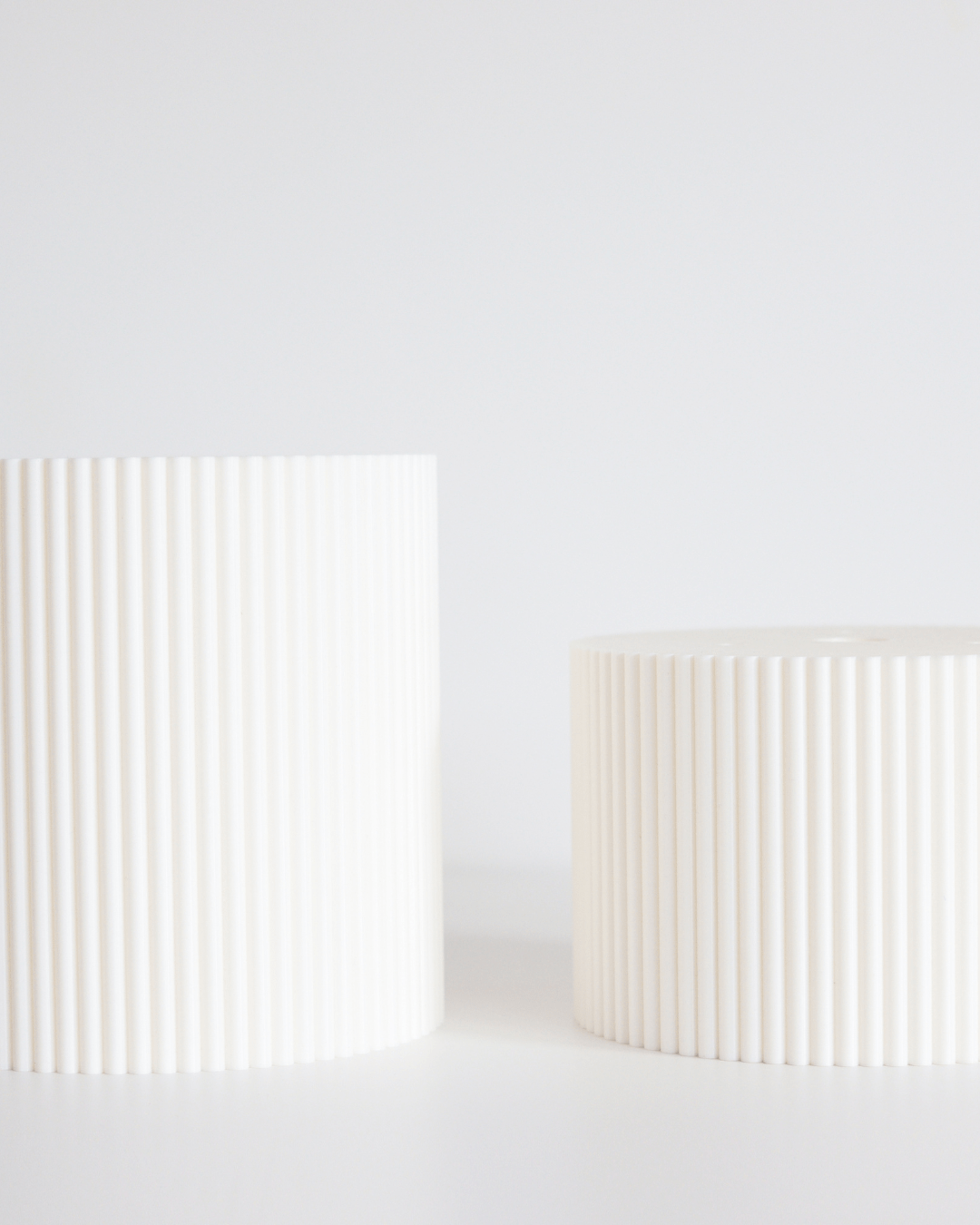
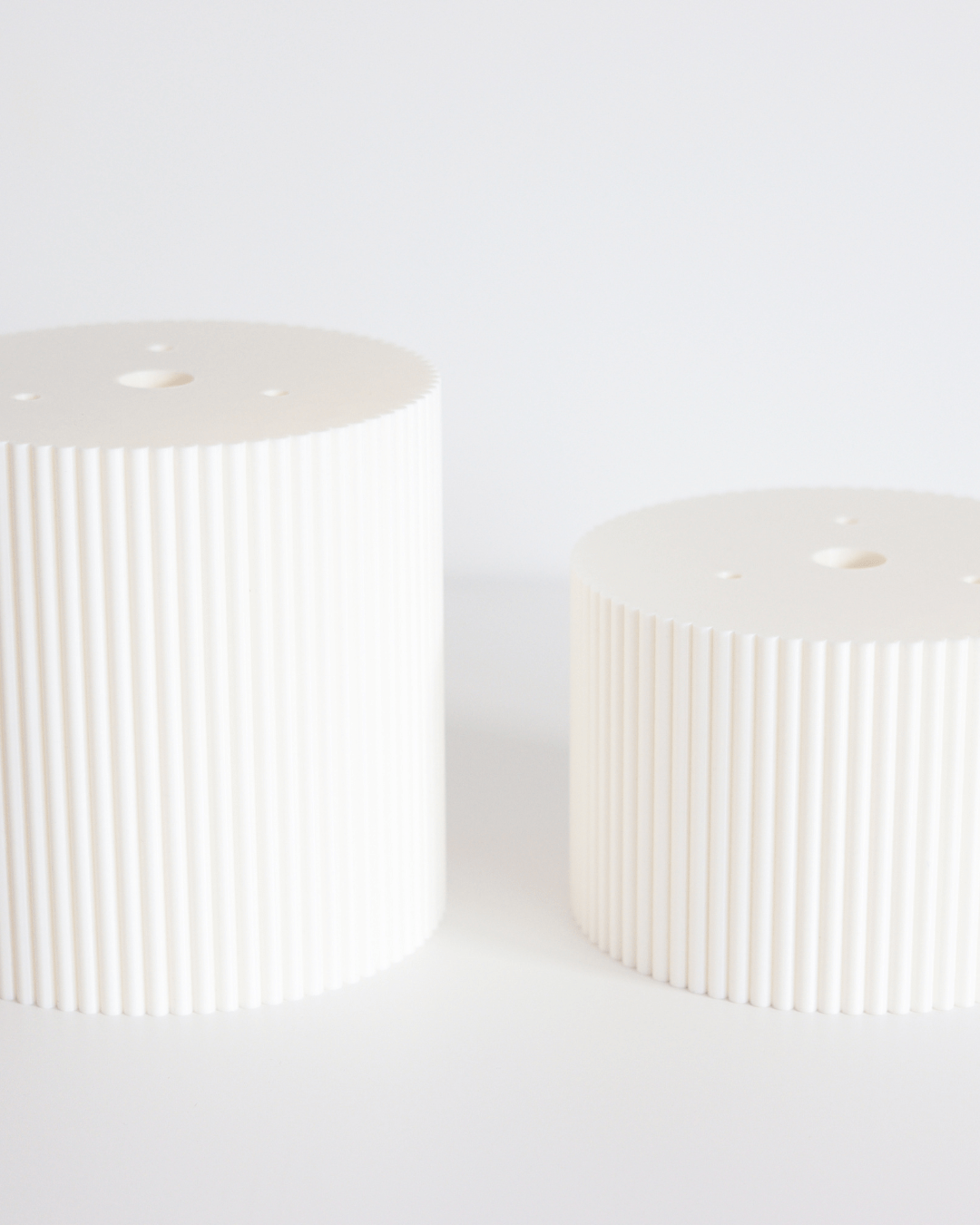
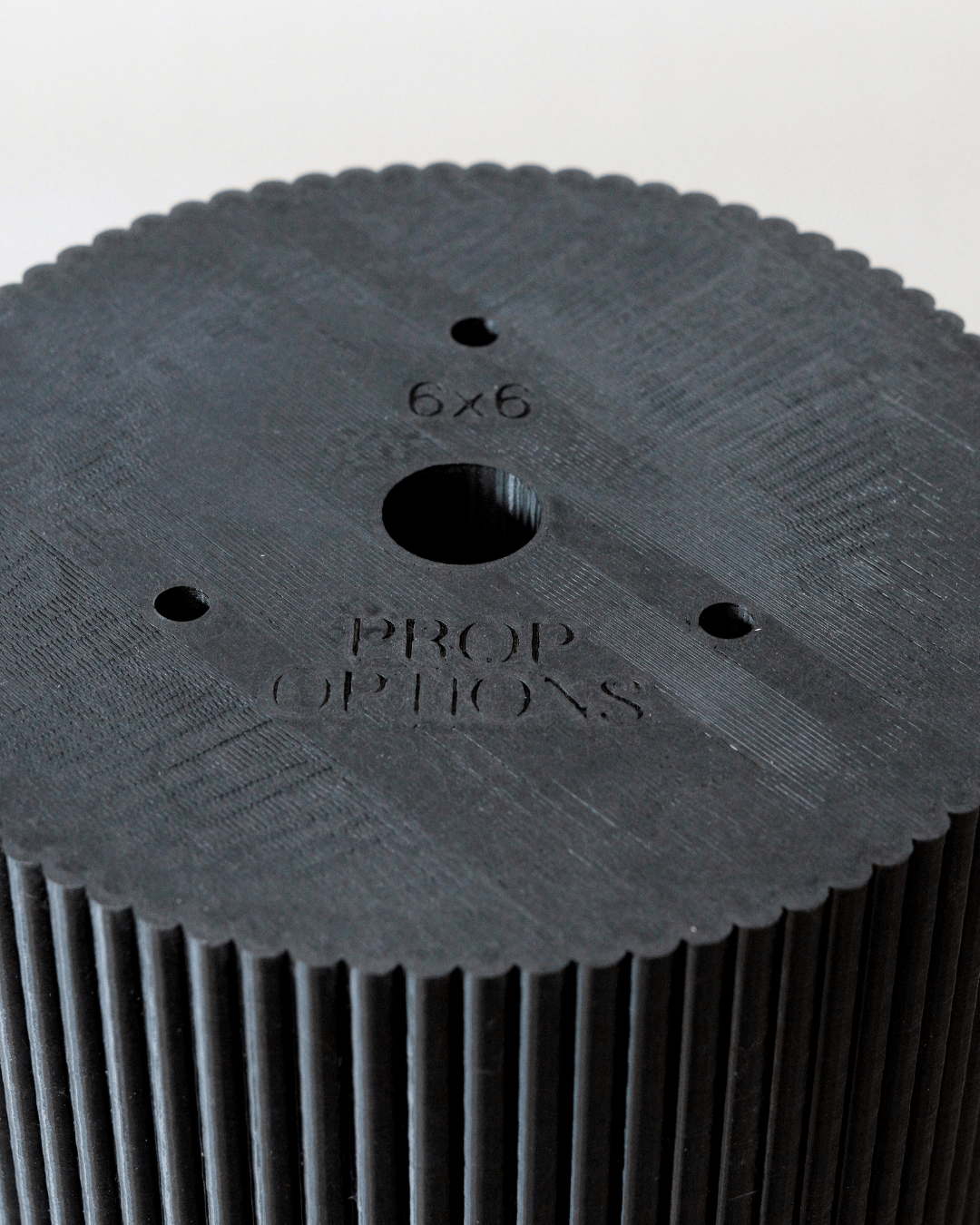
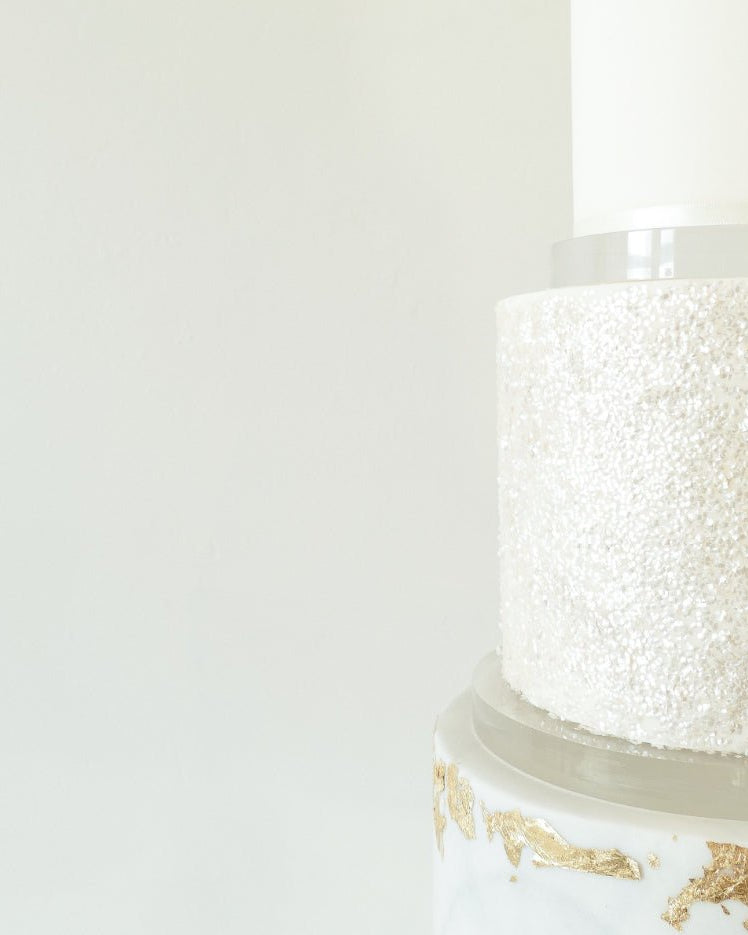
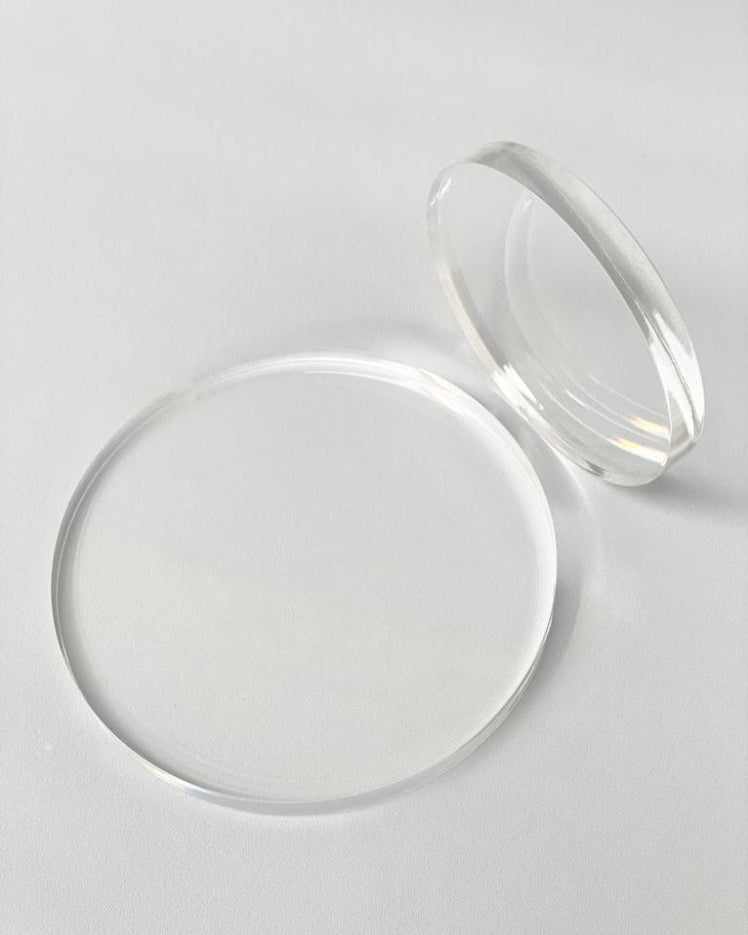
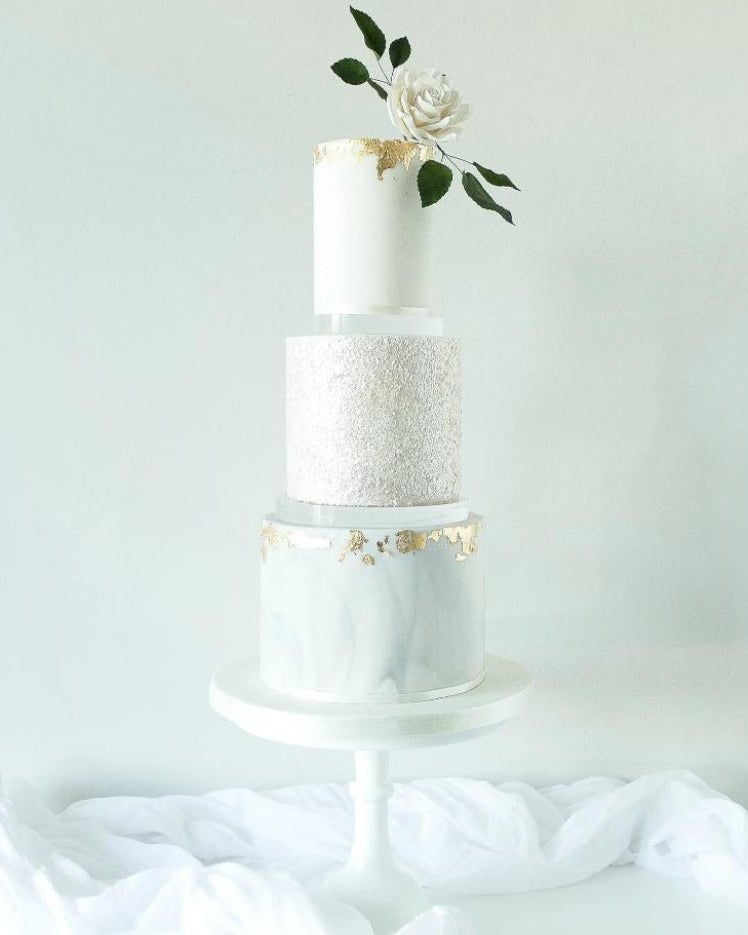
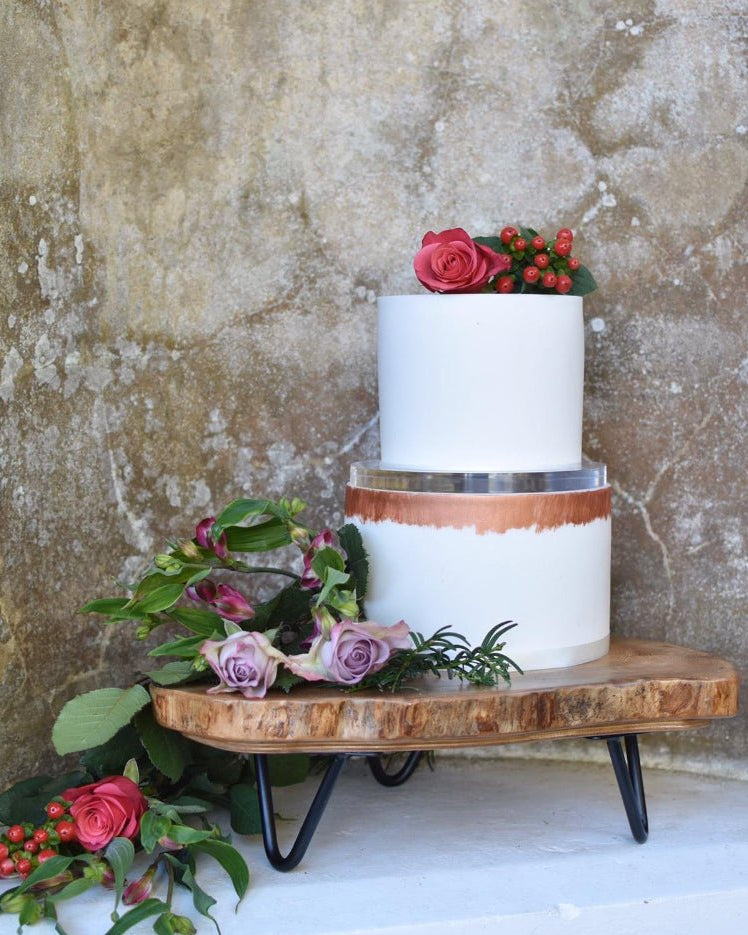
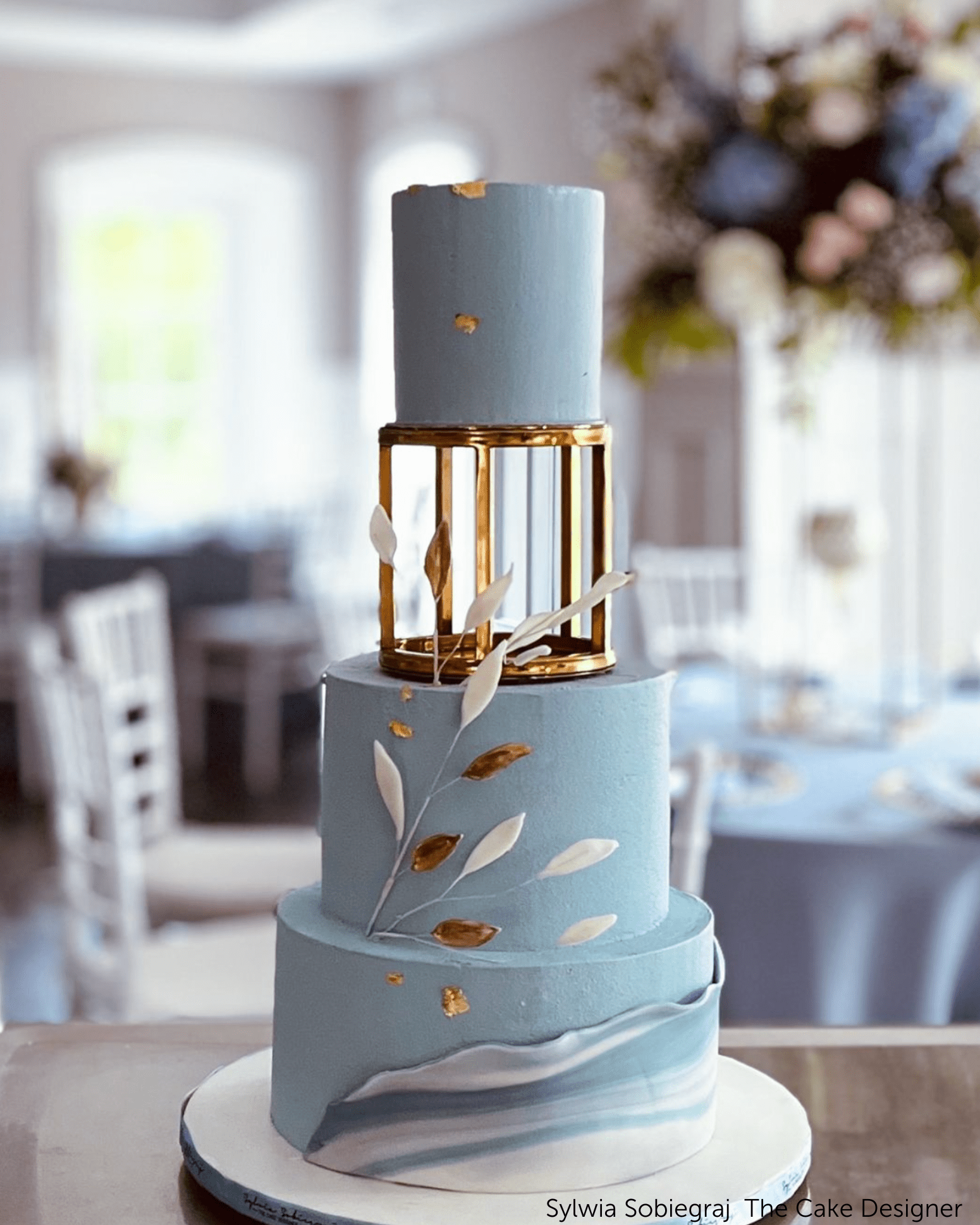
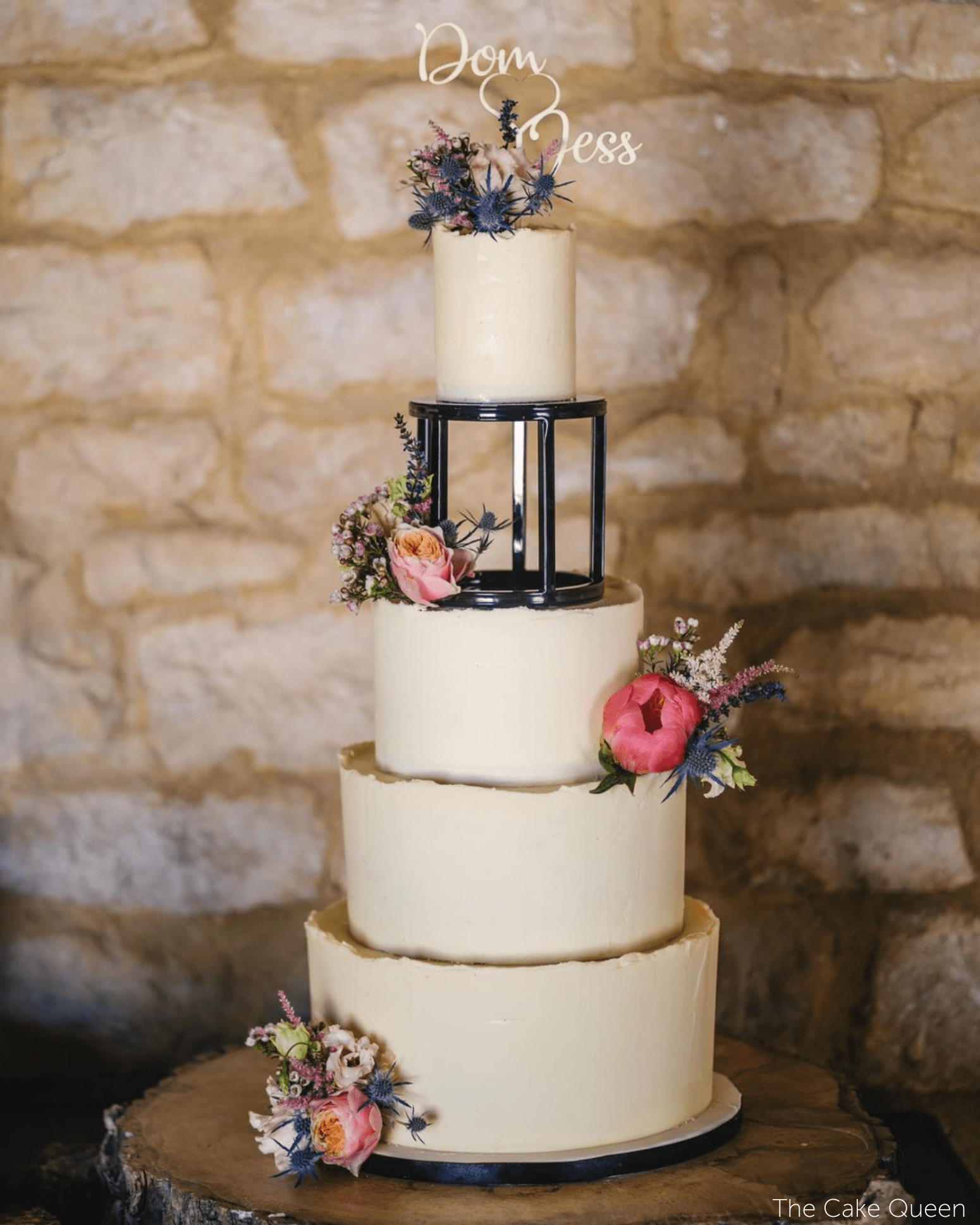
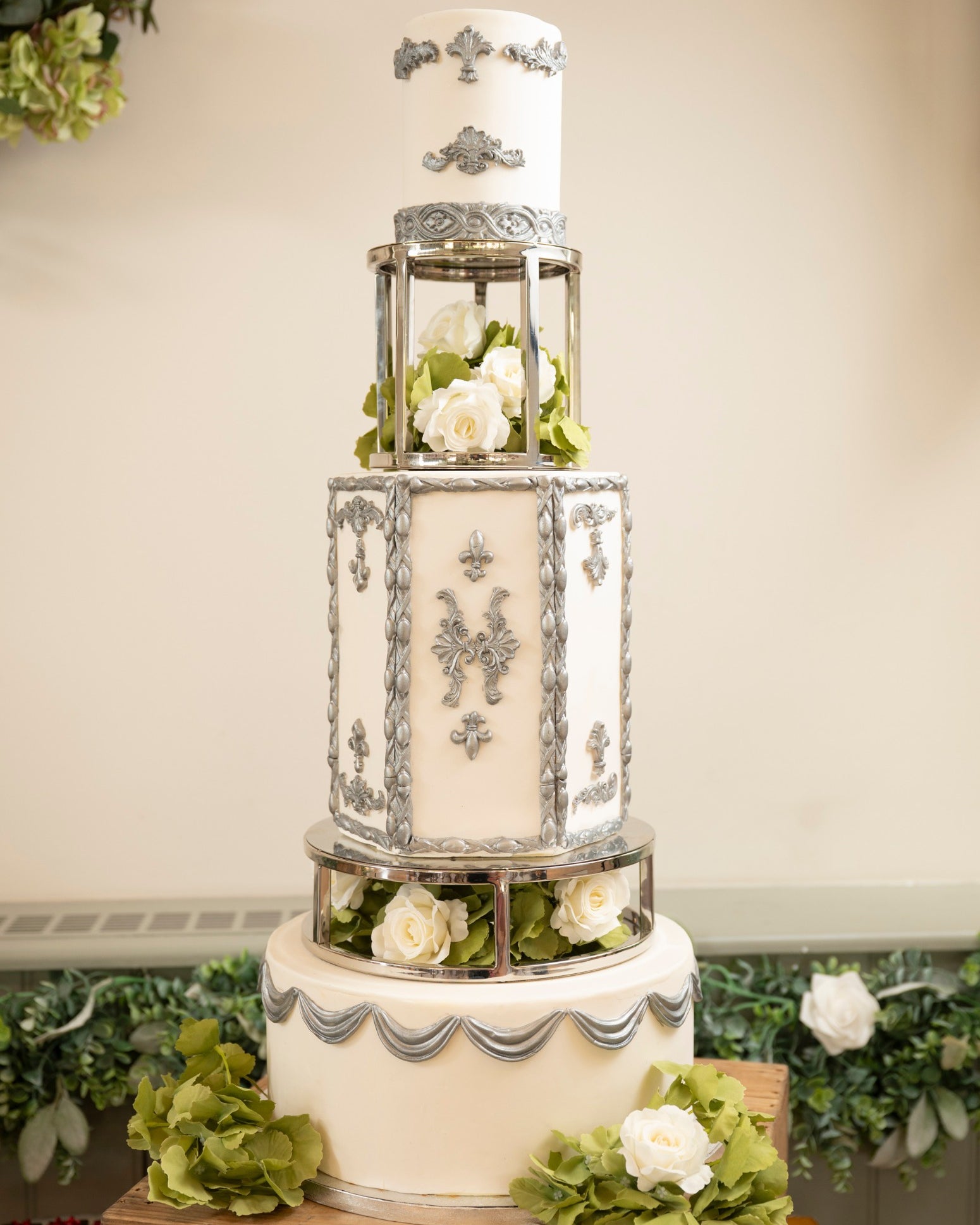
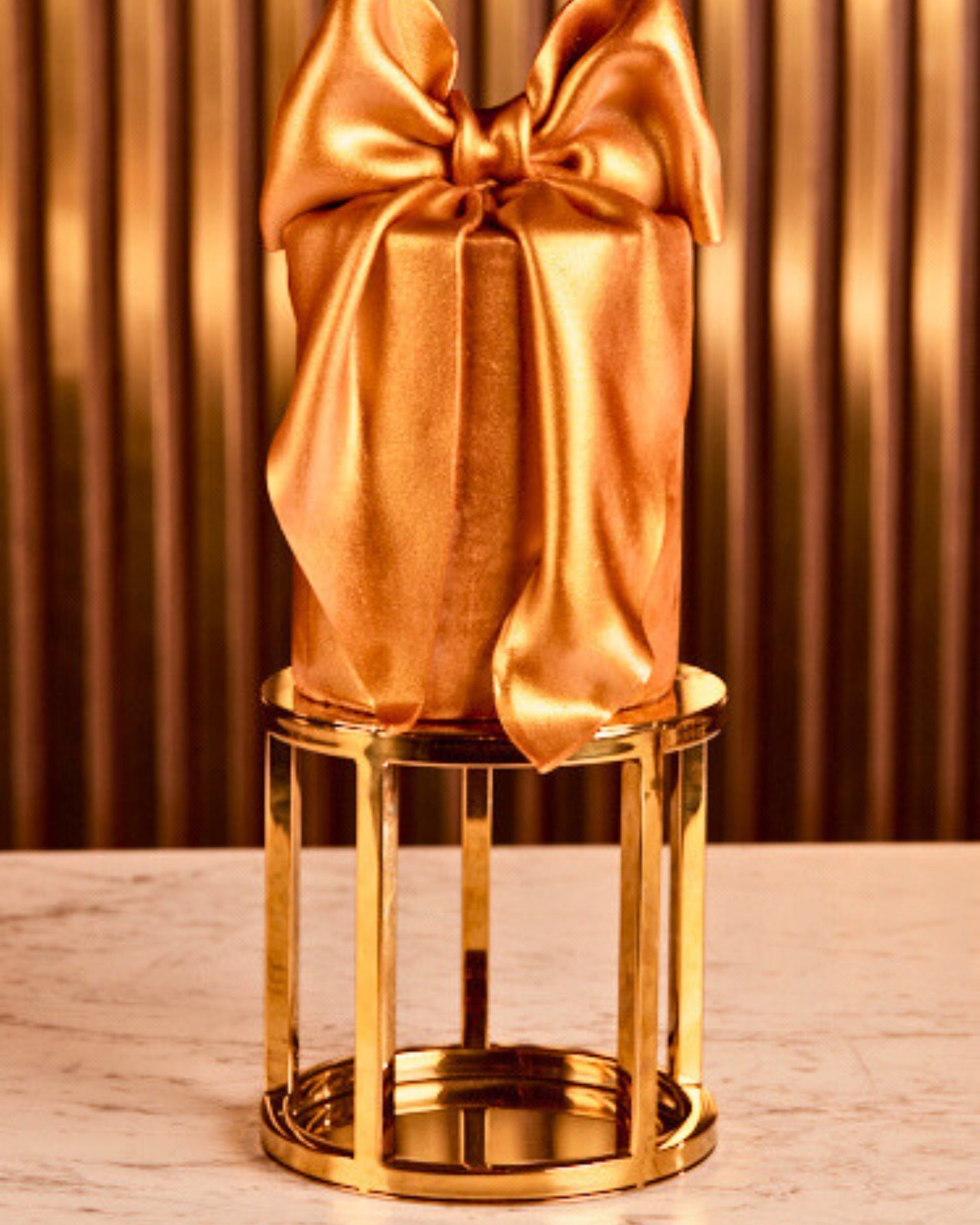
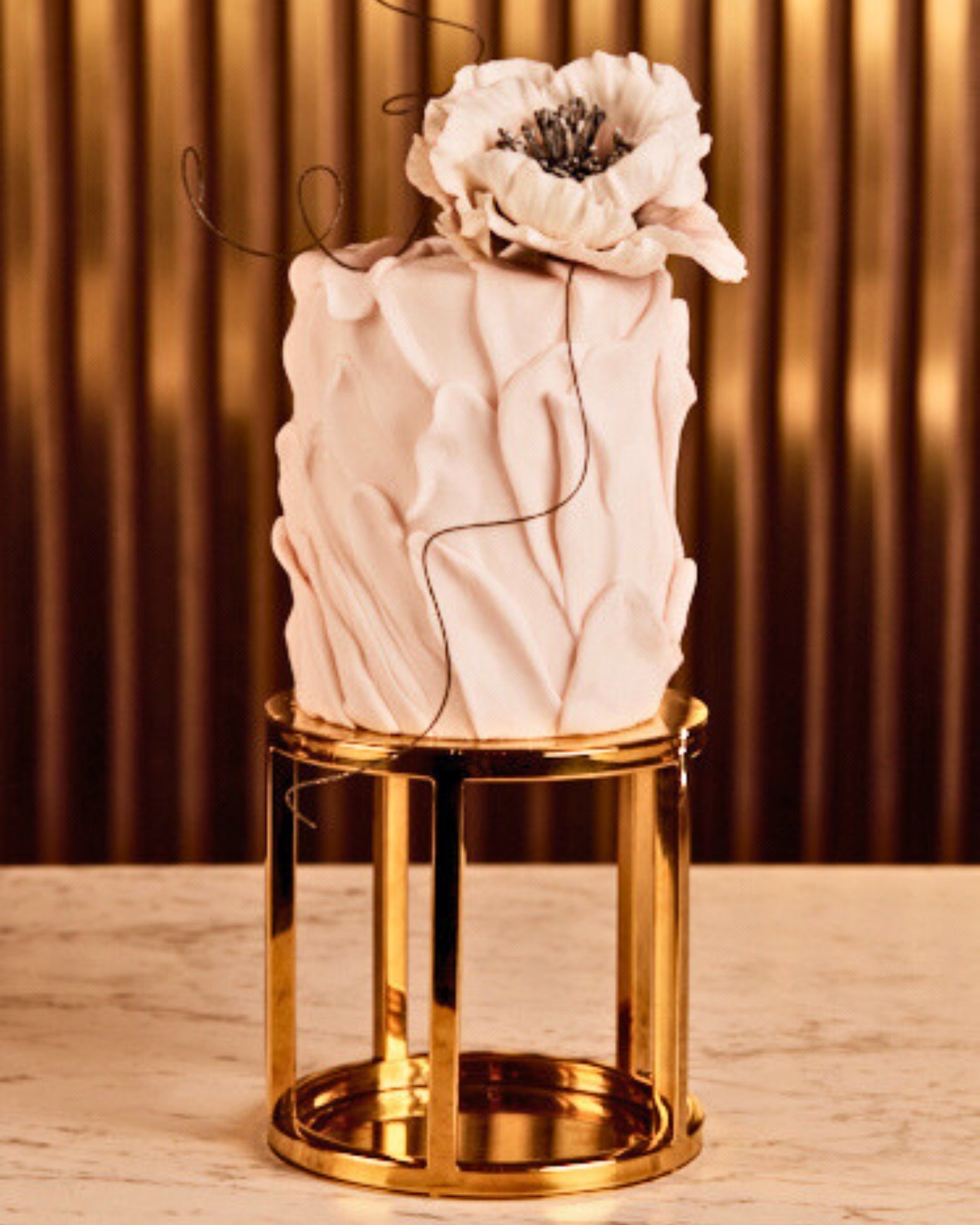
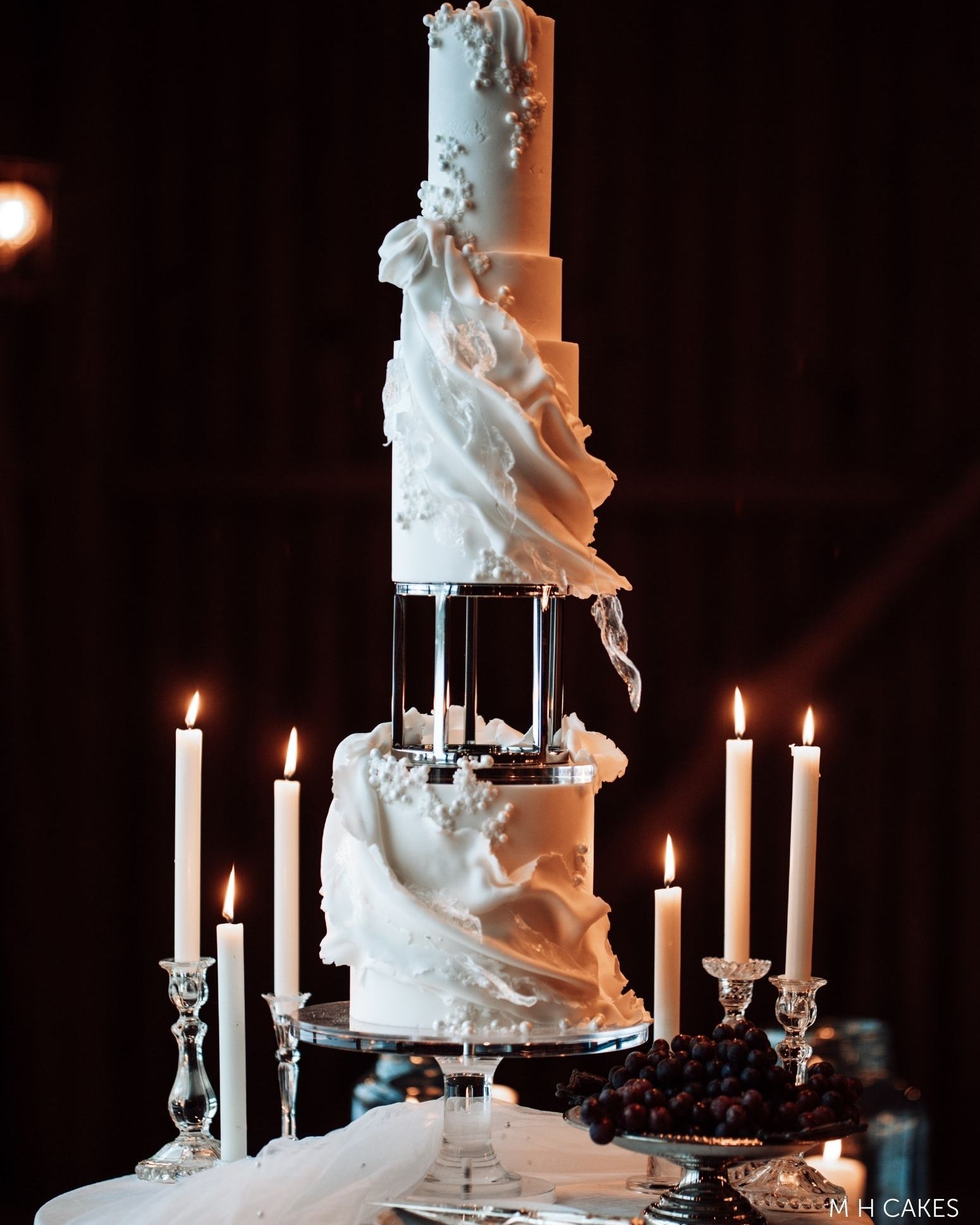
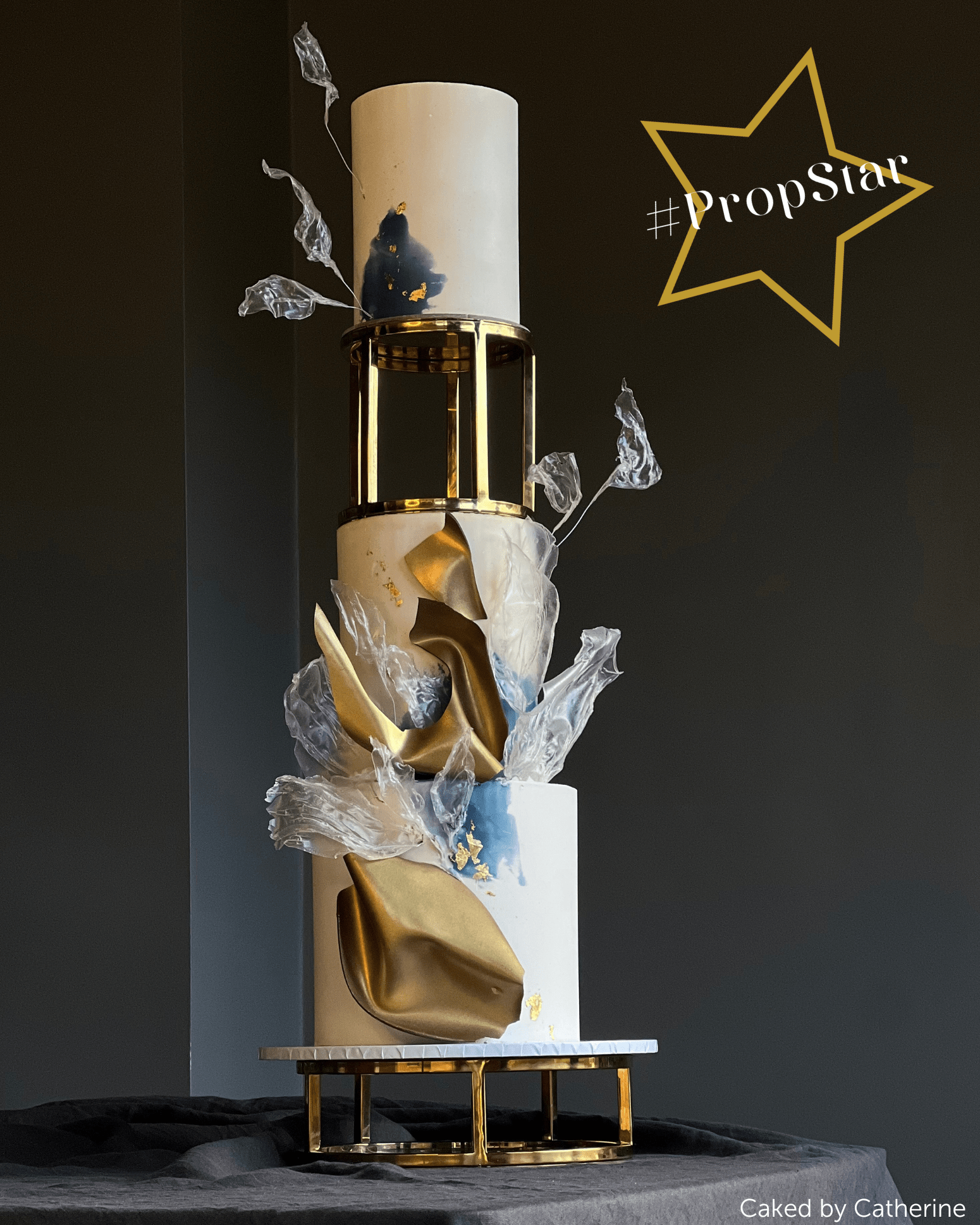
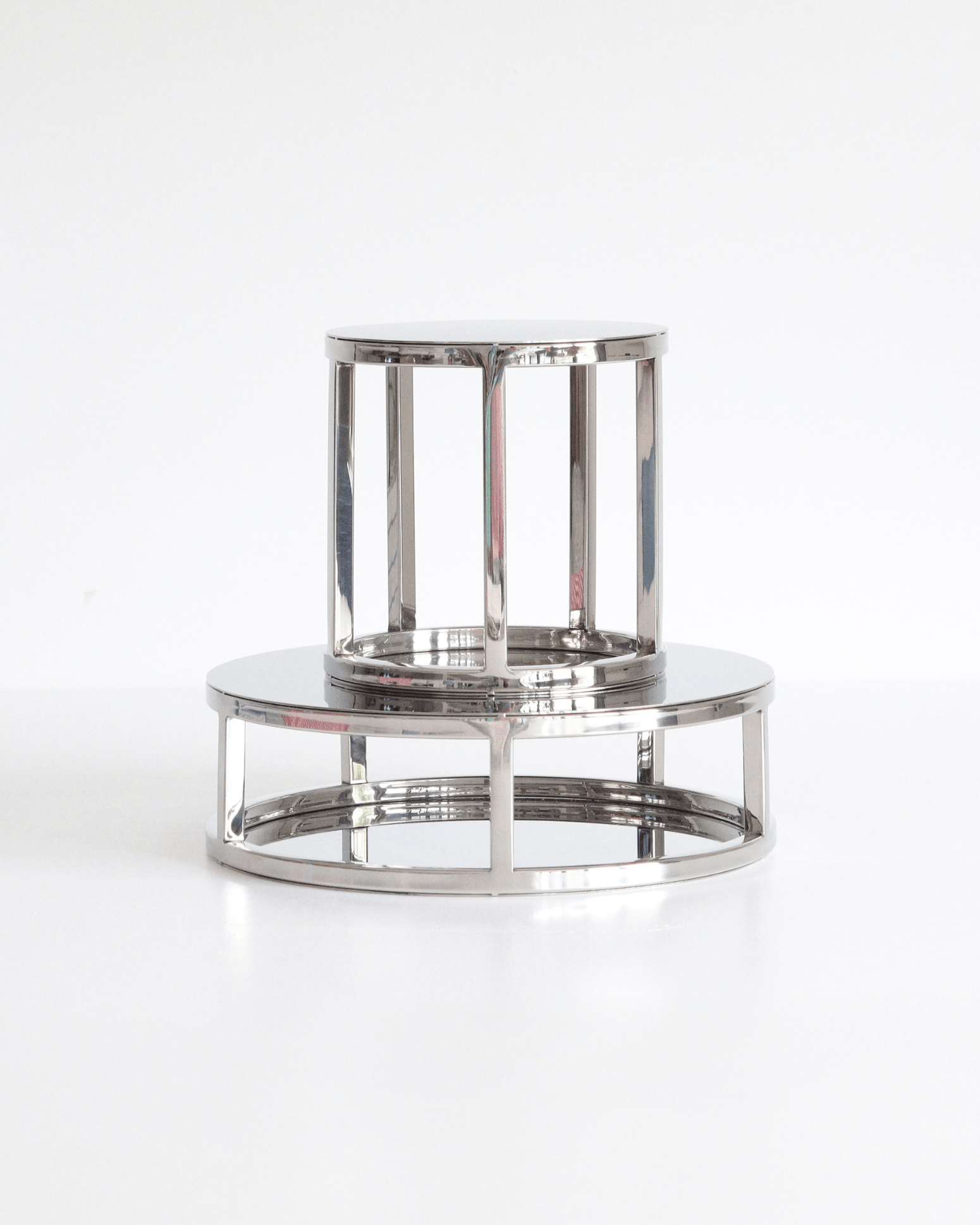
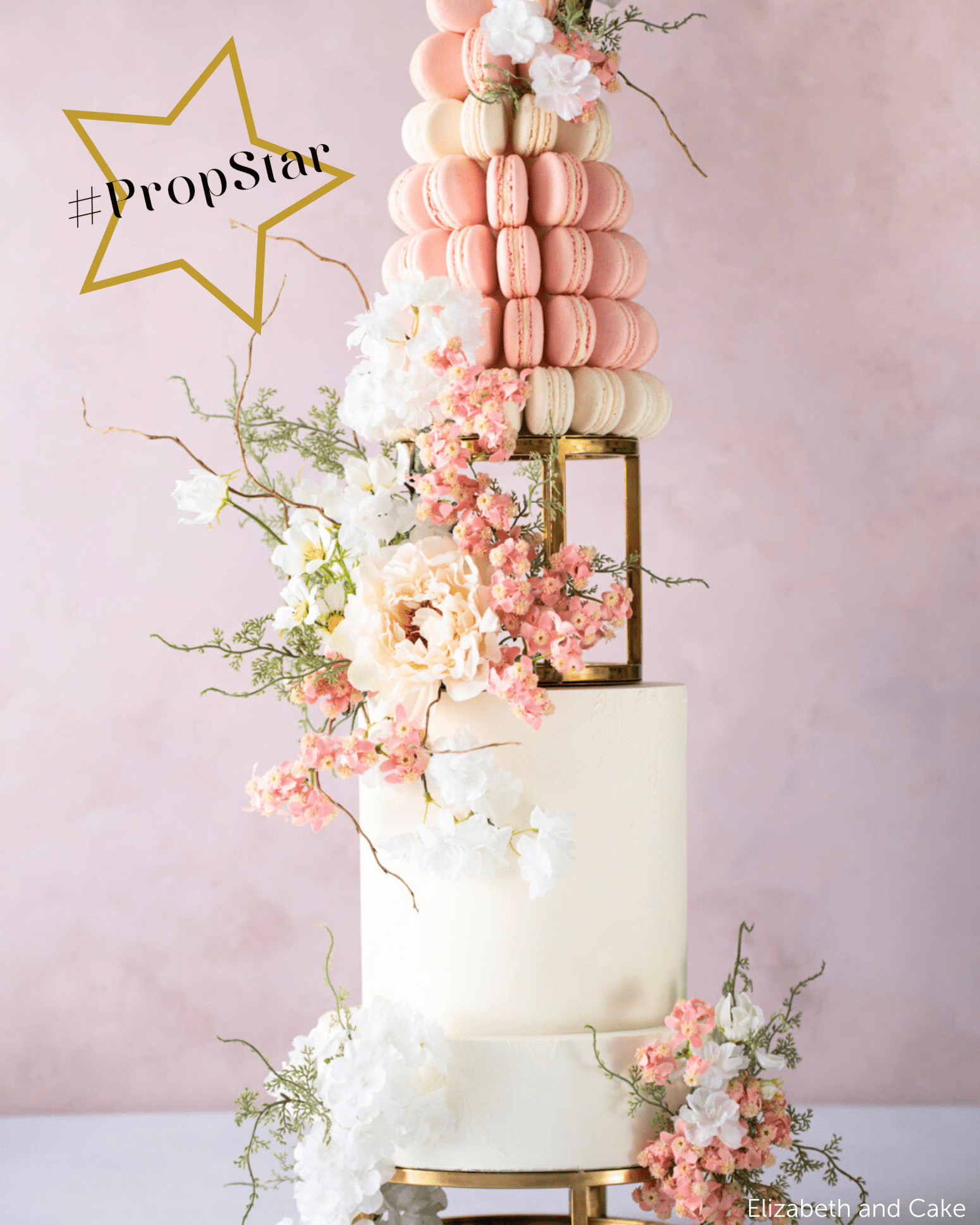
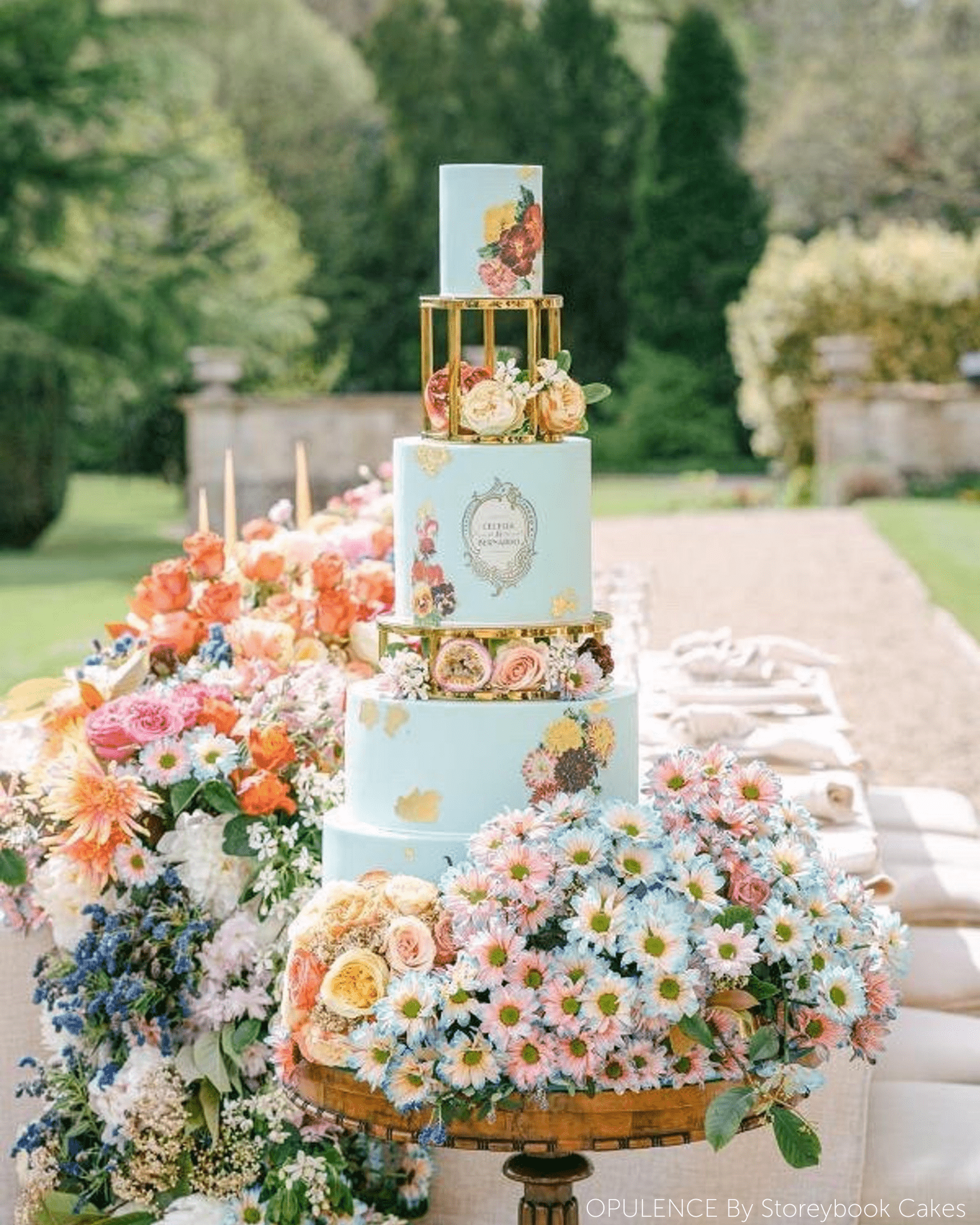
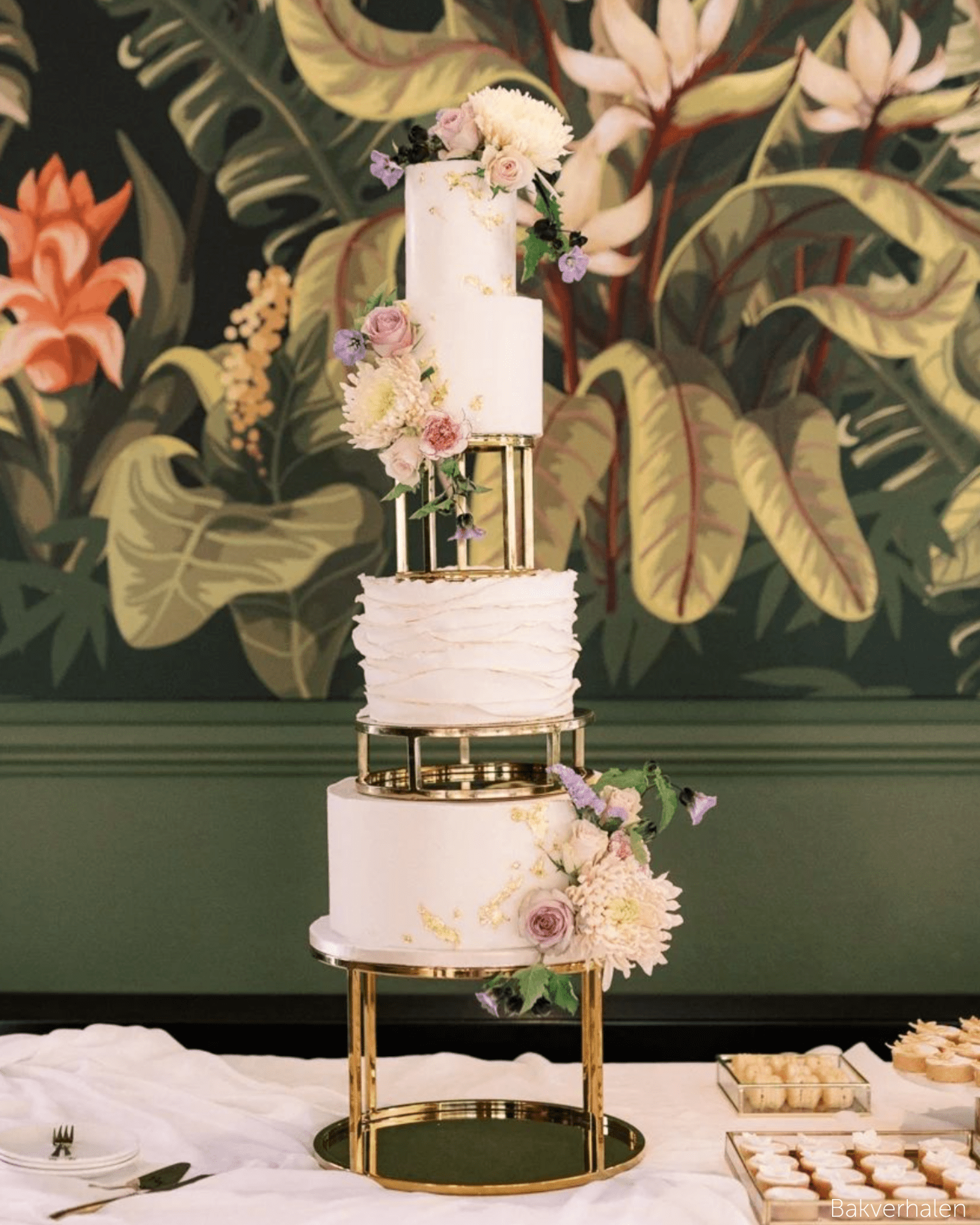
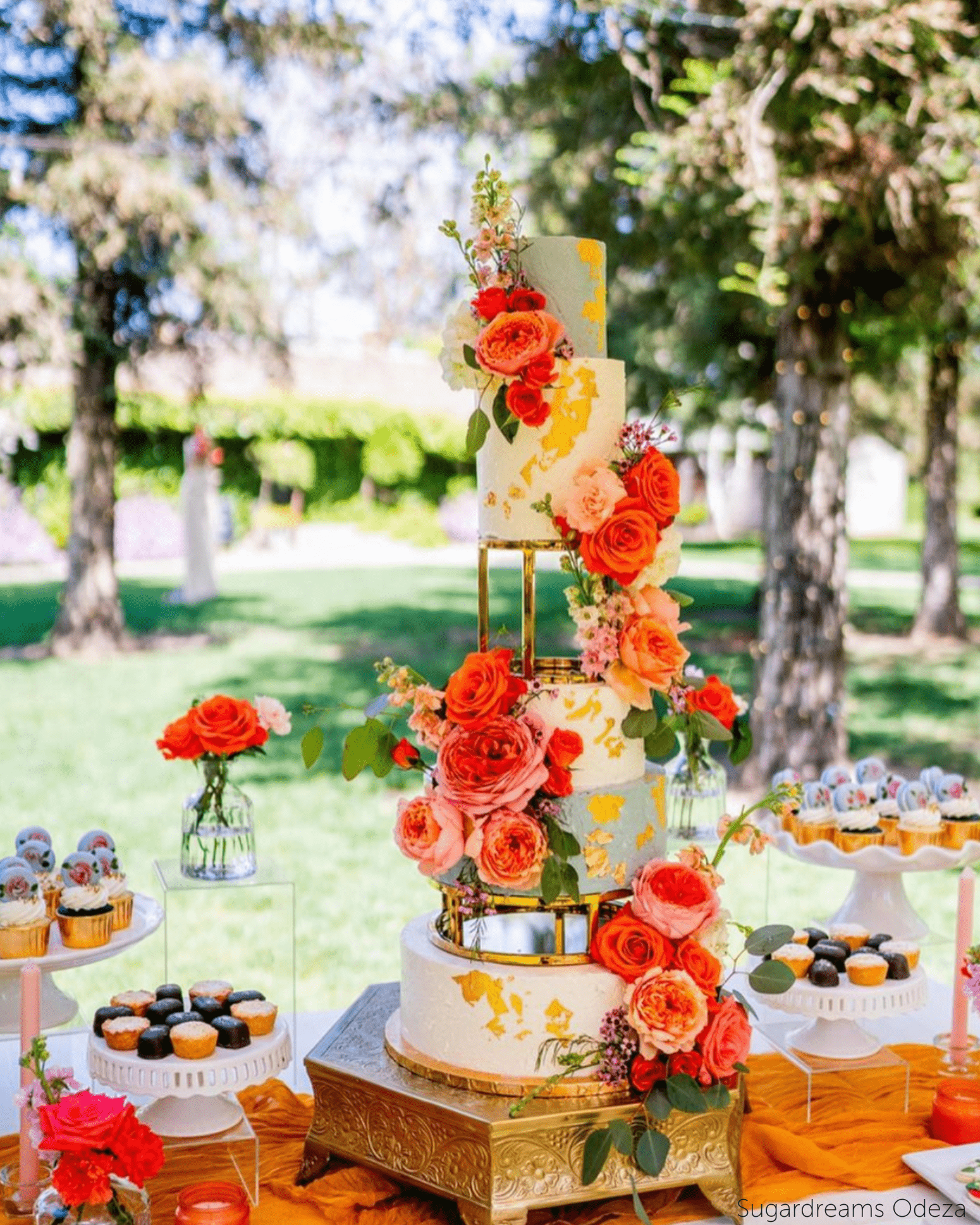
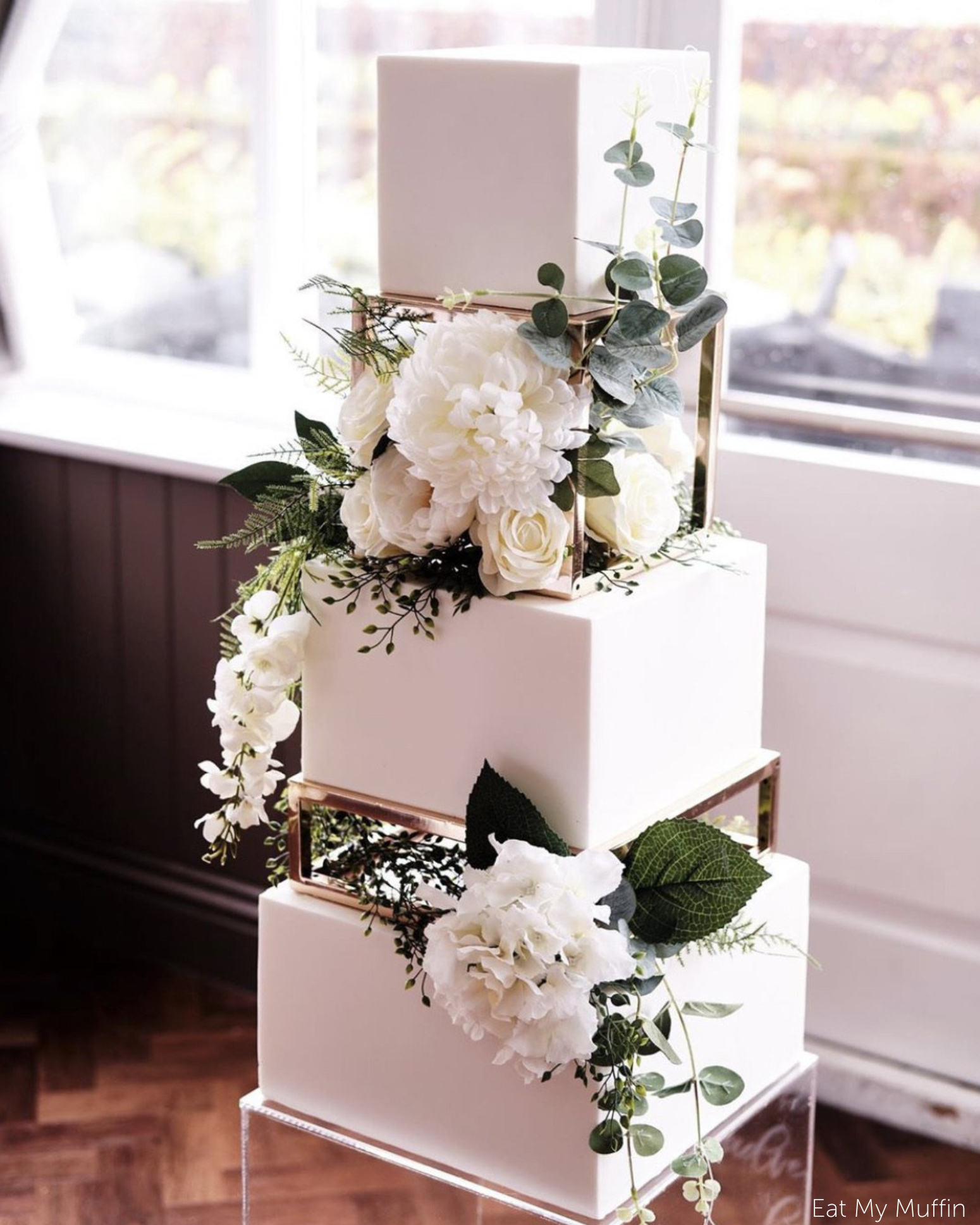
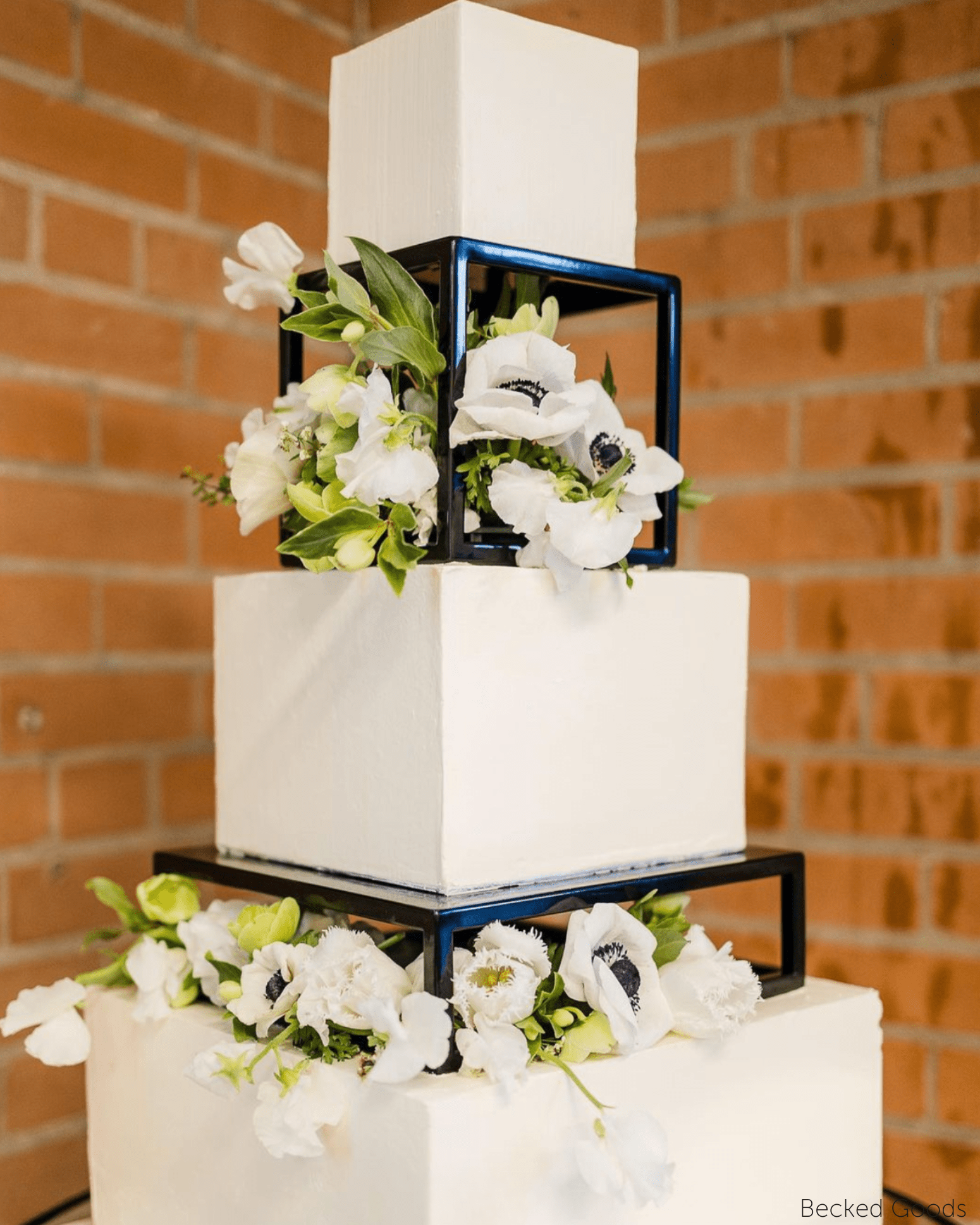
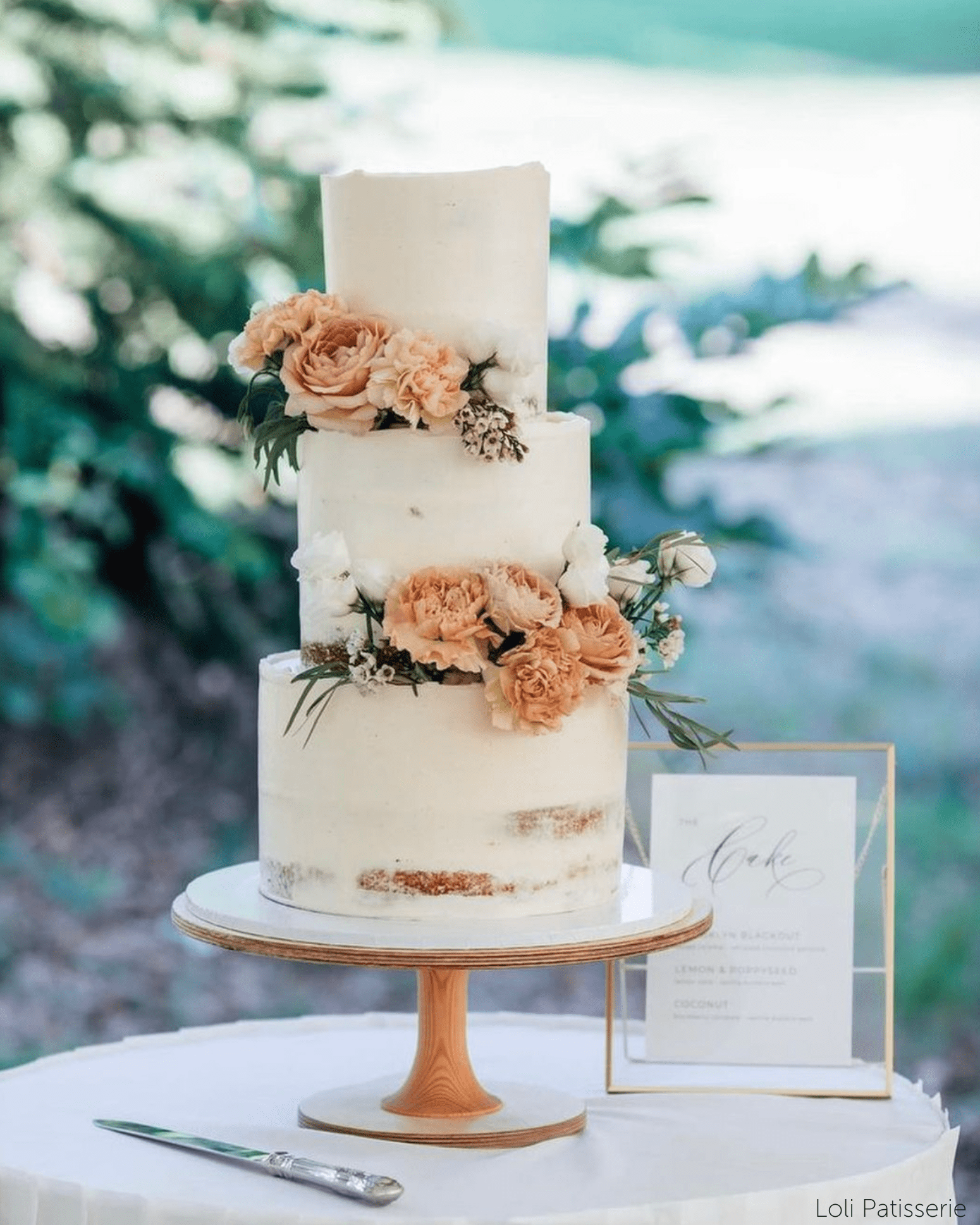
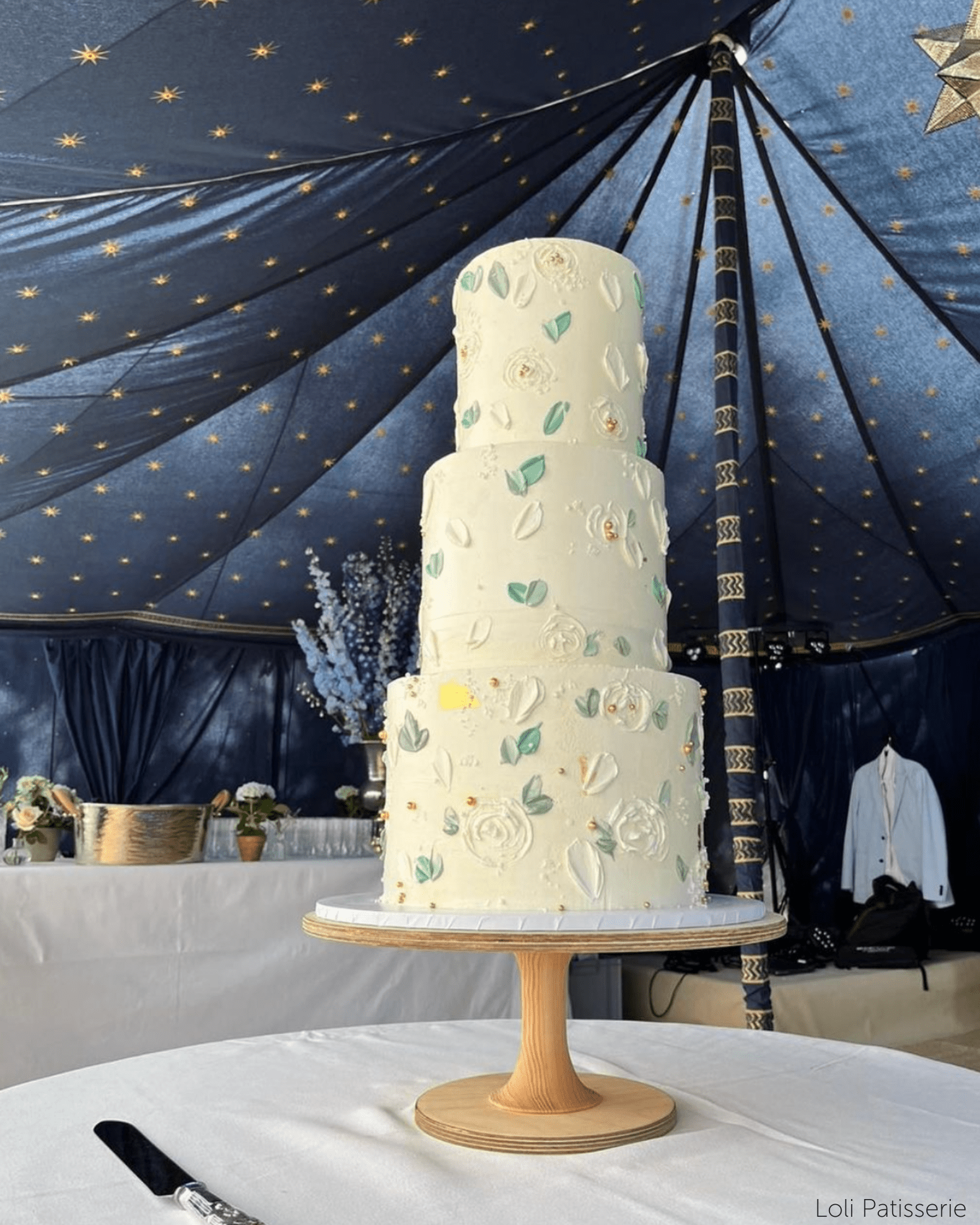
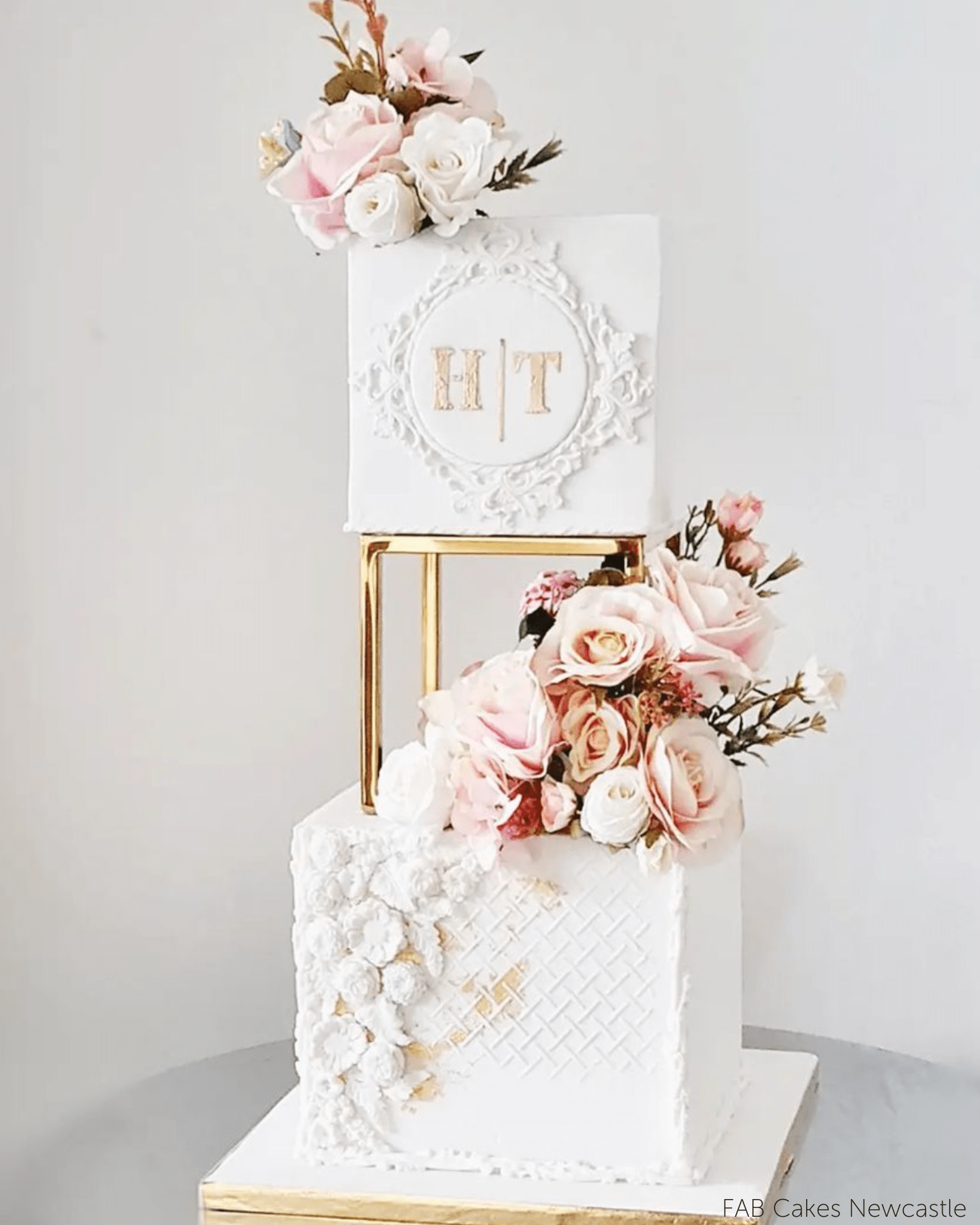
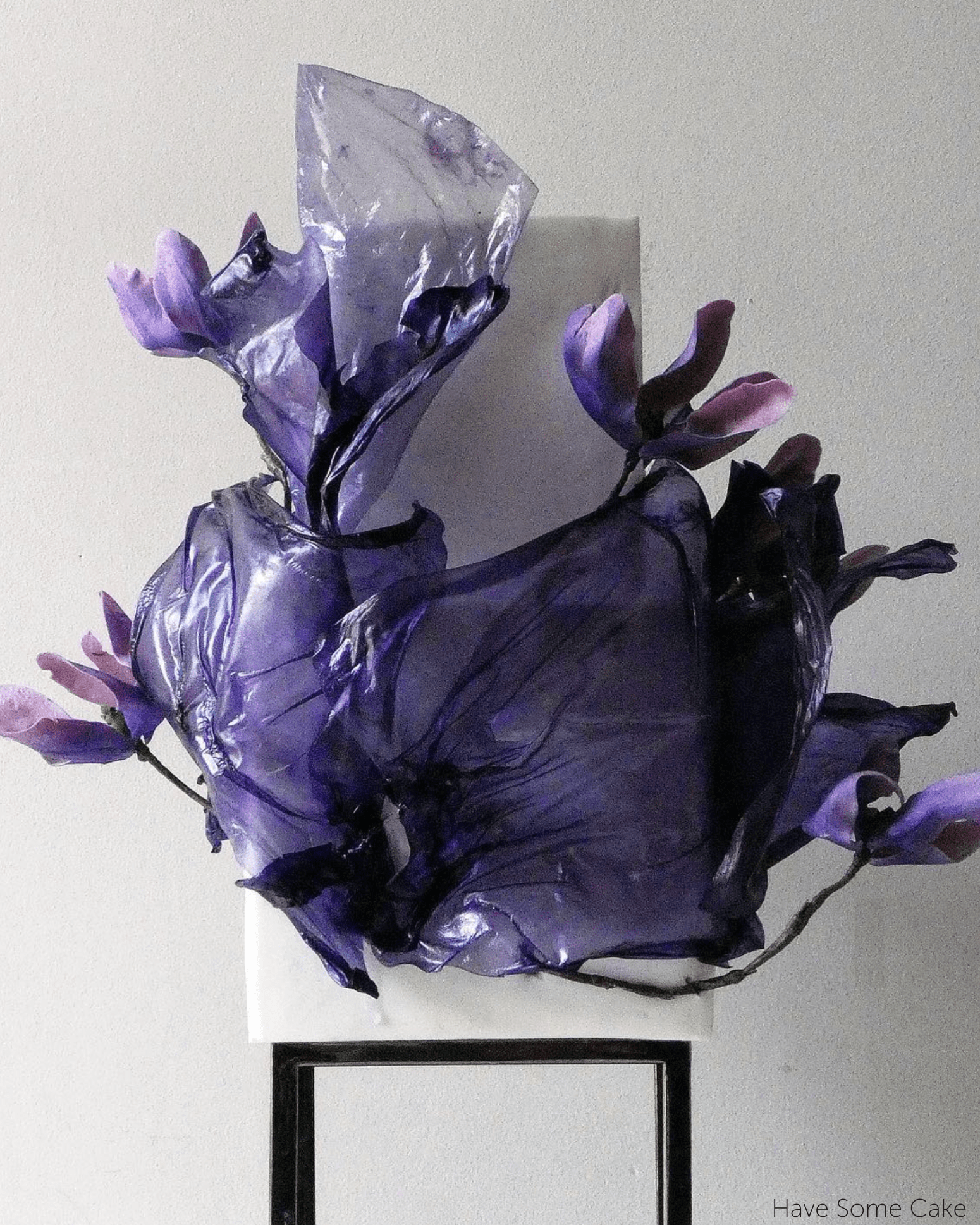
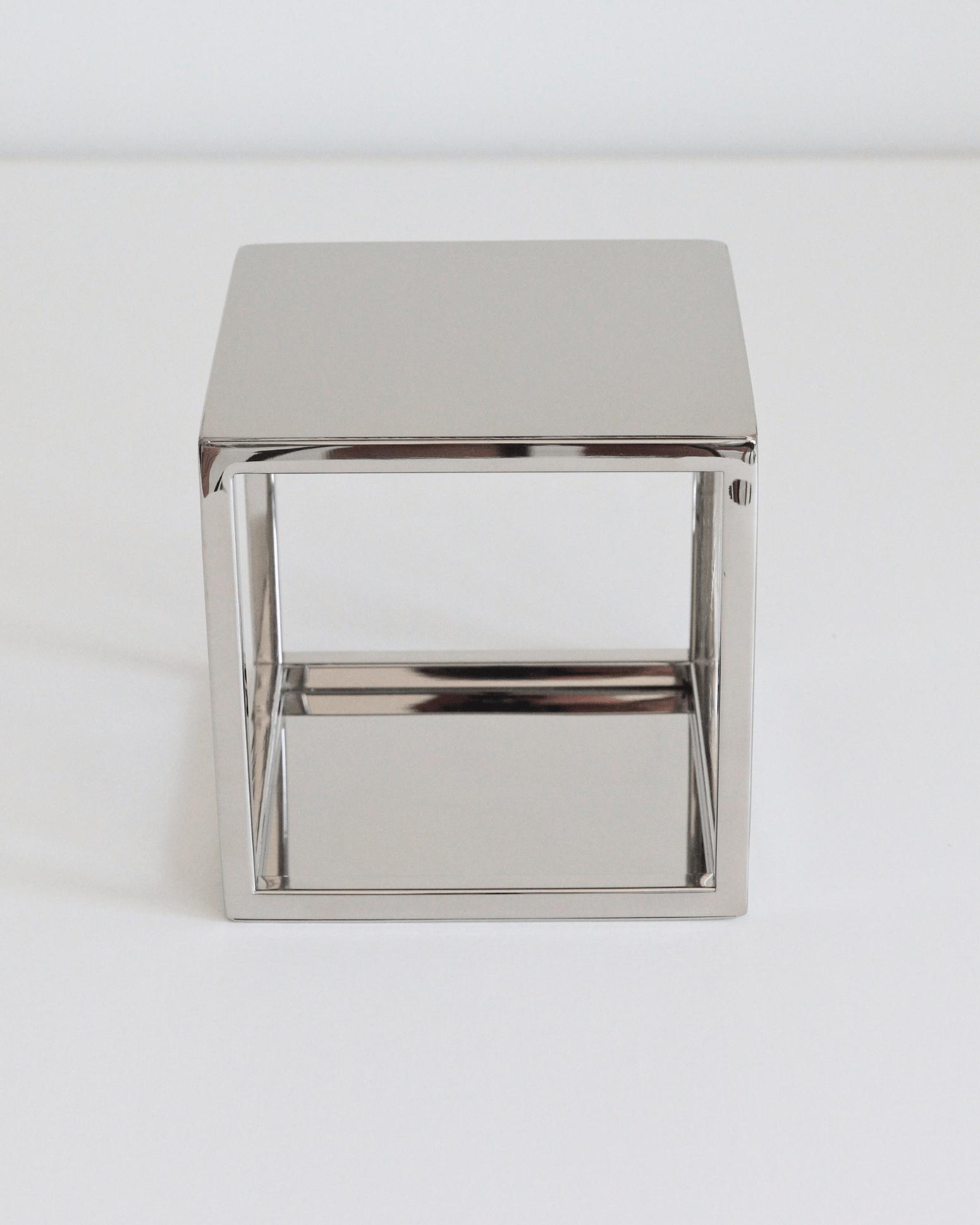
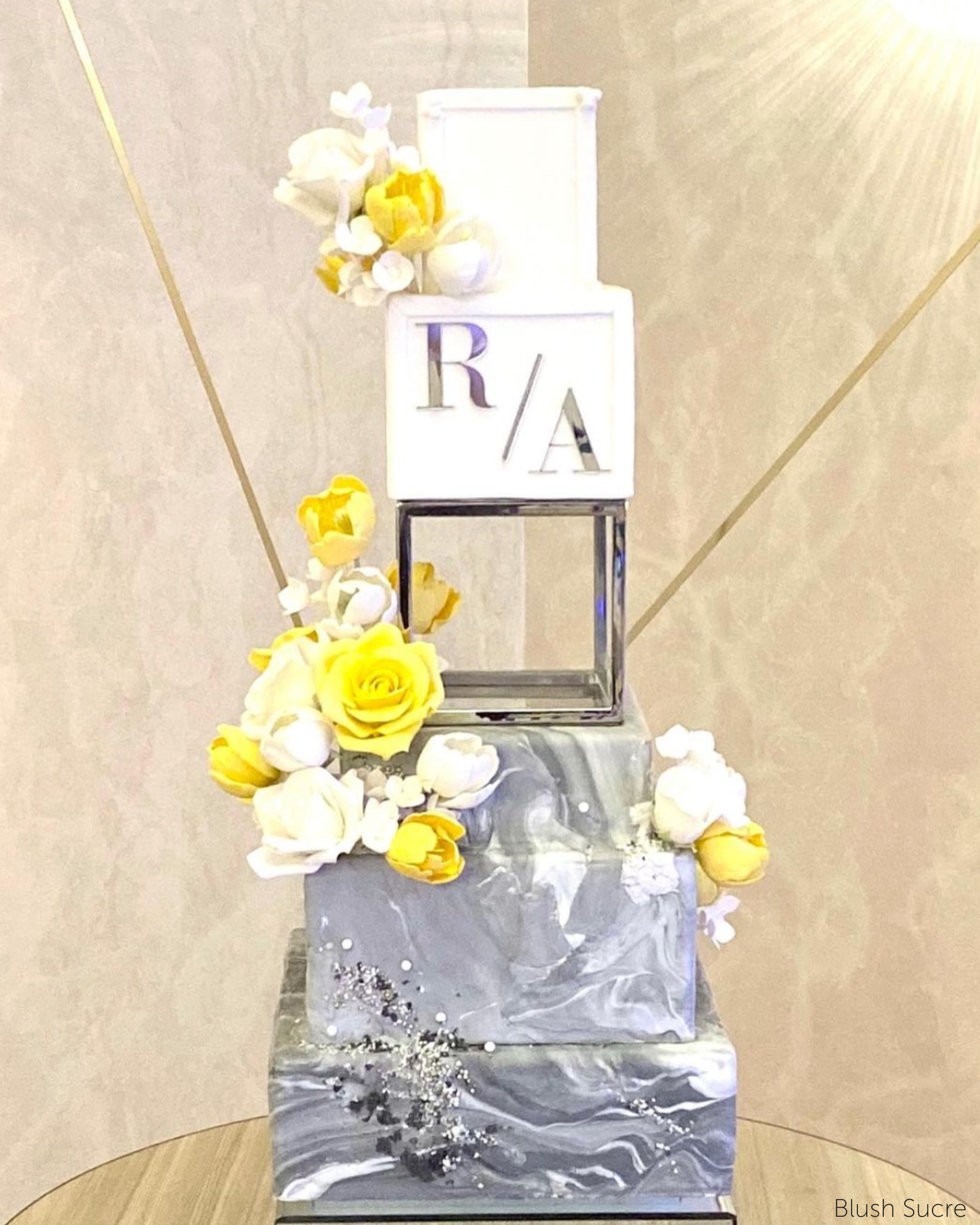
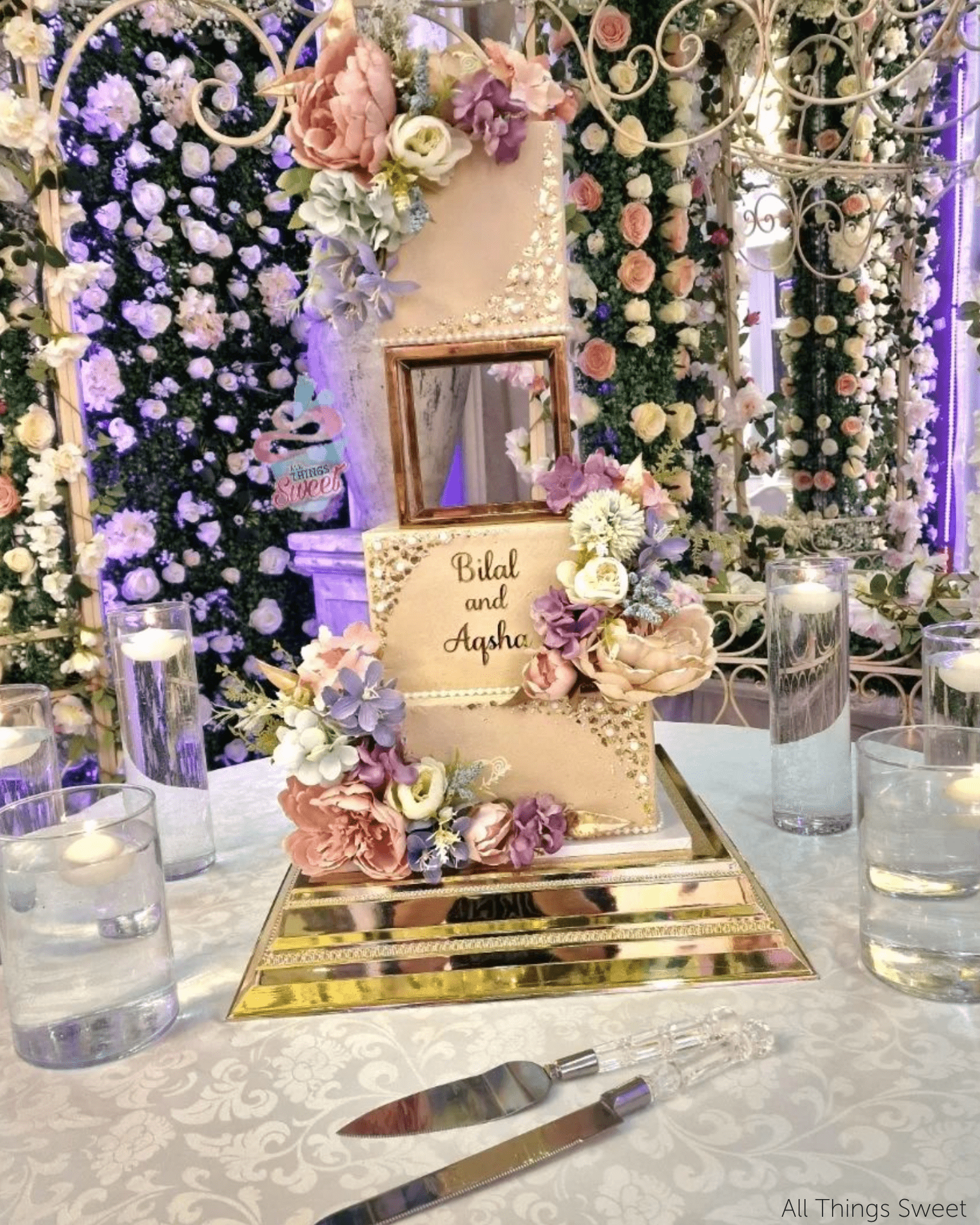
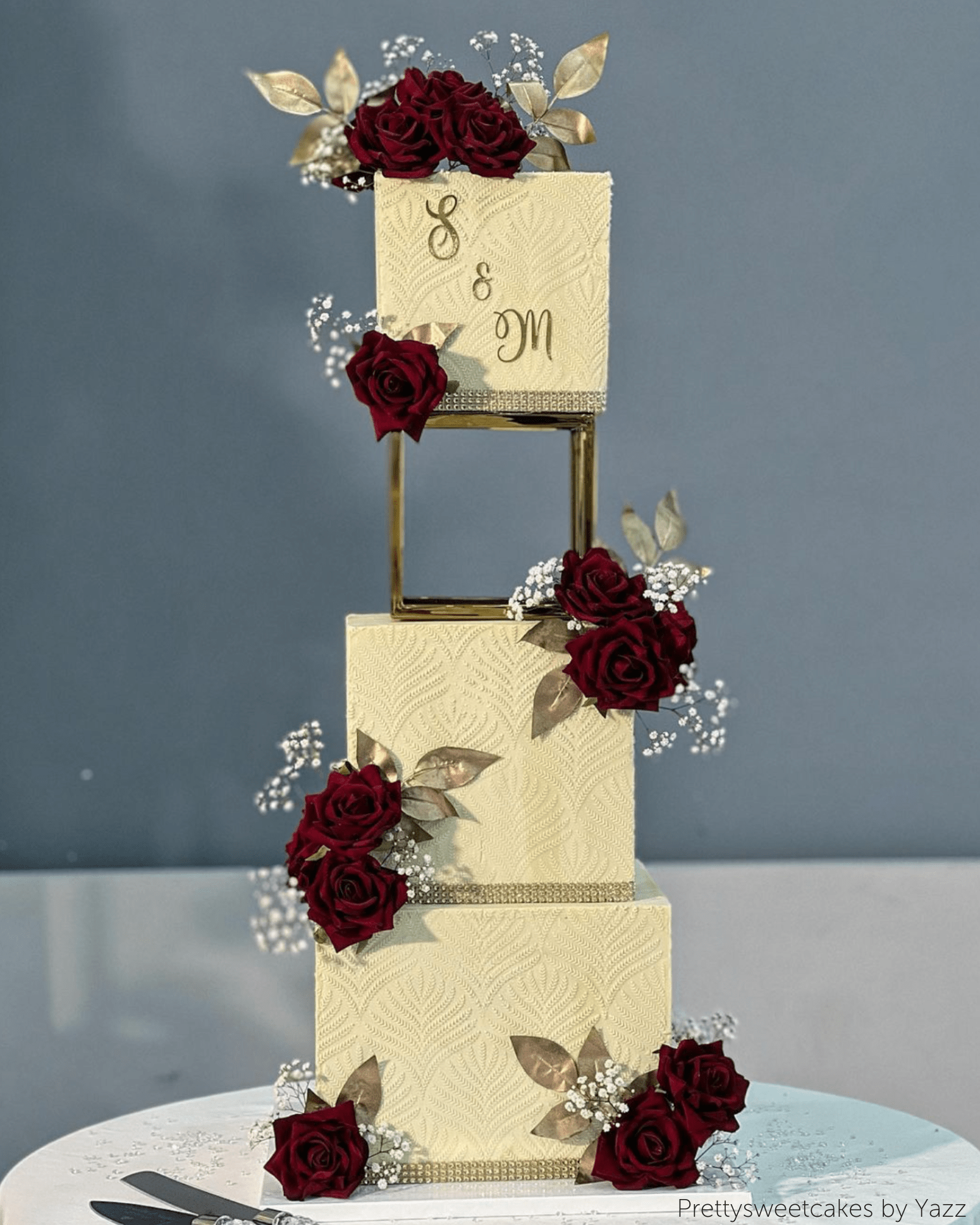
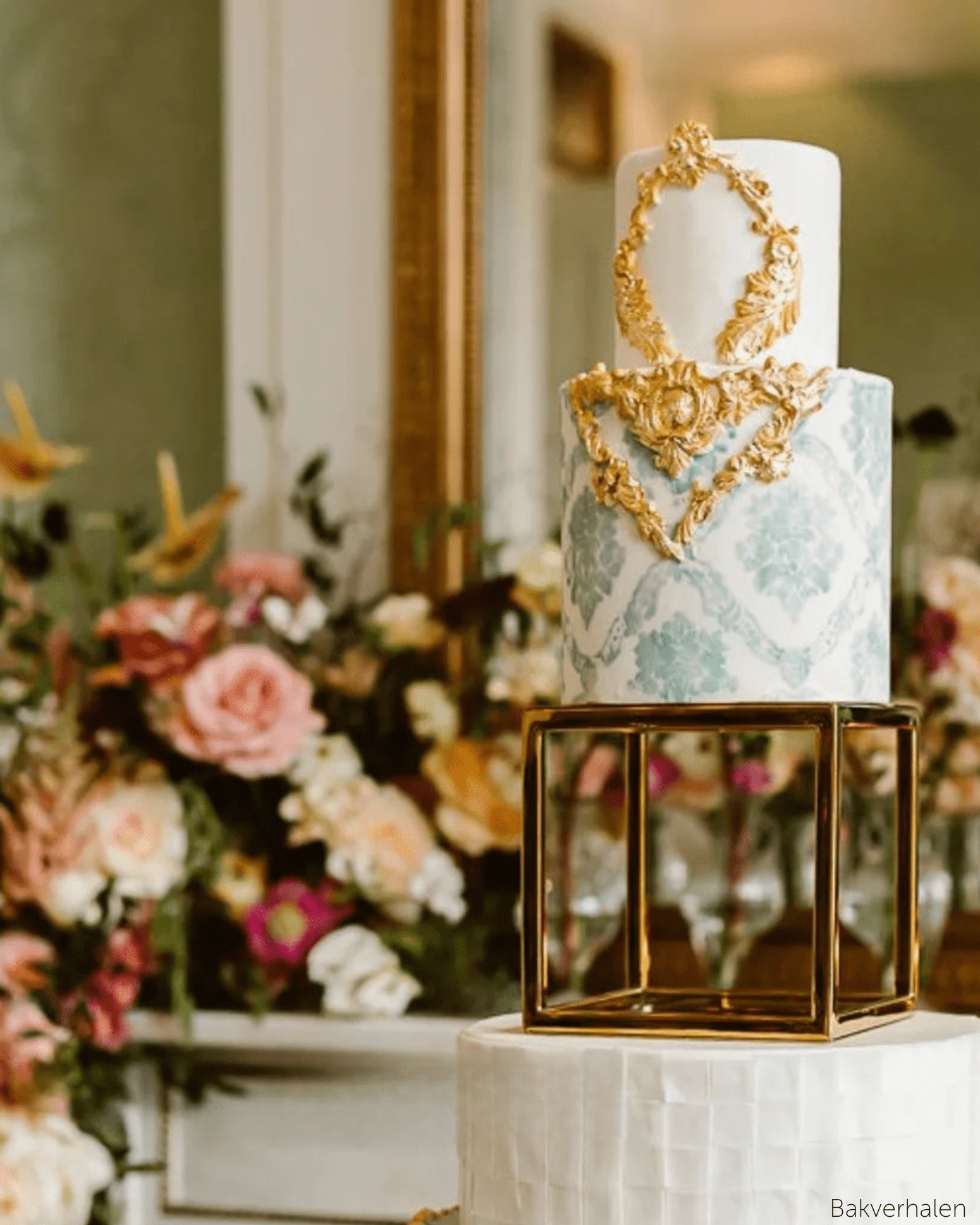
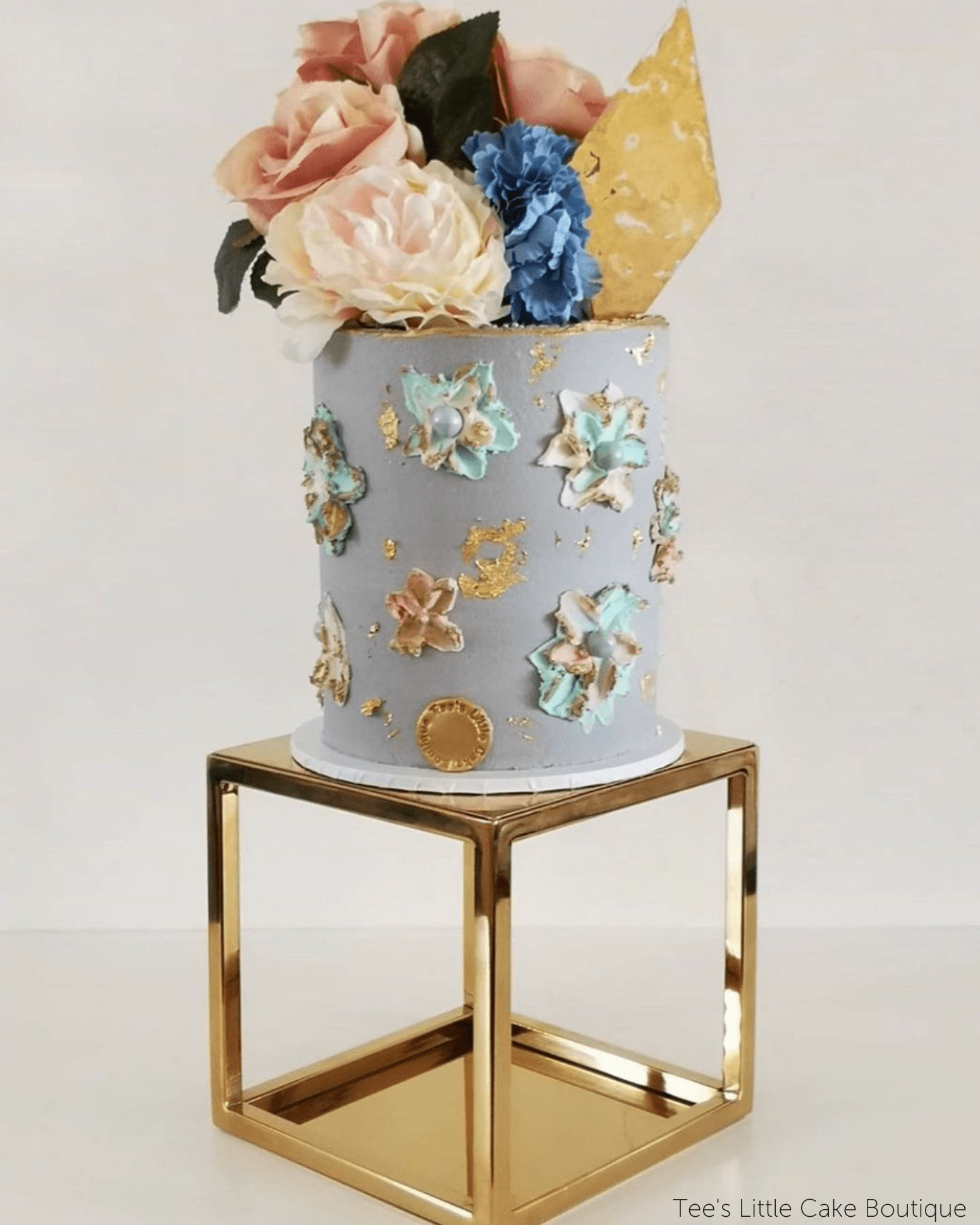
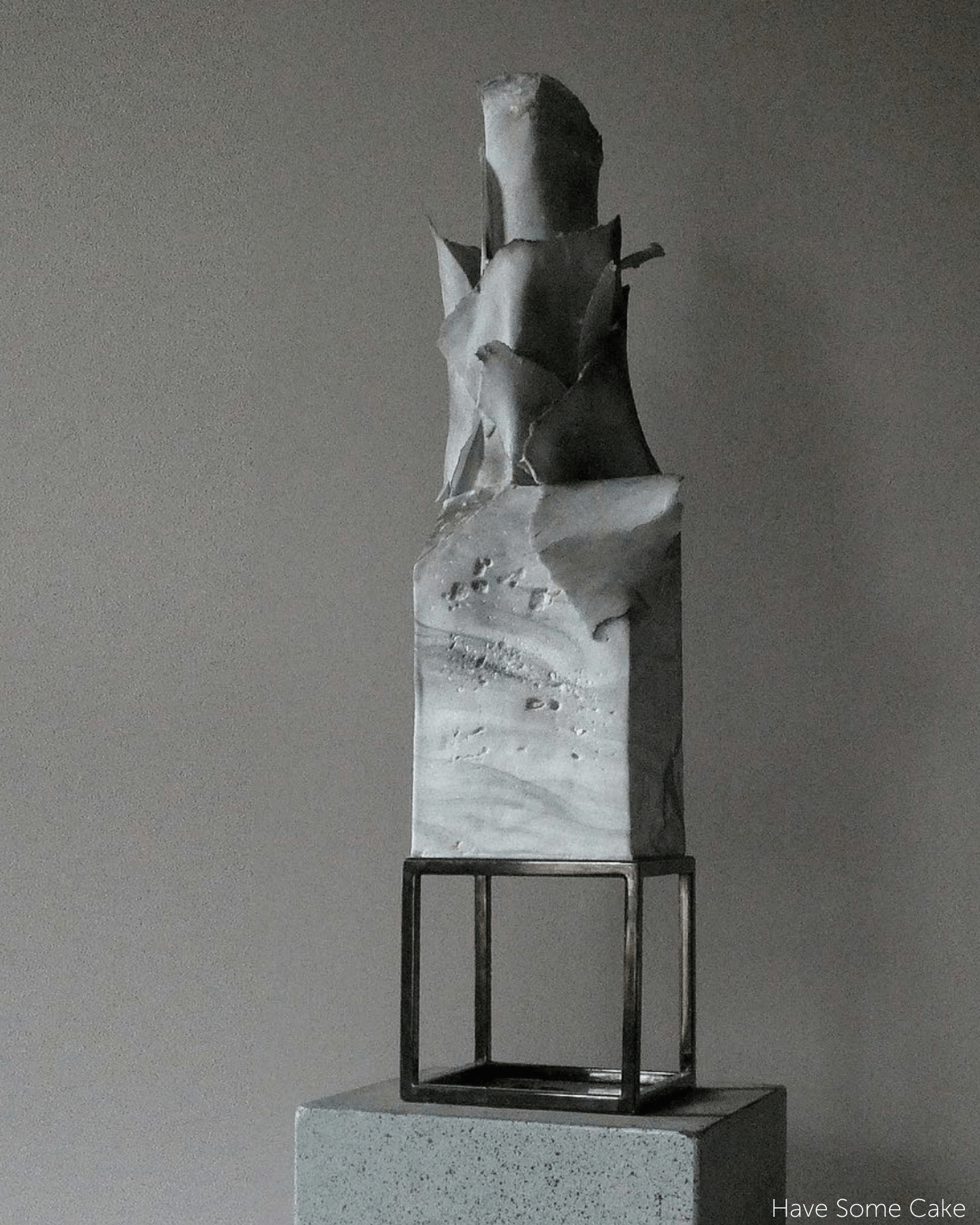
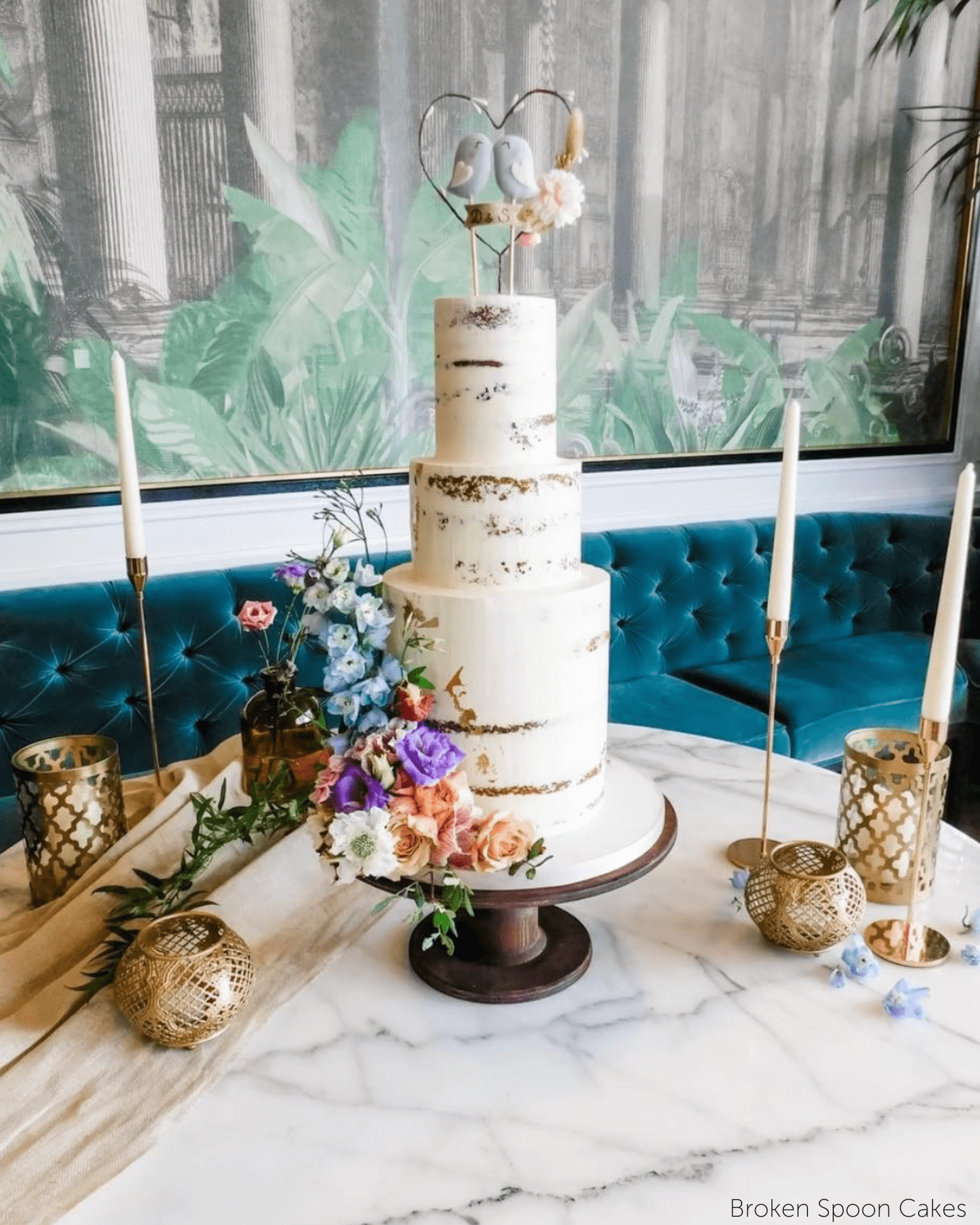
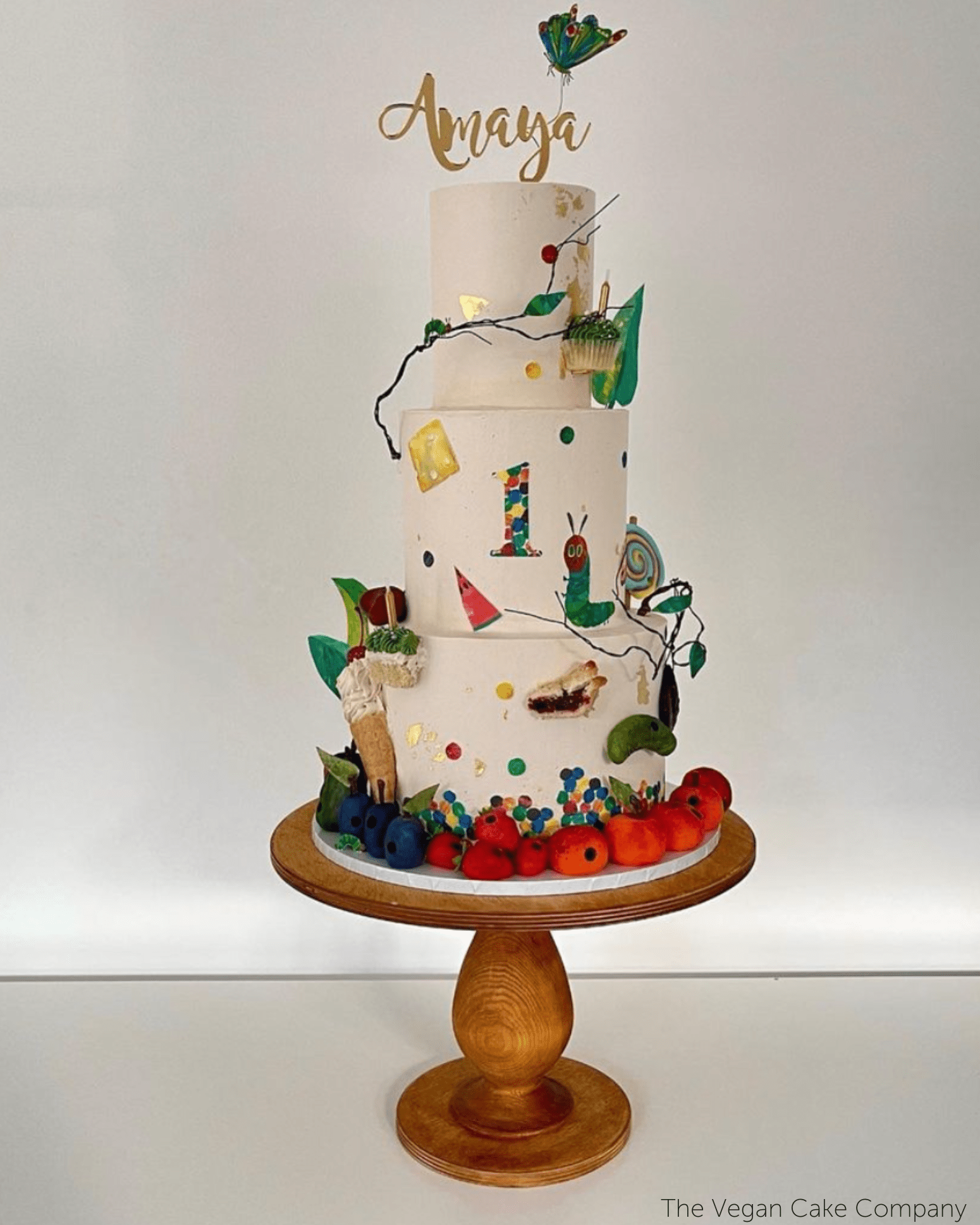
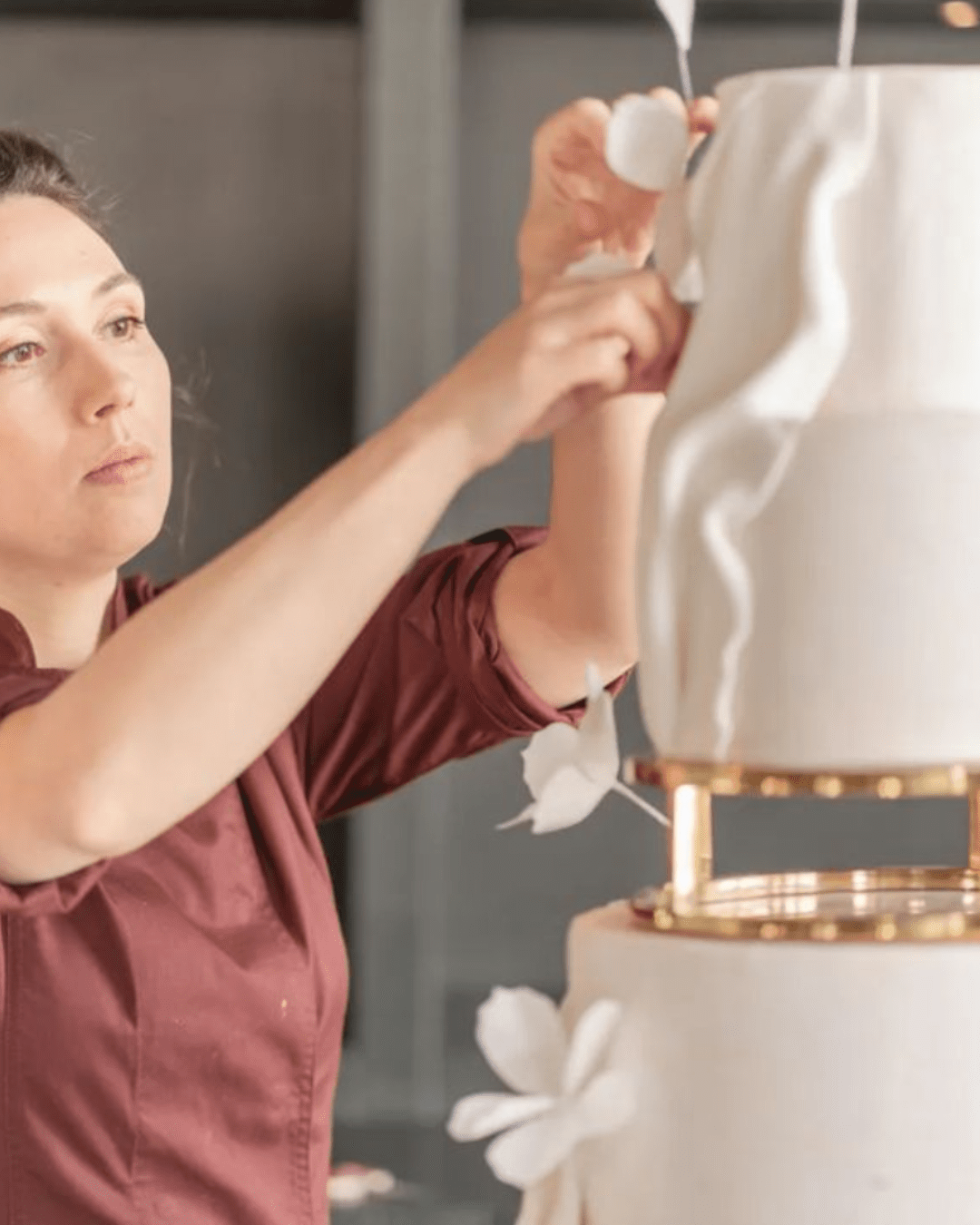
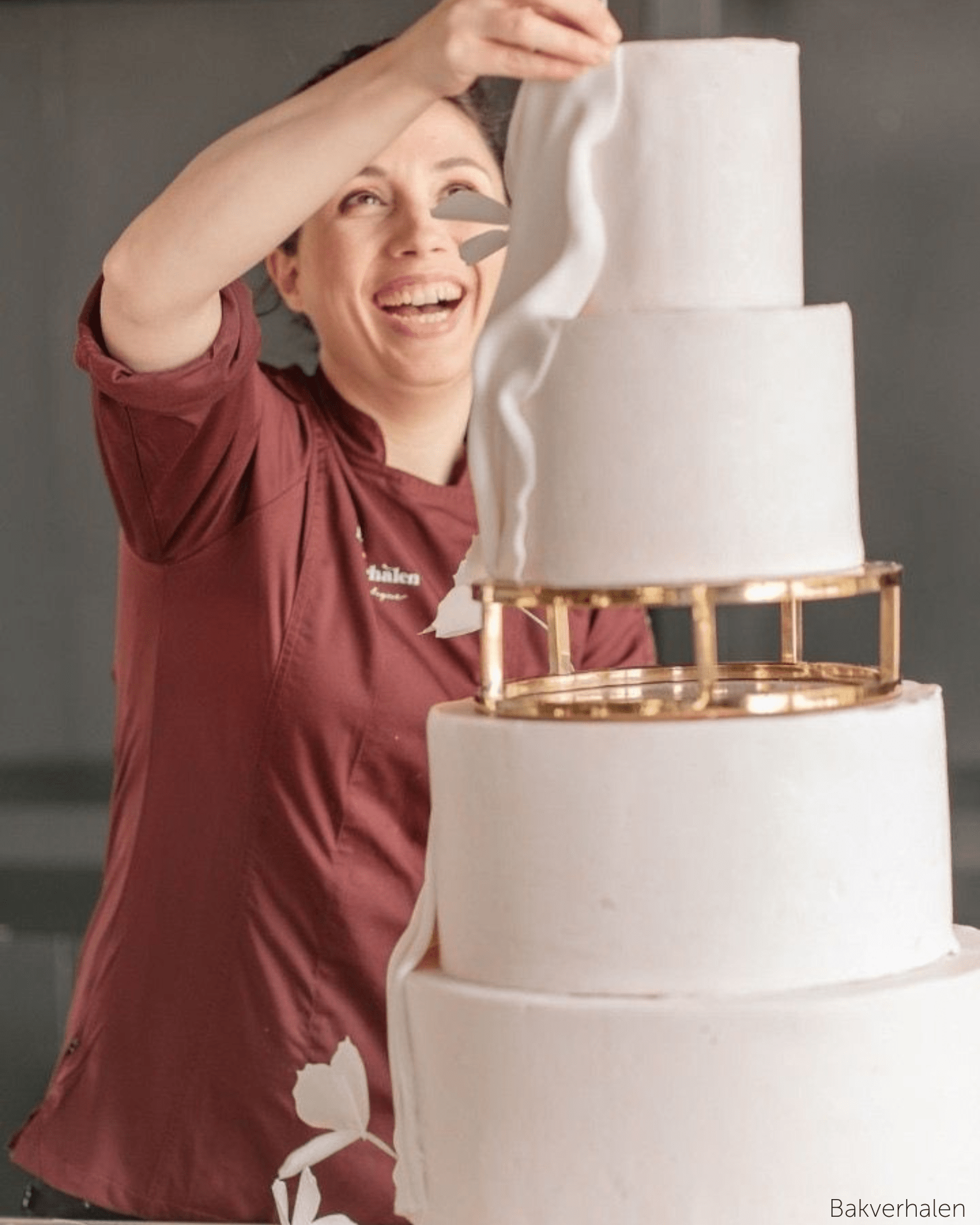
Most Procreate cake stamps are illustrations of a cake. The Cake Design by Savanna stamps are illustrations of a cake you can actually build, because the props were manufactured first and drawn second.
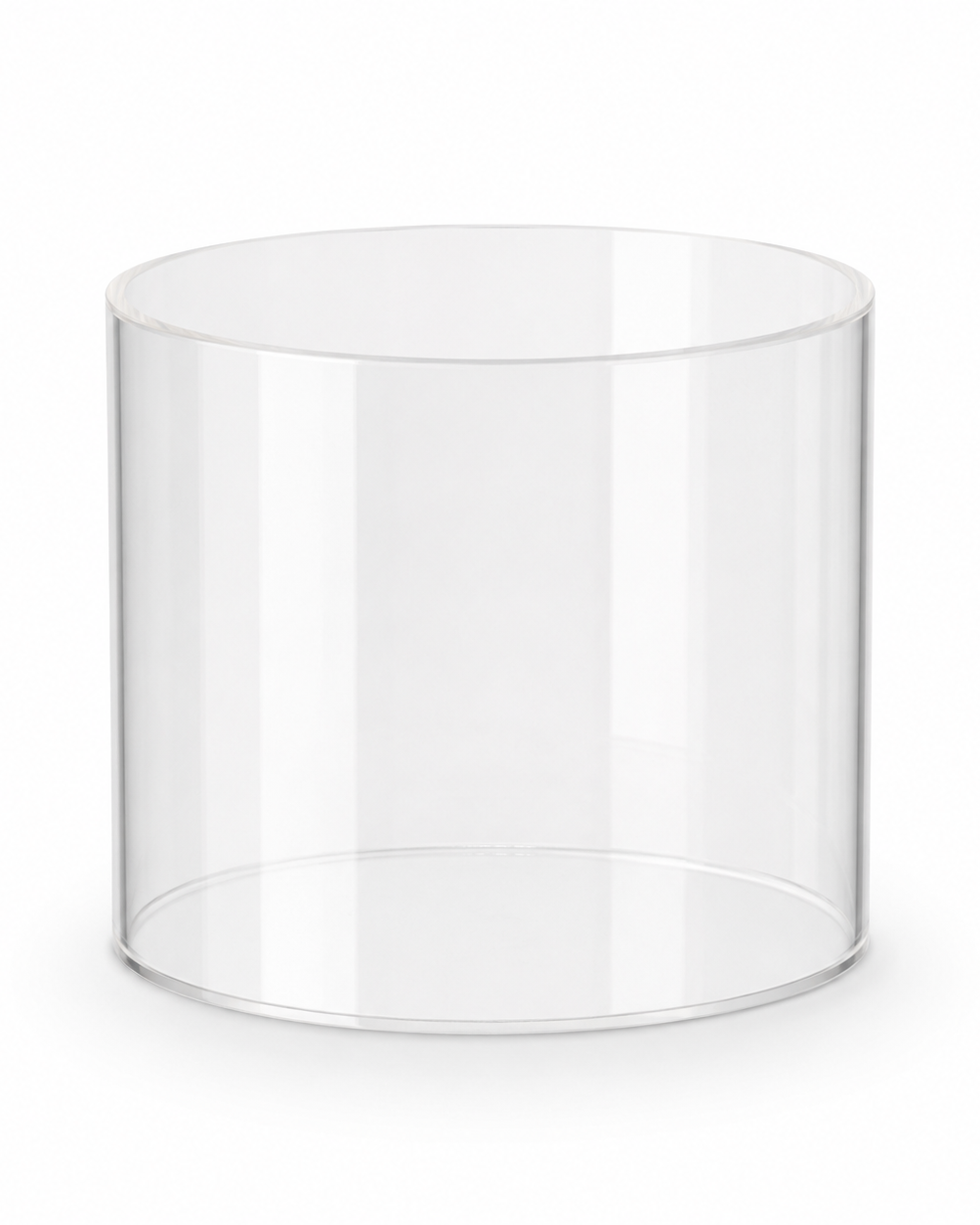
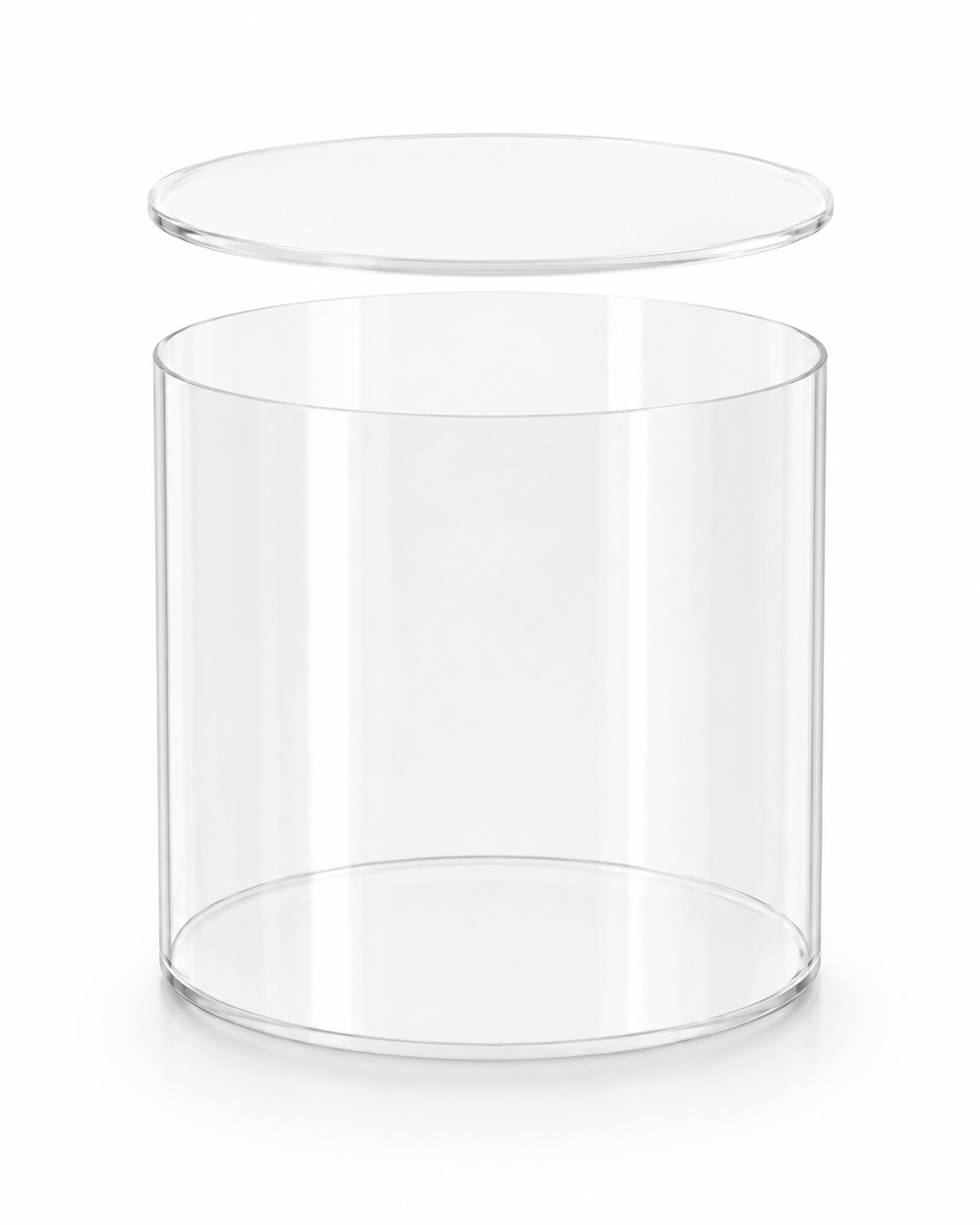
- Cake spiral stamps — modelled on the Cake Spiral acrylic wrap.
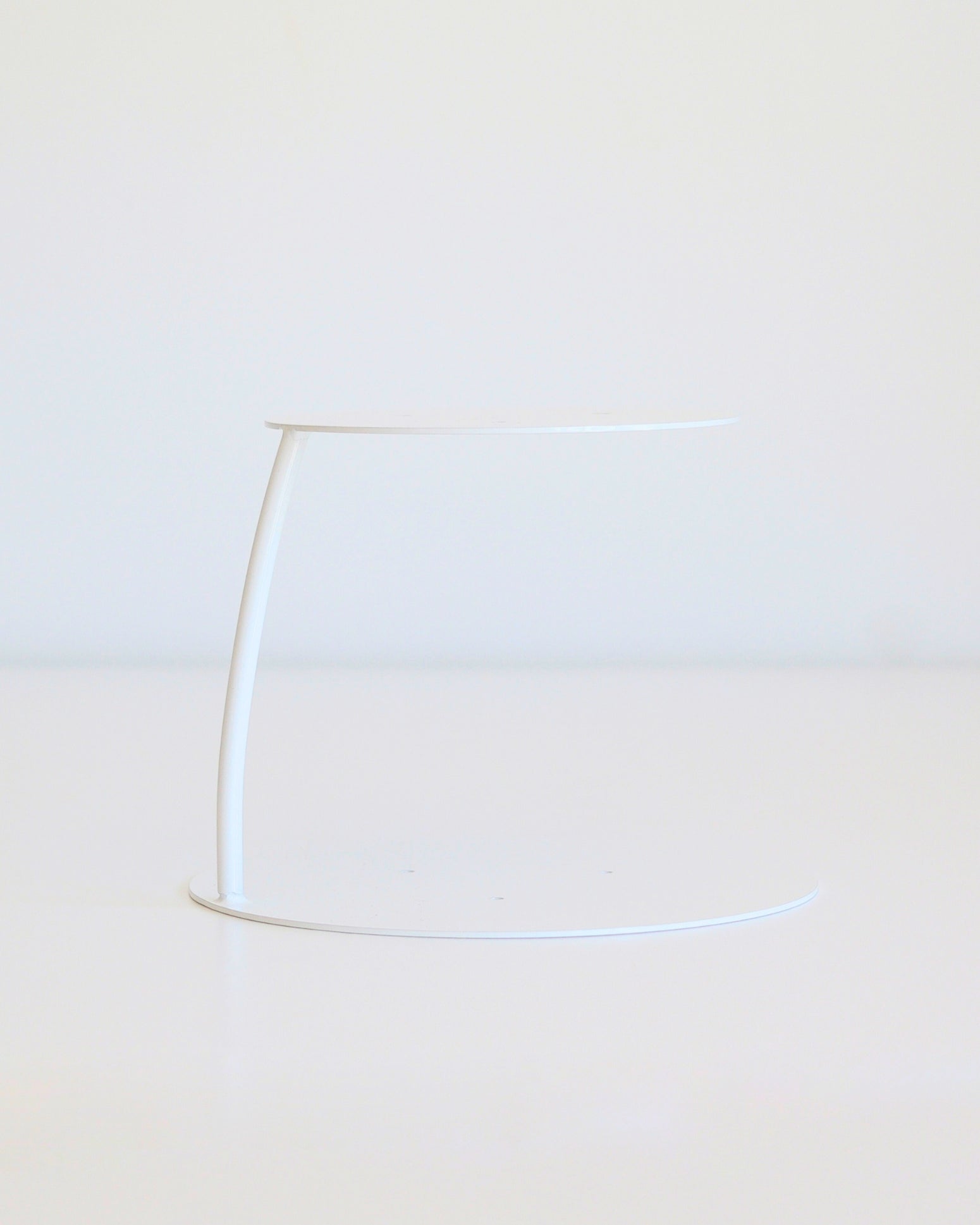
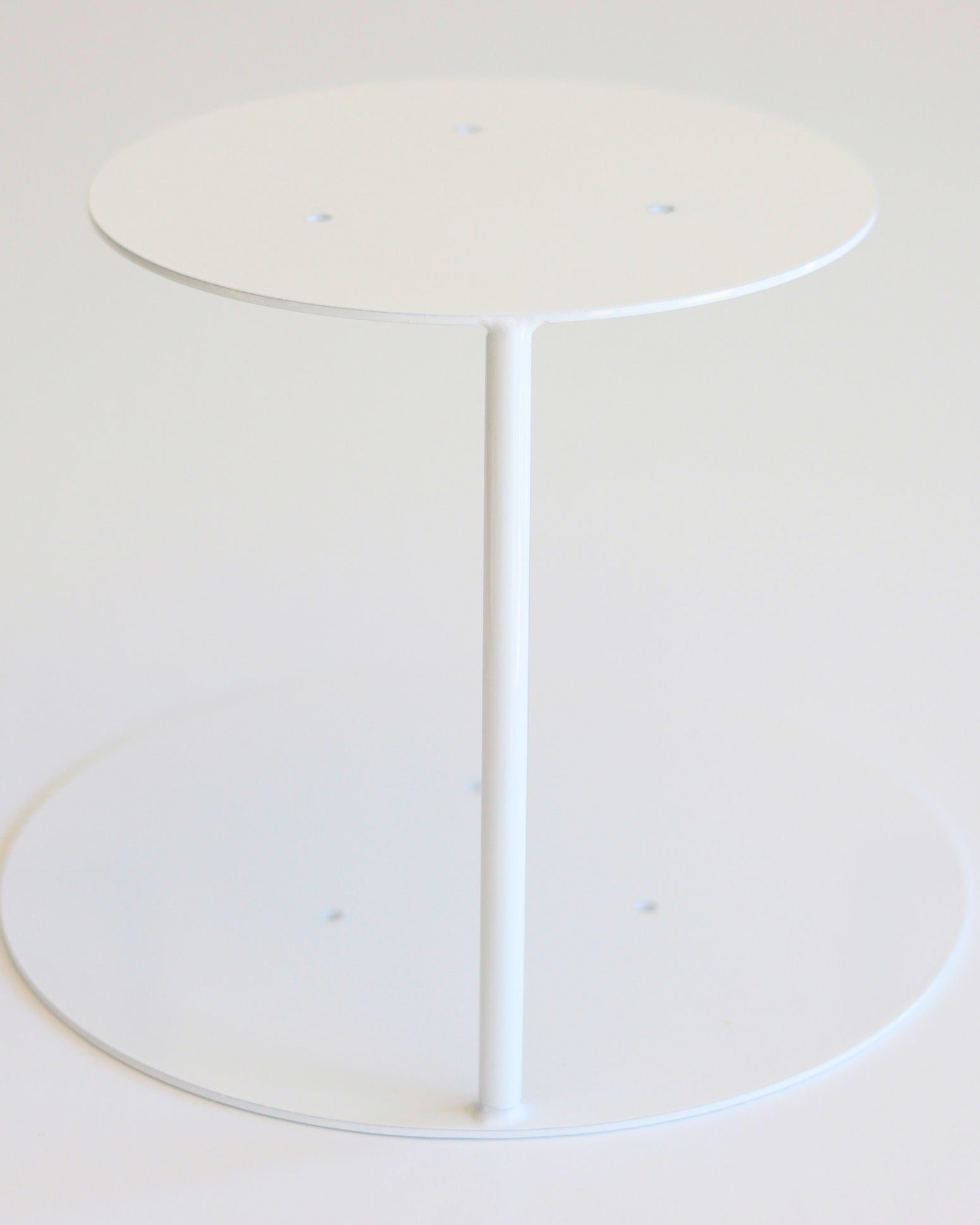
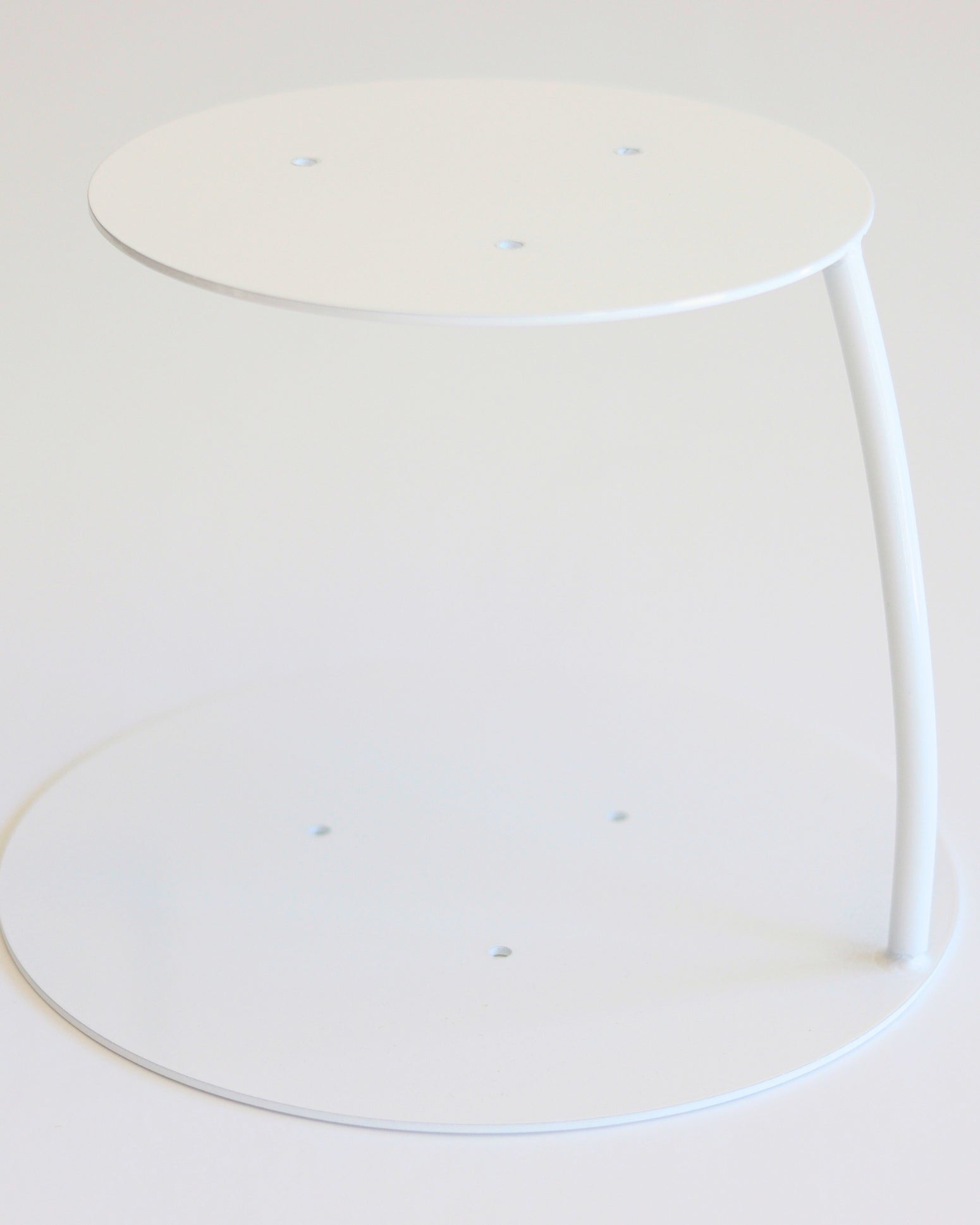
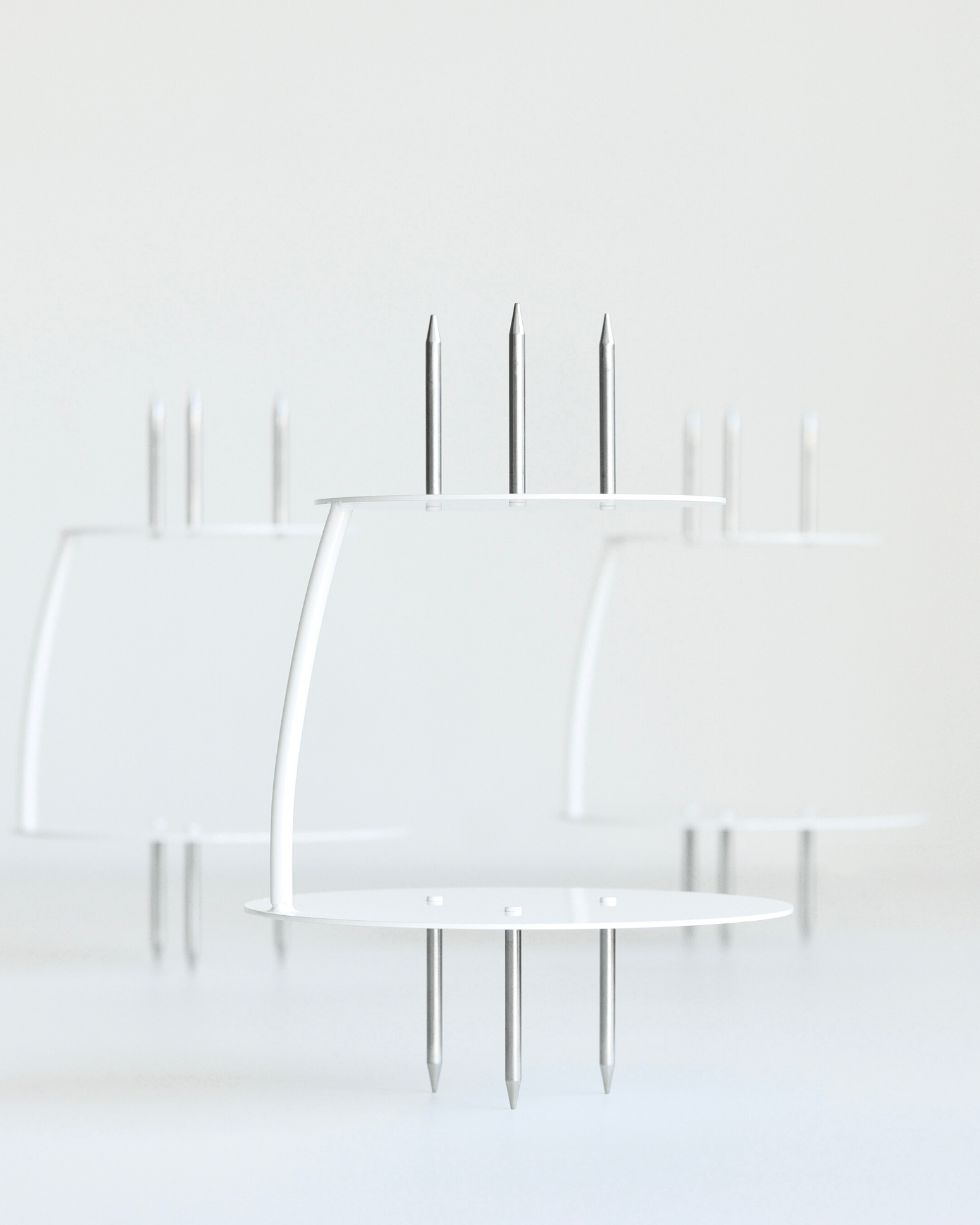
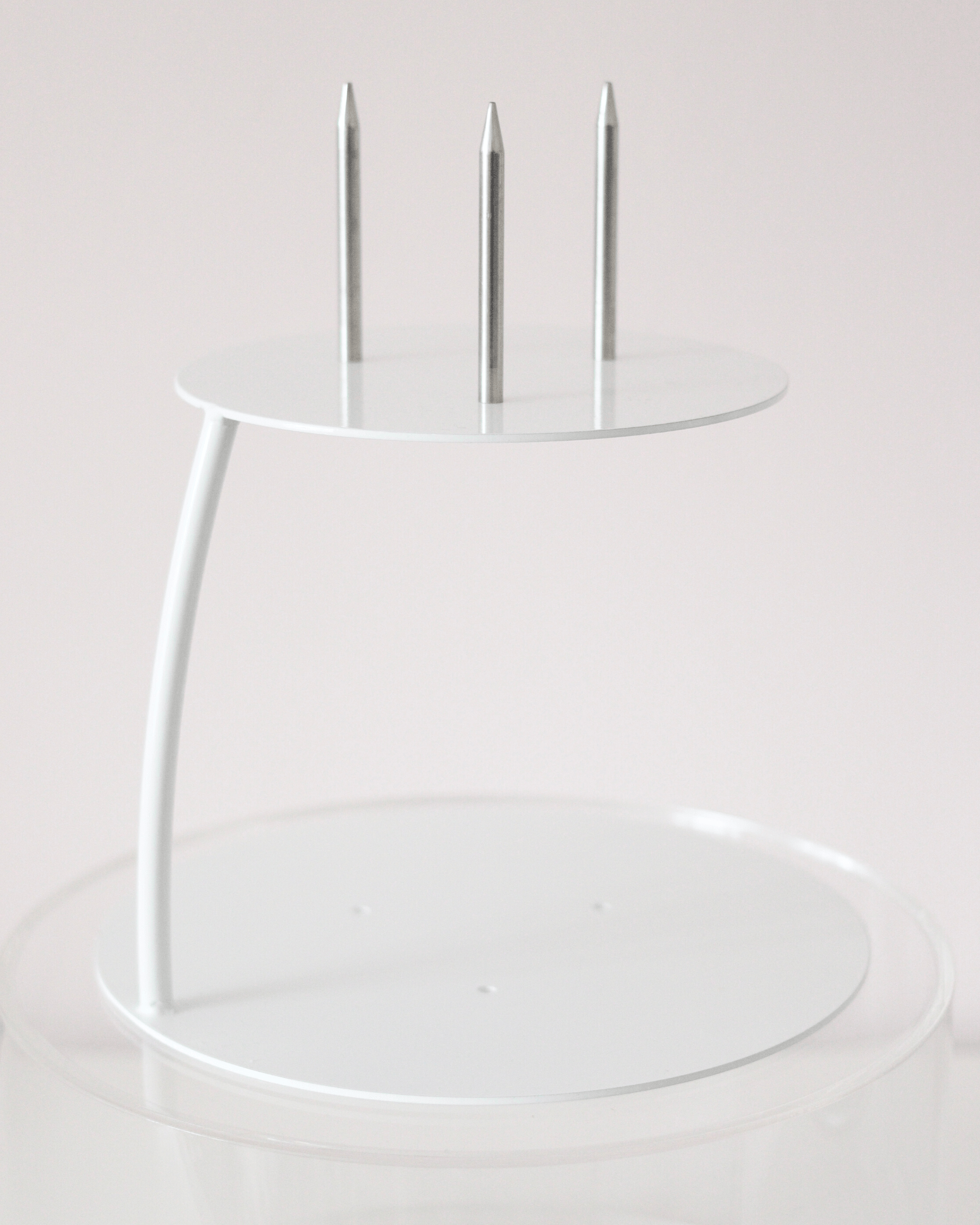
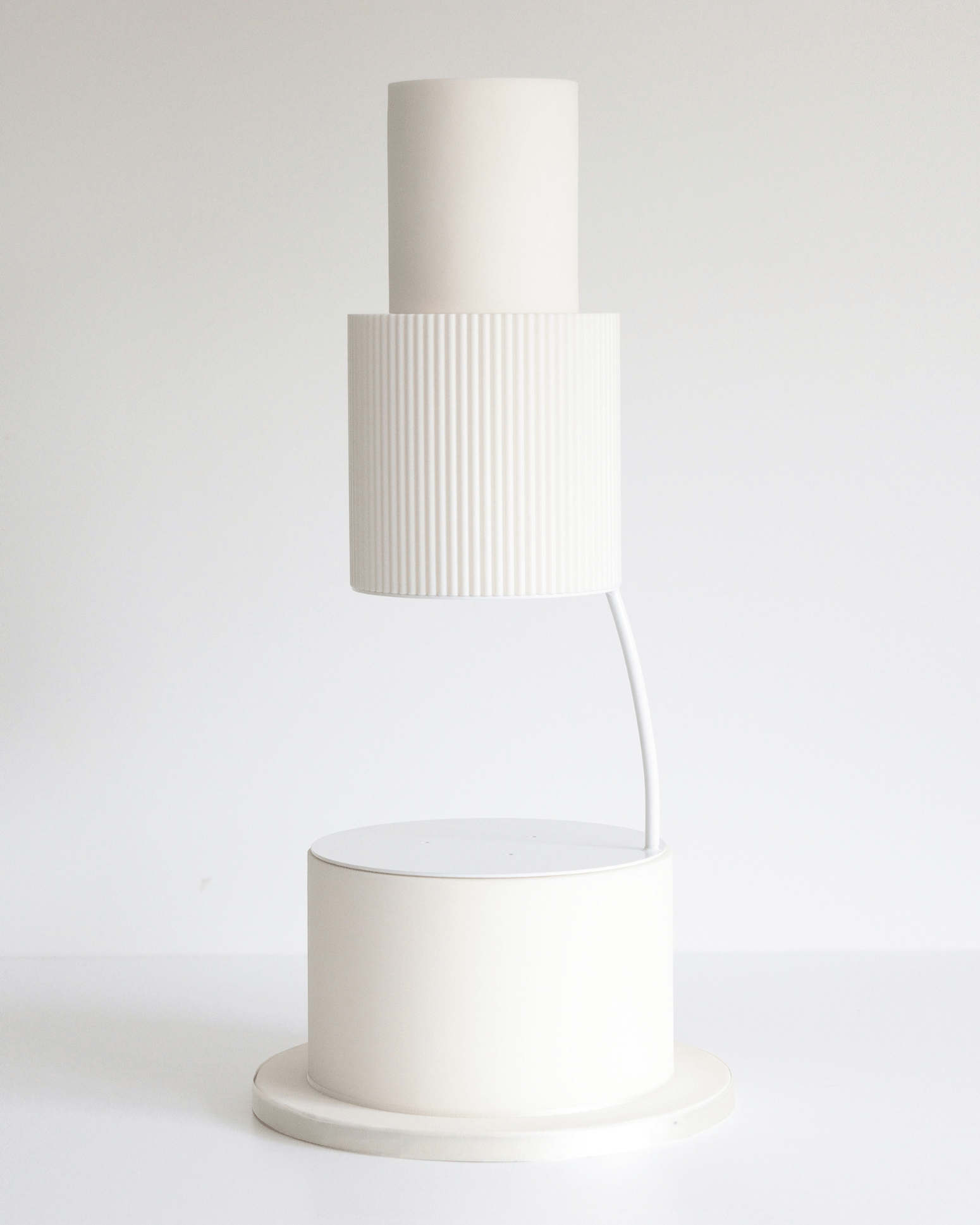
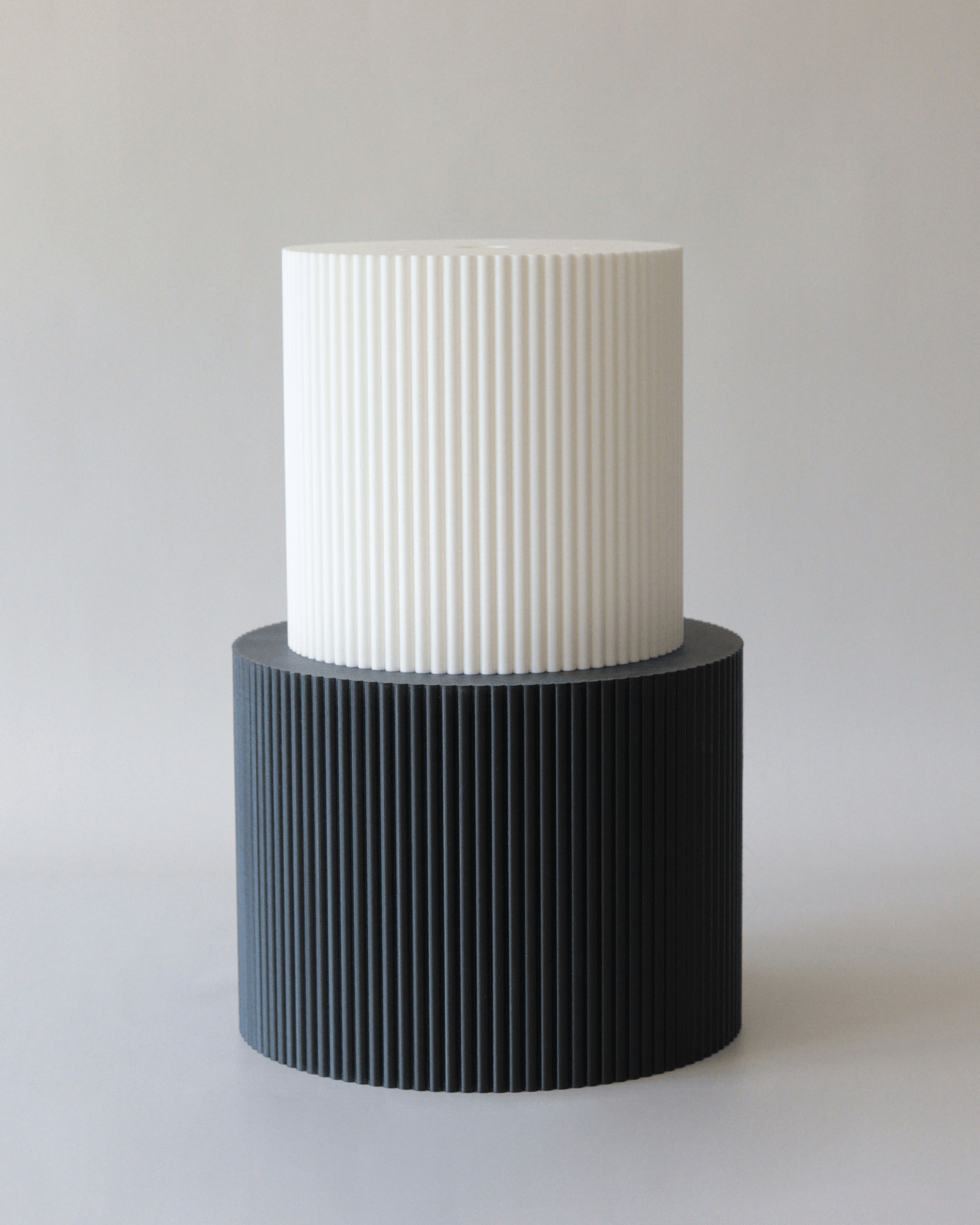
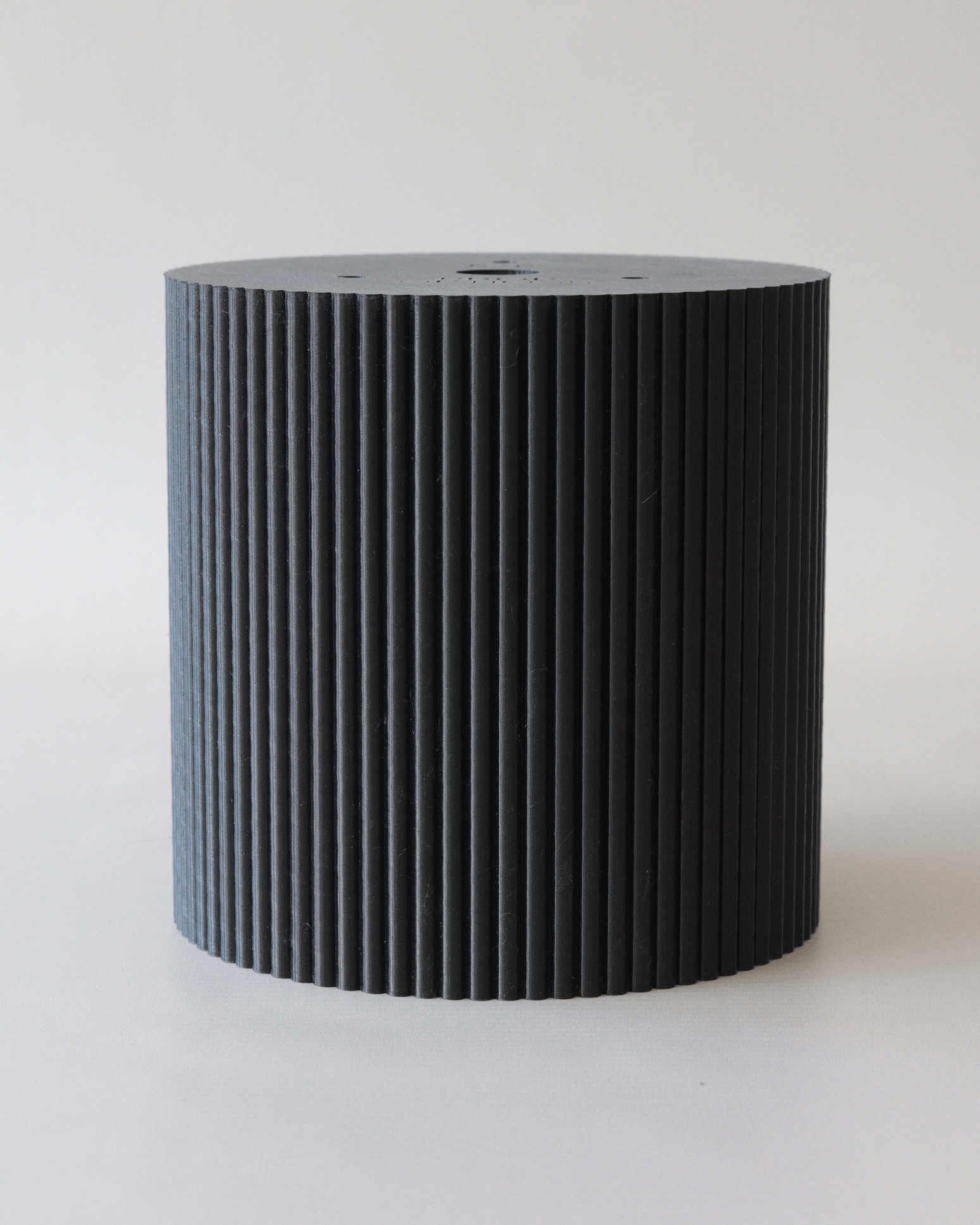
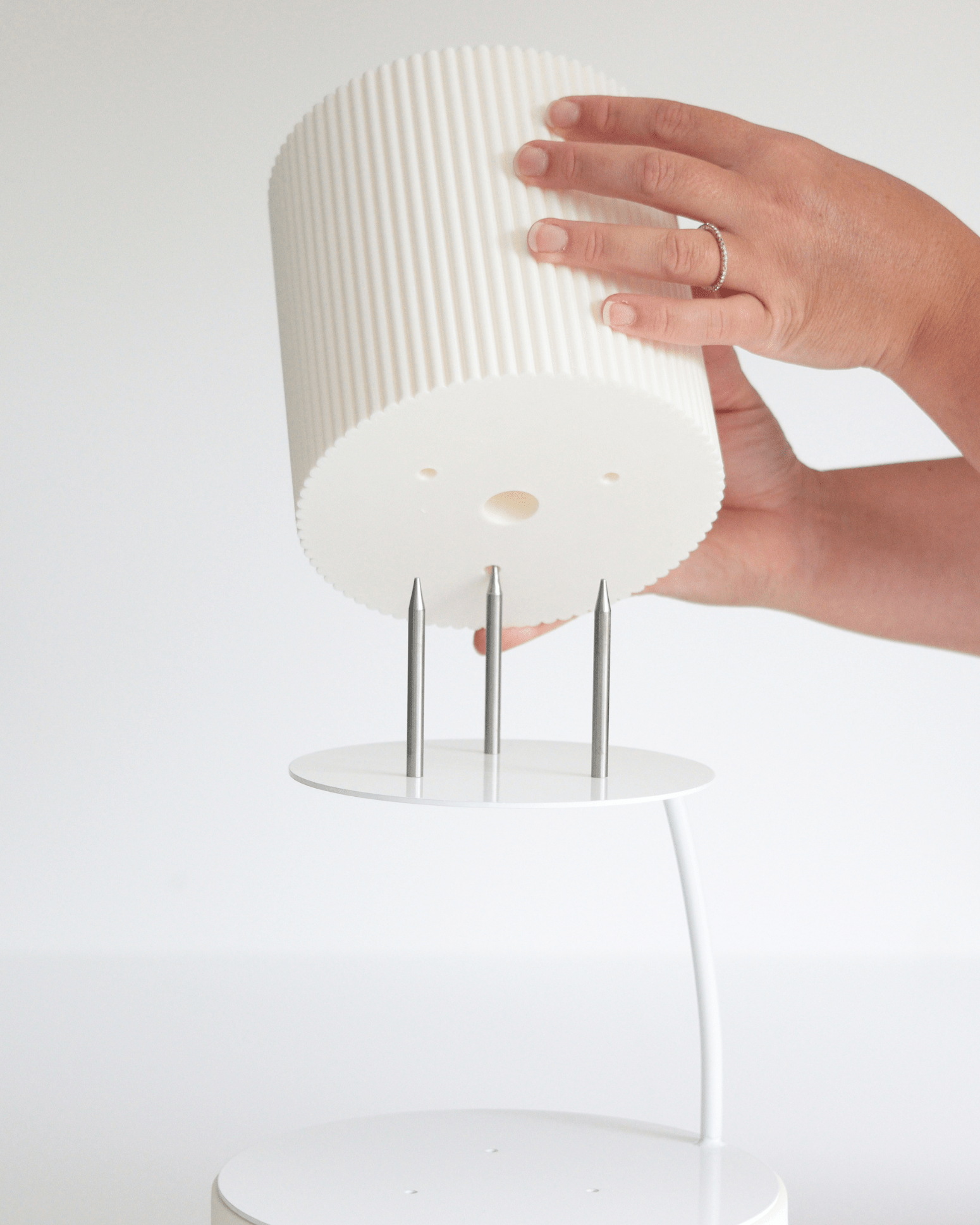
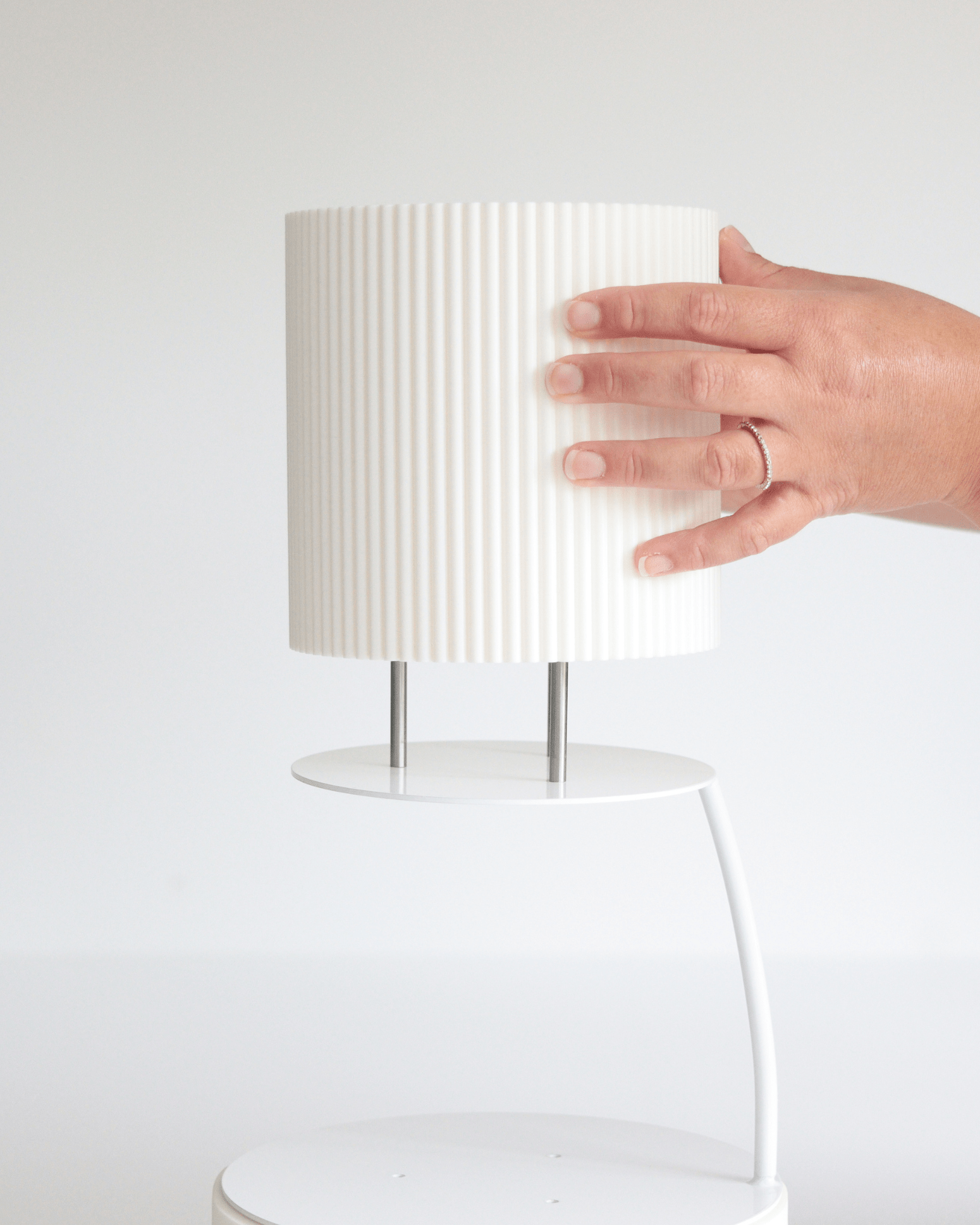
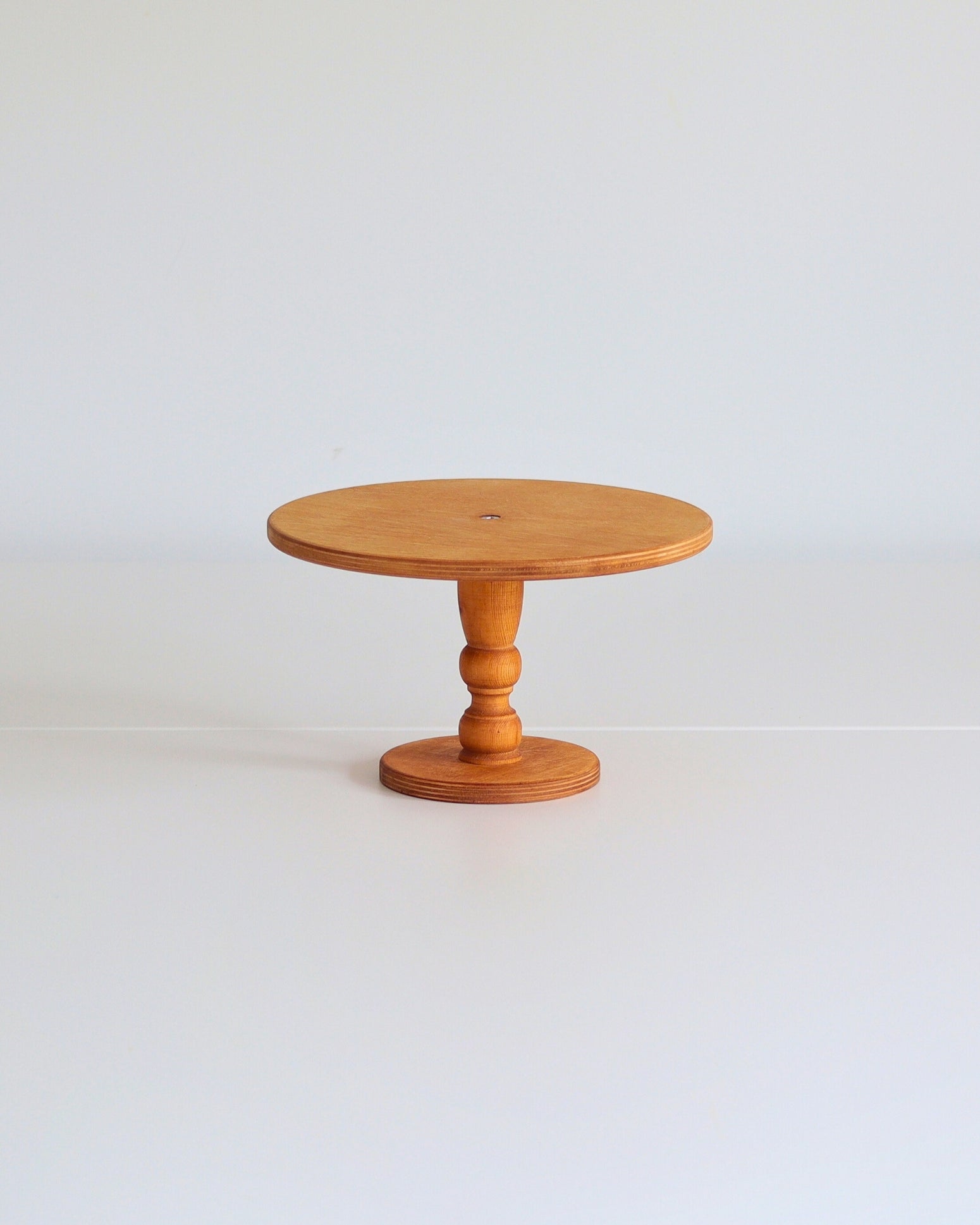
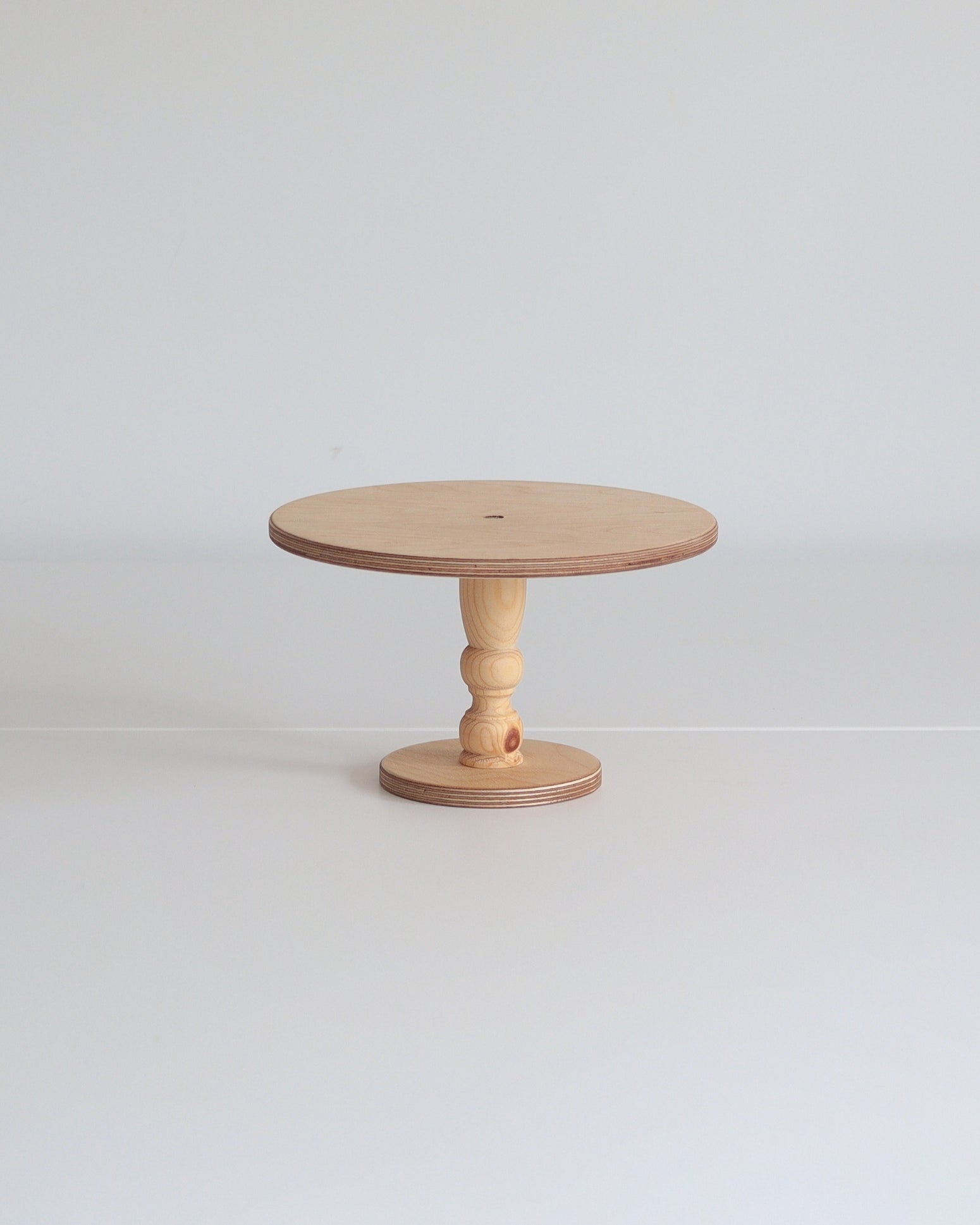
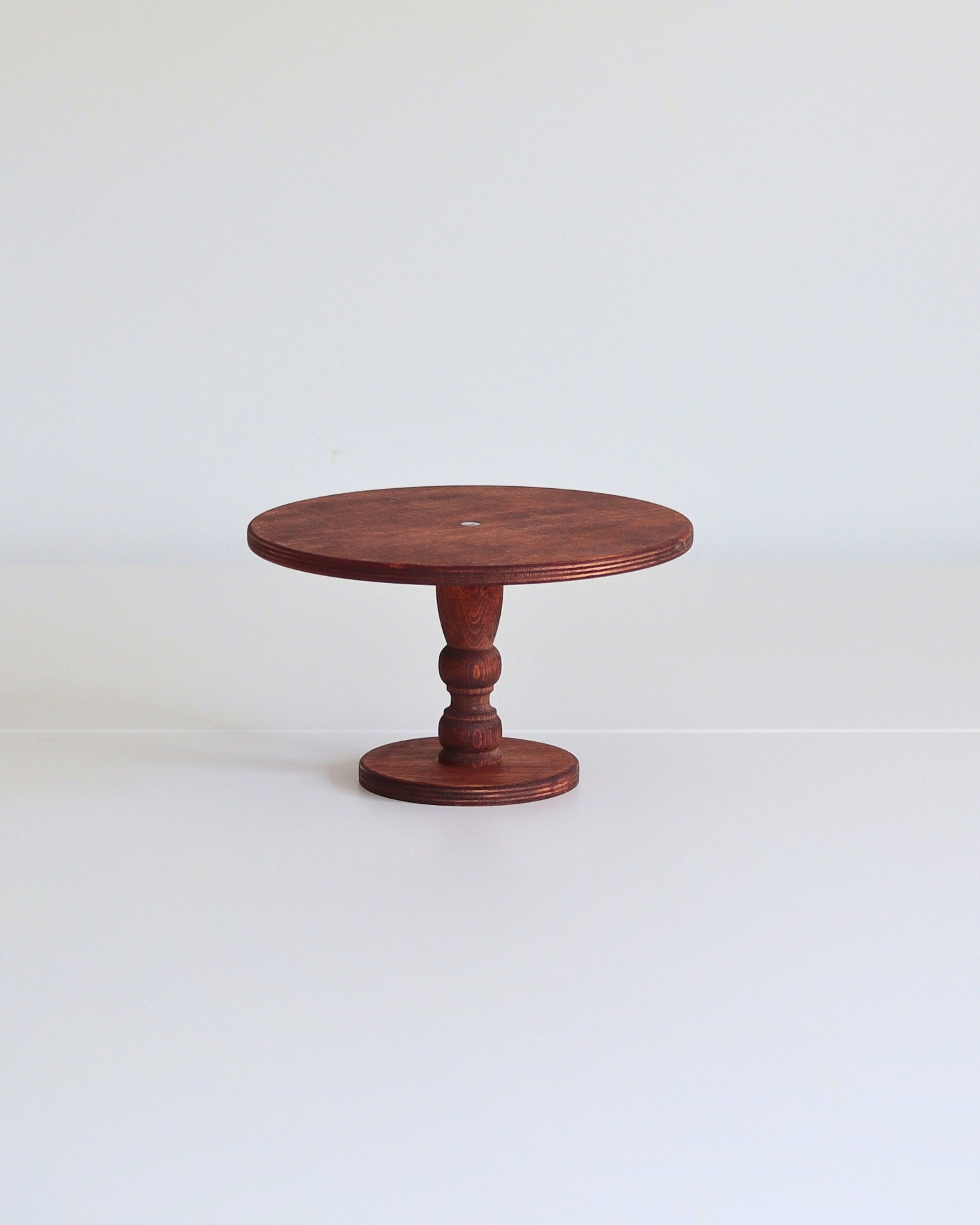
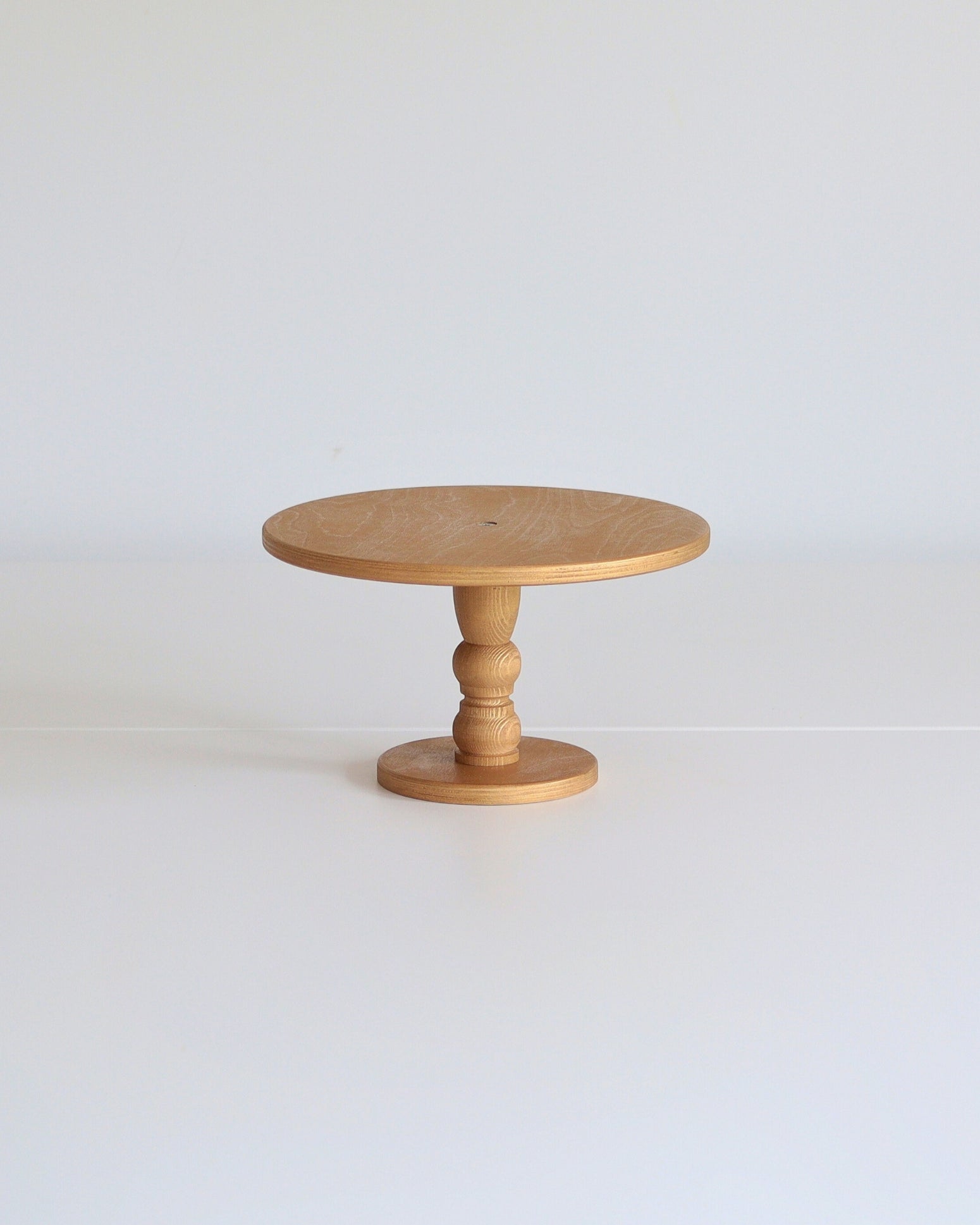
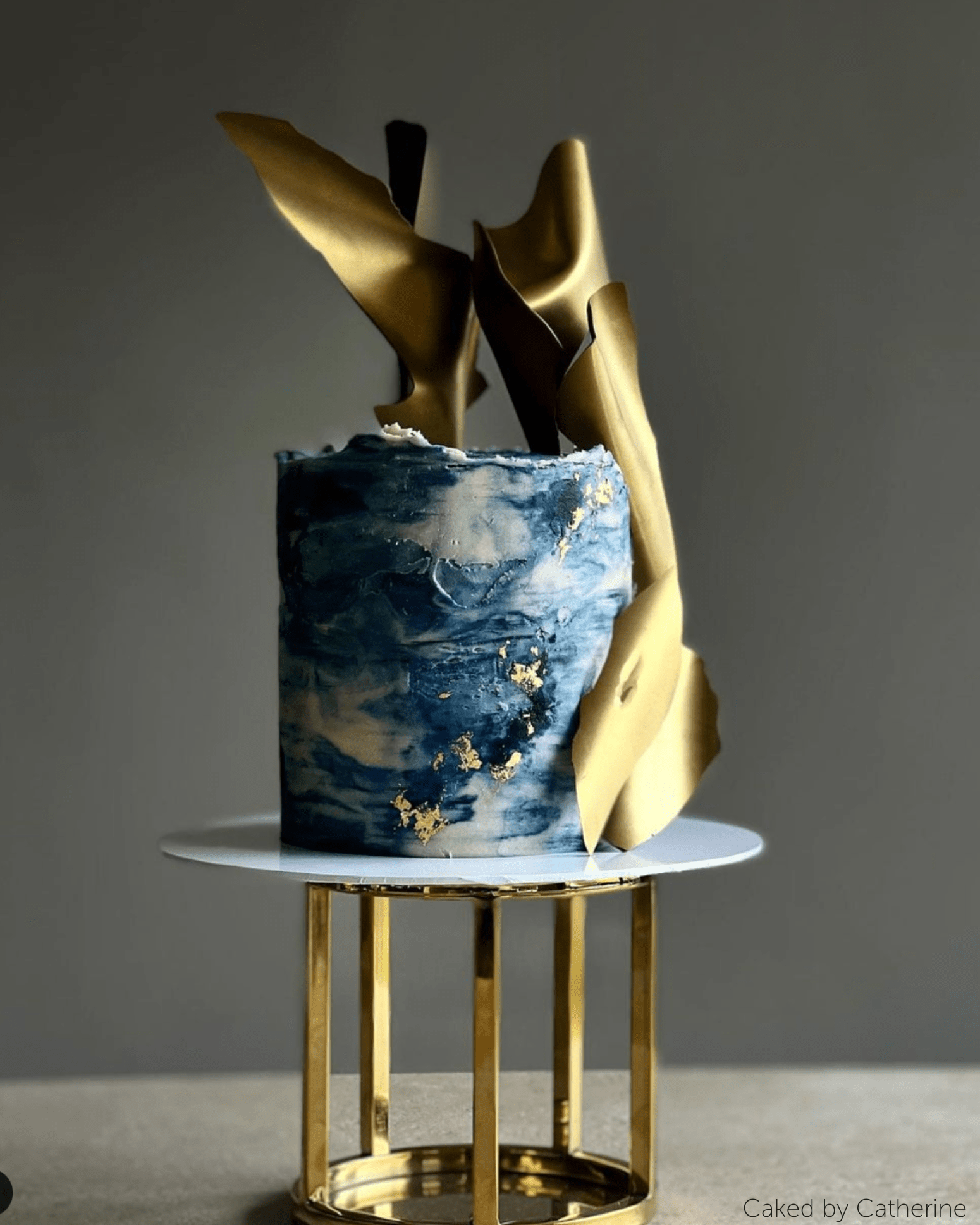
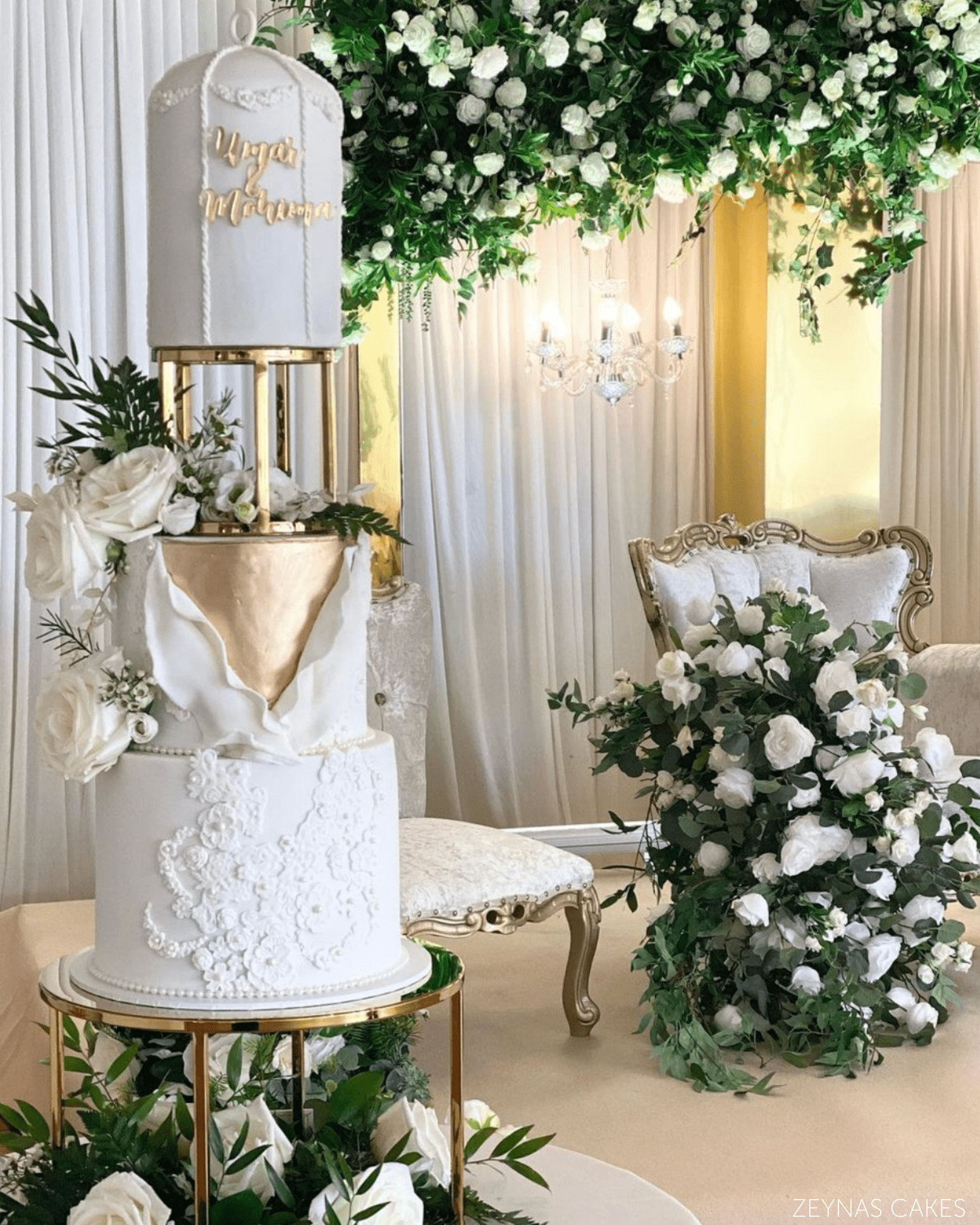
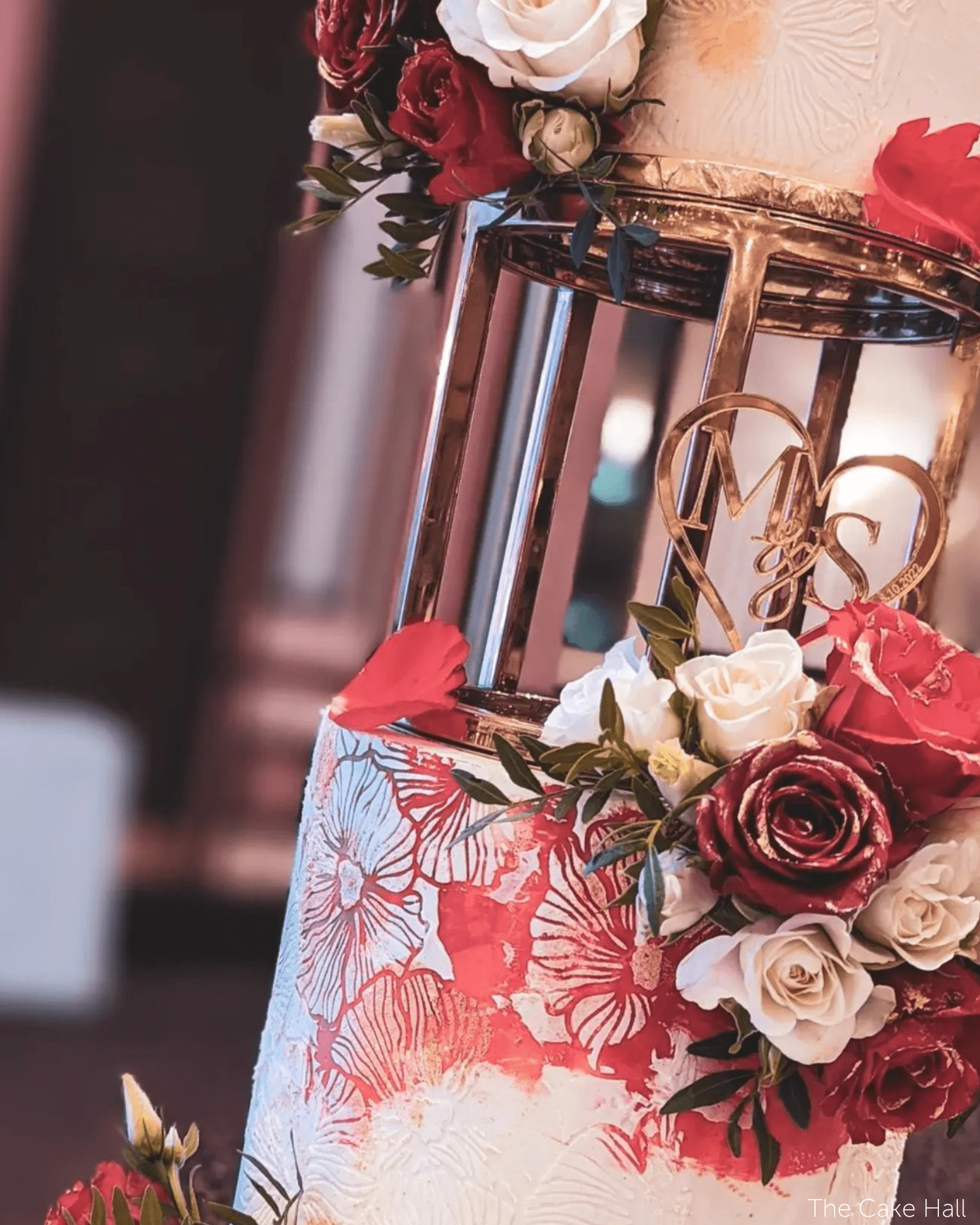
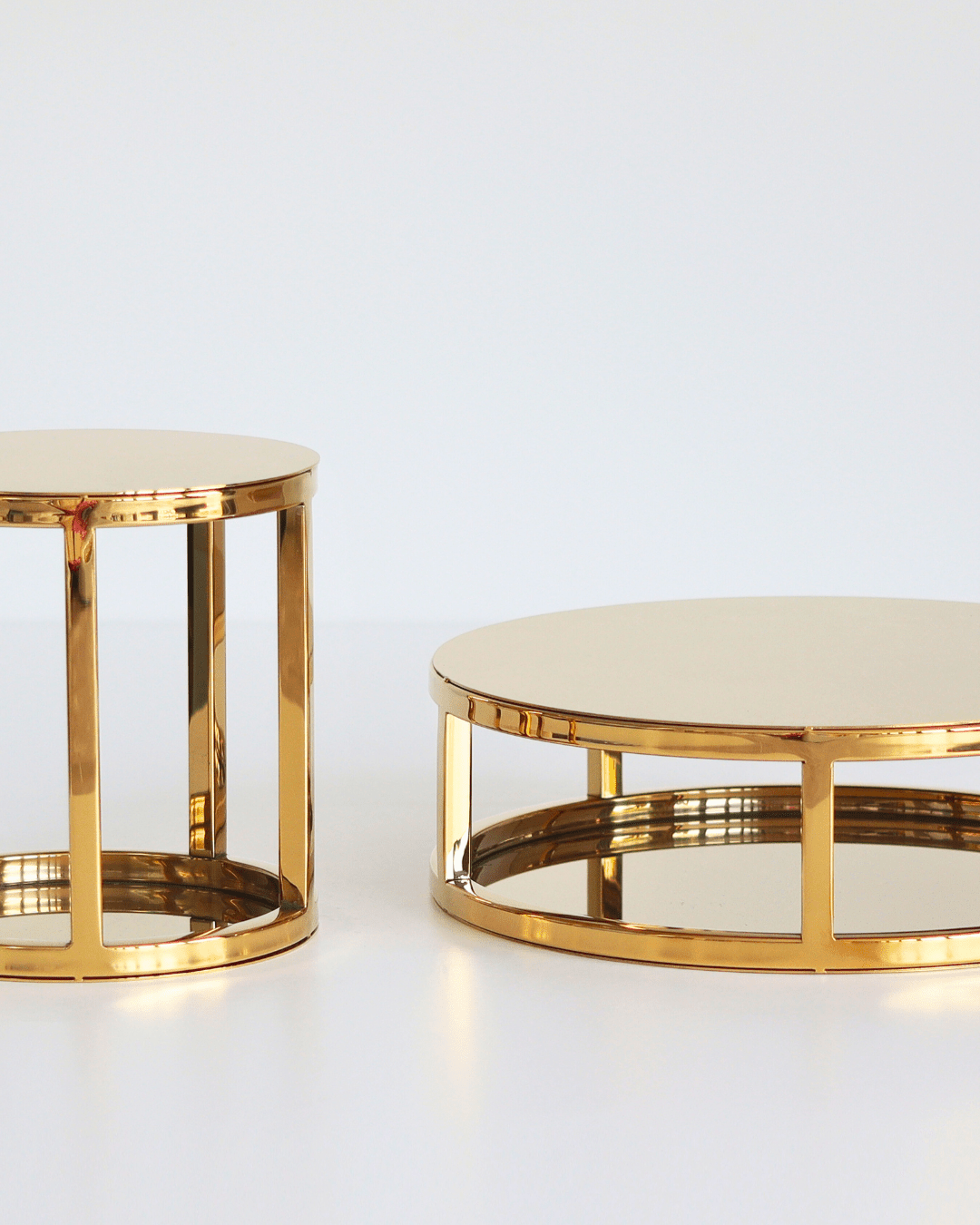
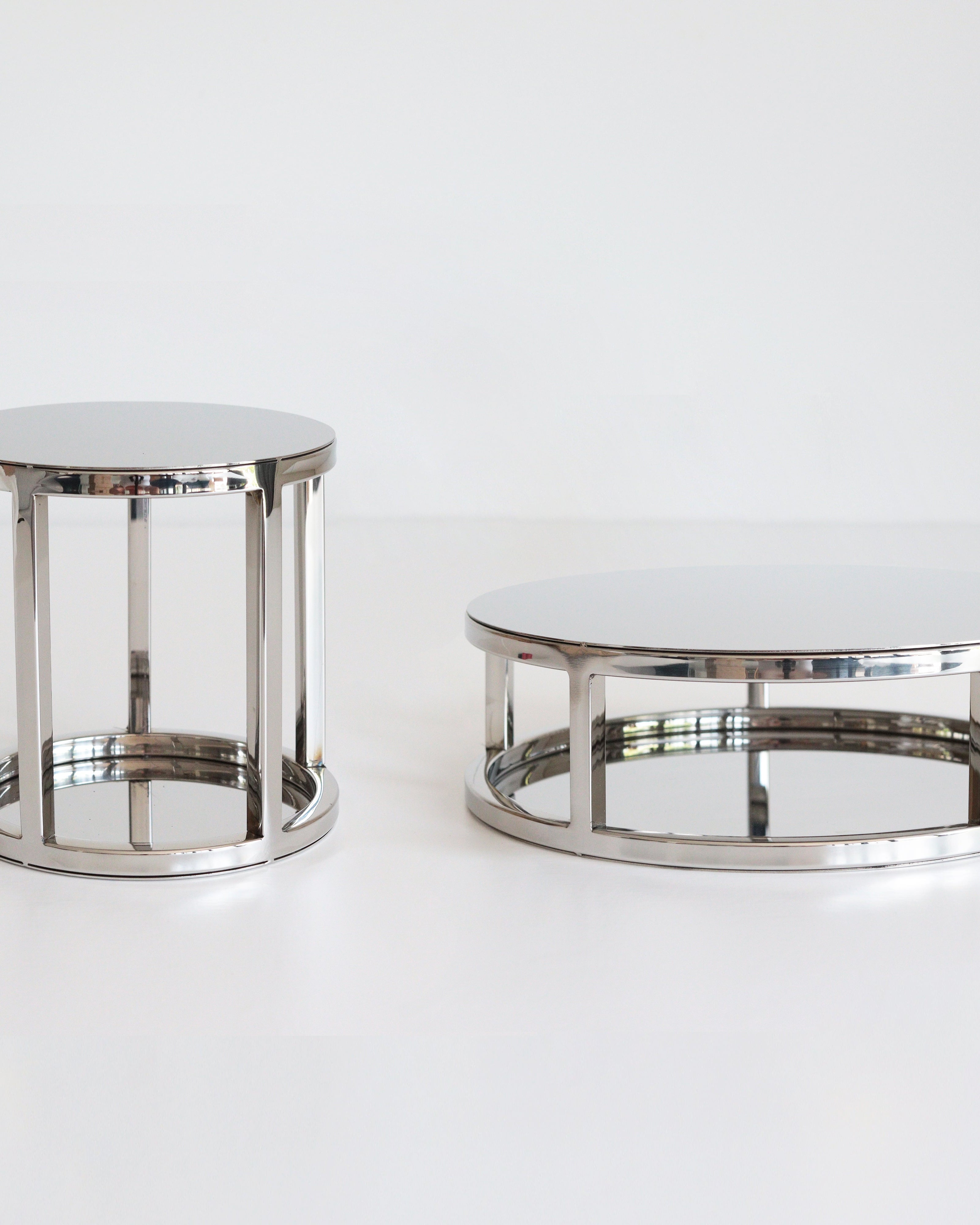
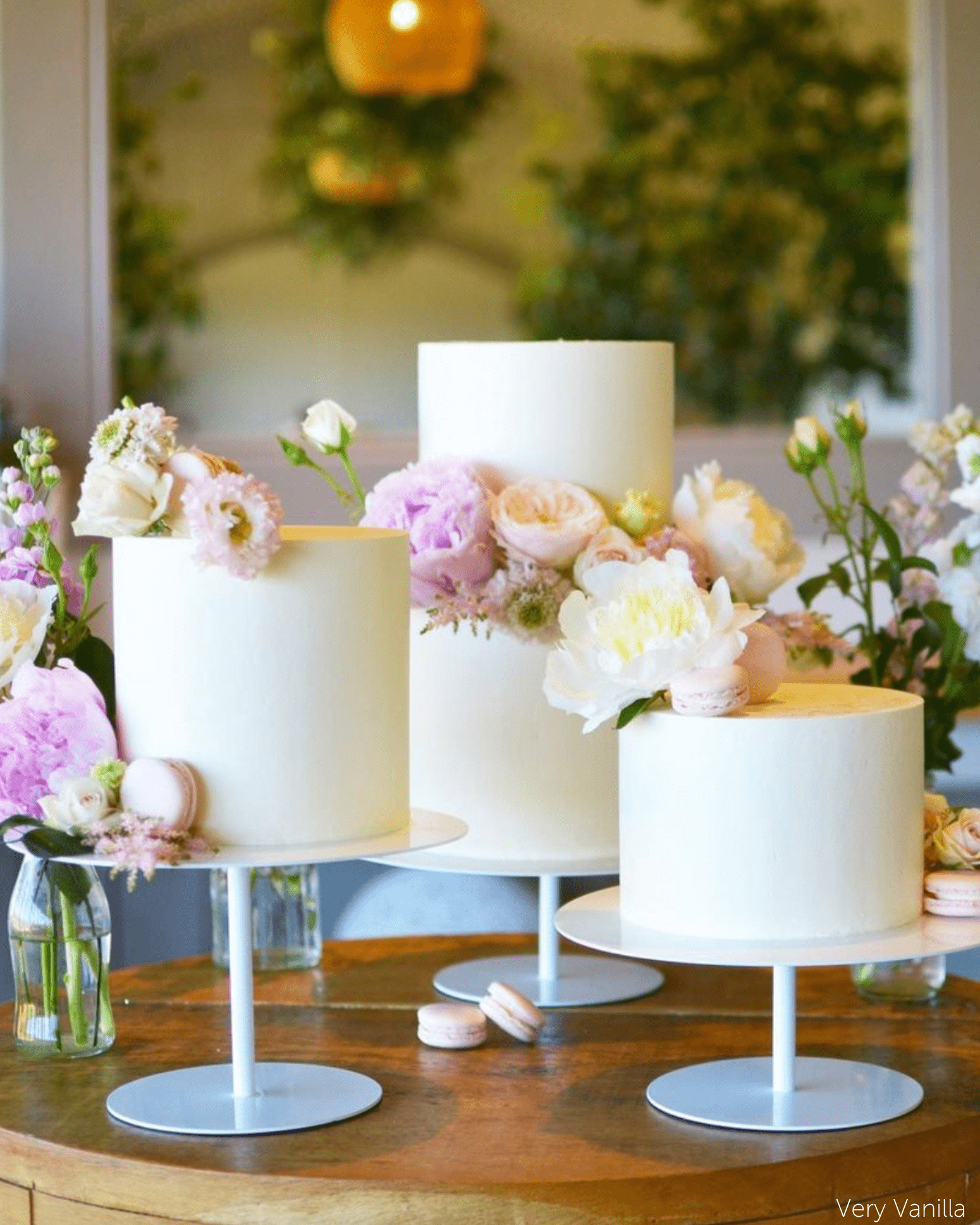
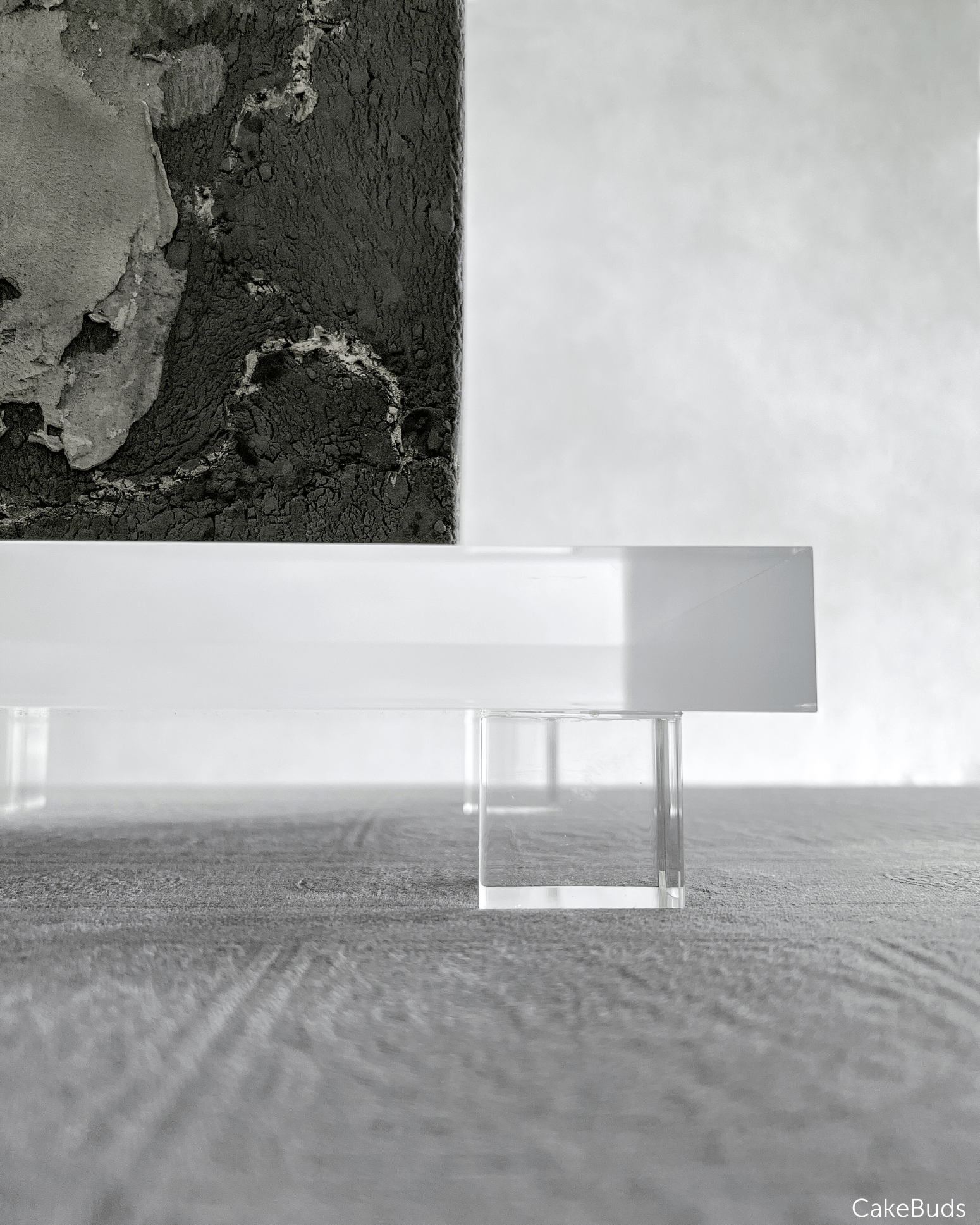
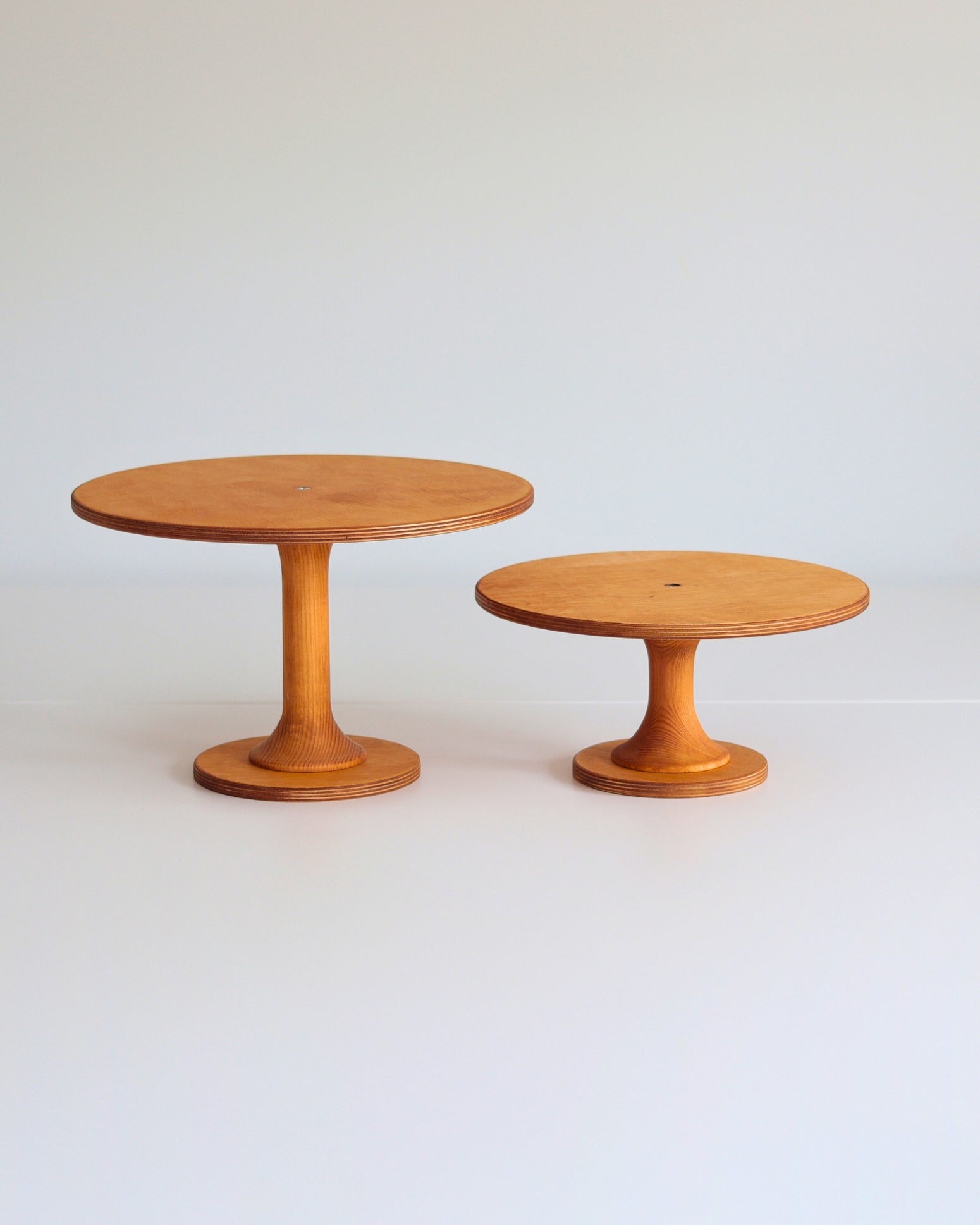
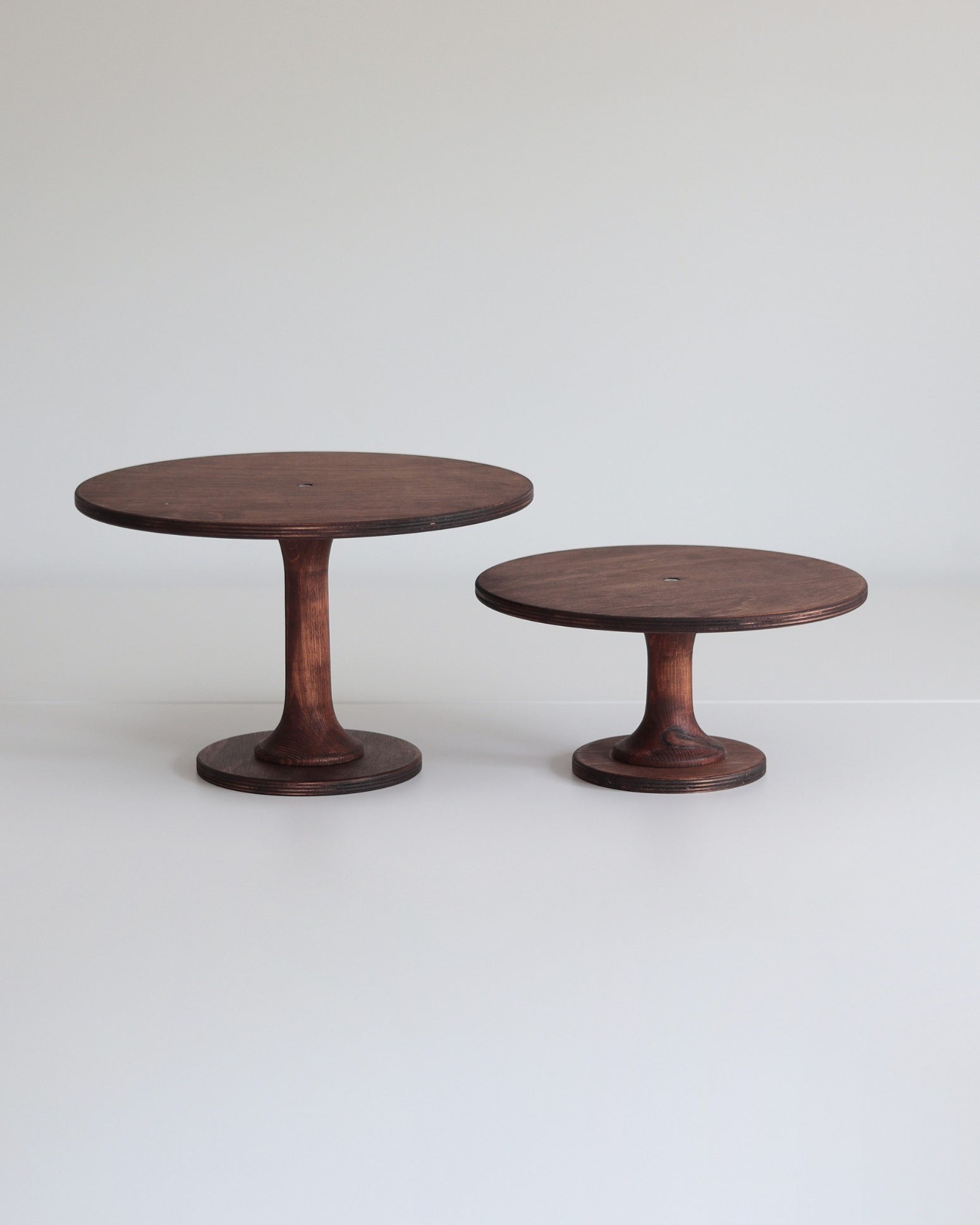
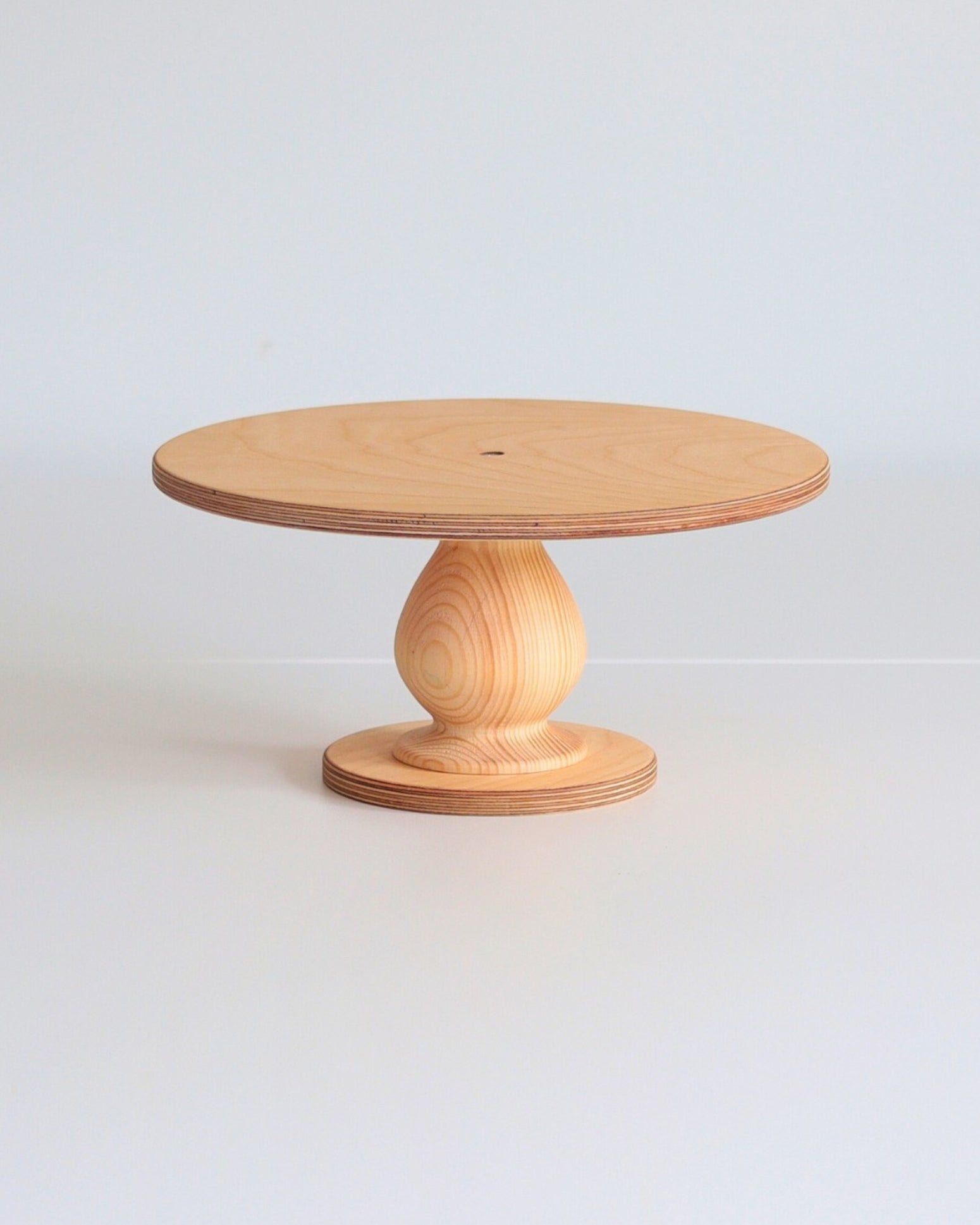
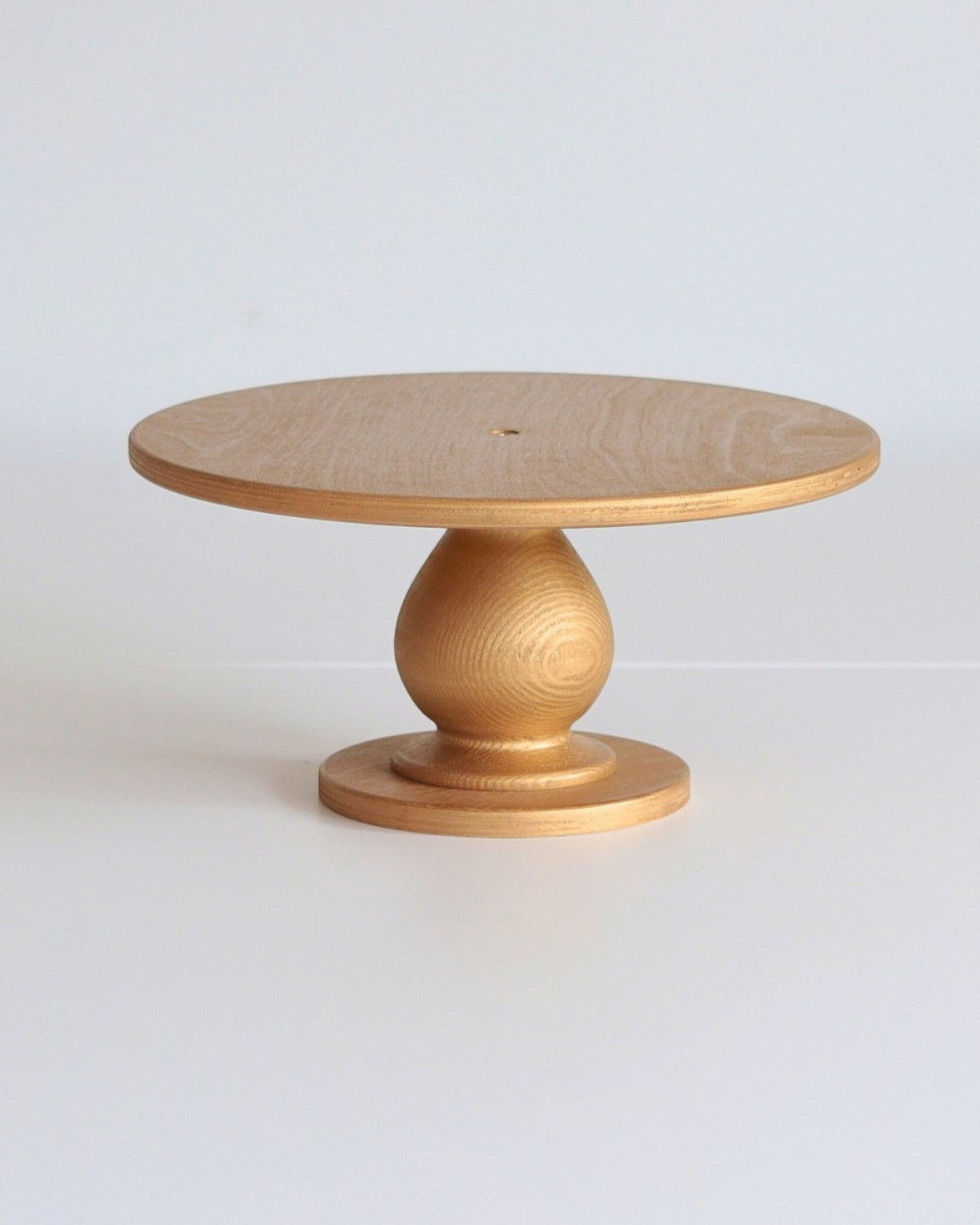
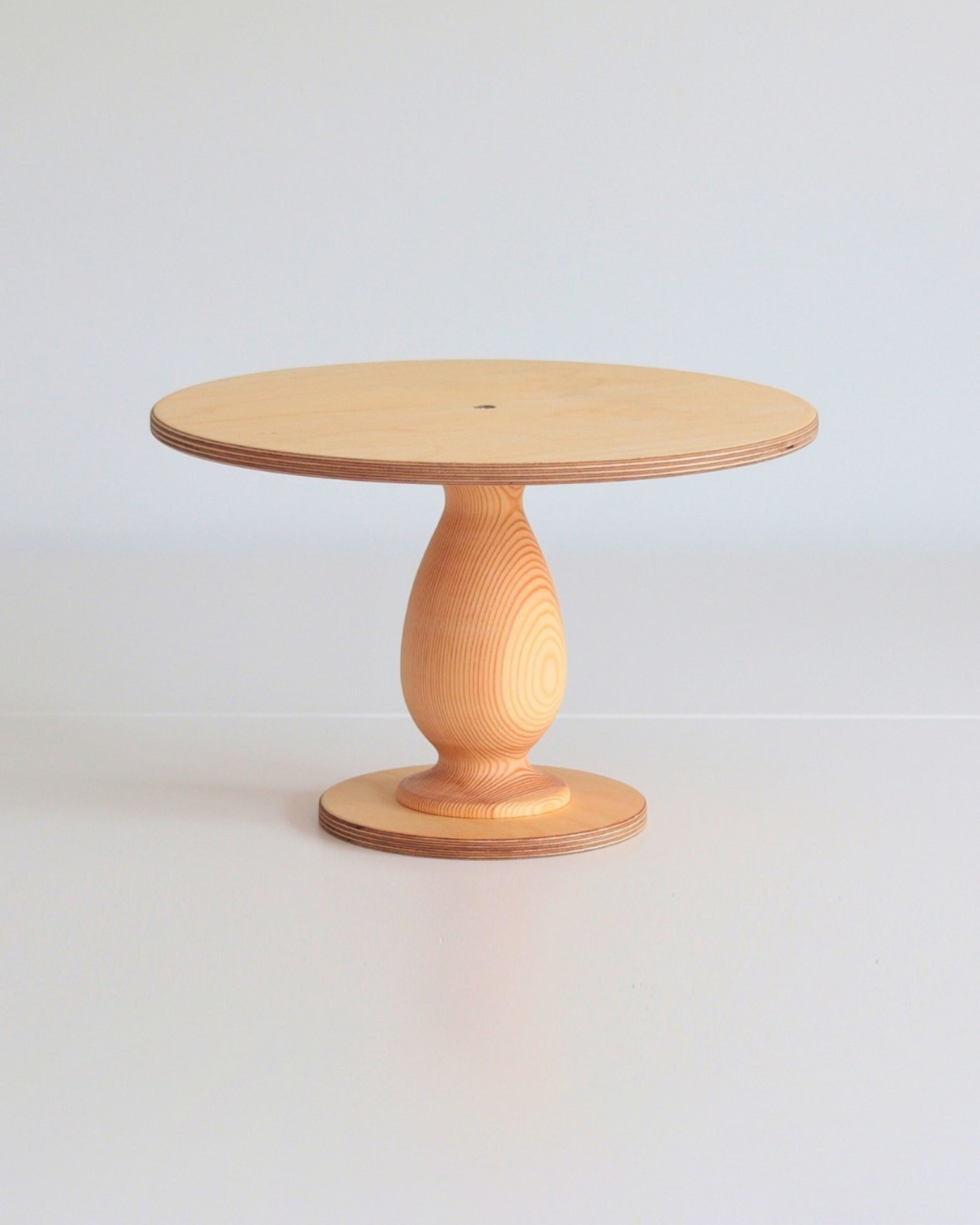
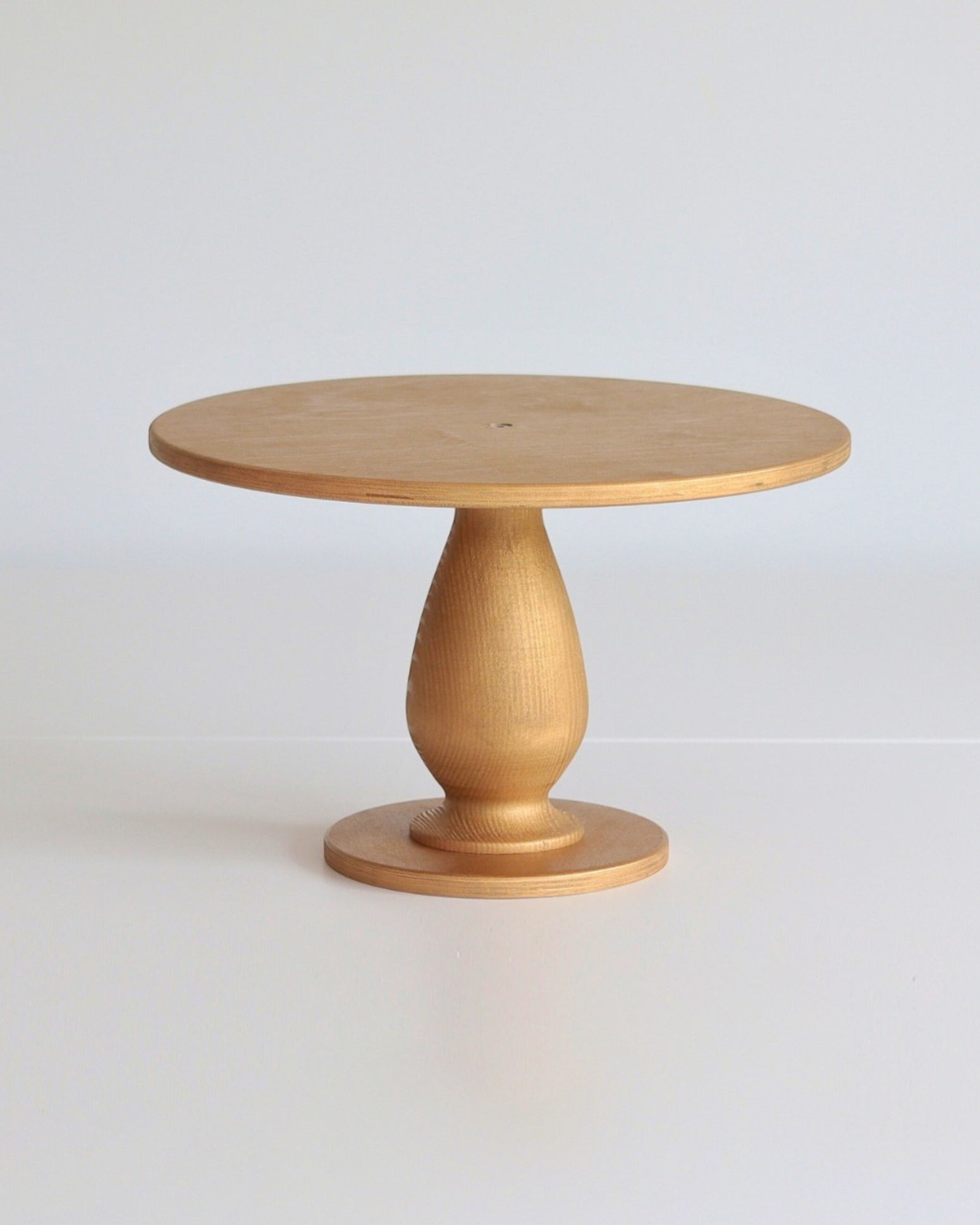
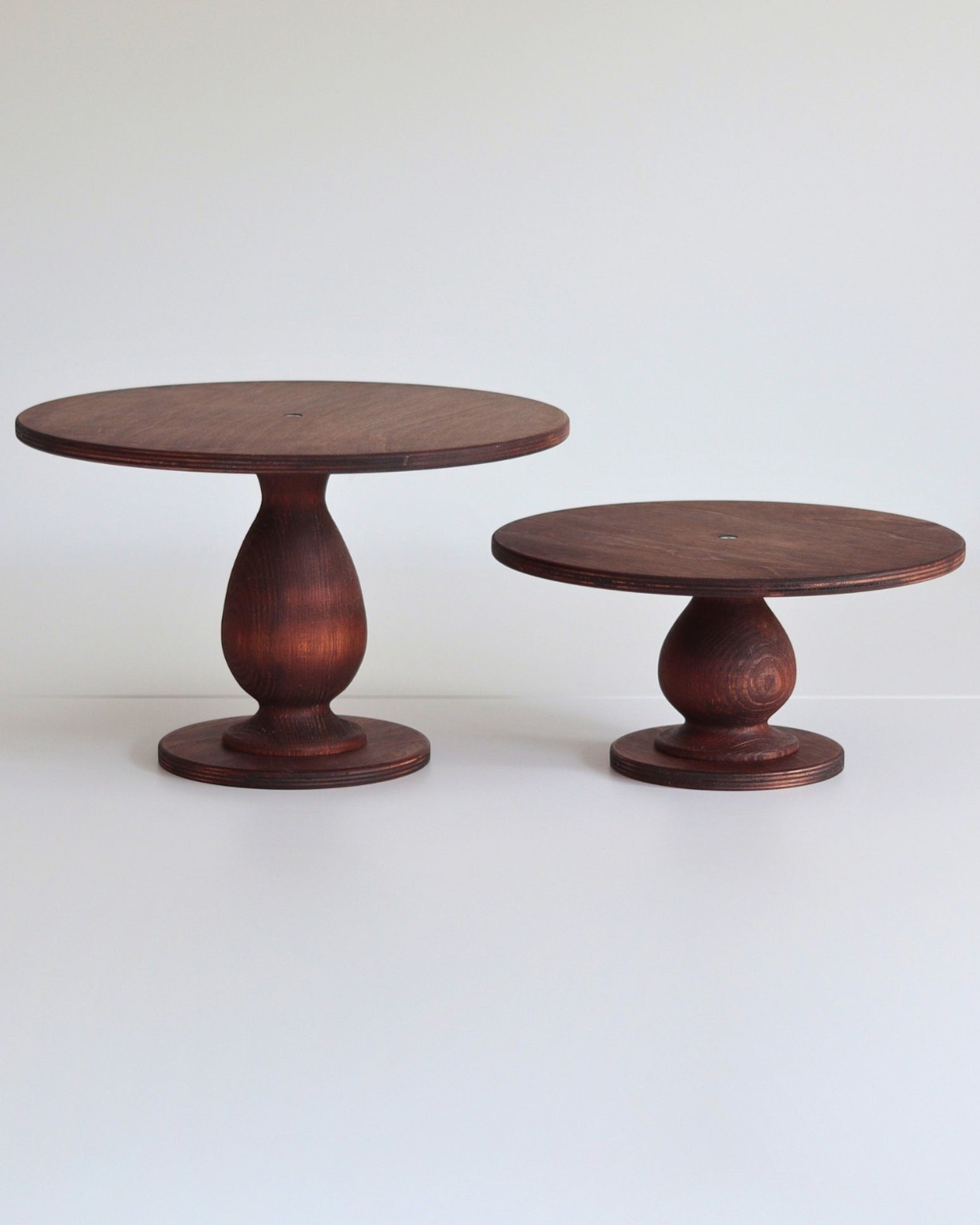
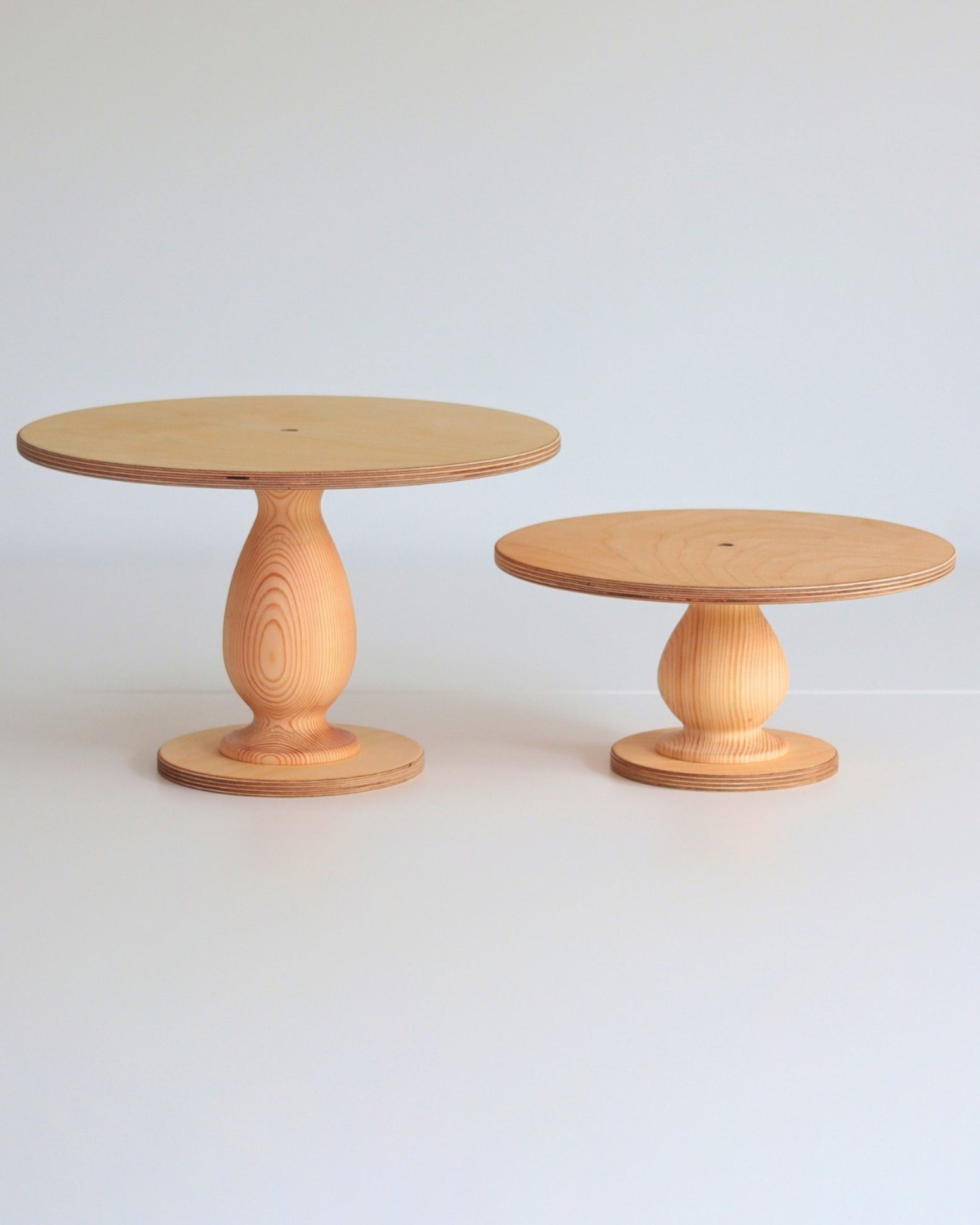
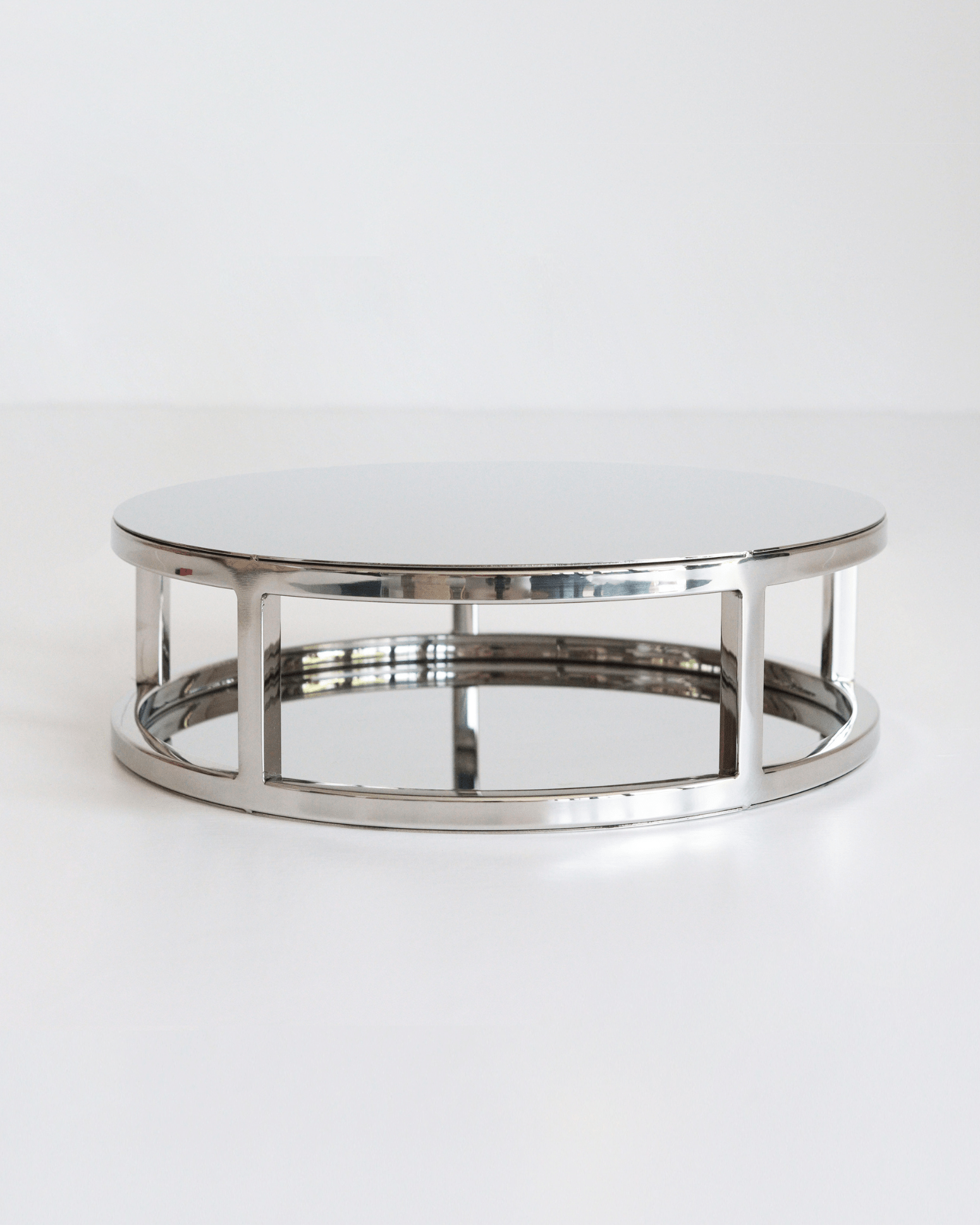
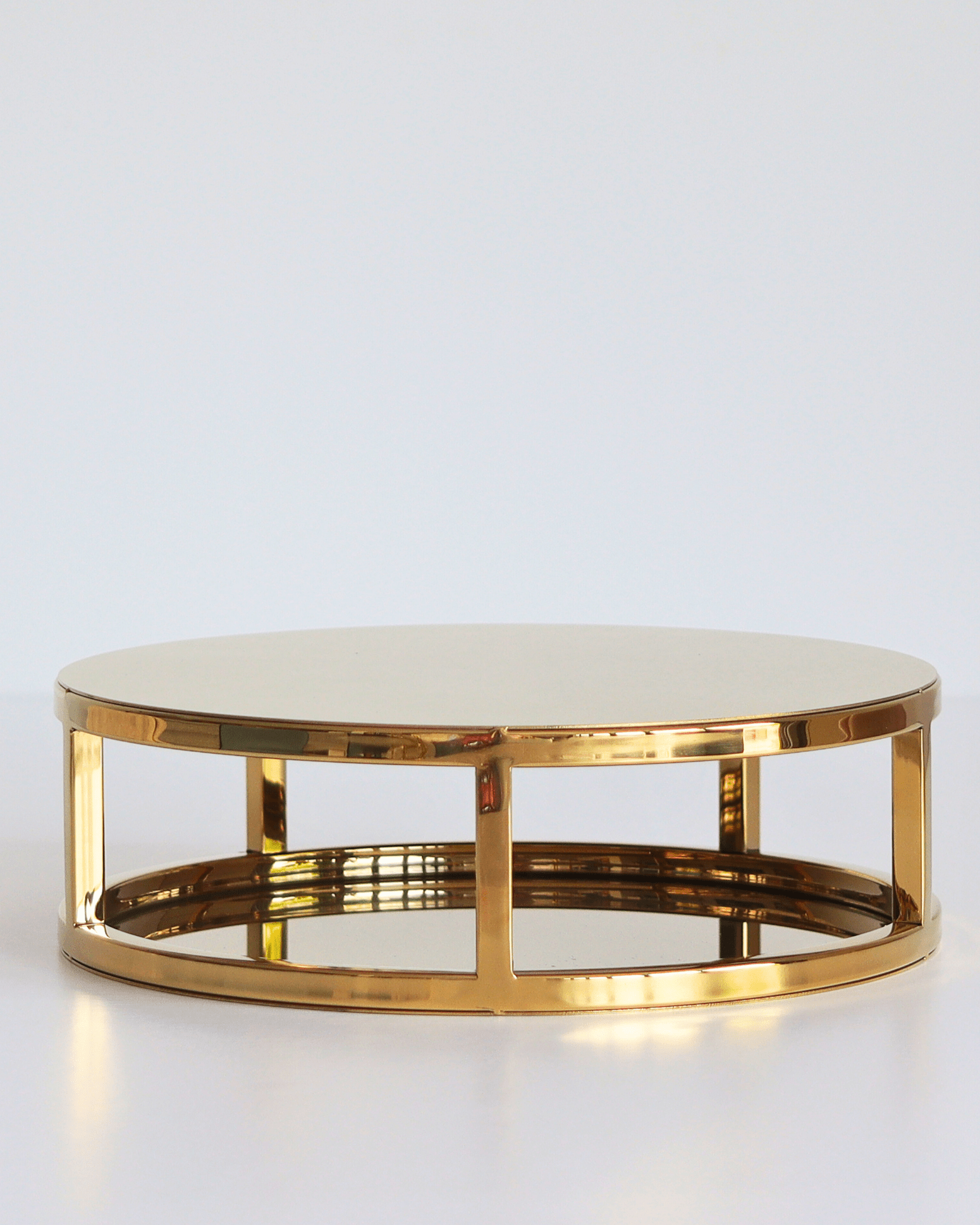
- Stiletto cake stand stamps — modelled on The Stiletto pedestal stand.
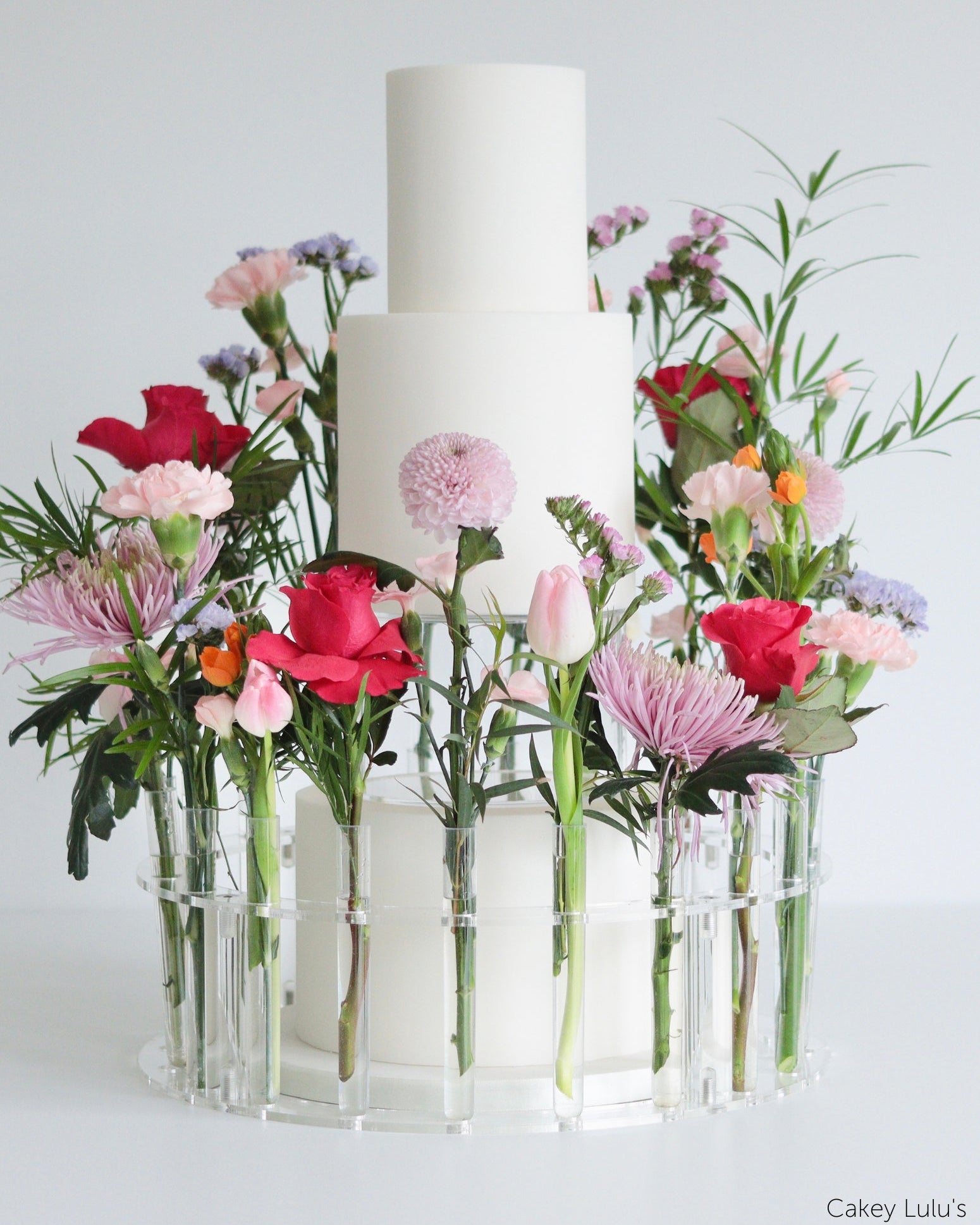
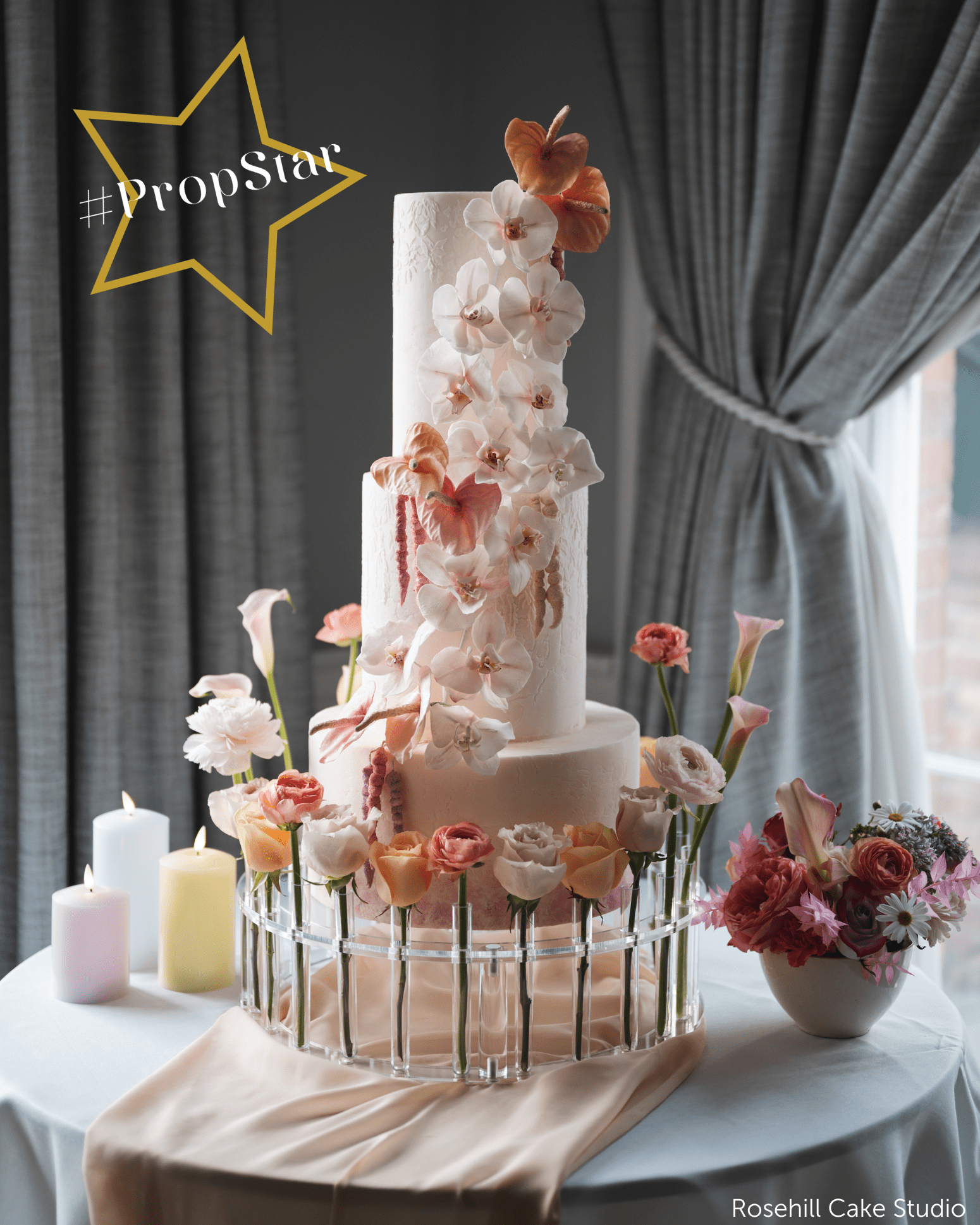
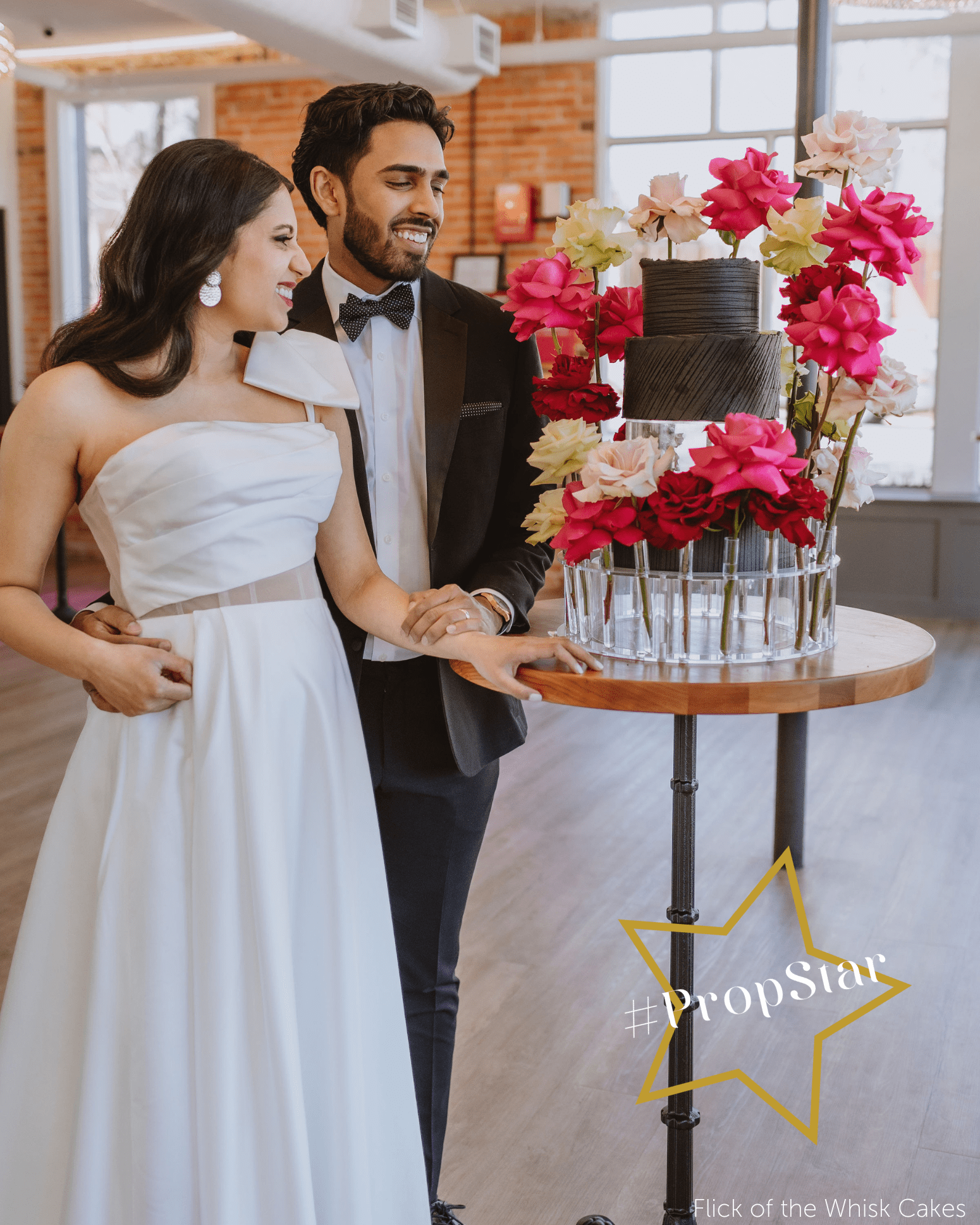
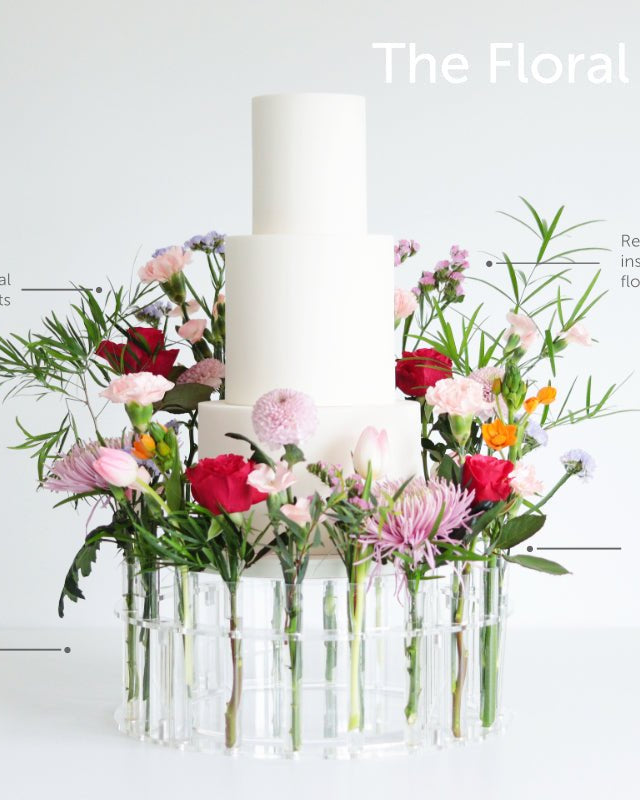
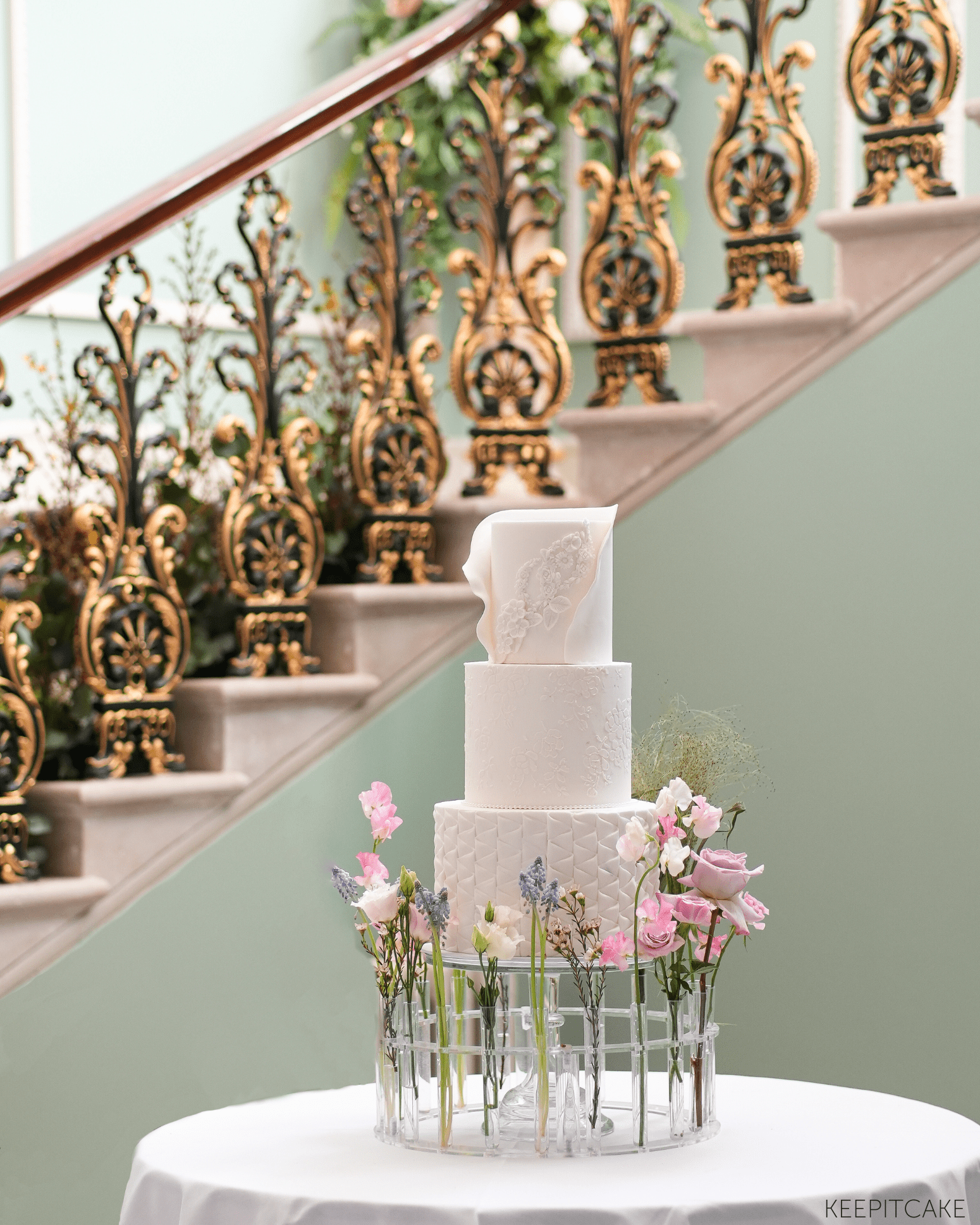
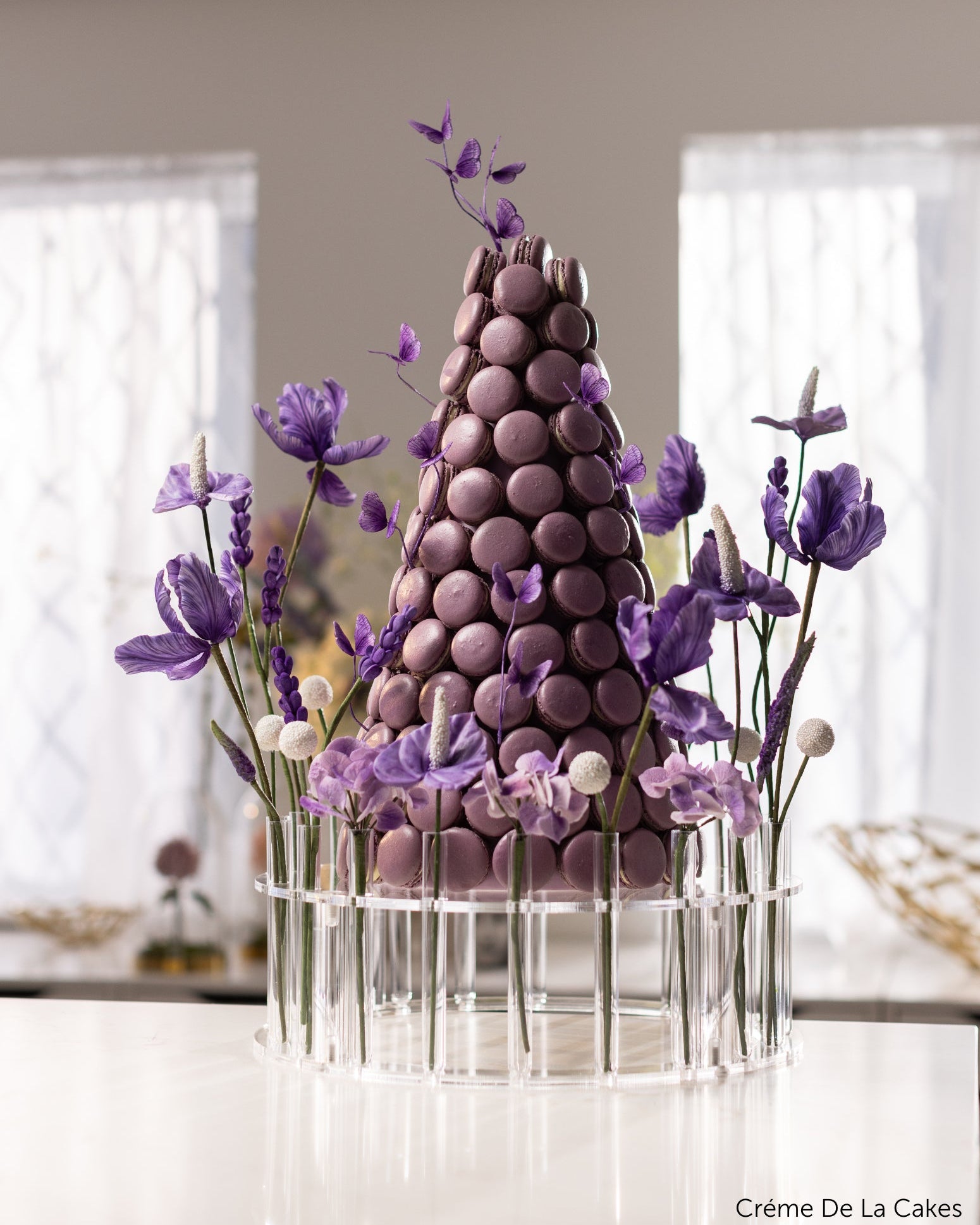
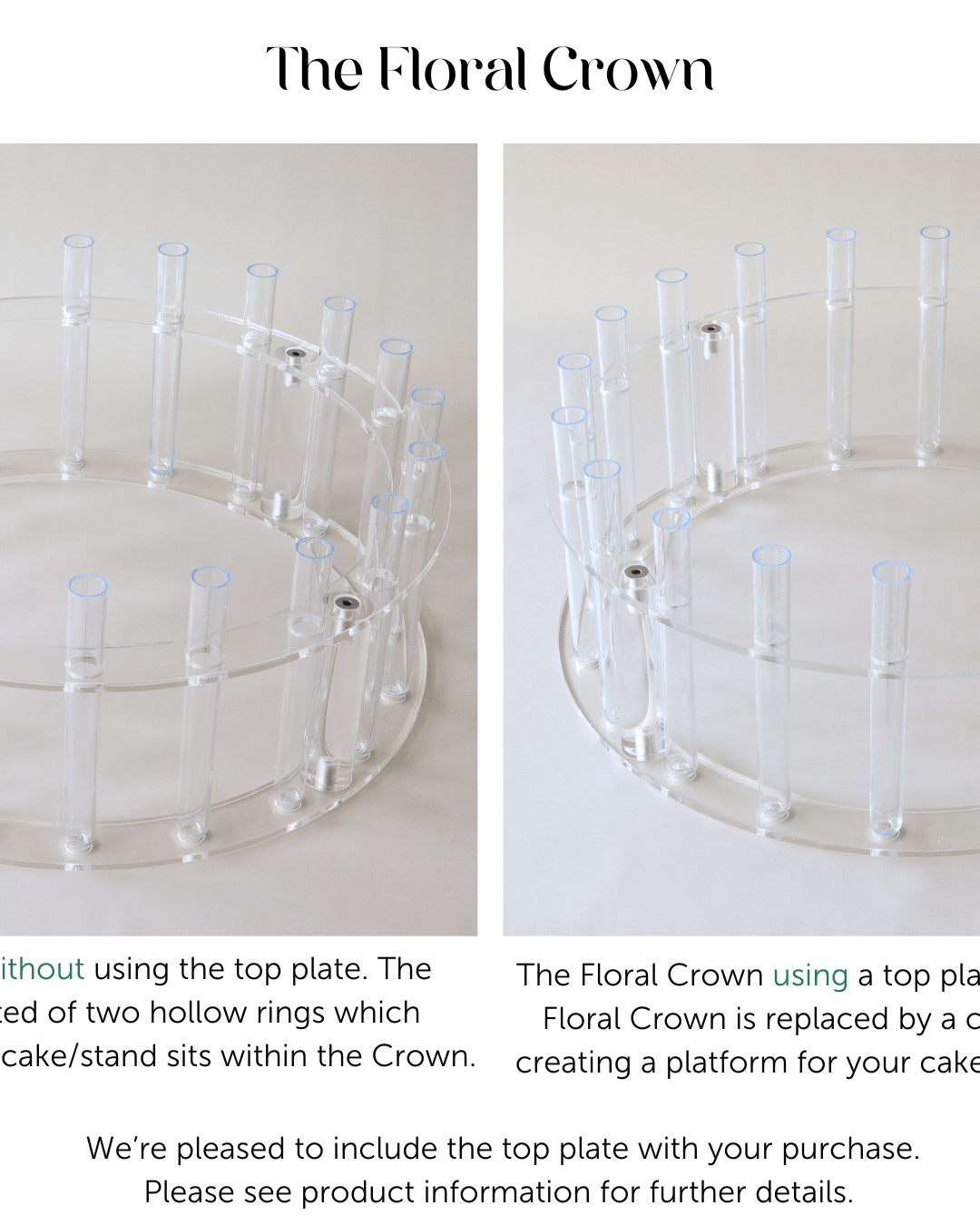
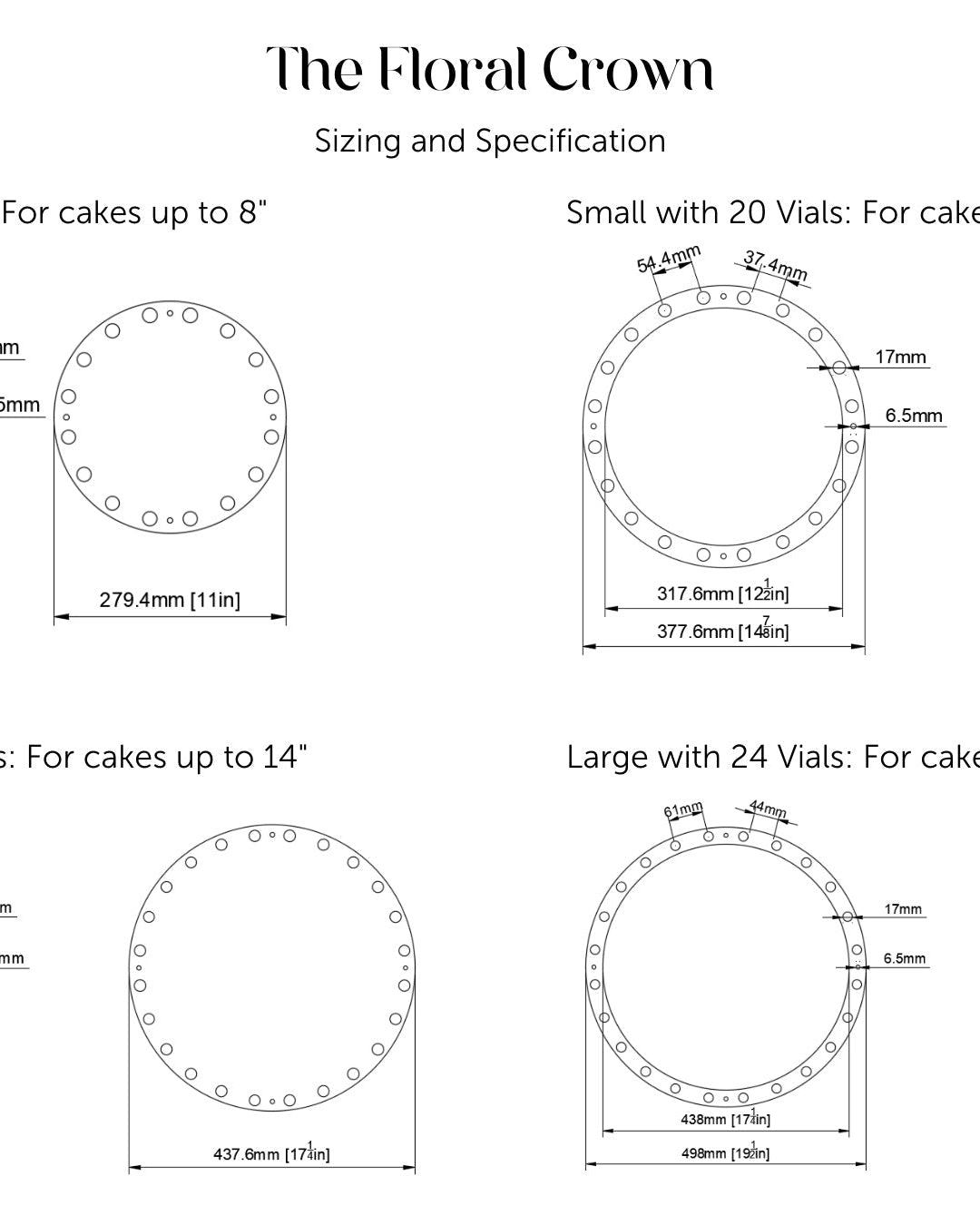
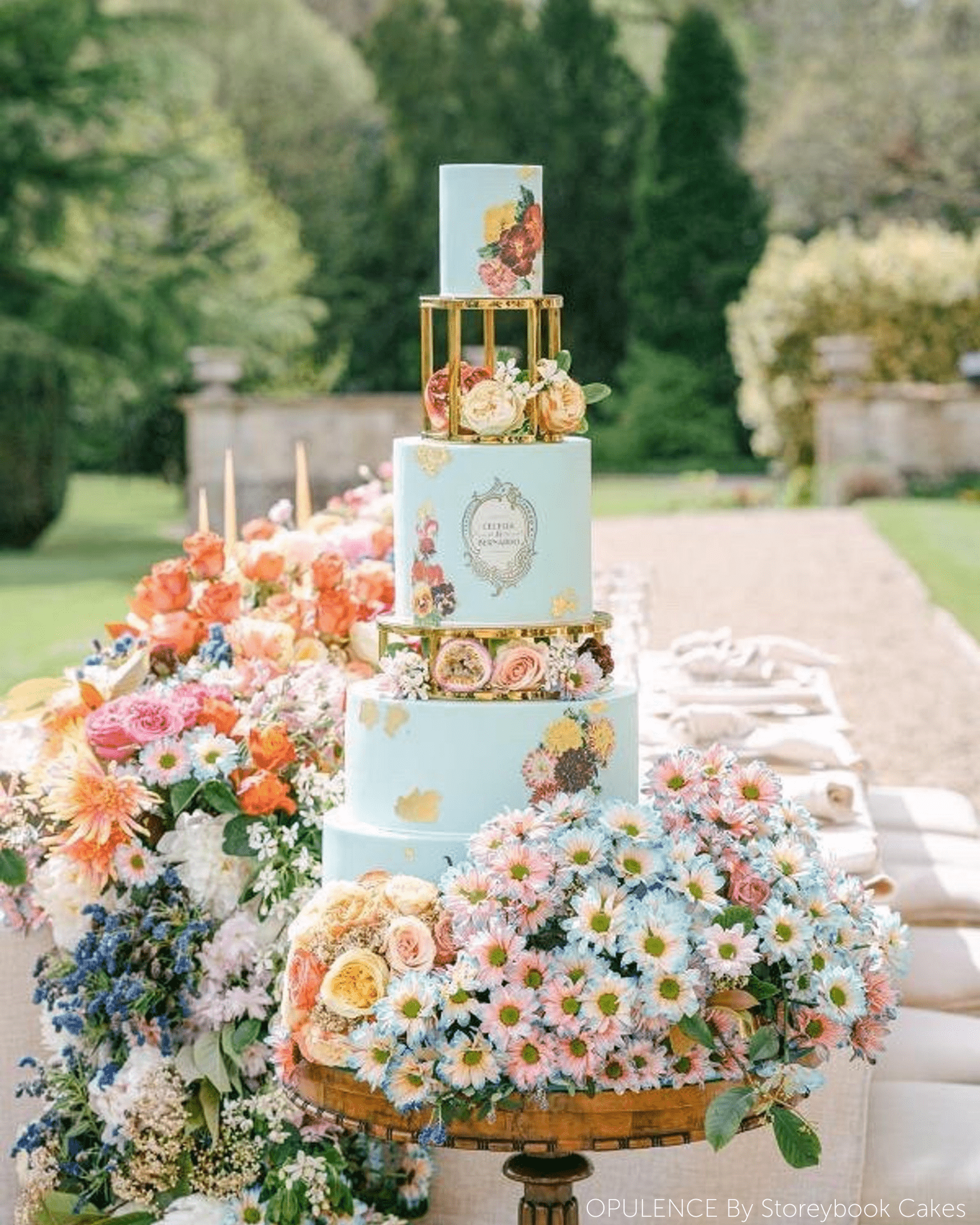
- Floral crown stamps — modelled on The Floral Crown.
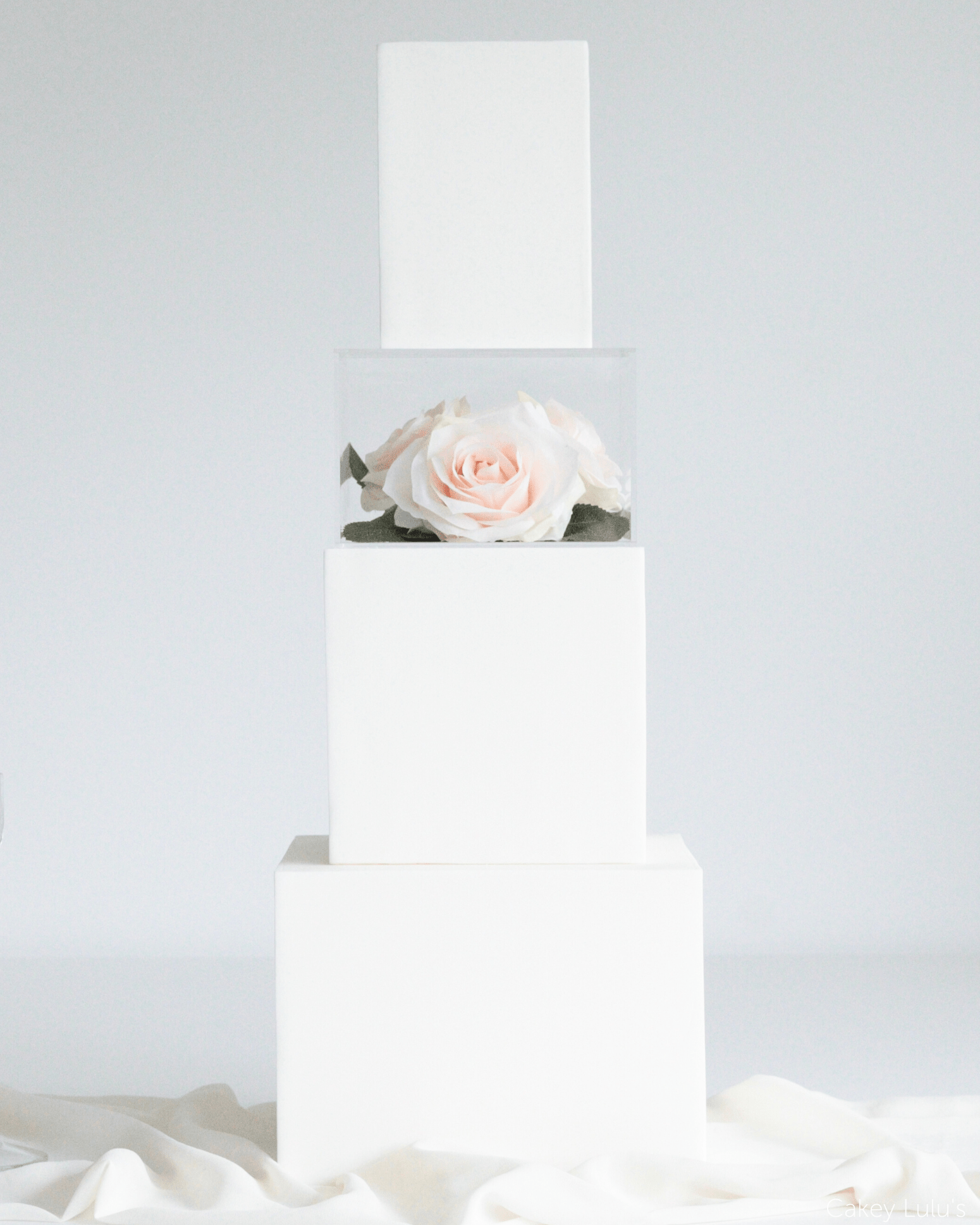
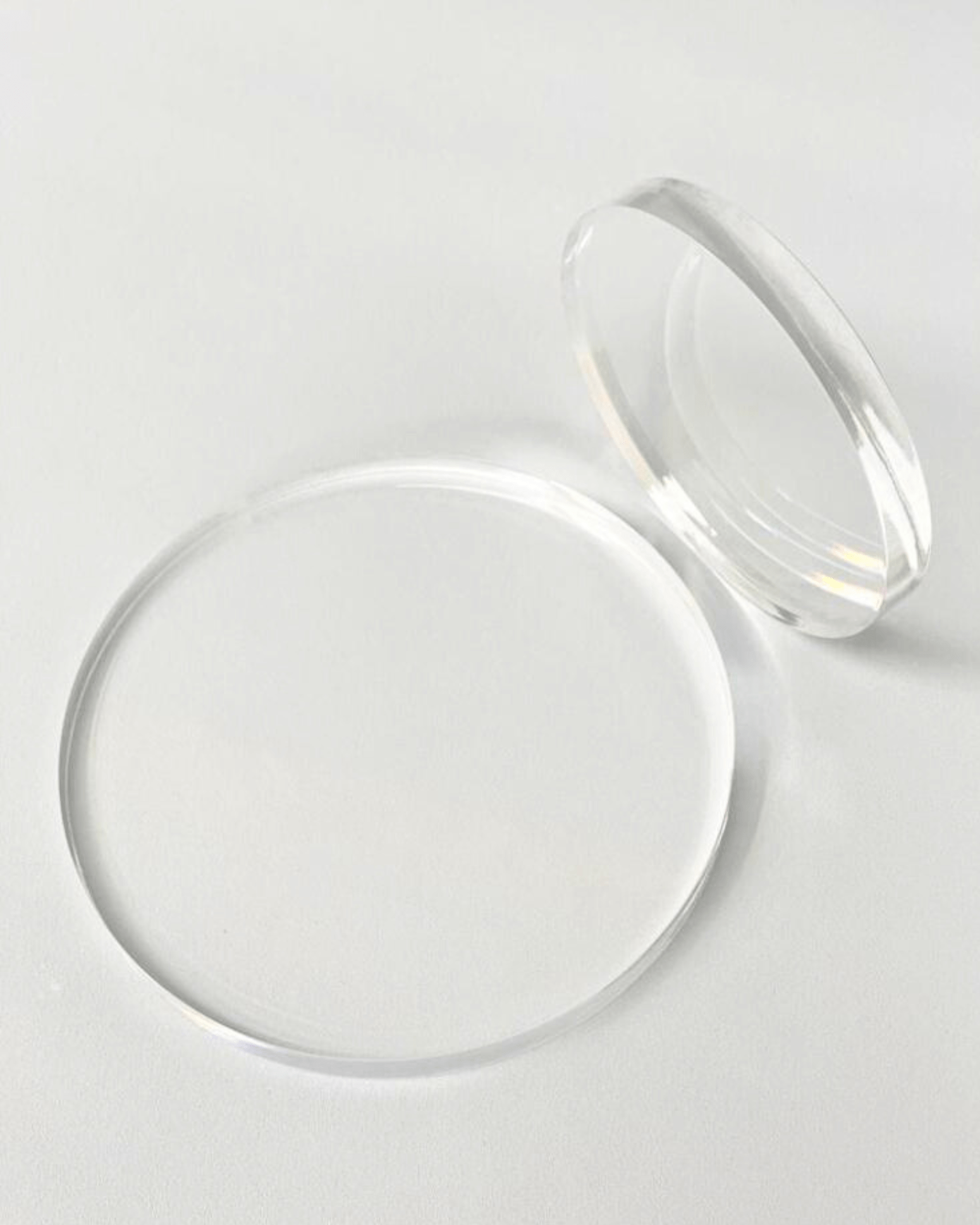
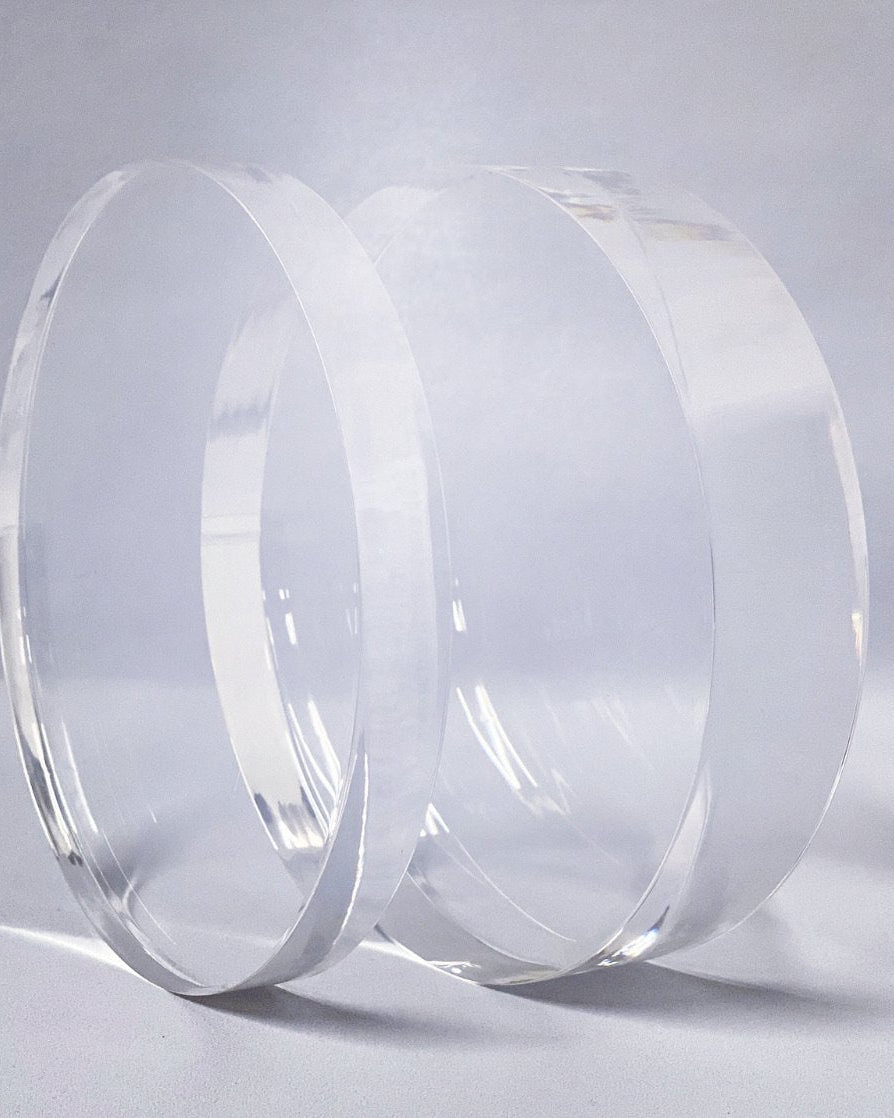
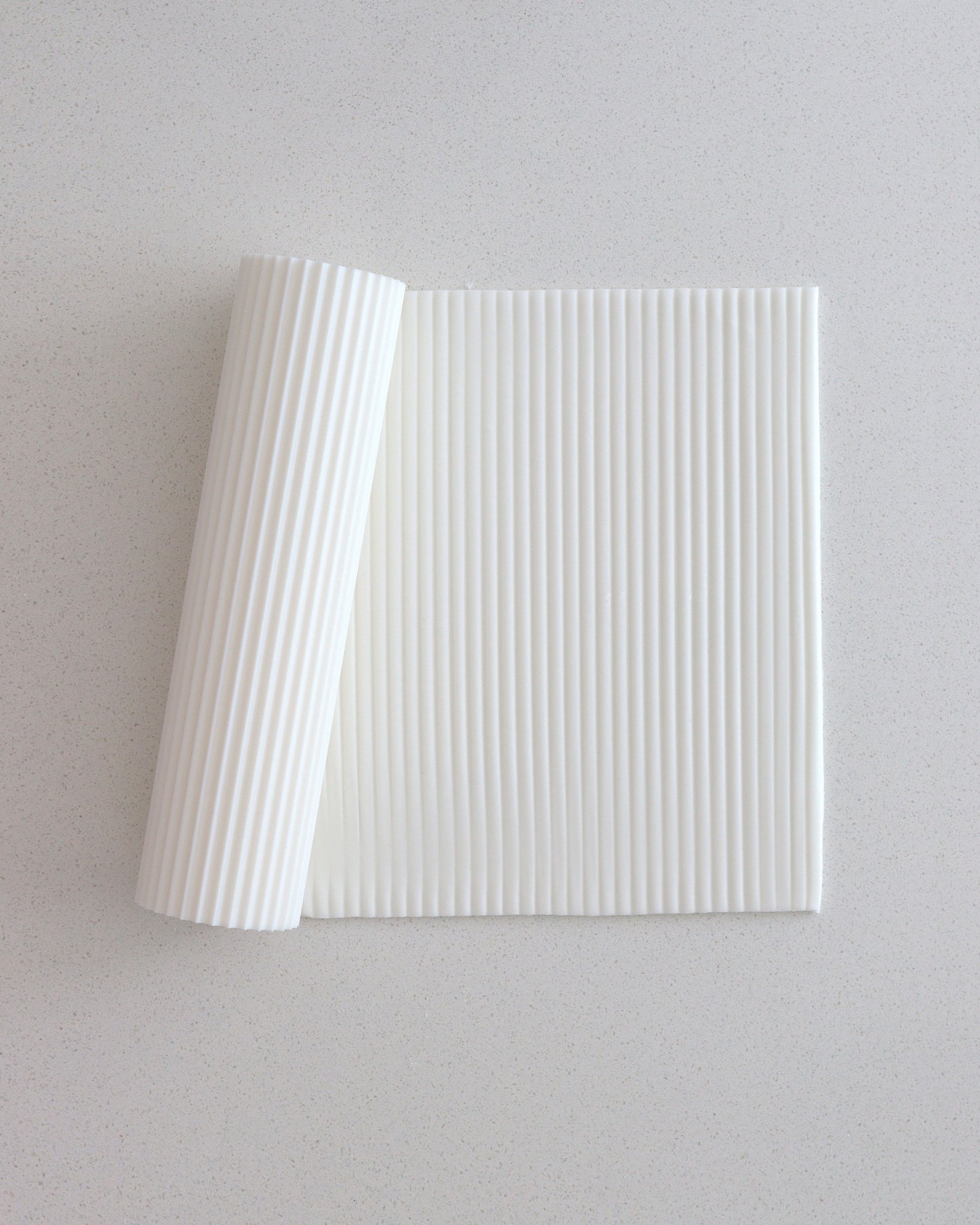
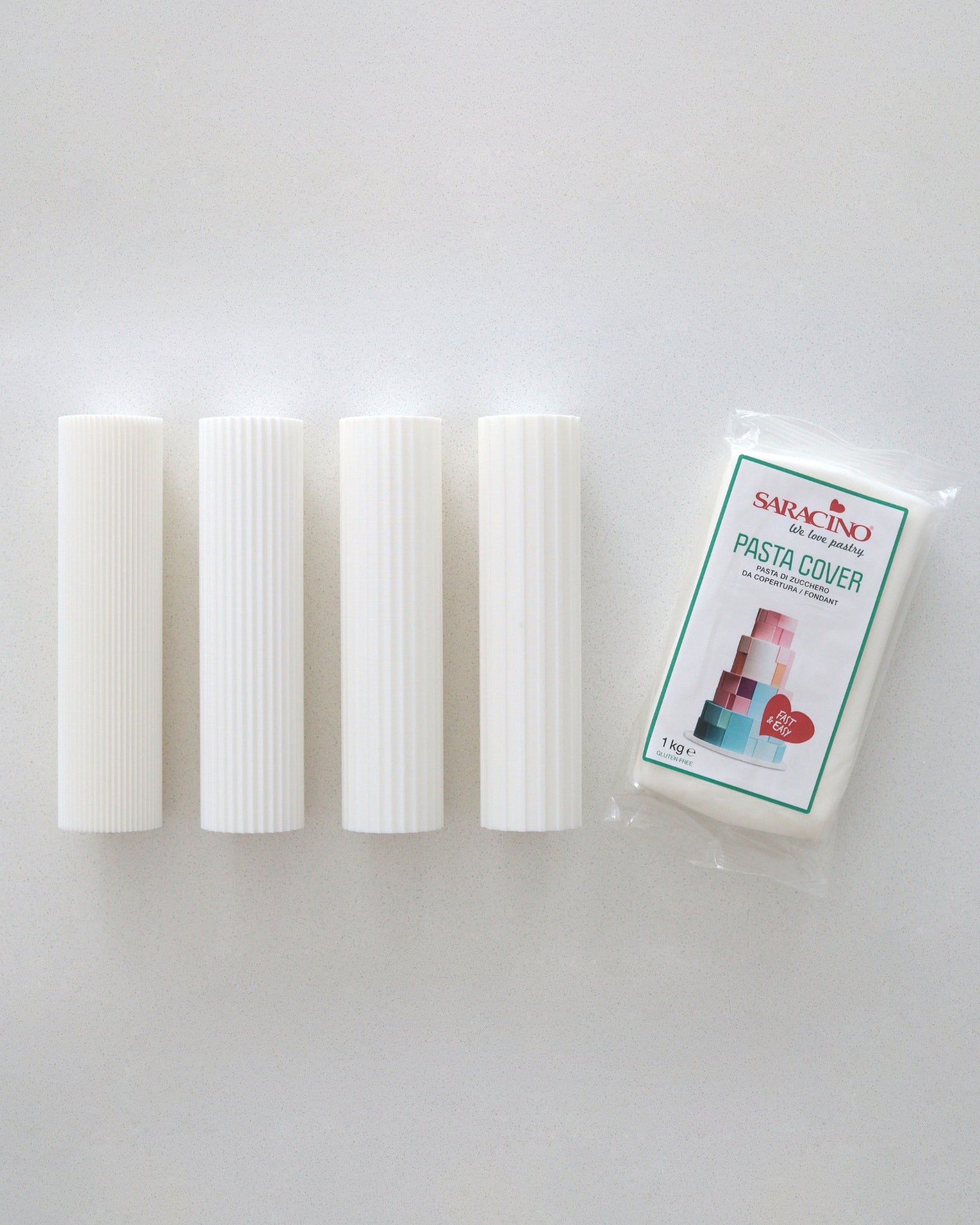
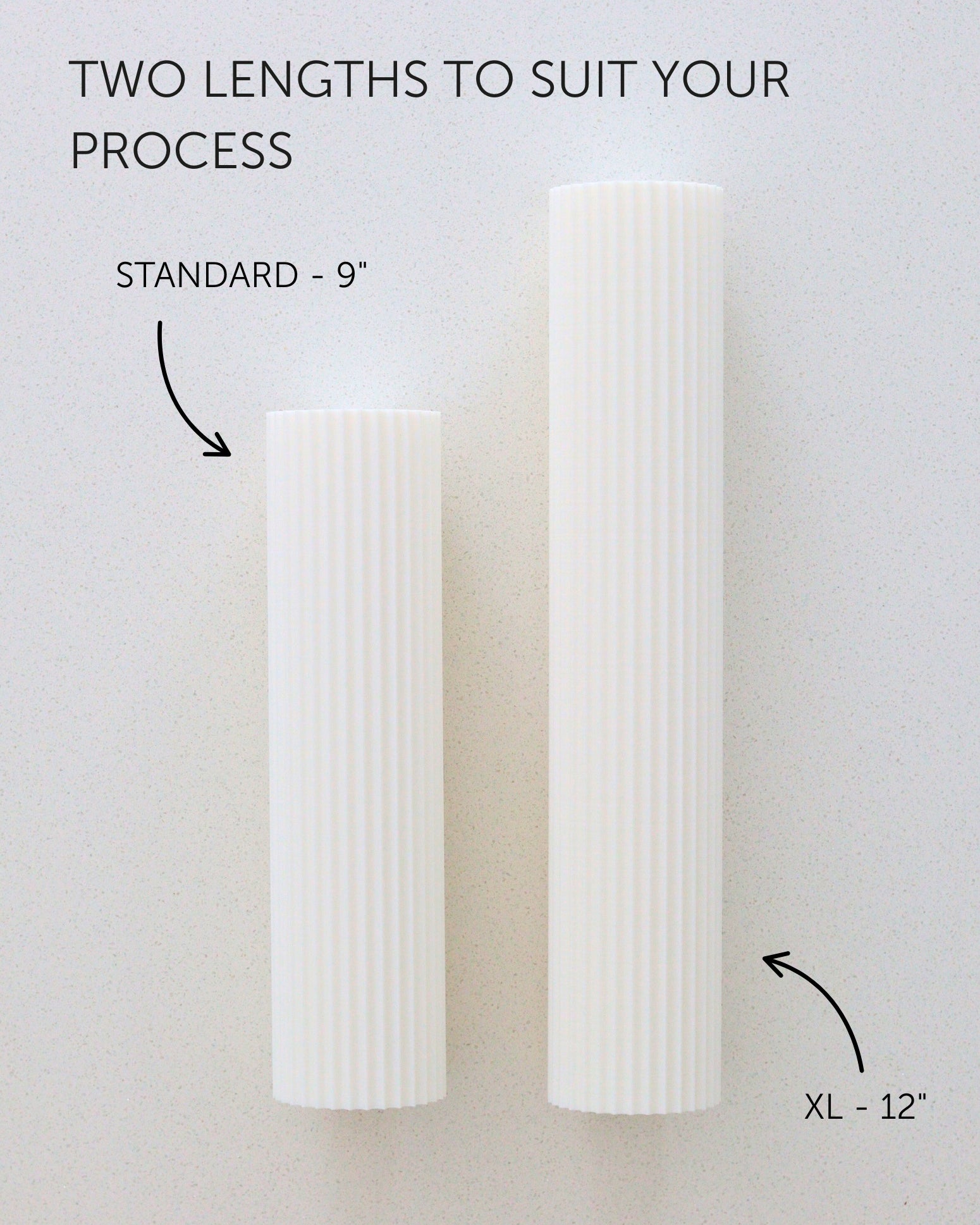
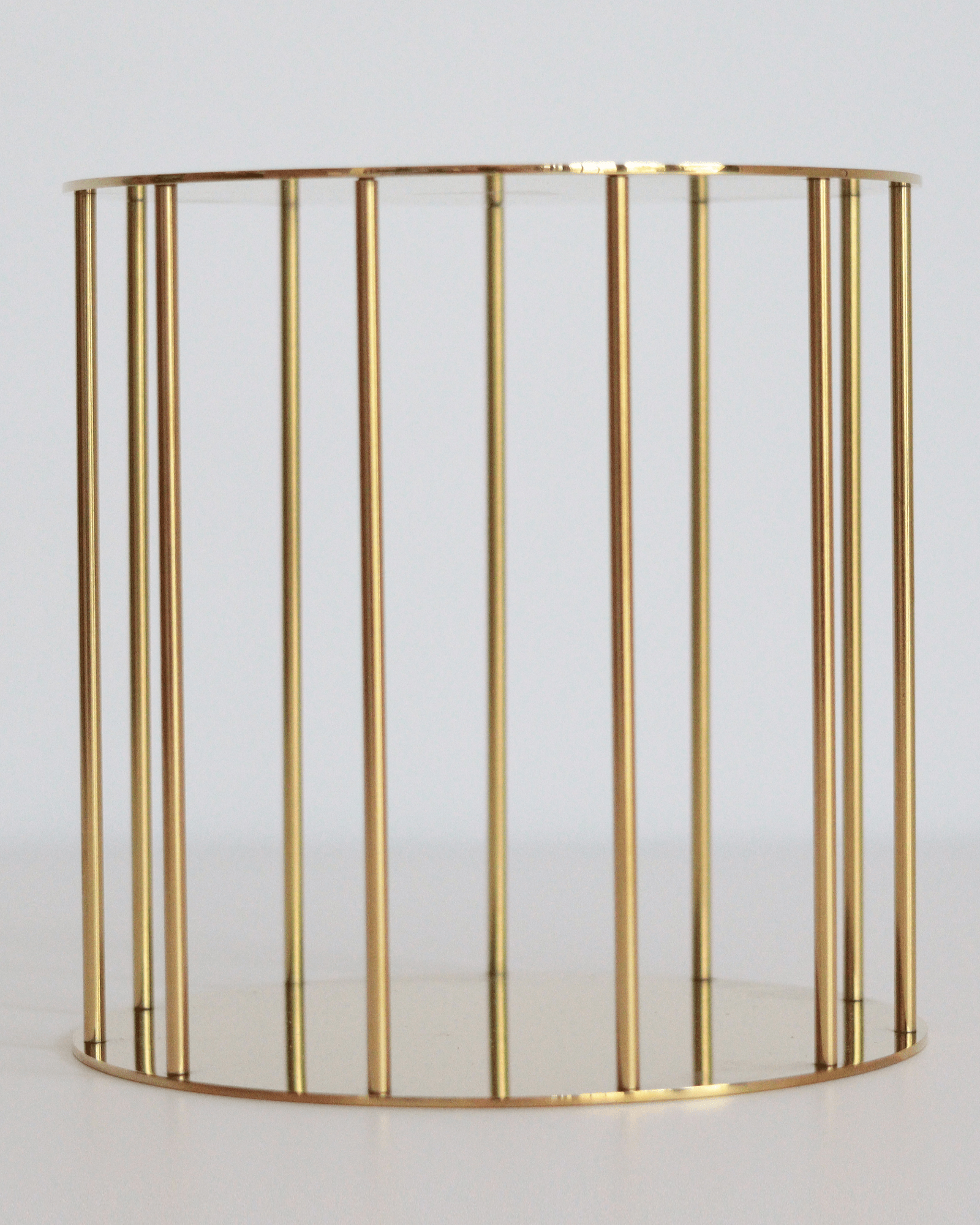
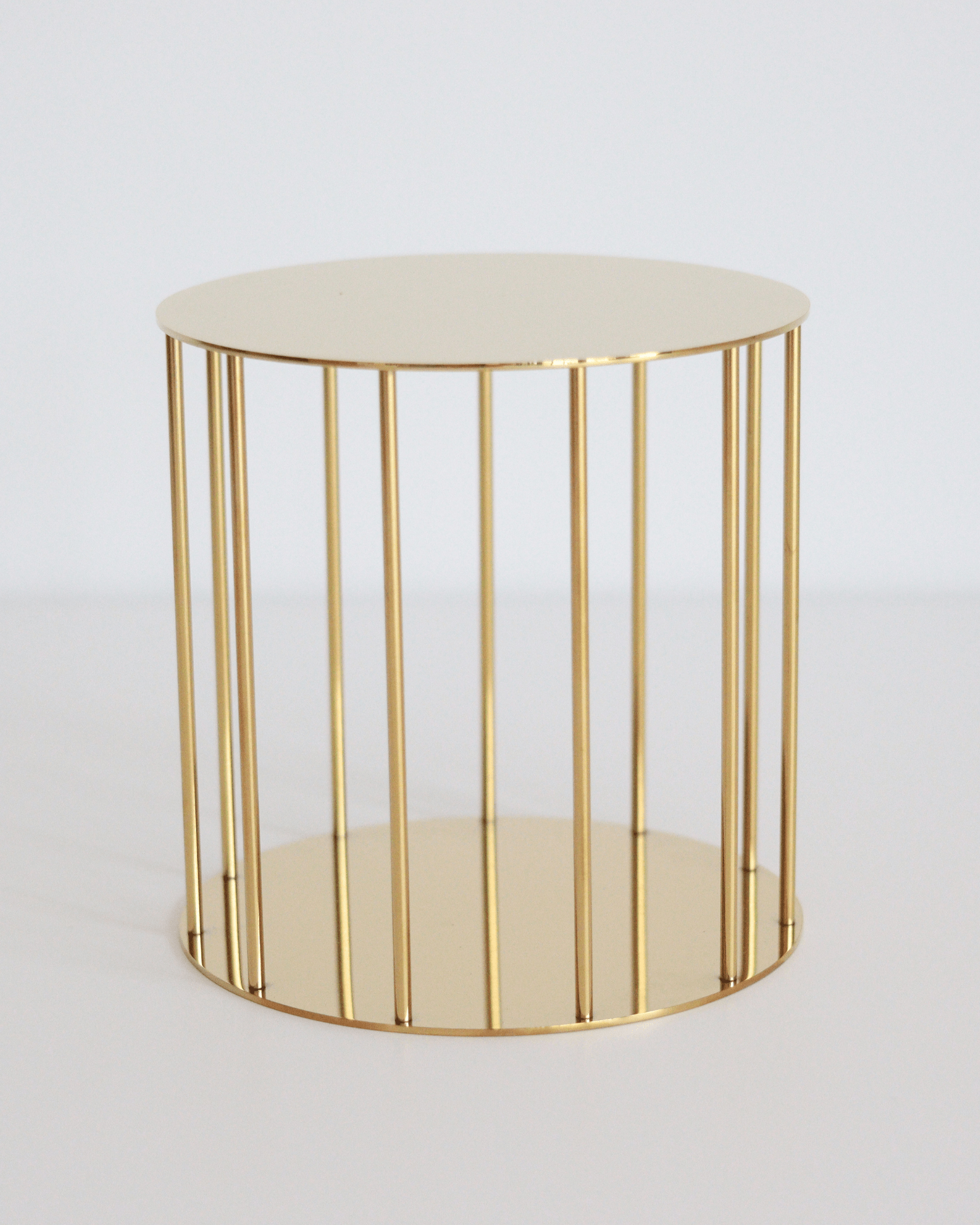
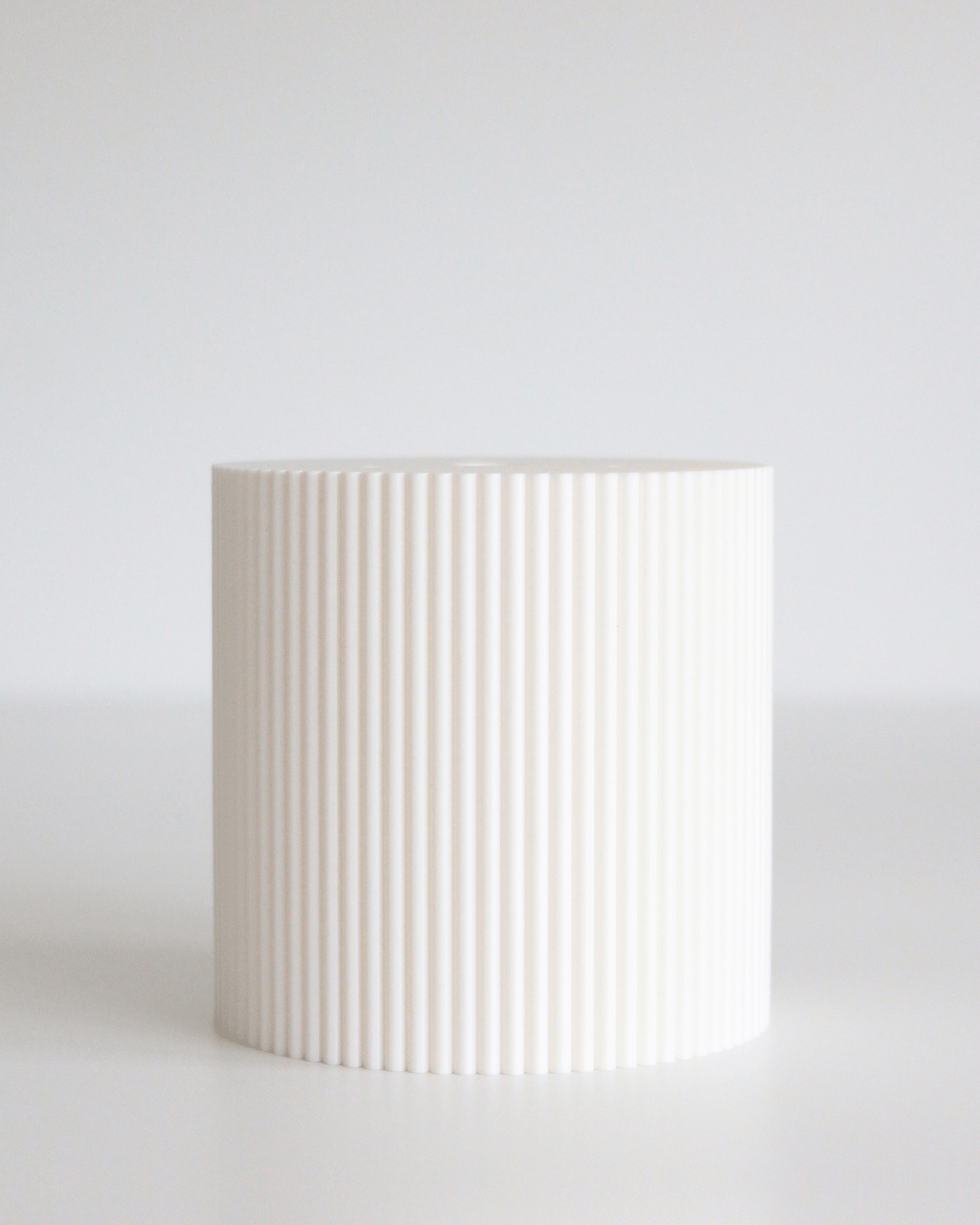
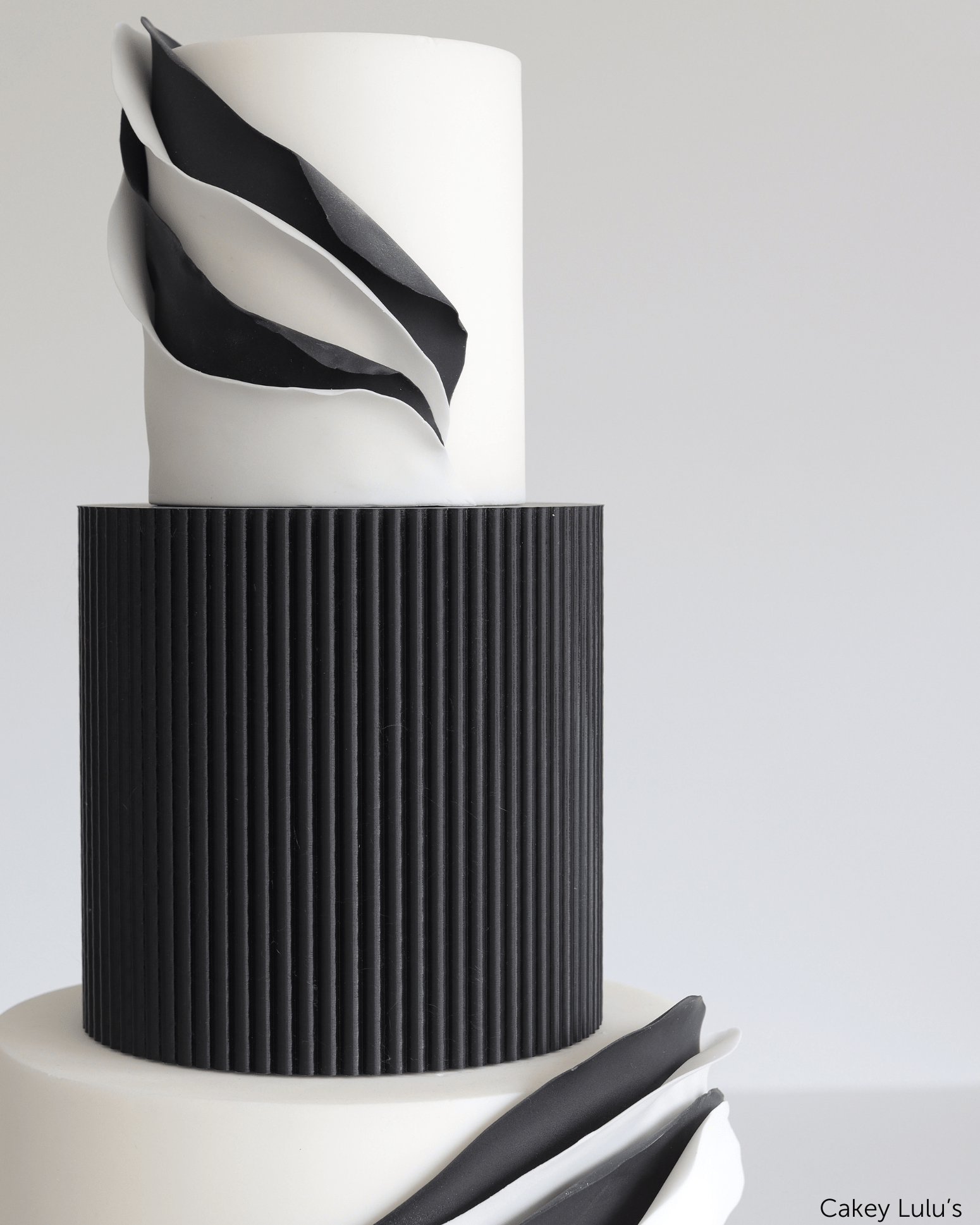
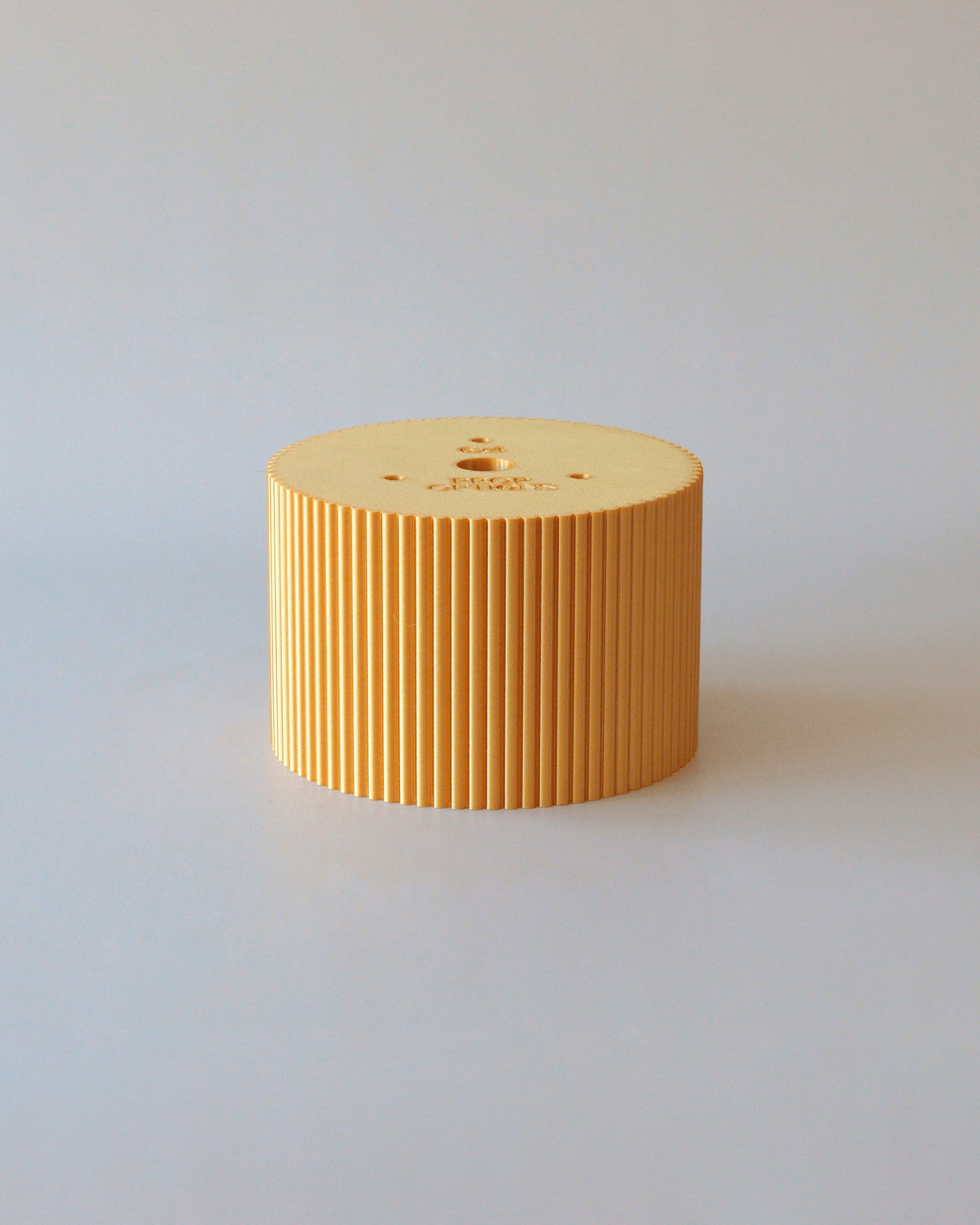
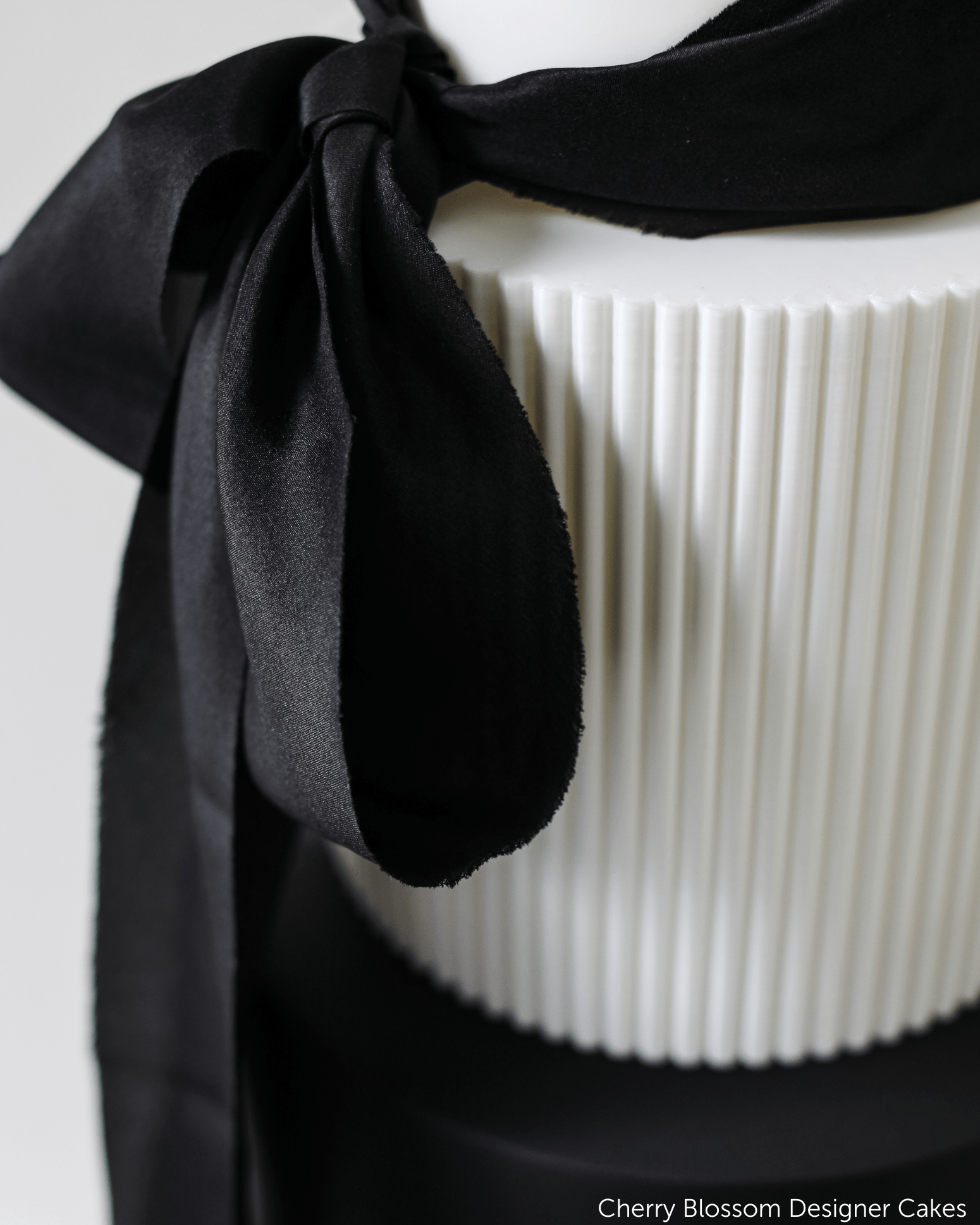
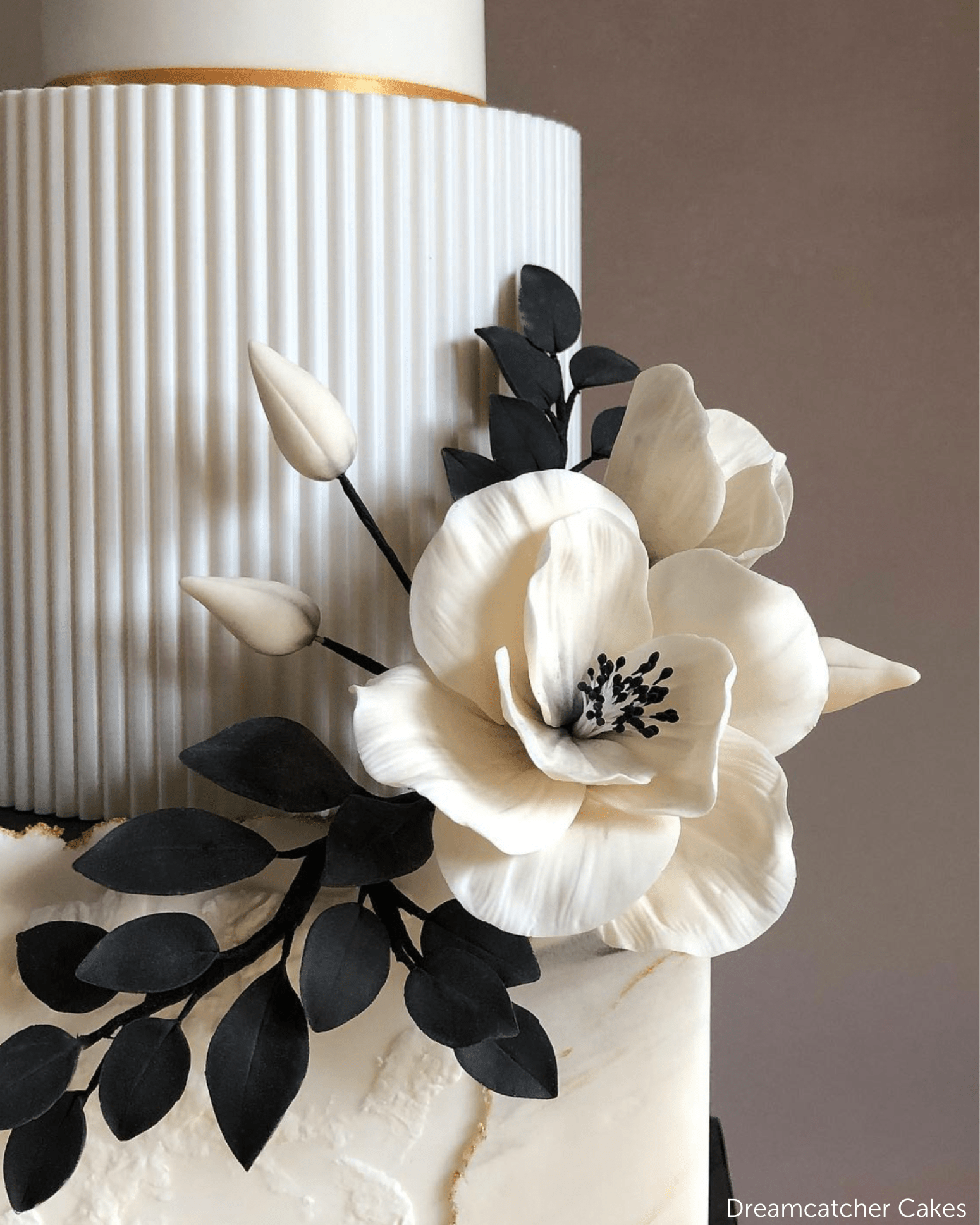
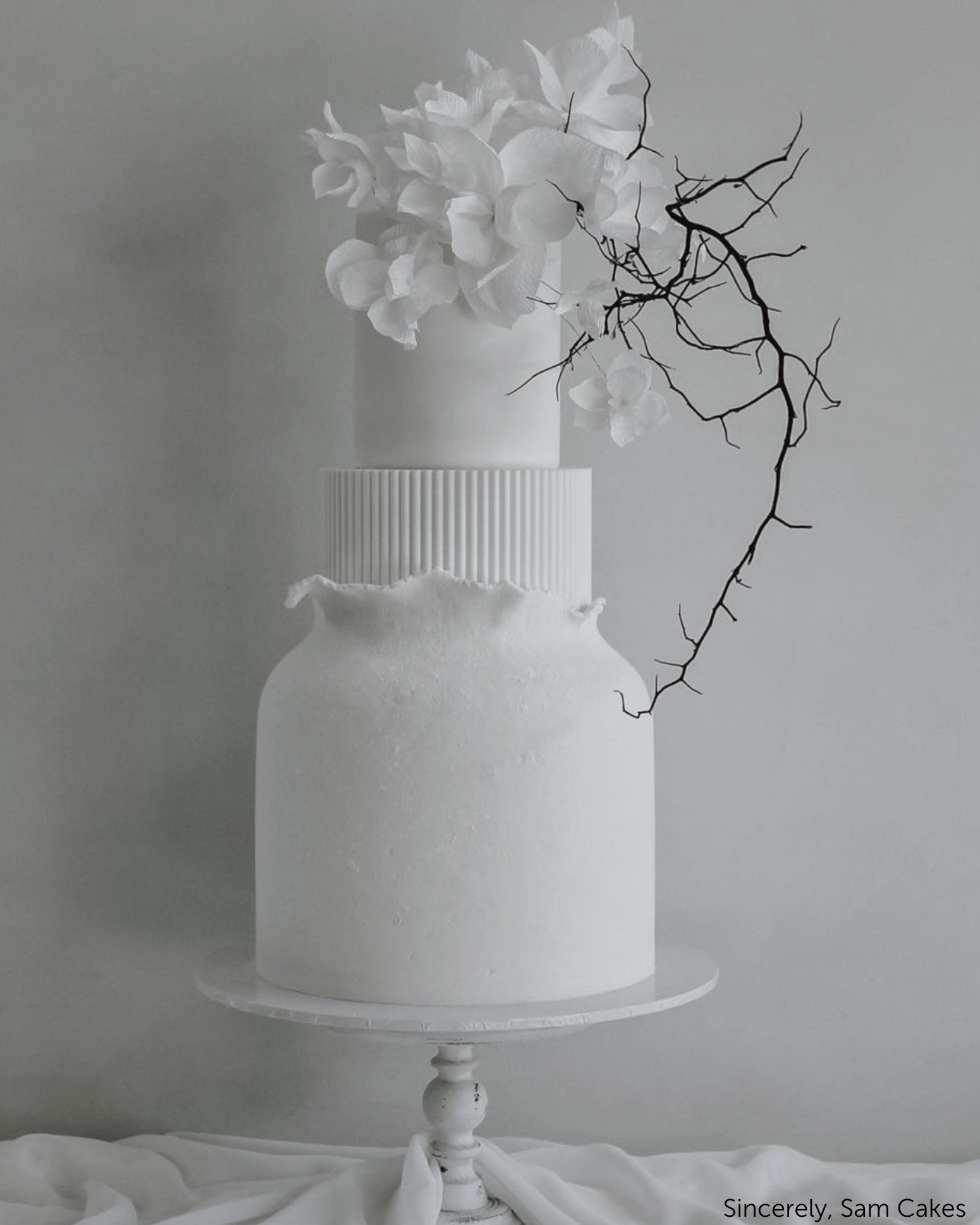
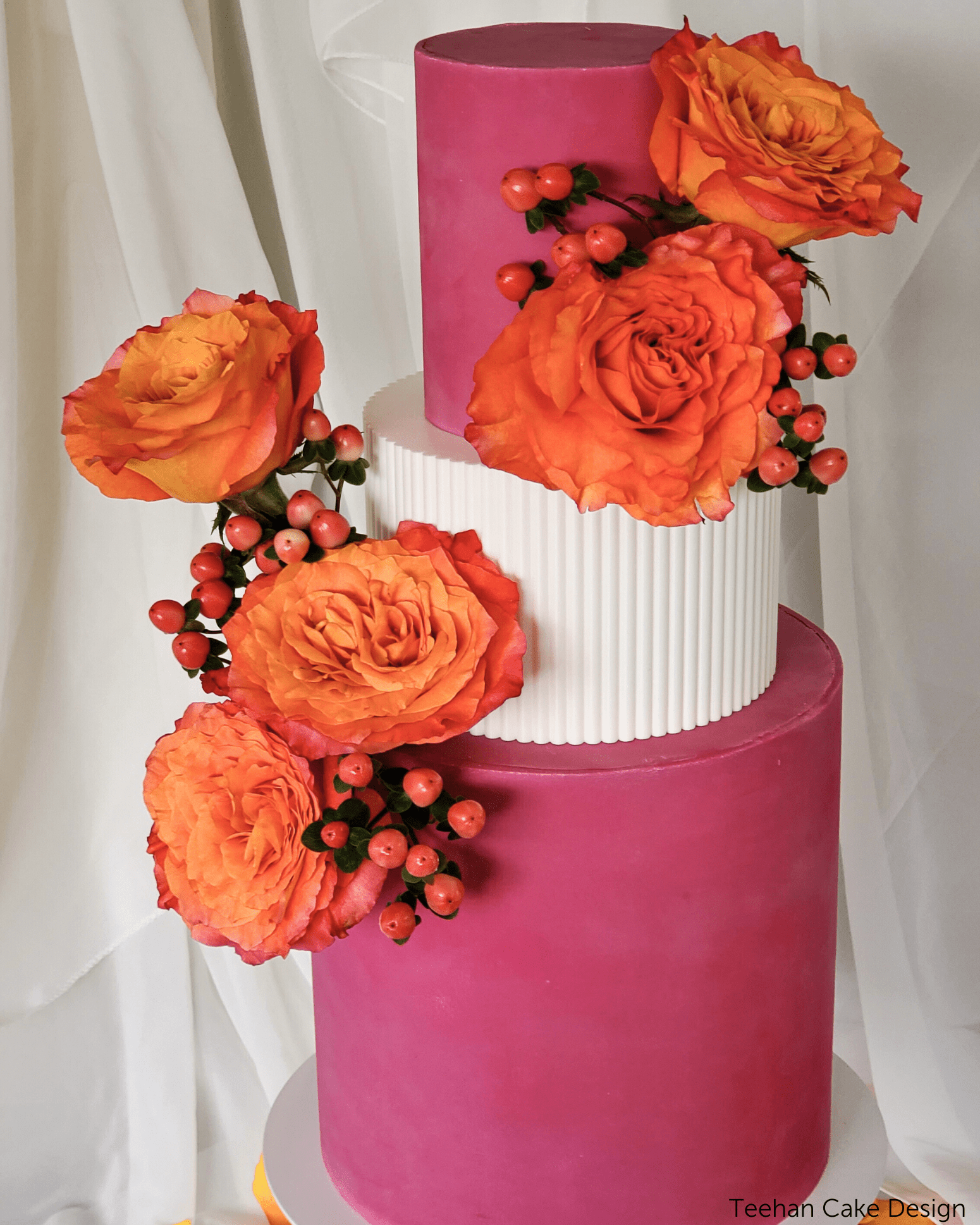
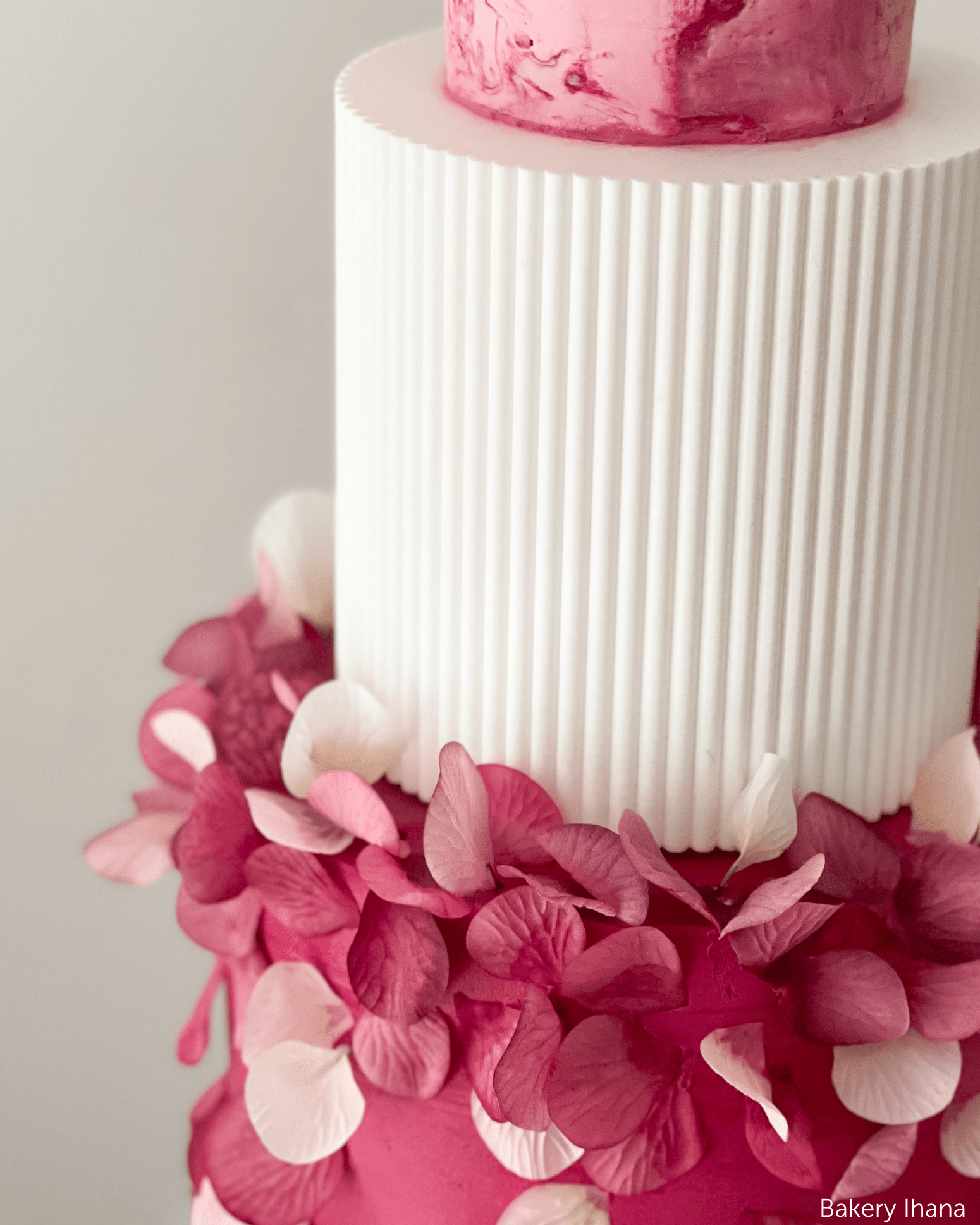
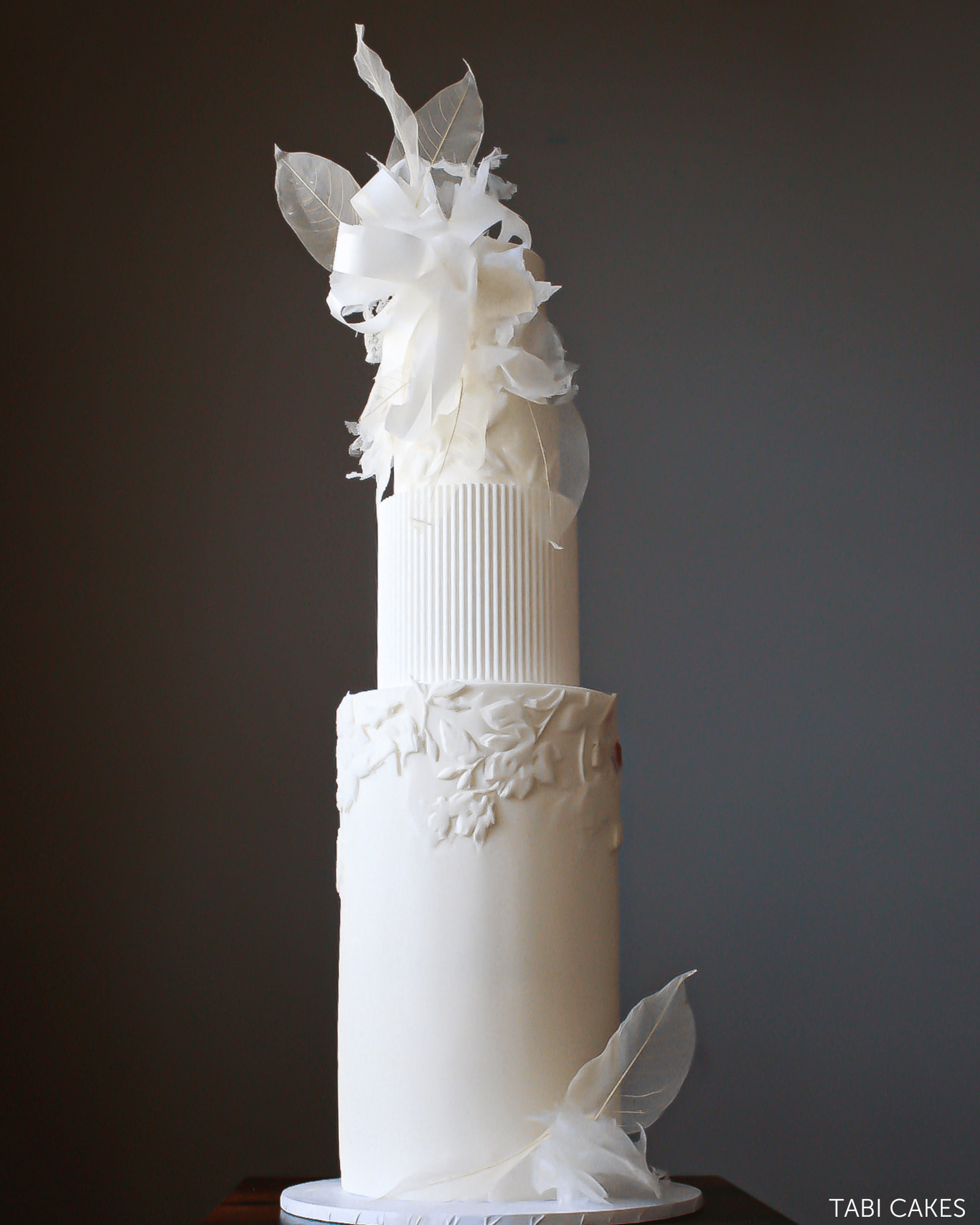
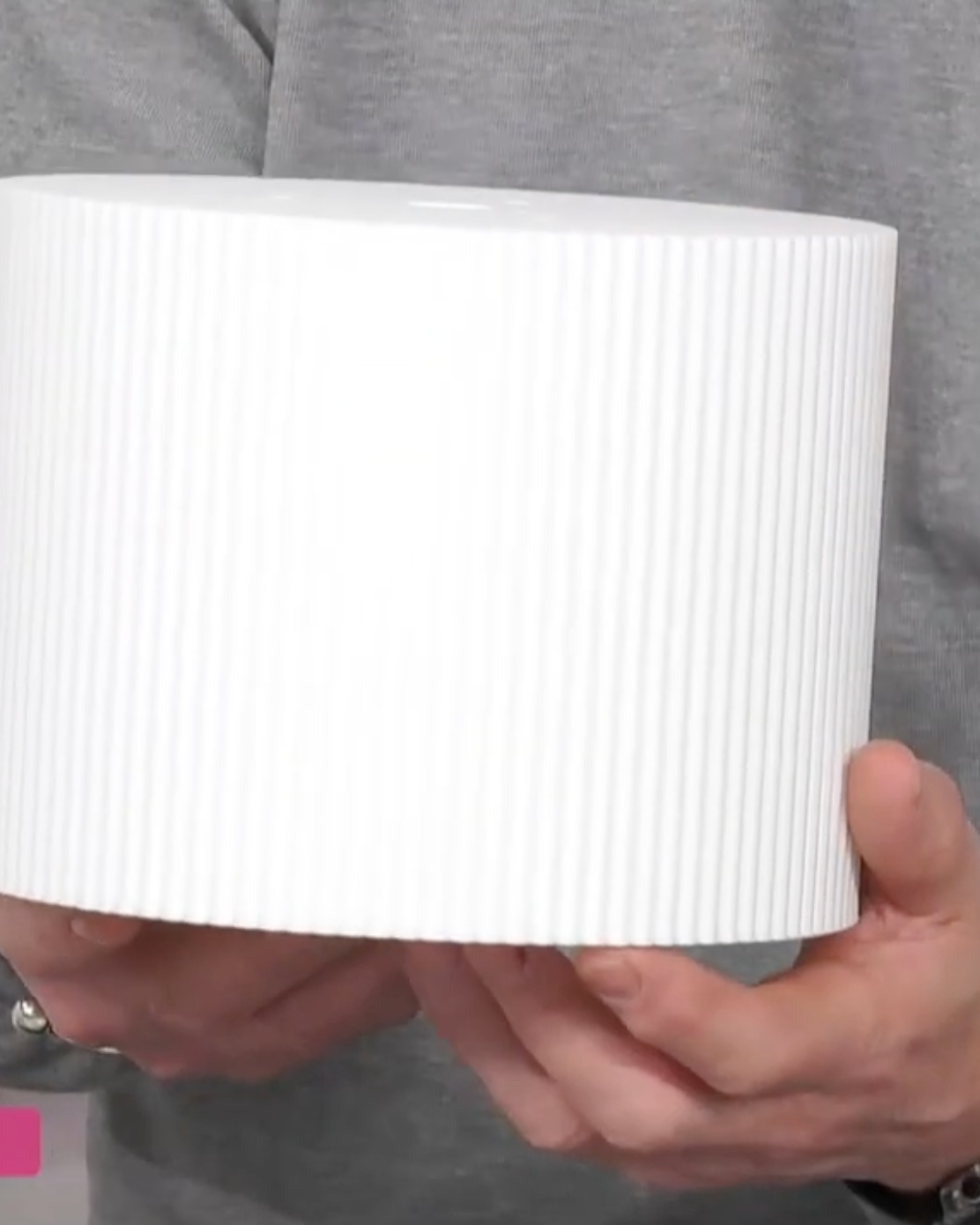
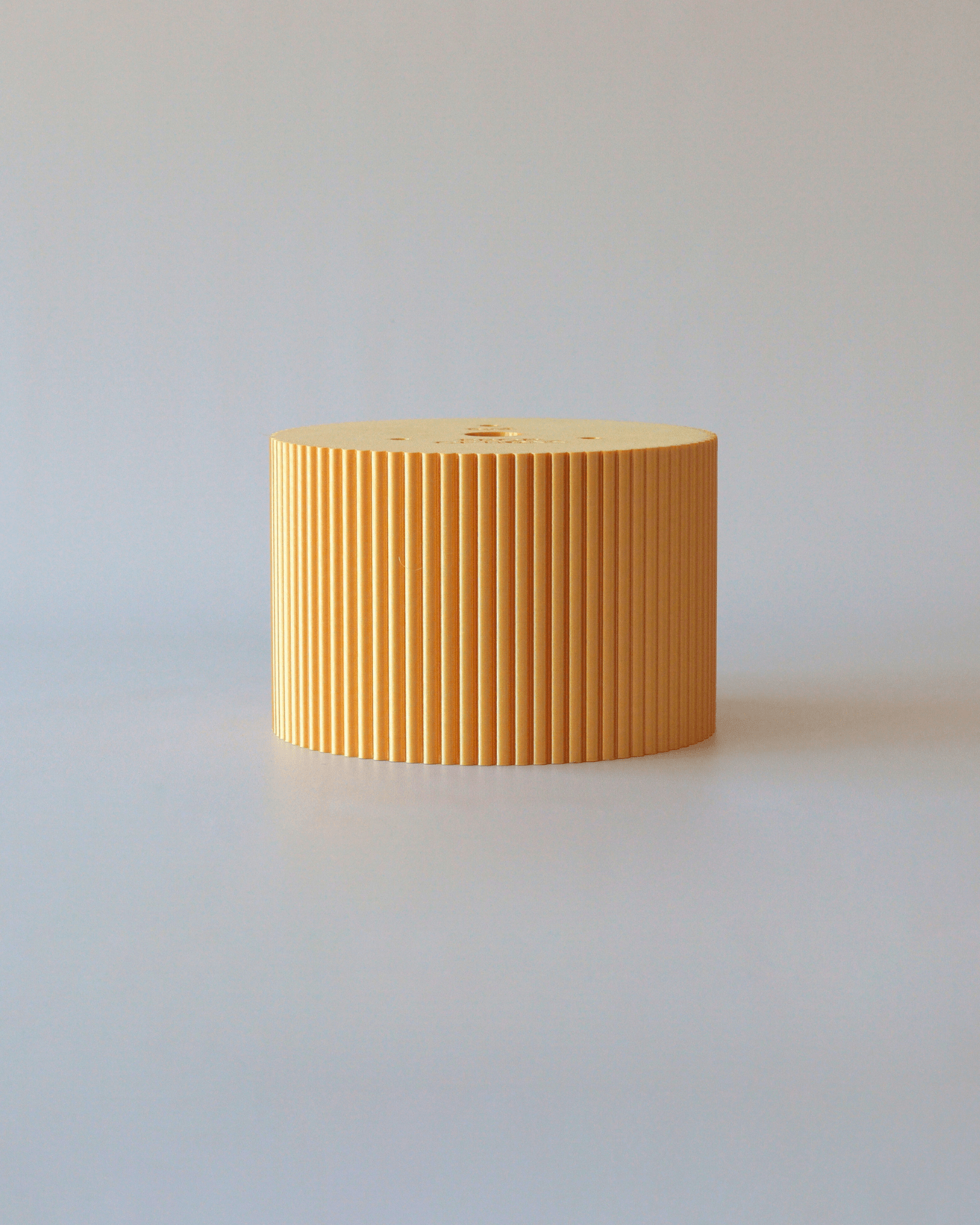
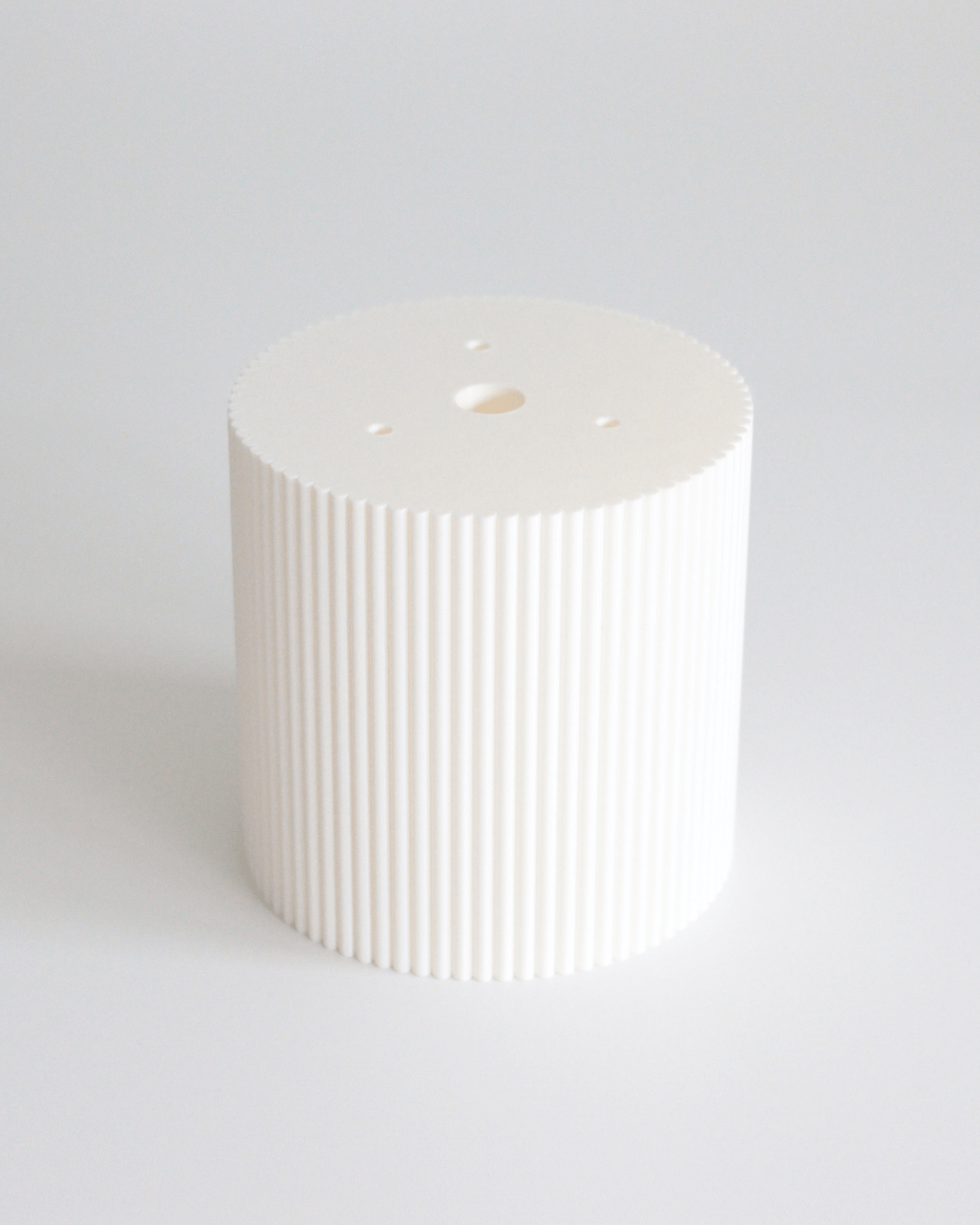
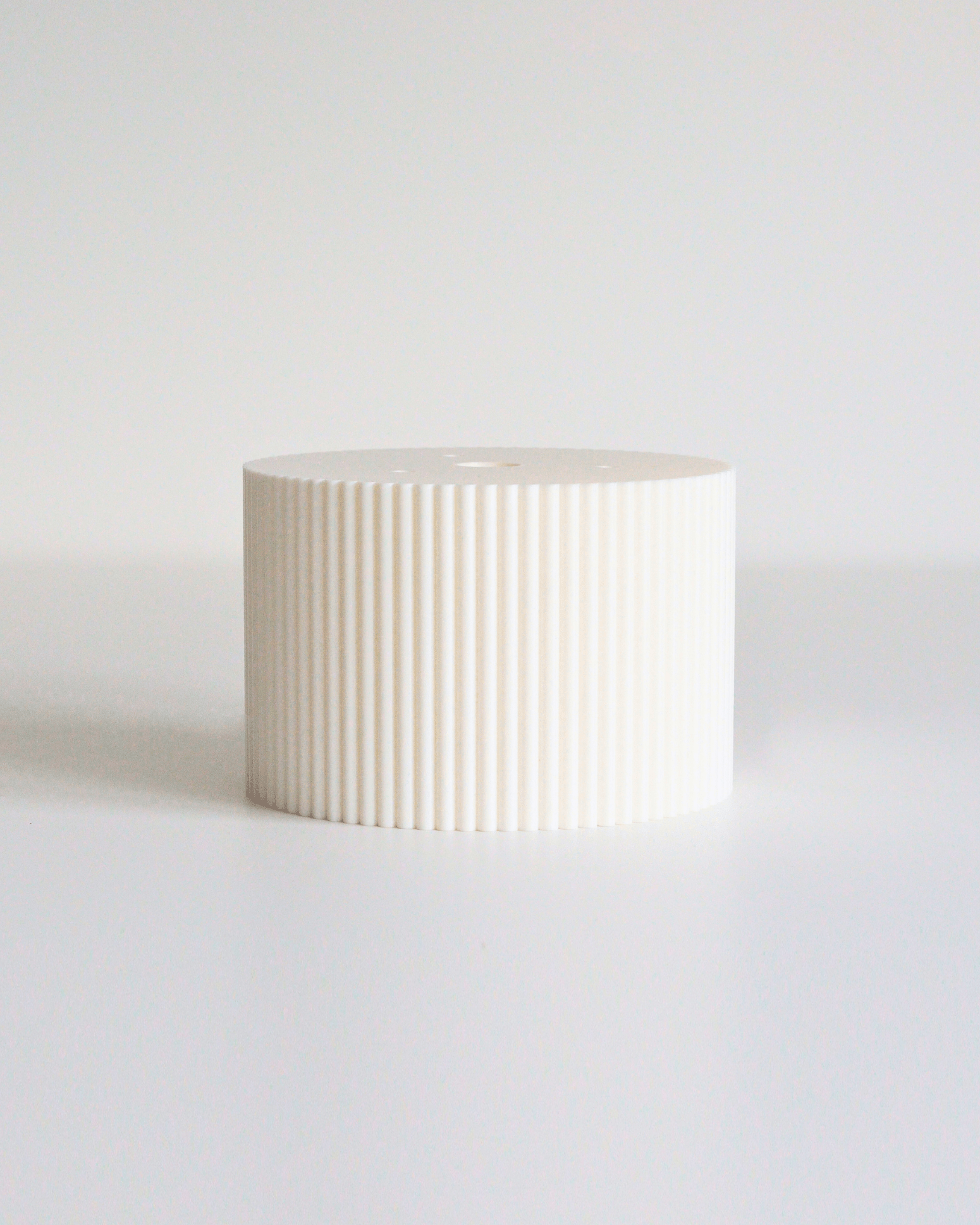
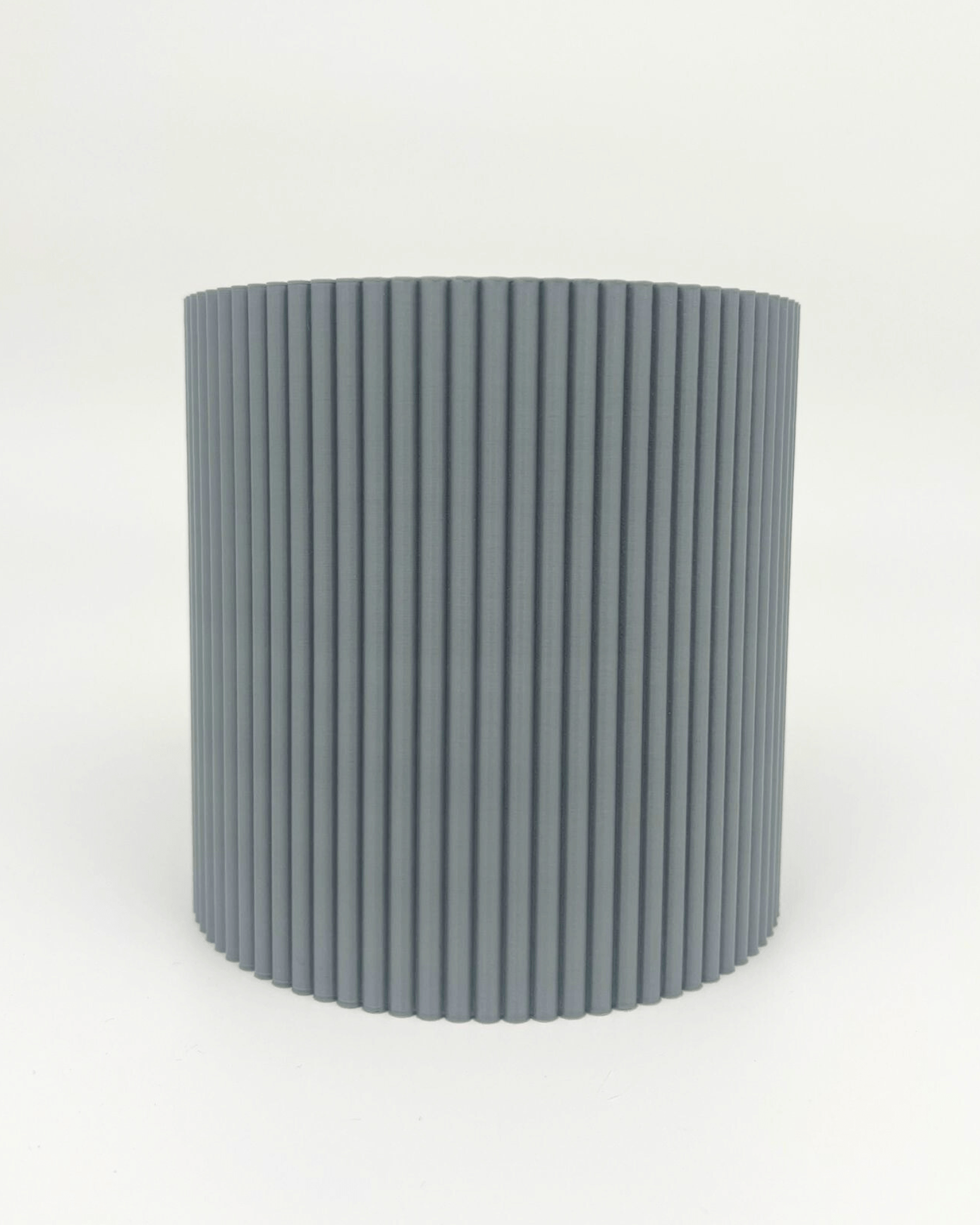
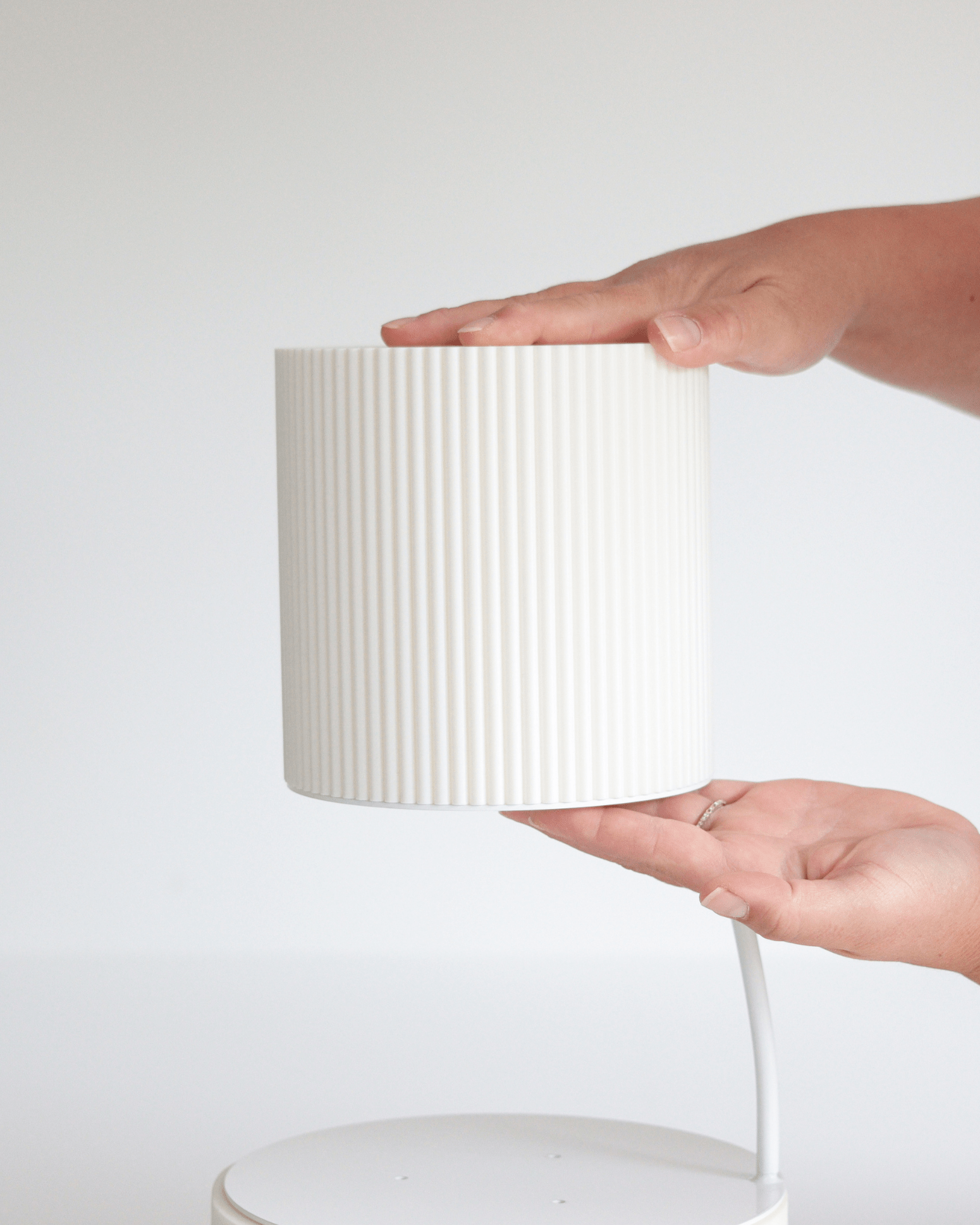
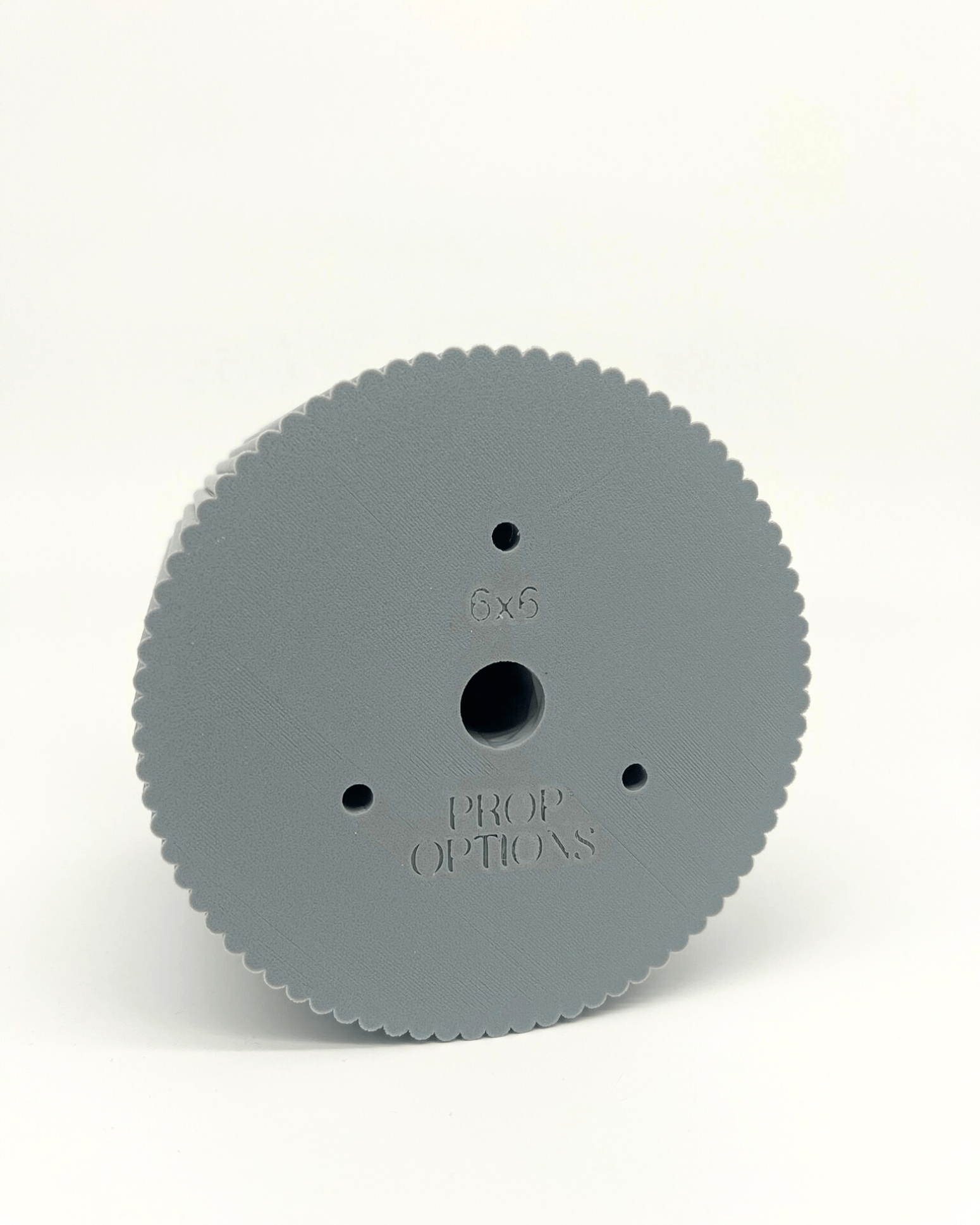
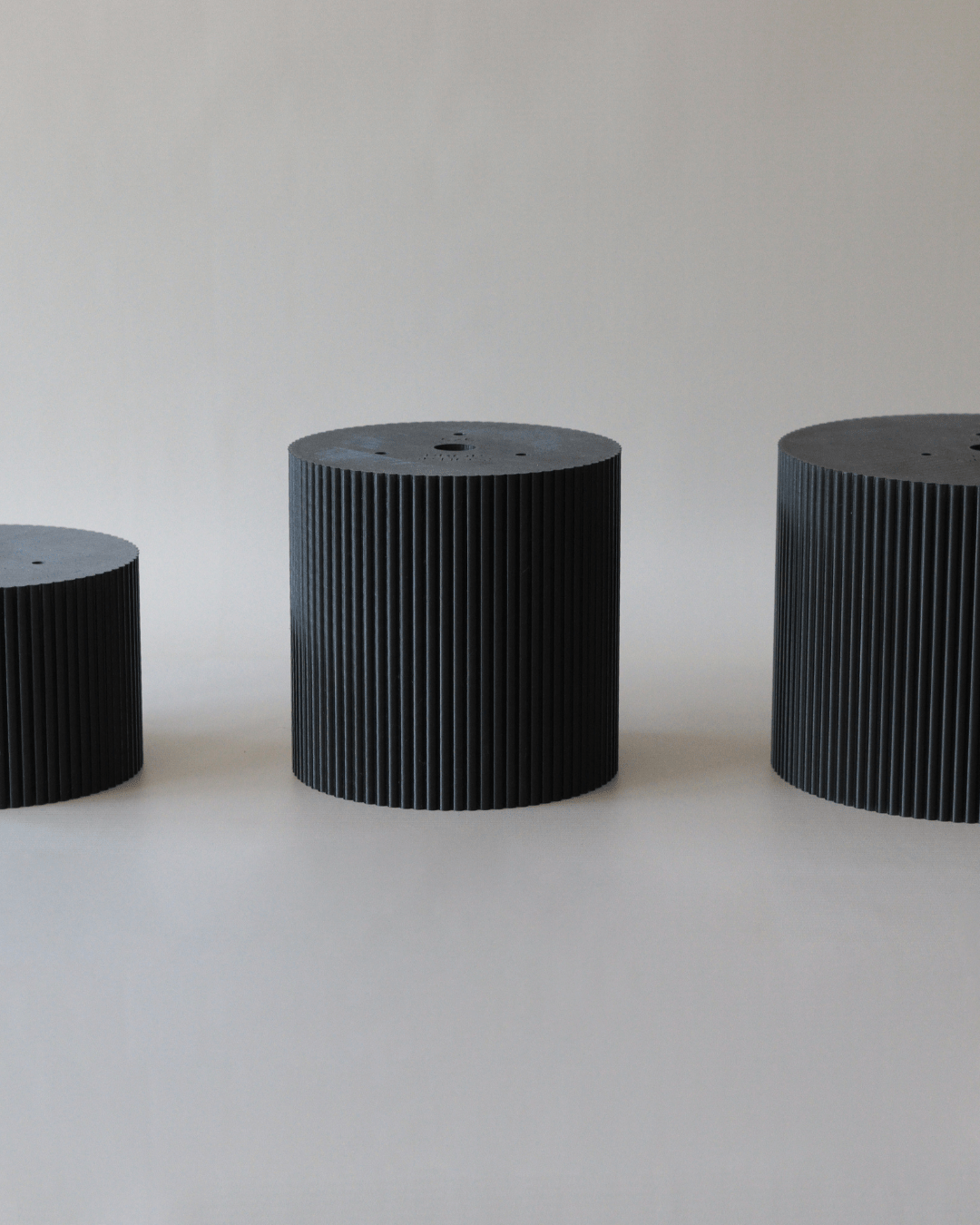
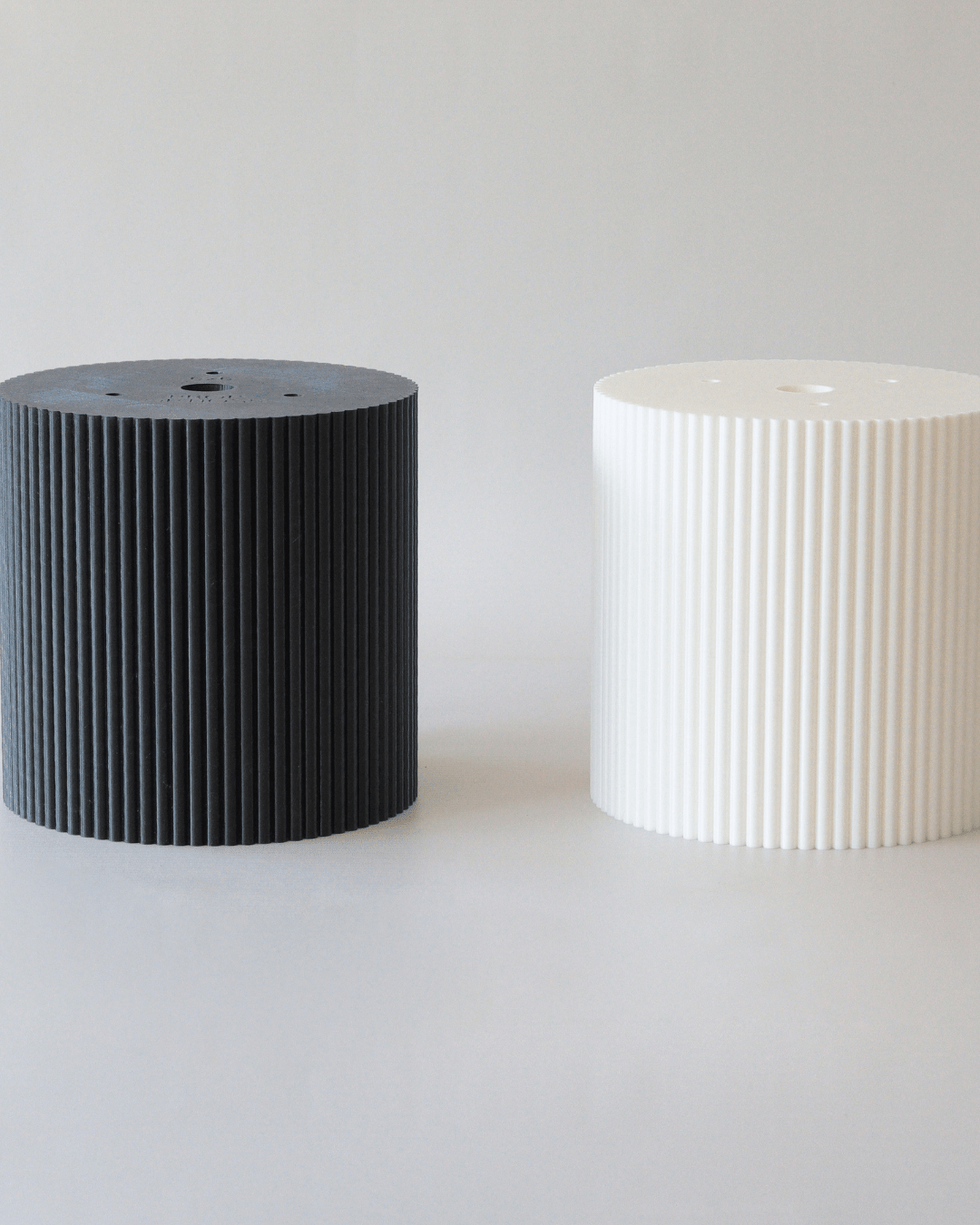
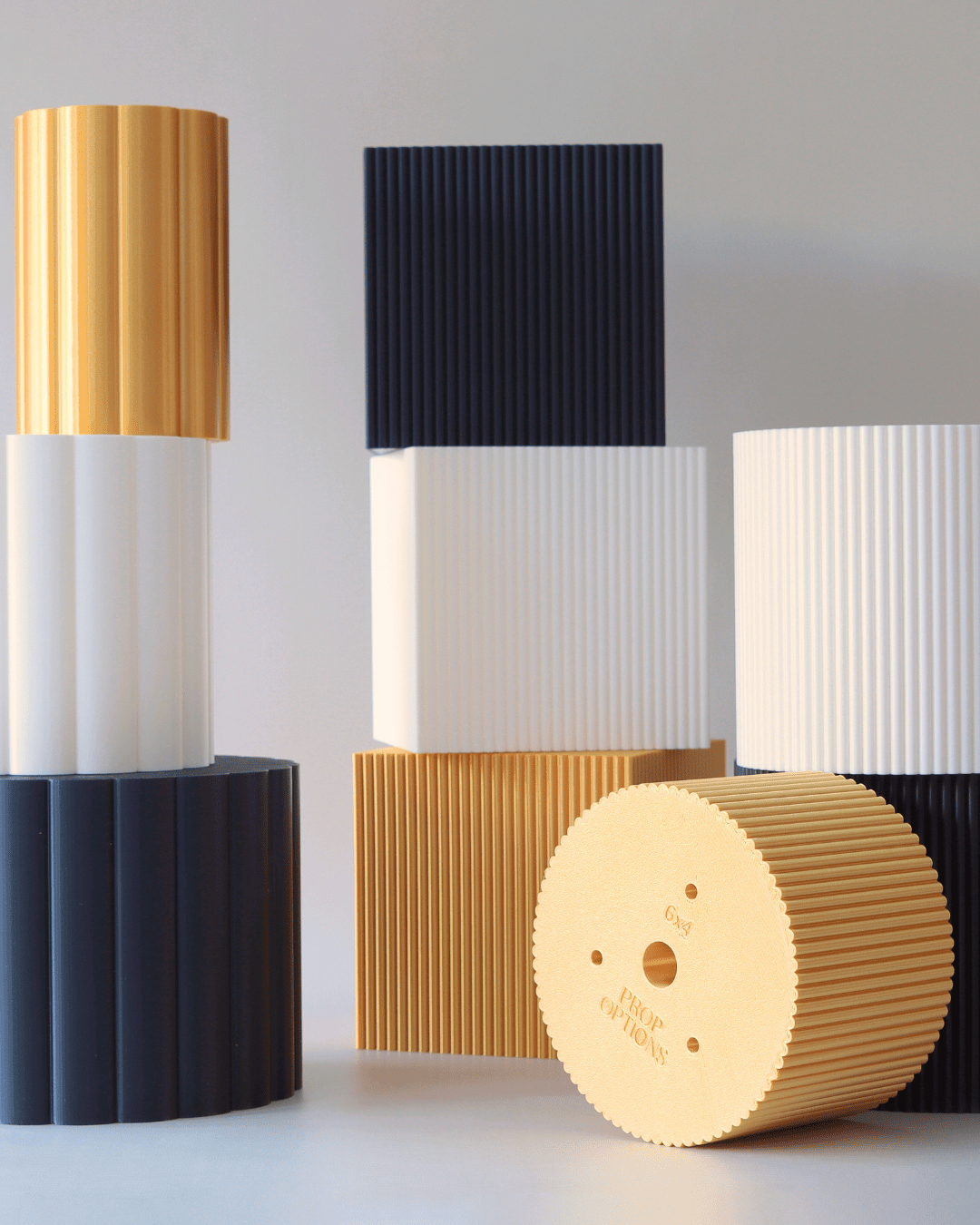
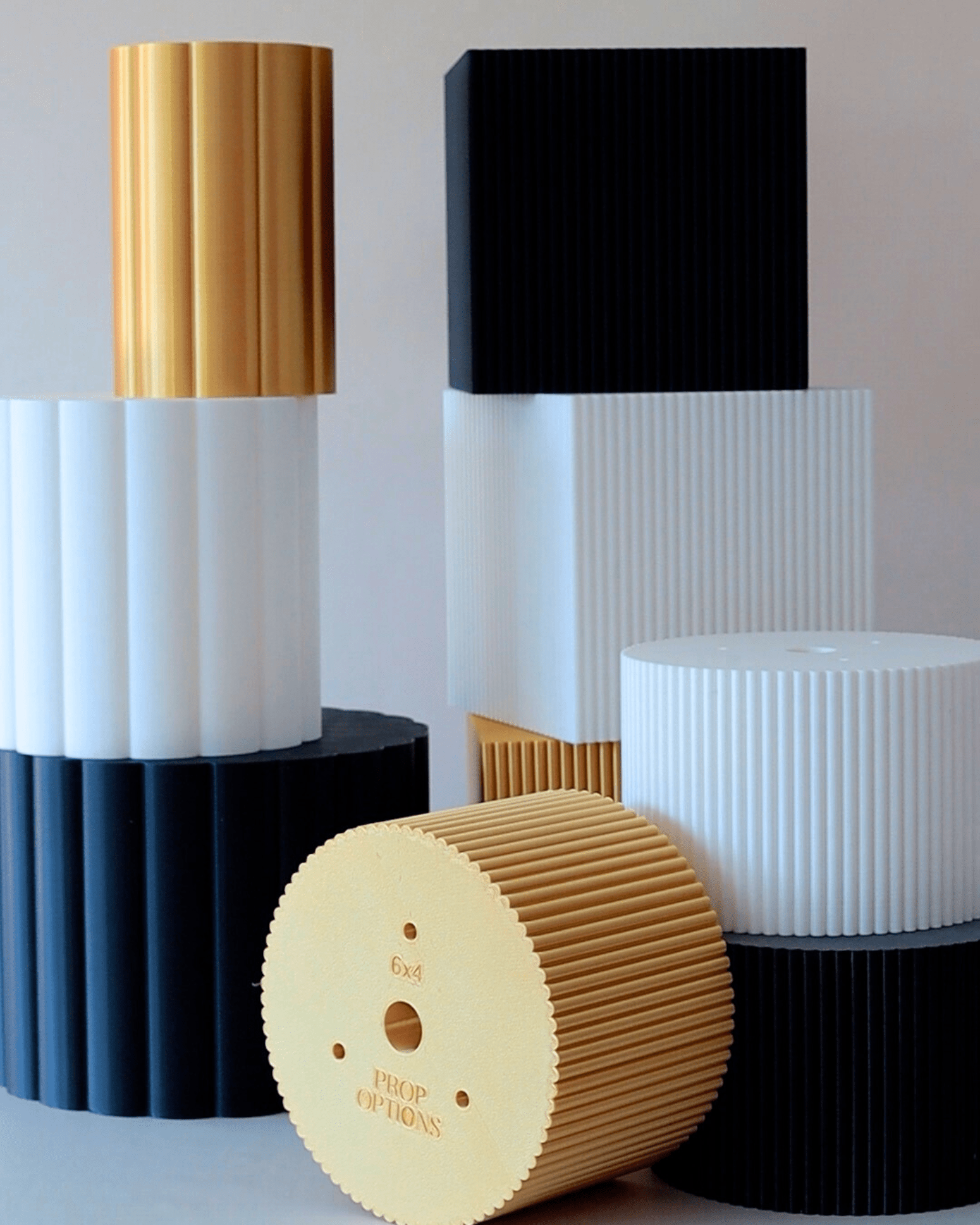
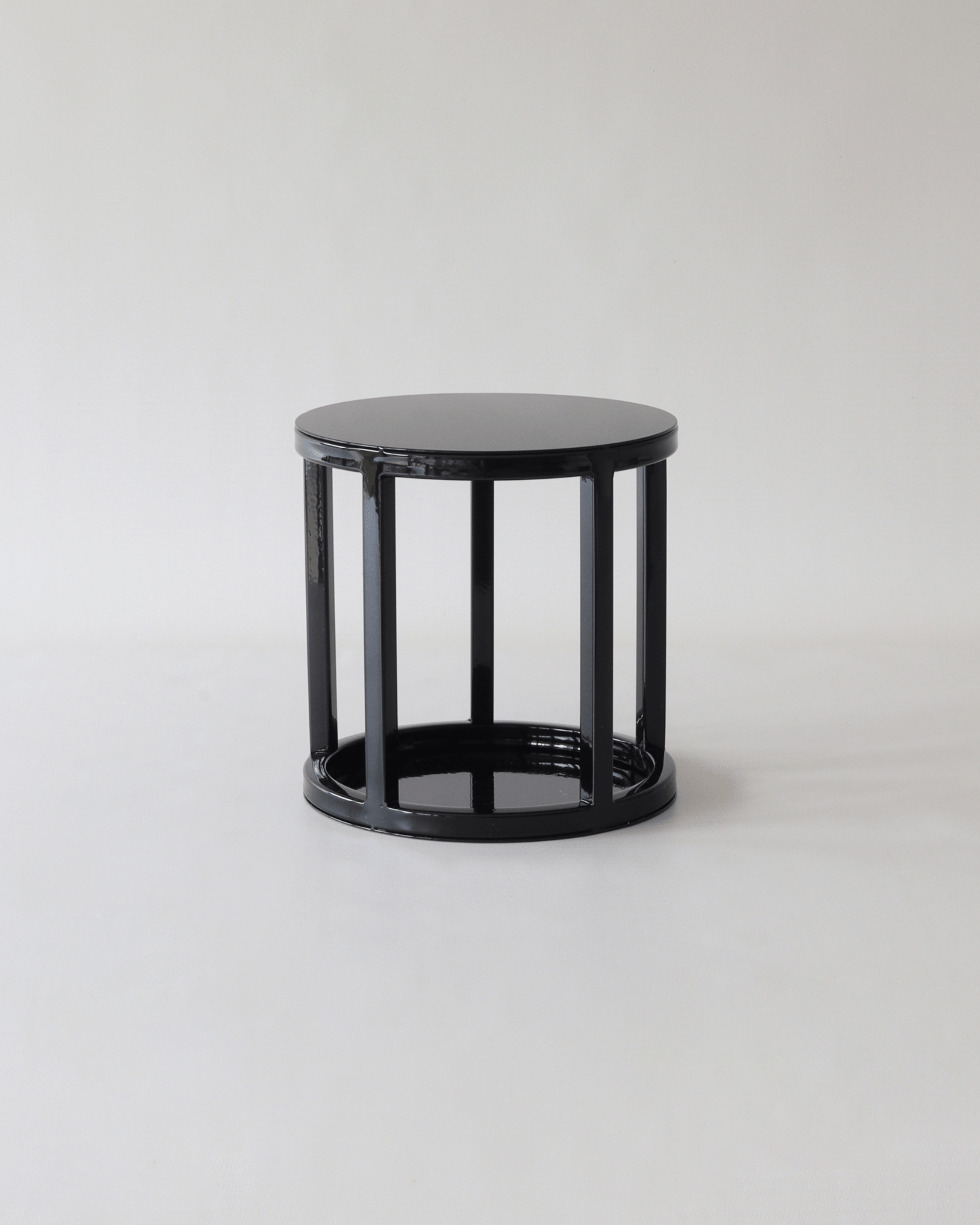
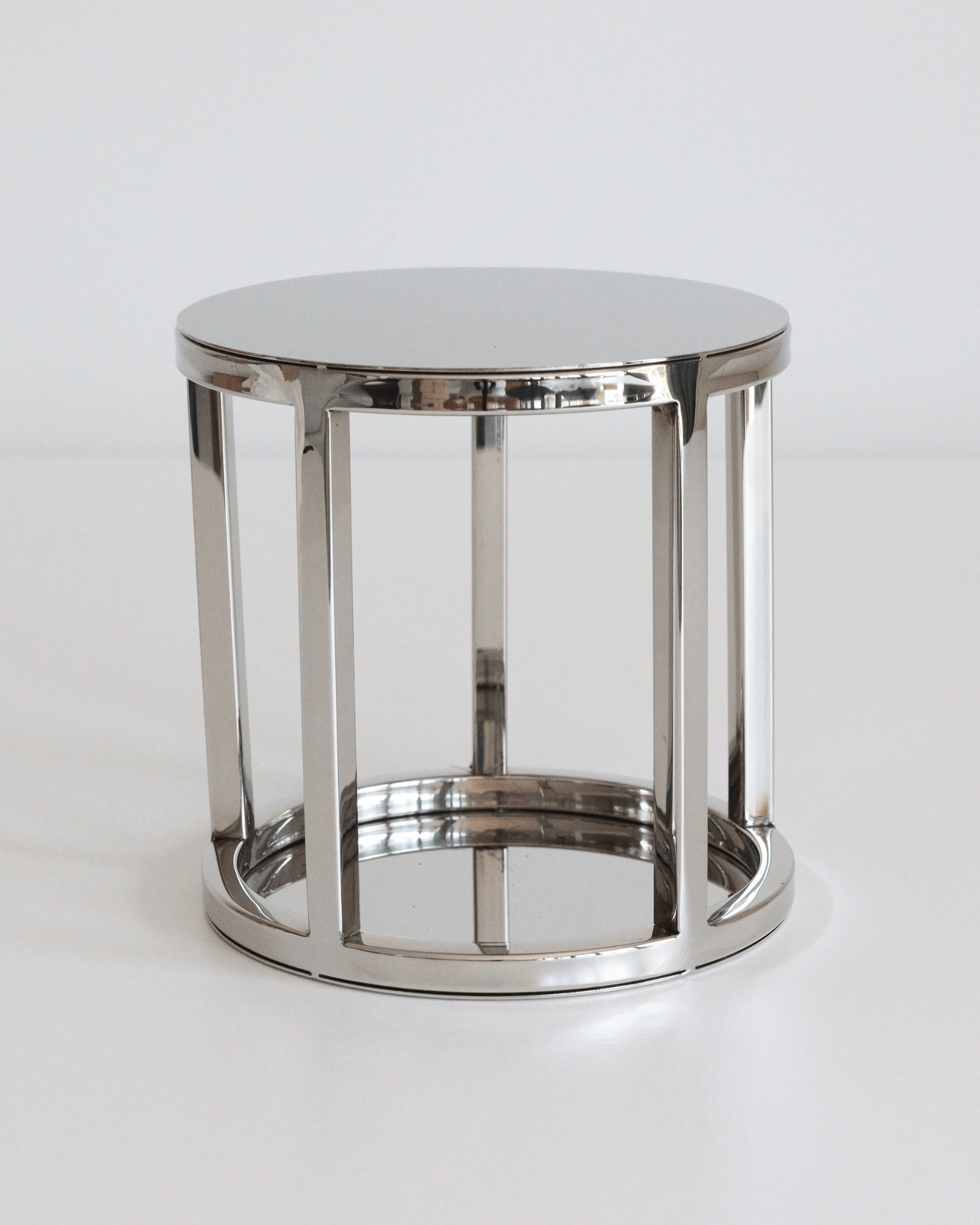
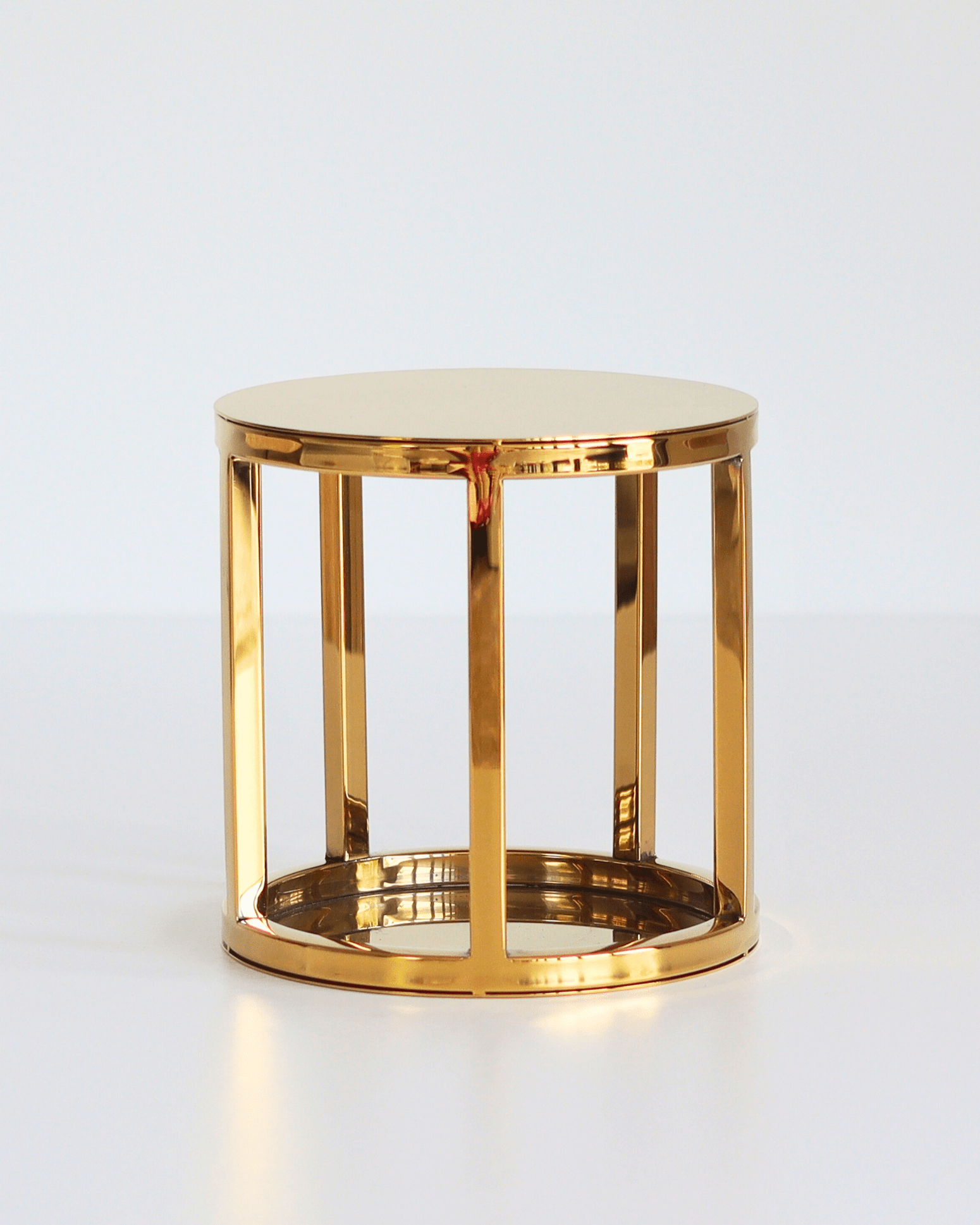
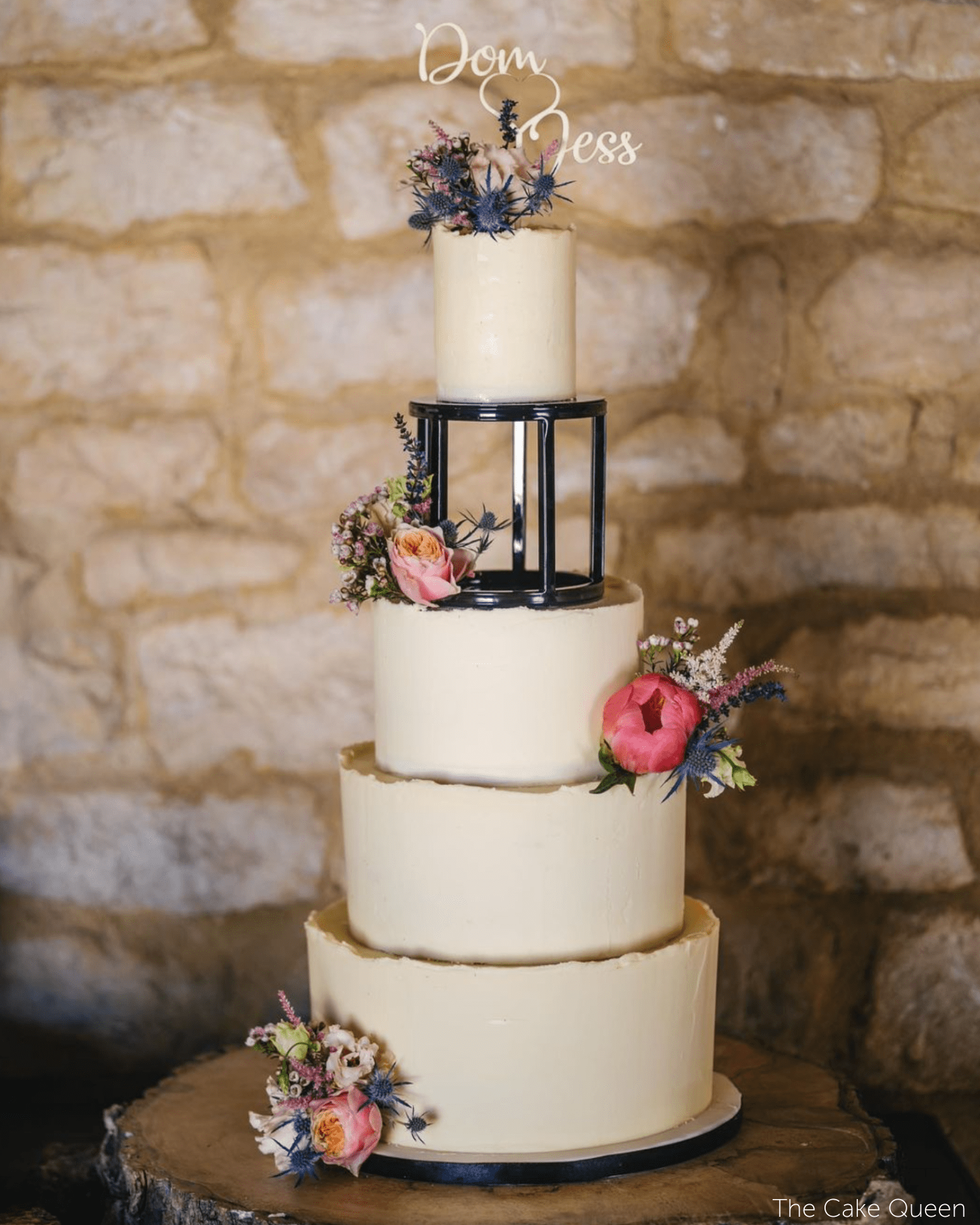
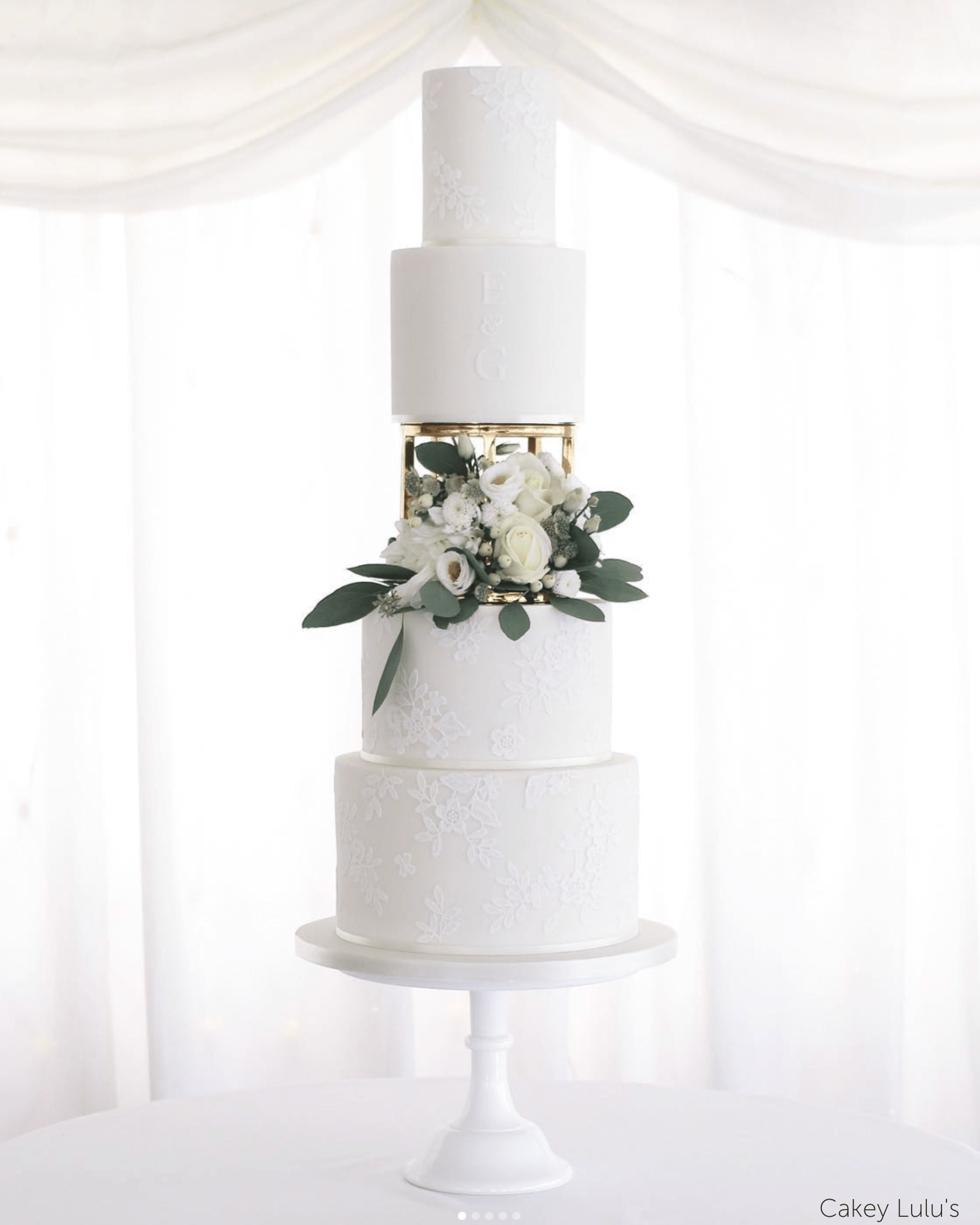
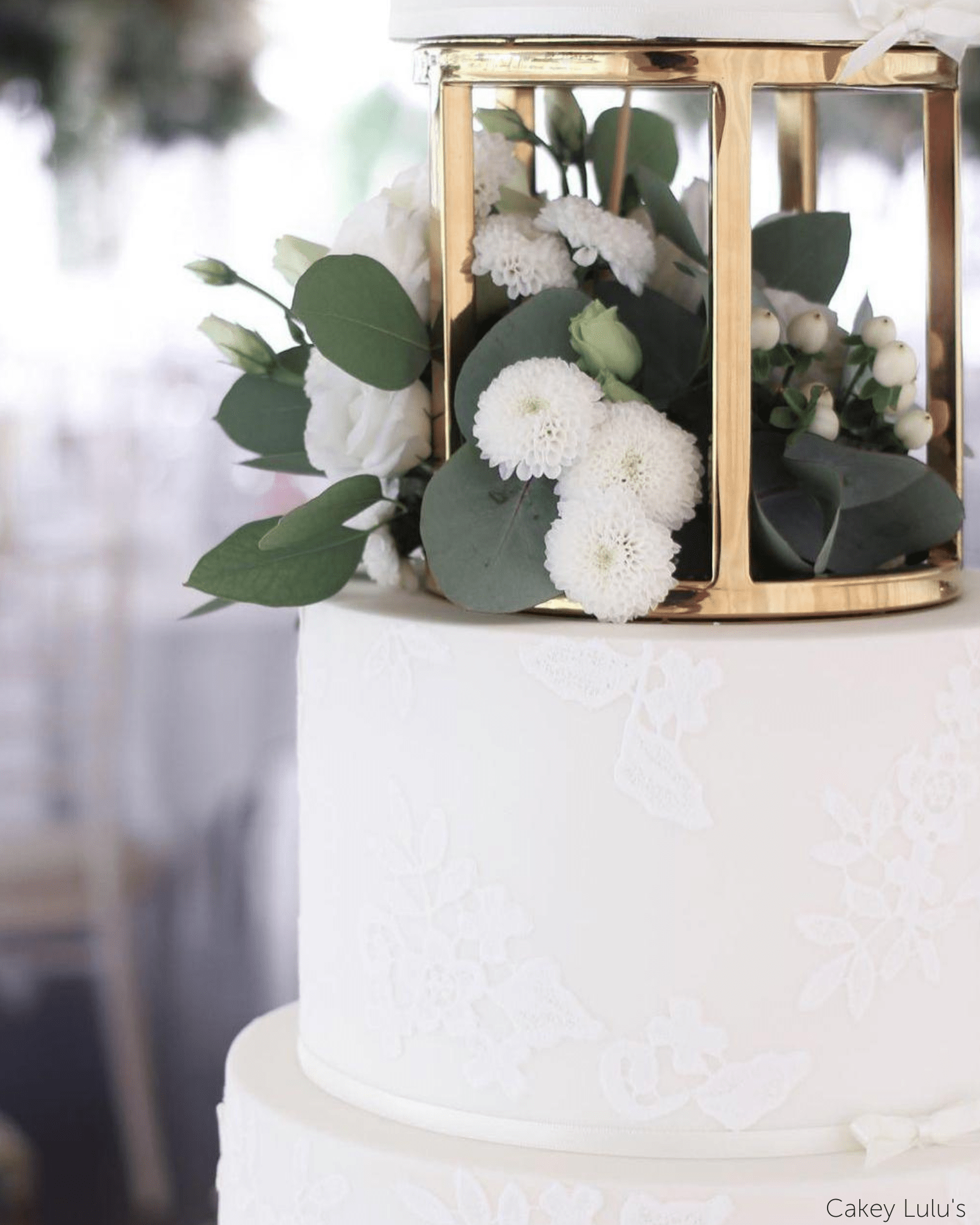
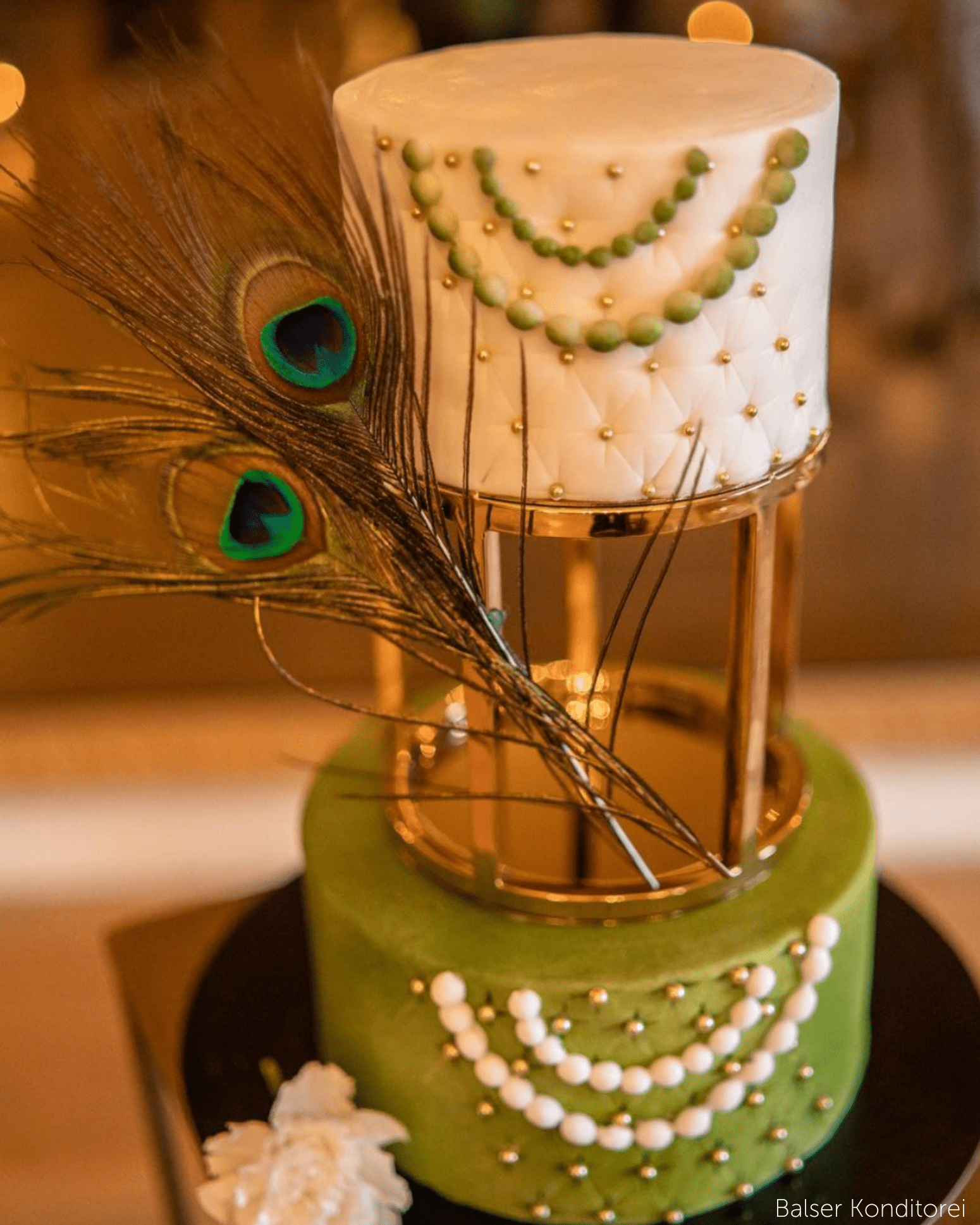
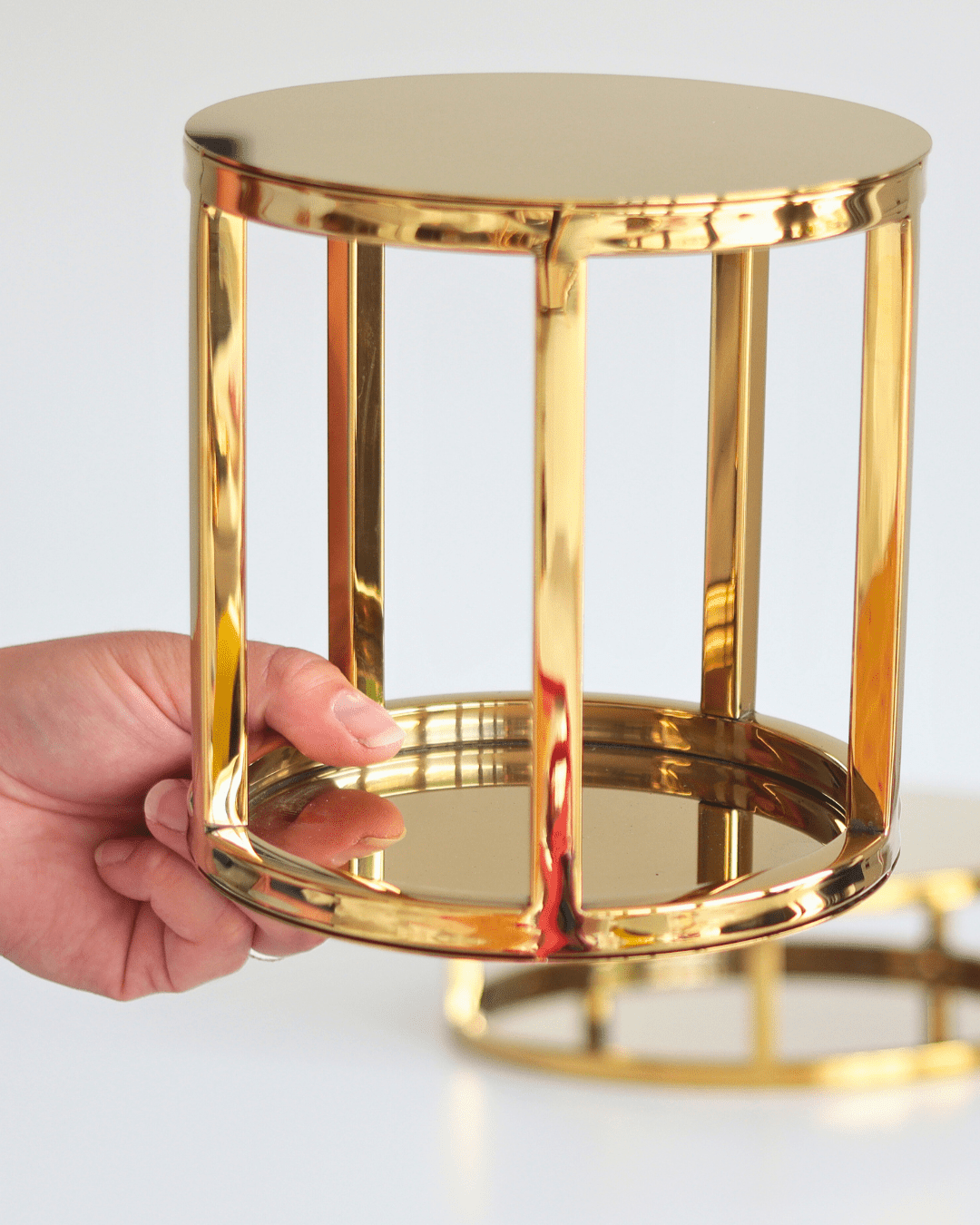
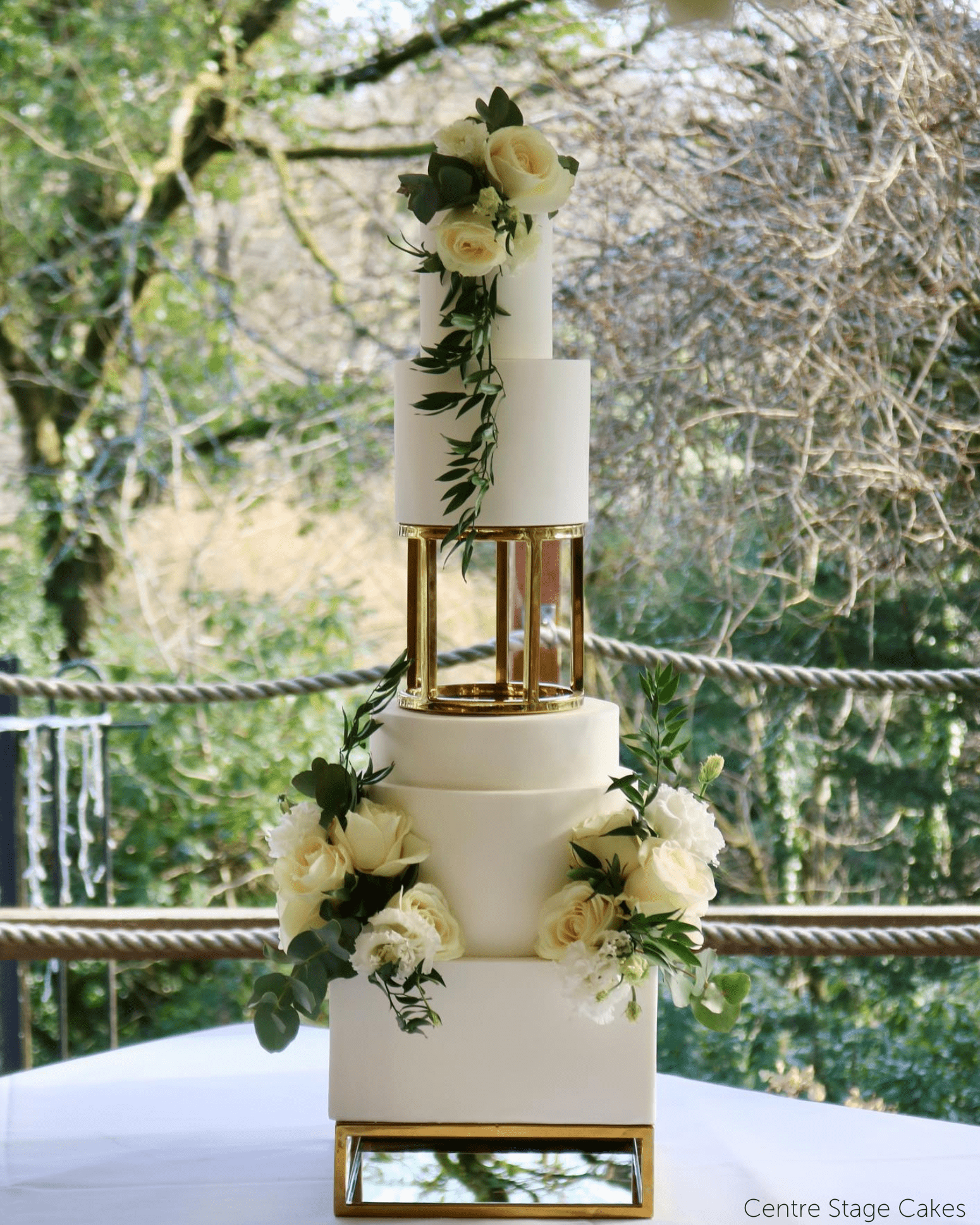
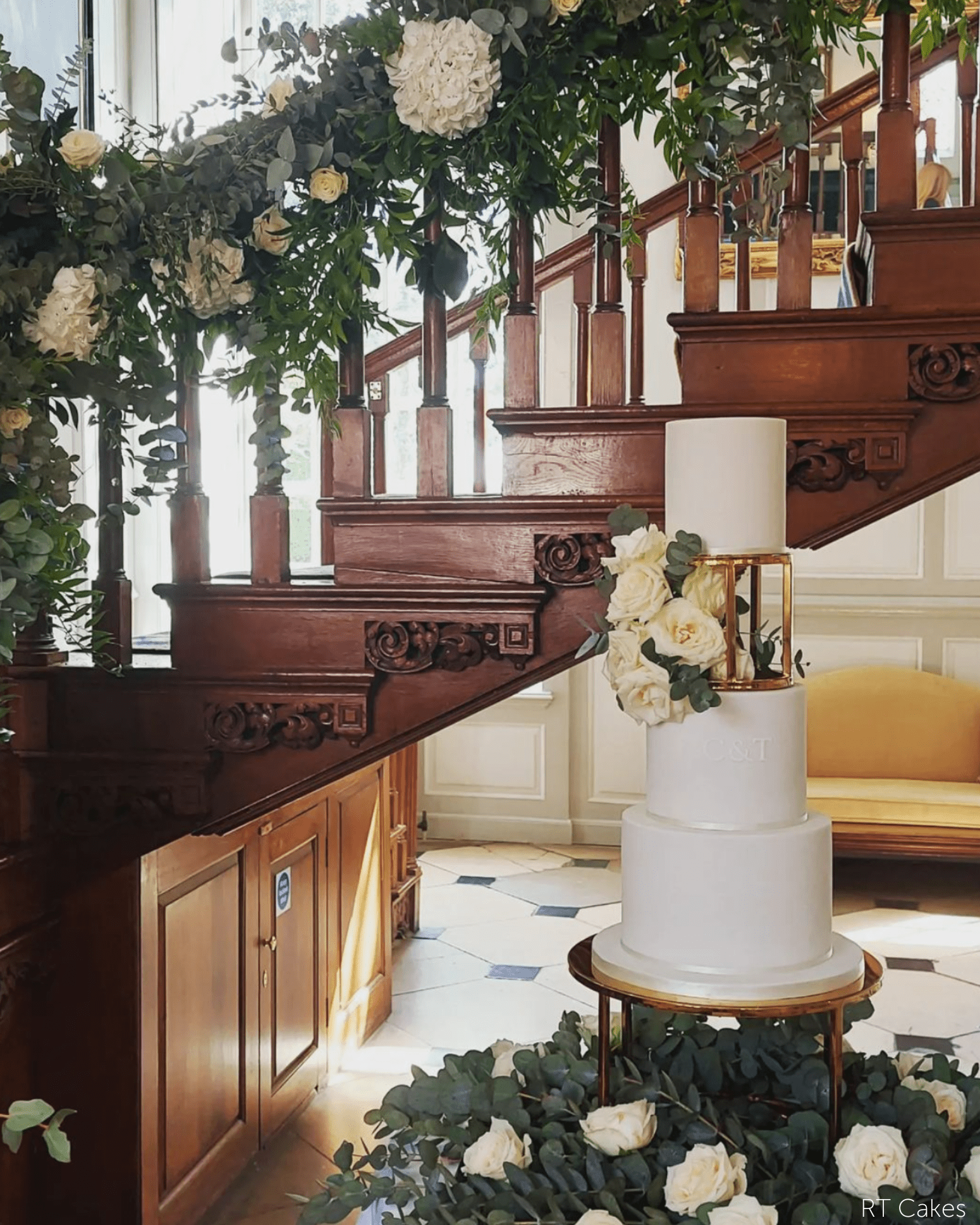
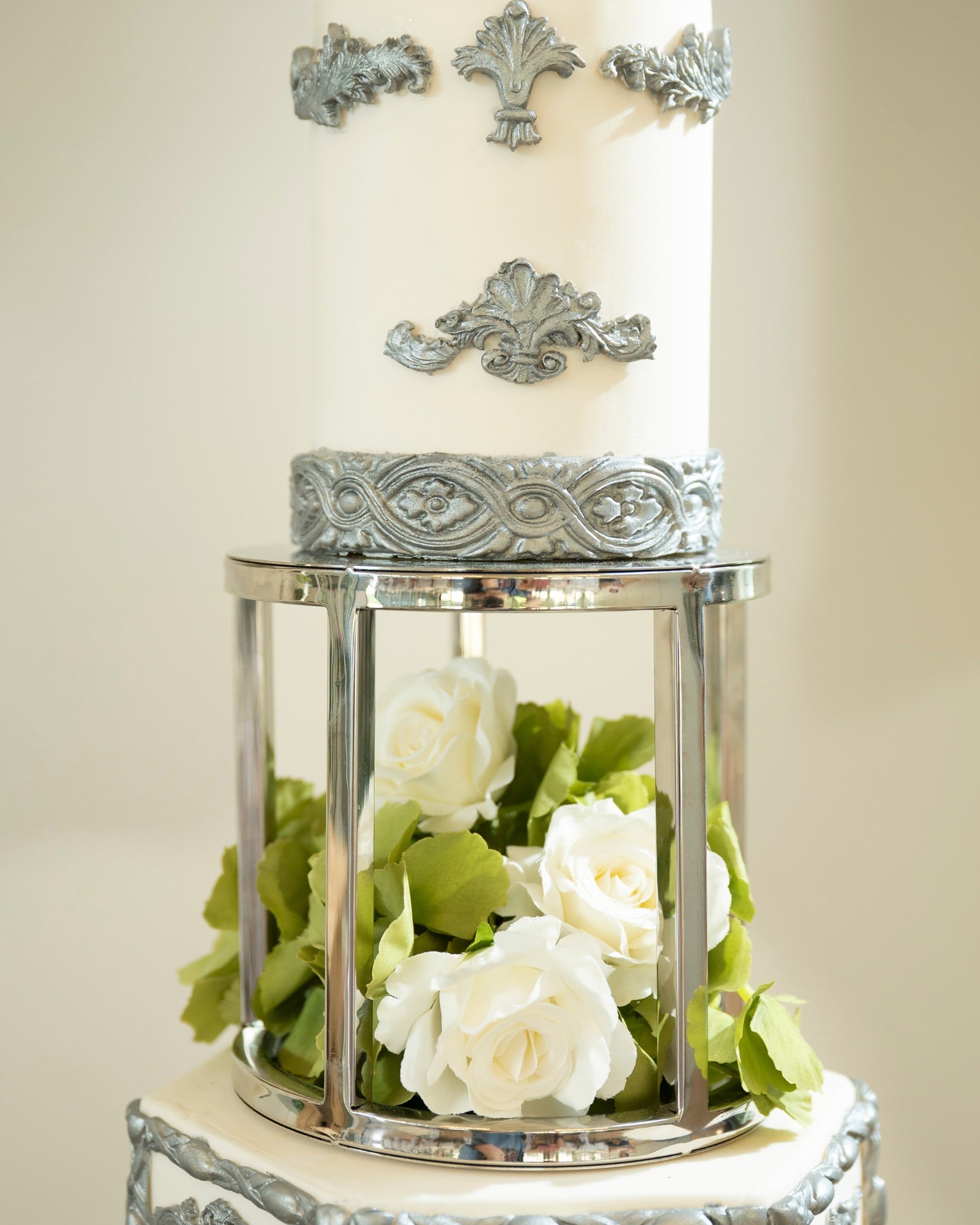
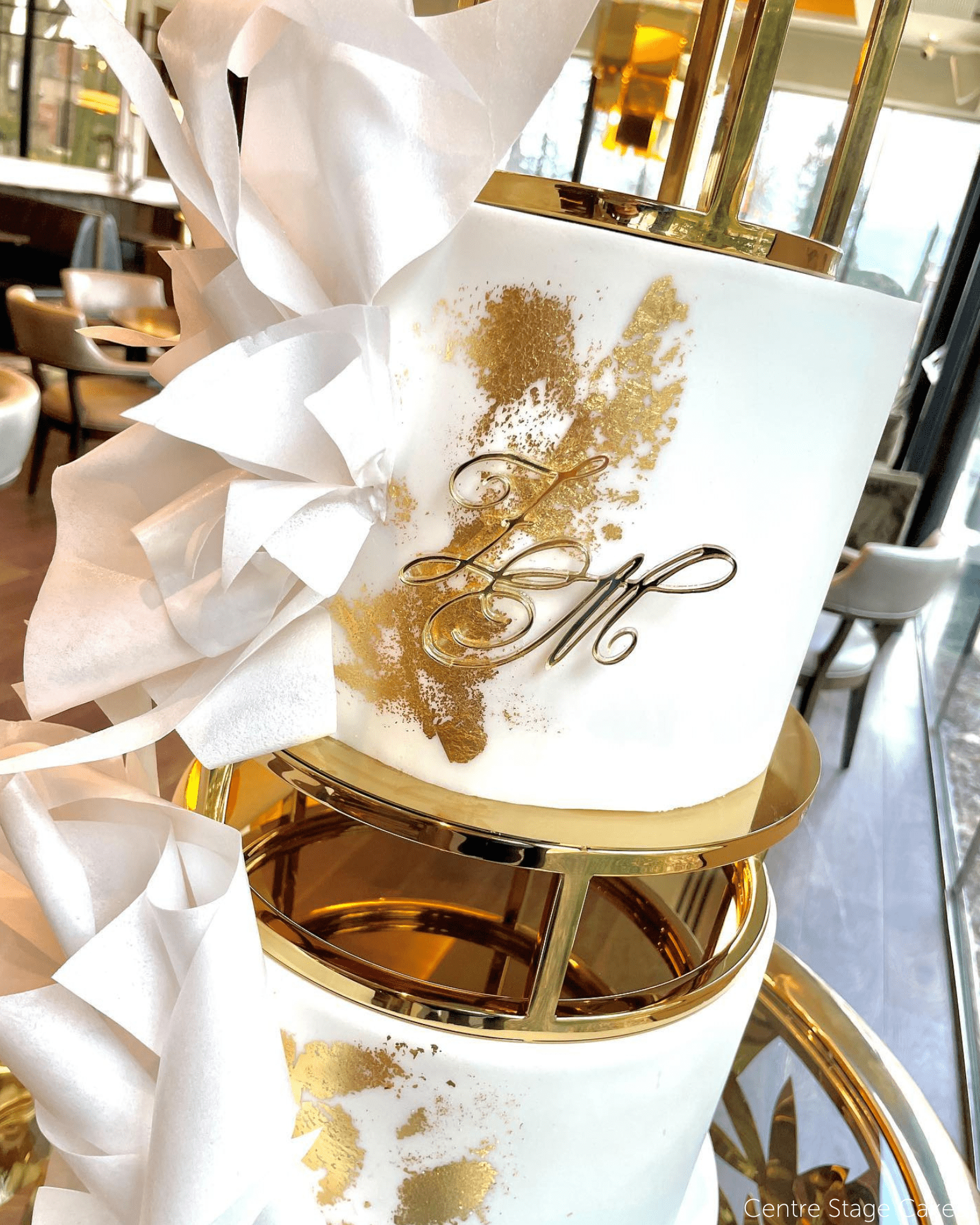
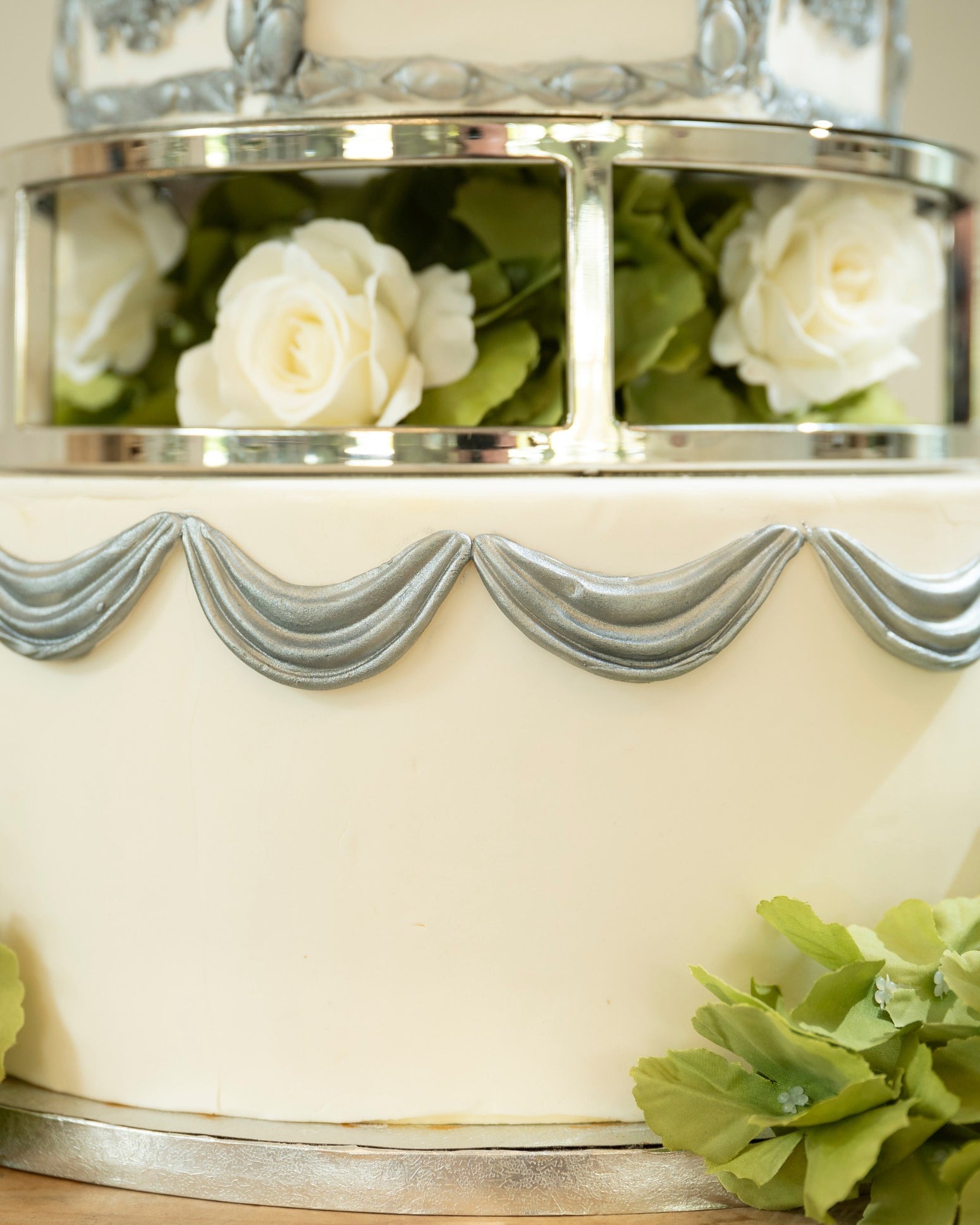
- Reeded separator stamps — modelled on the Reeded Cake Separator.
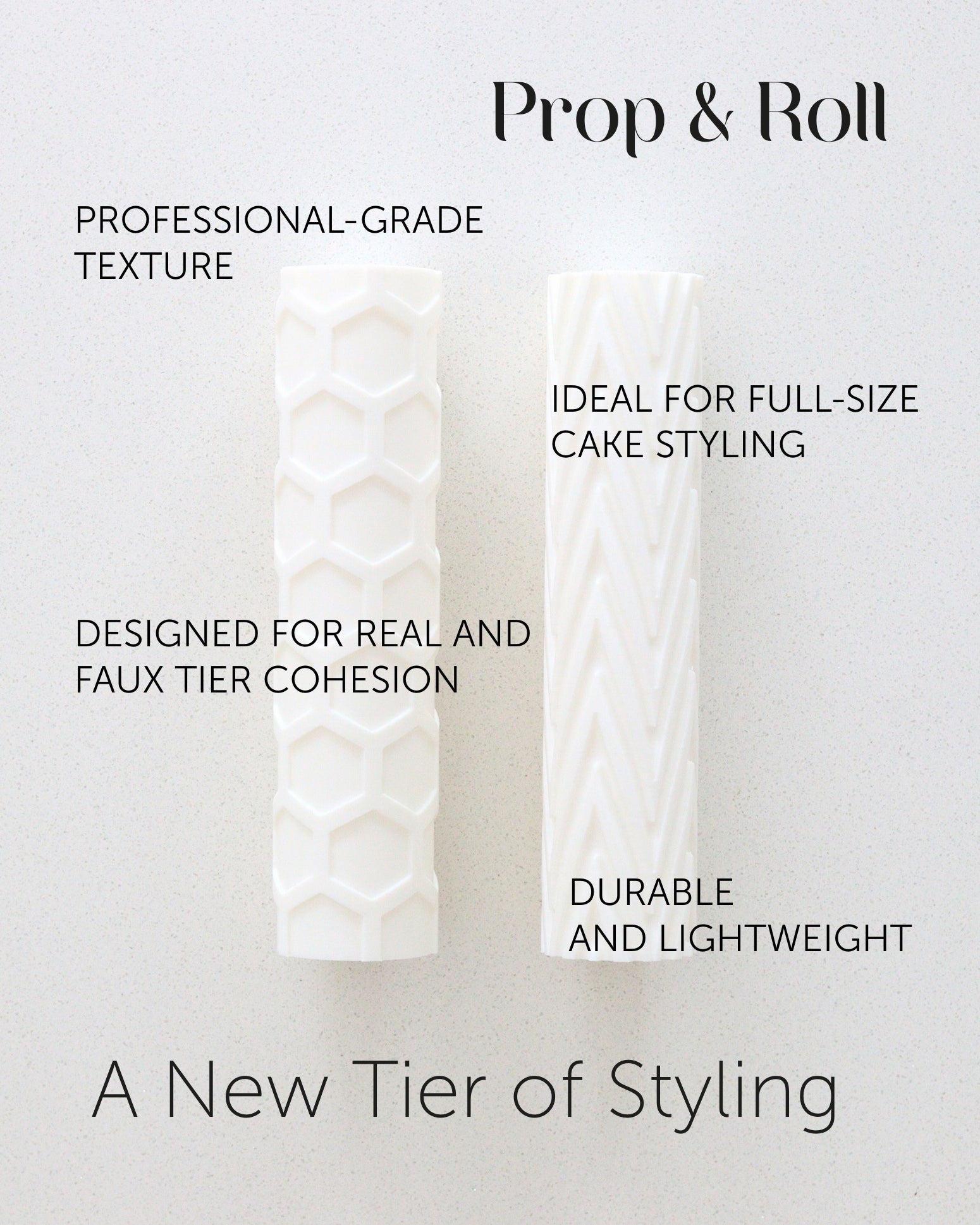
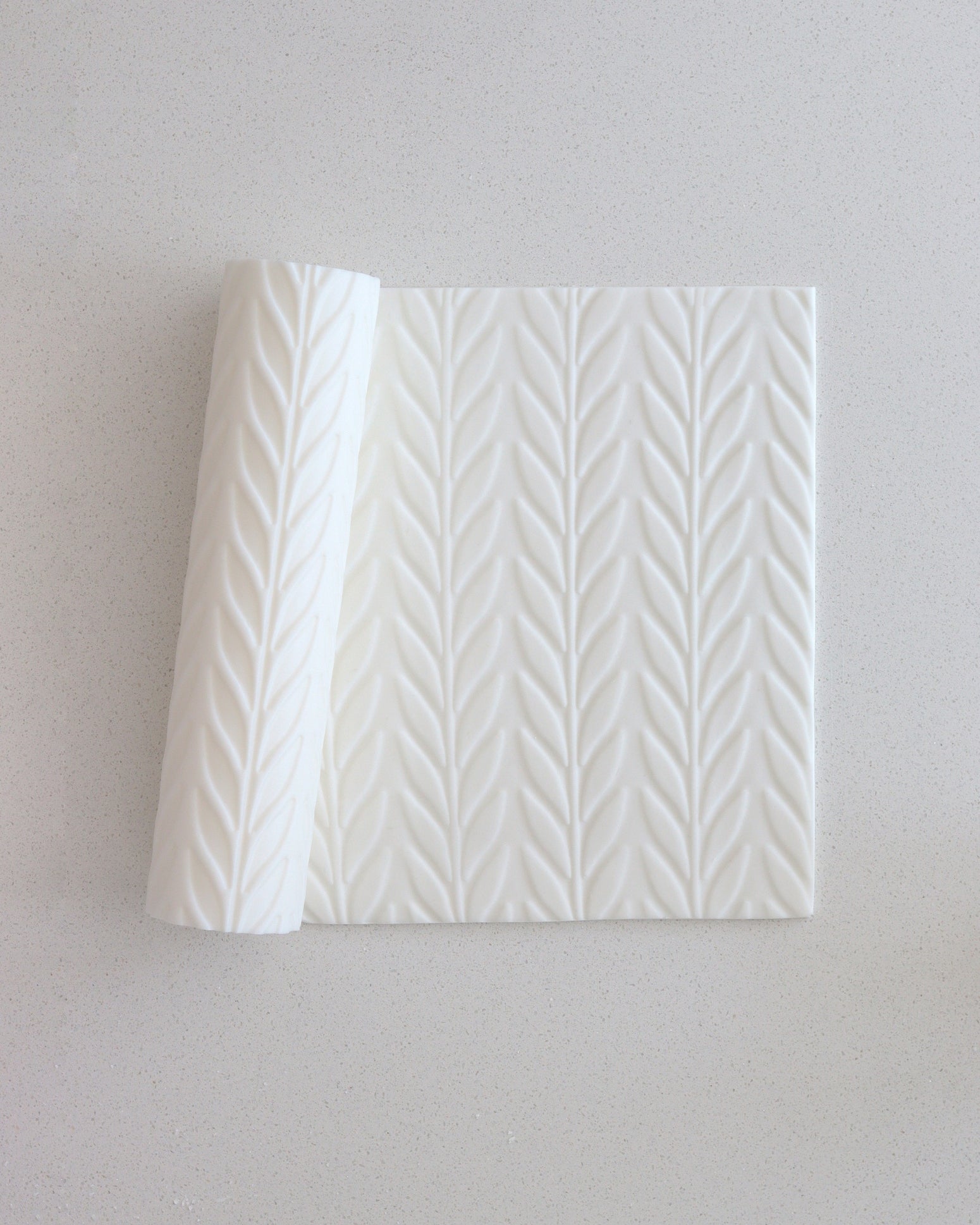
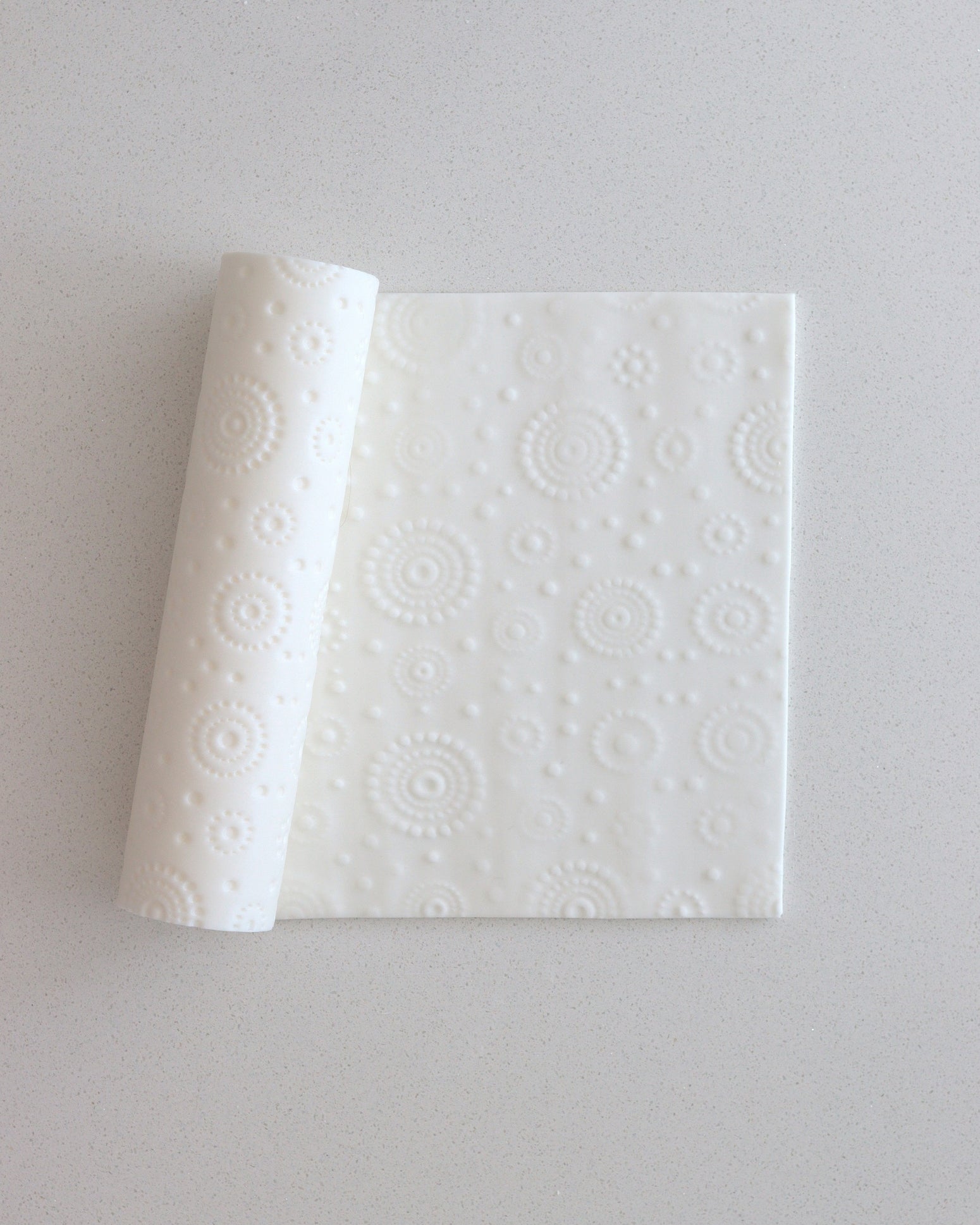
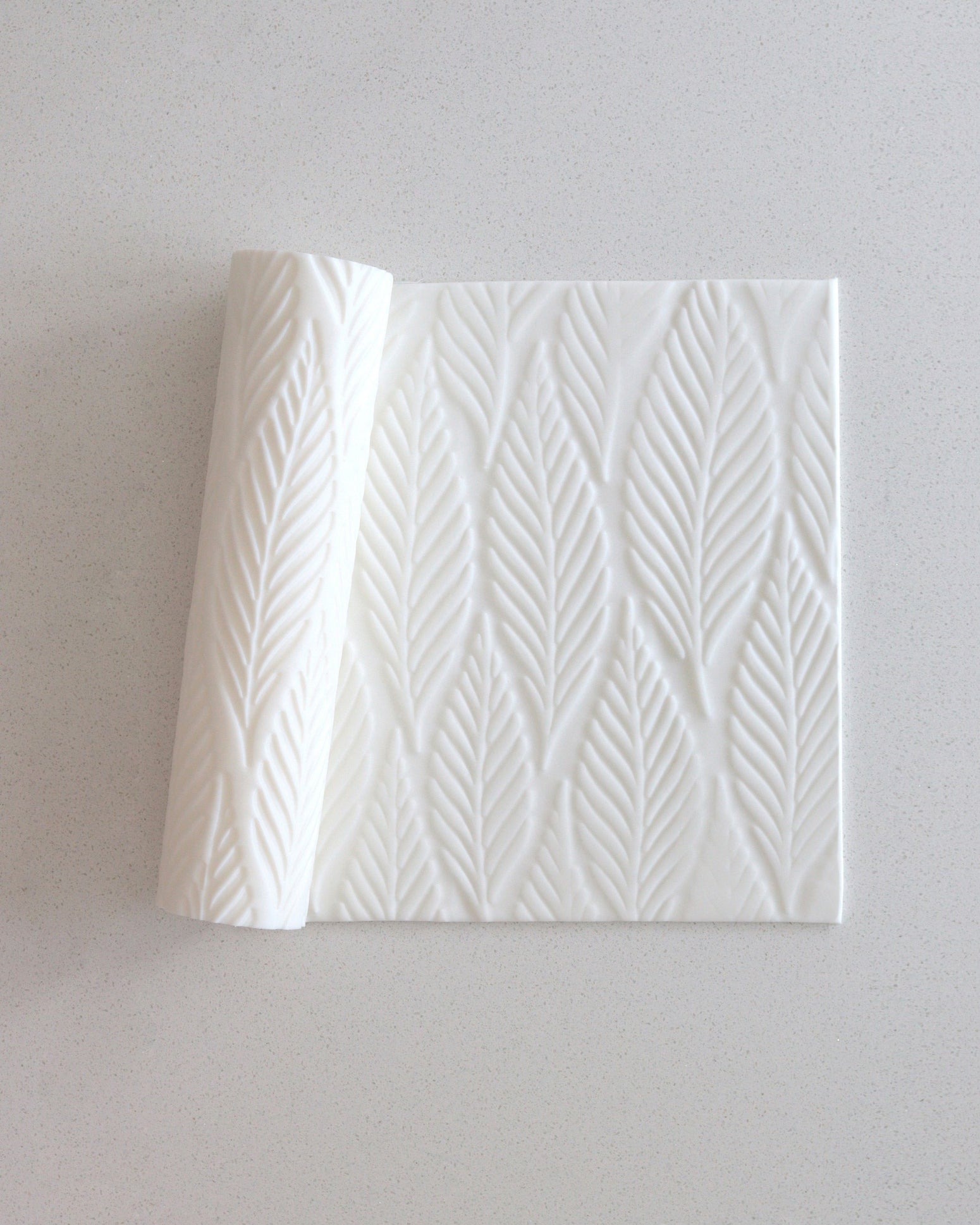
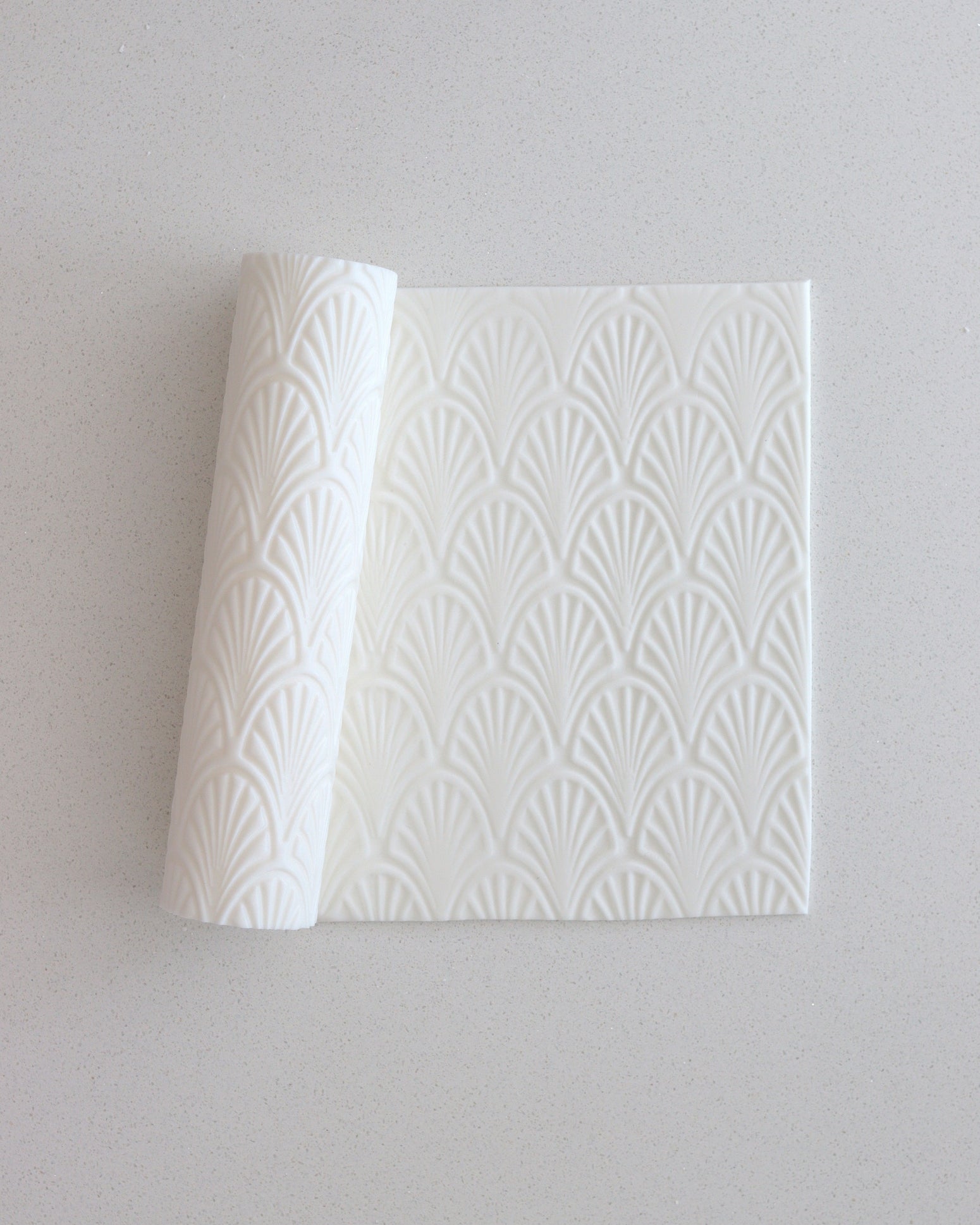
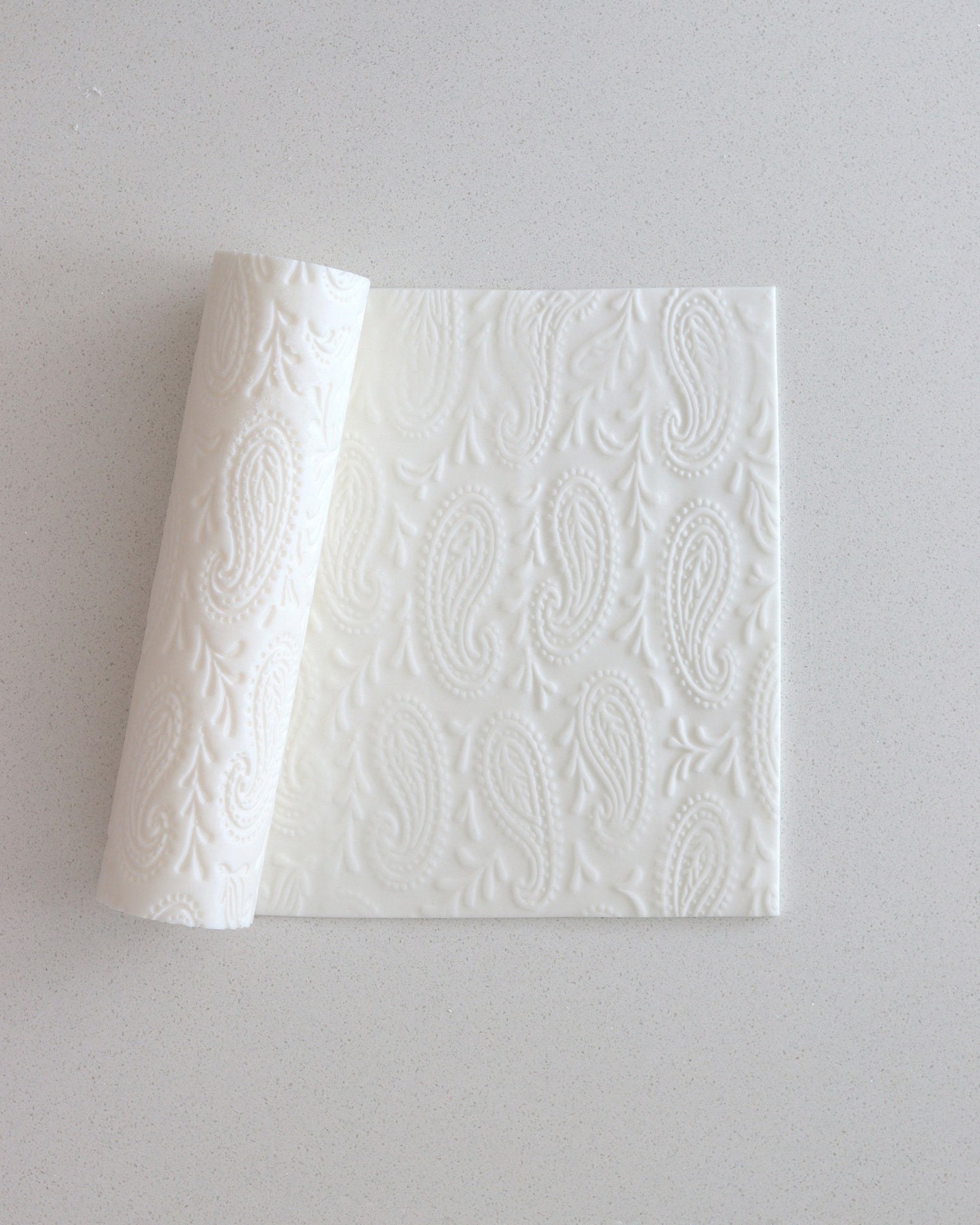
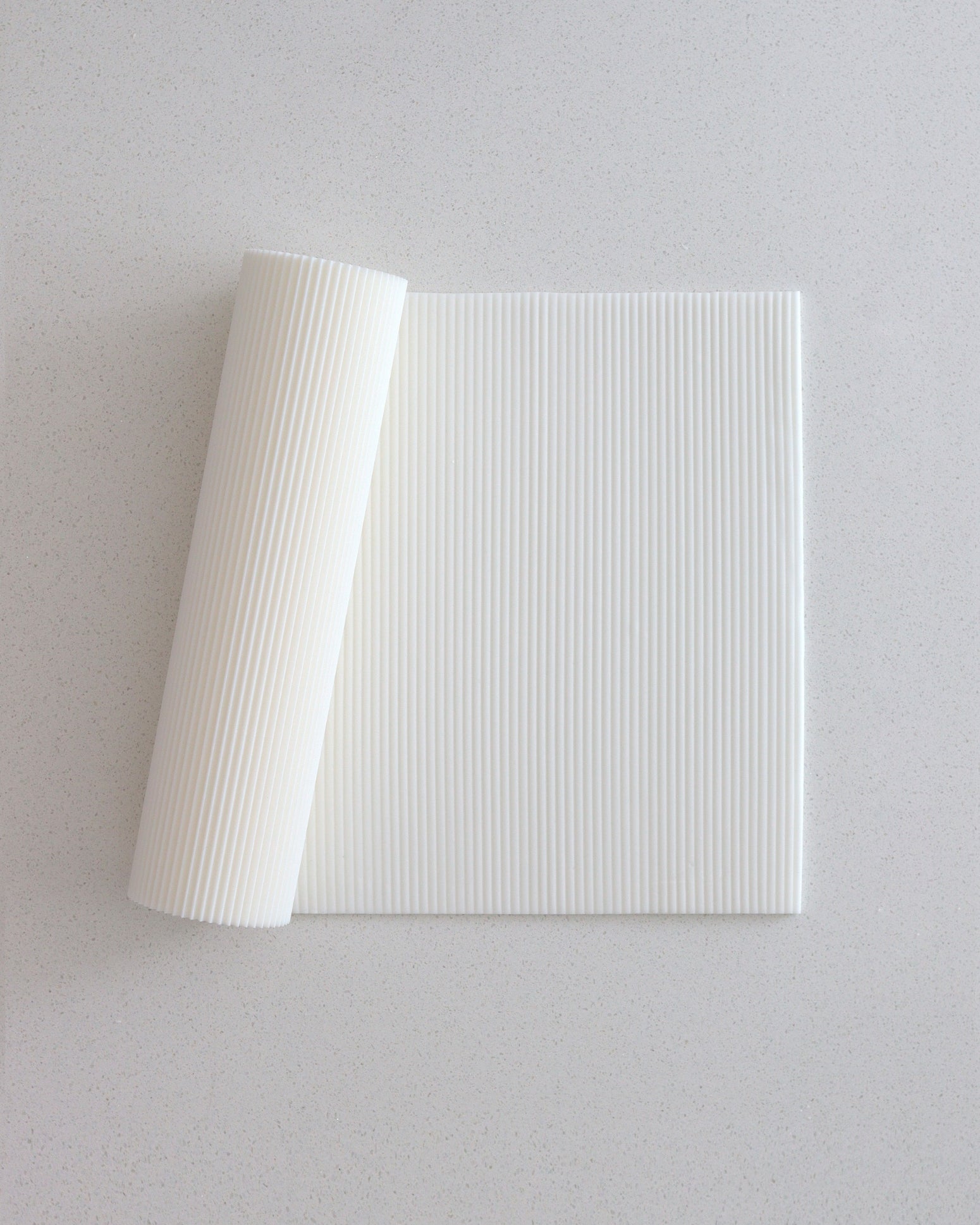
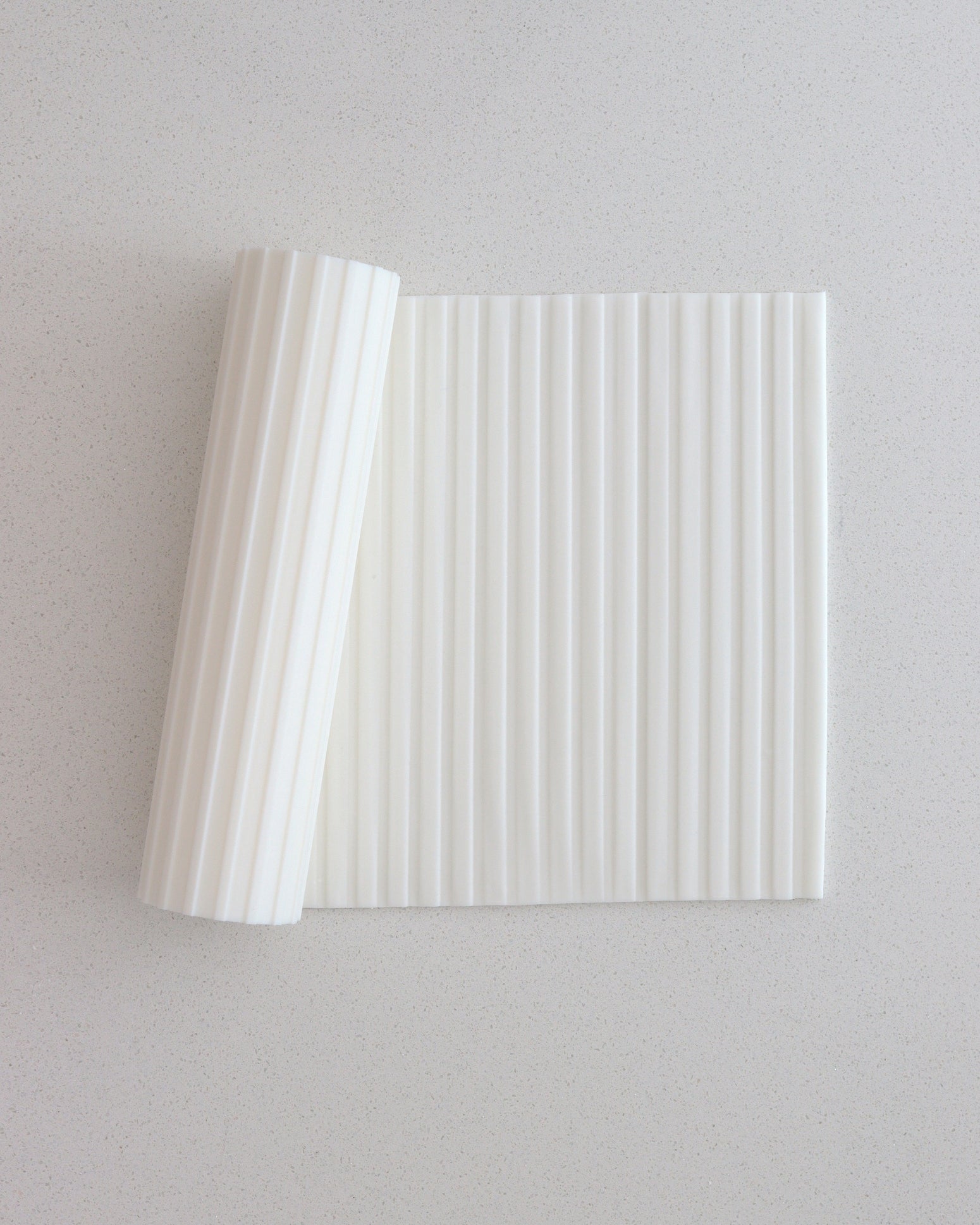
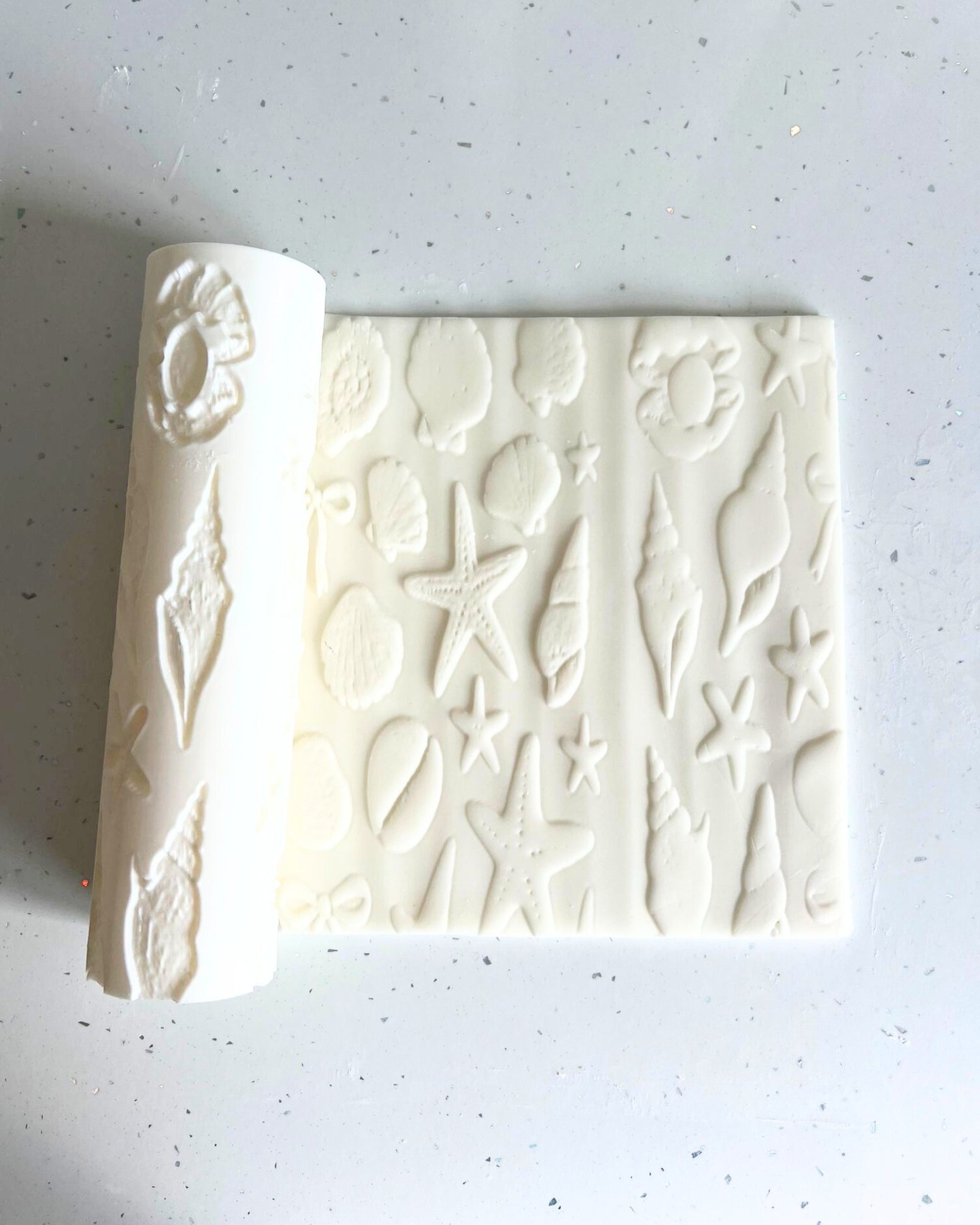
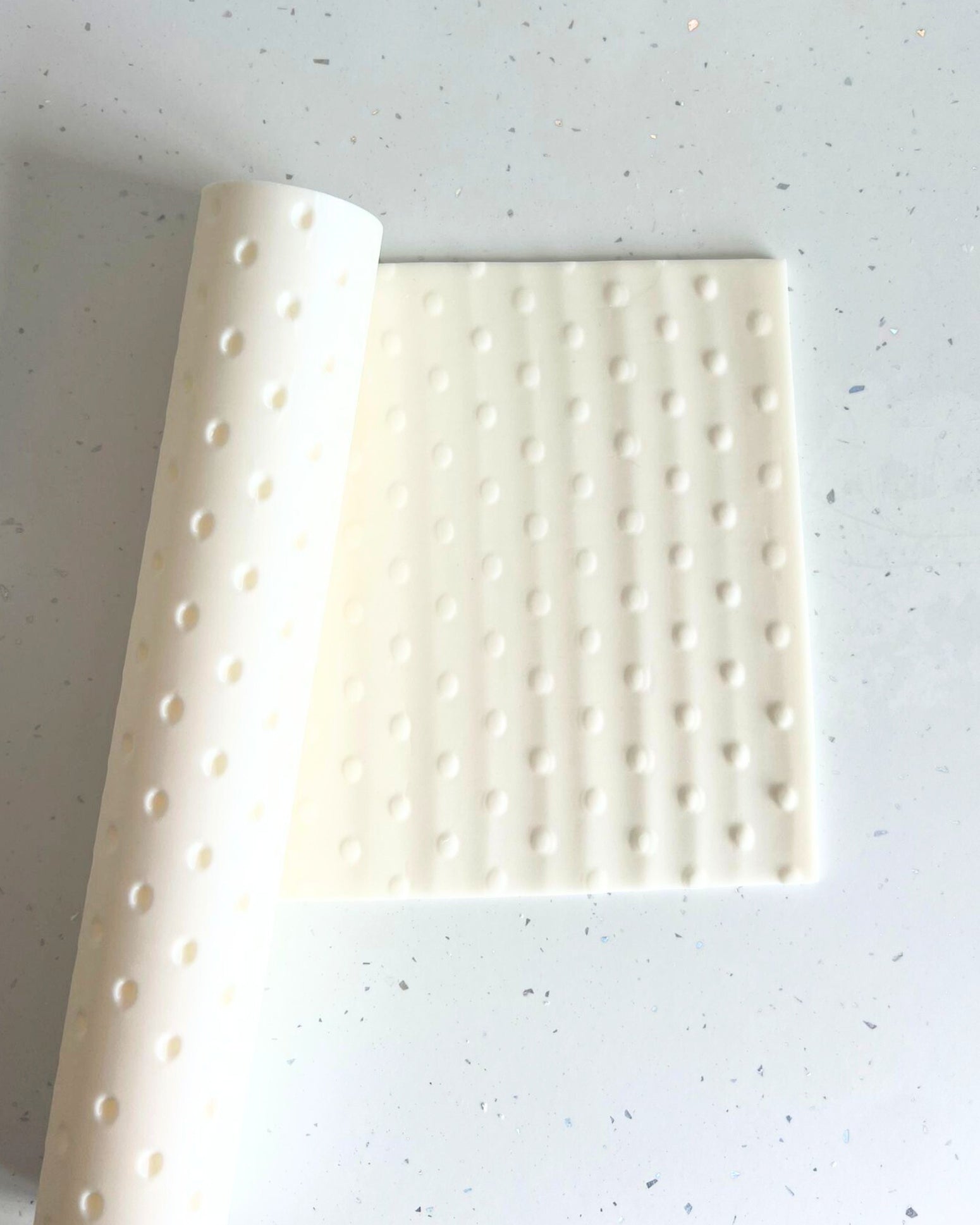
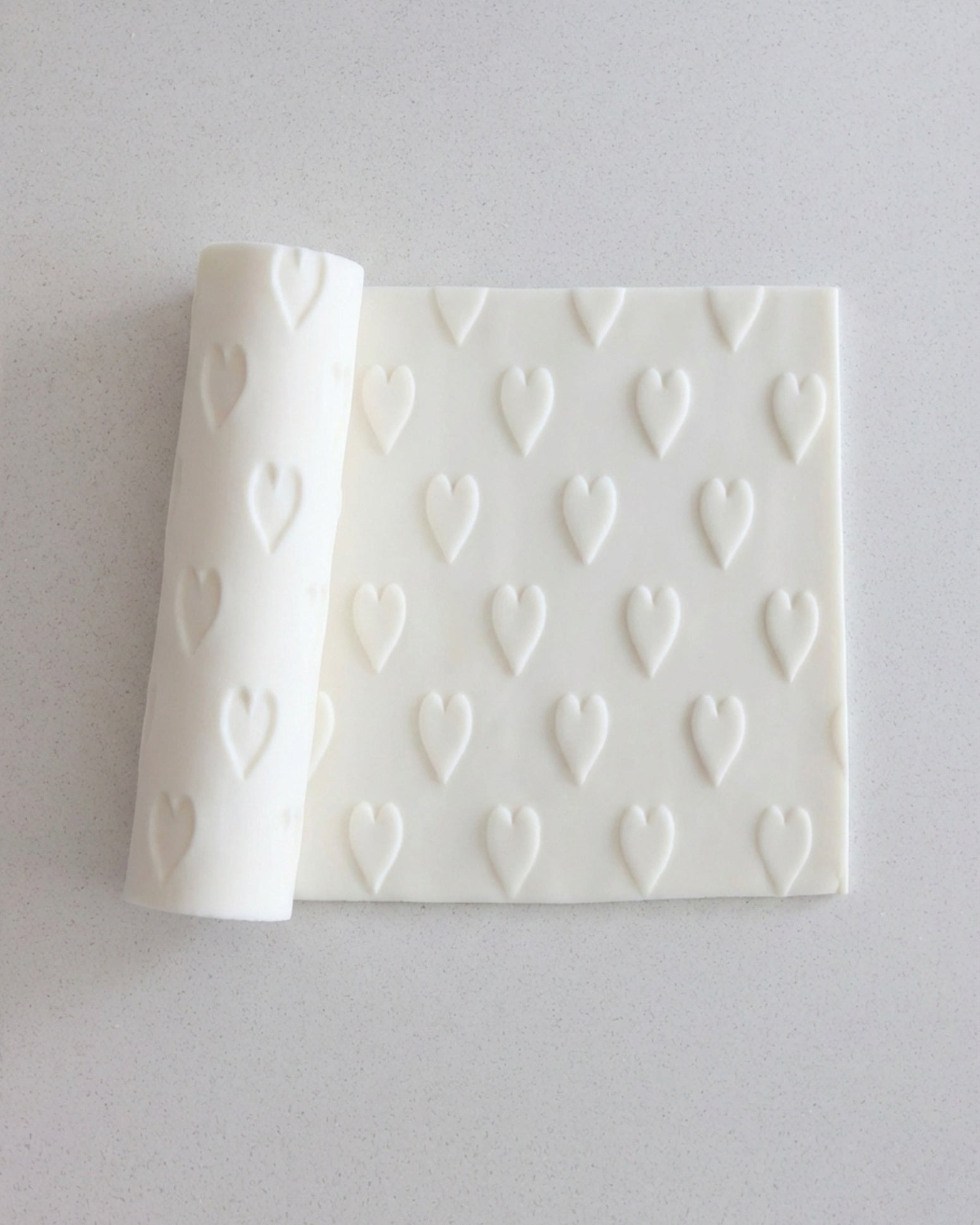
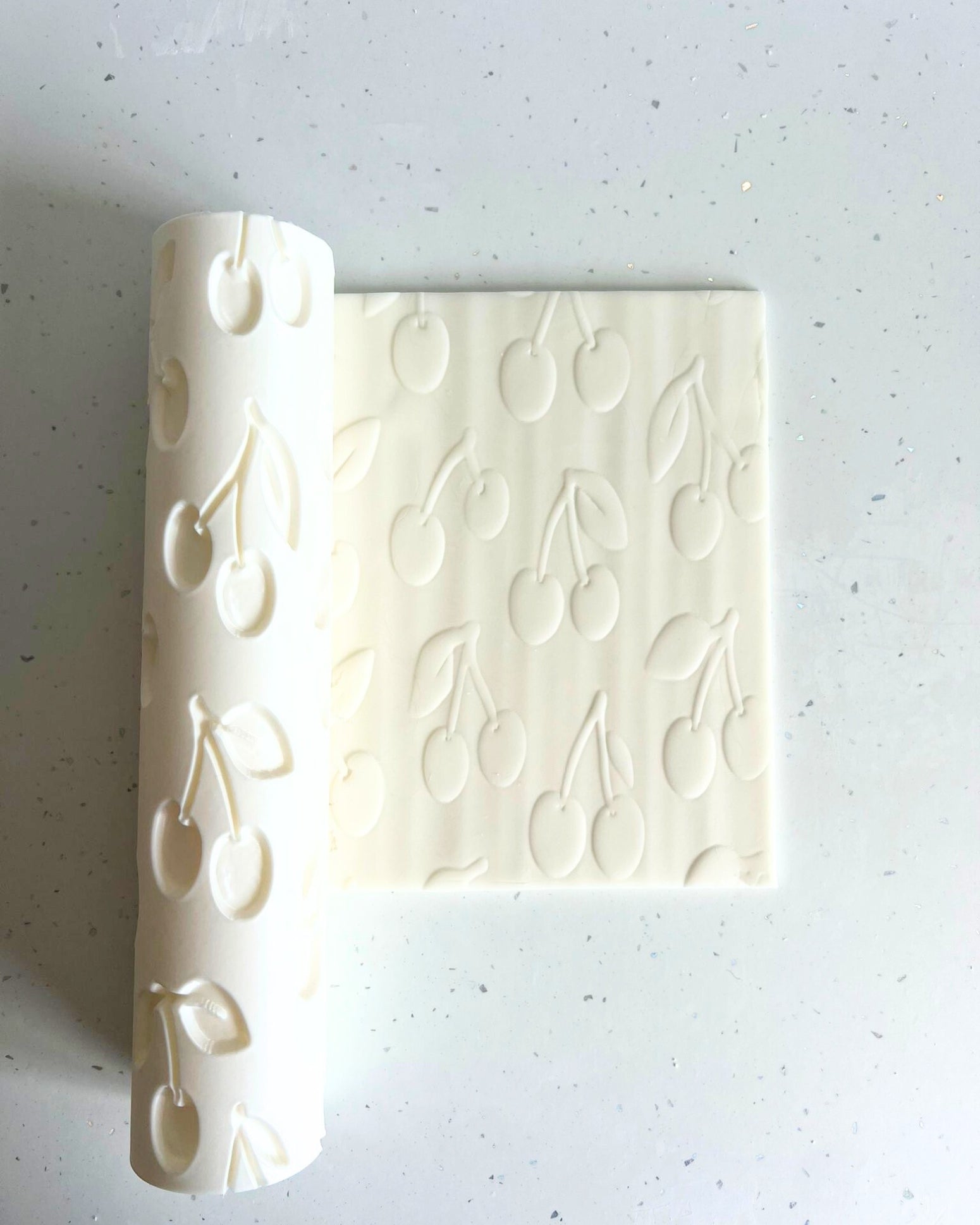
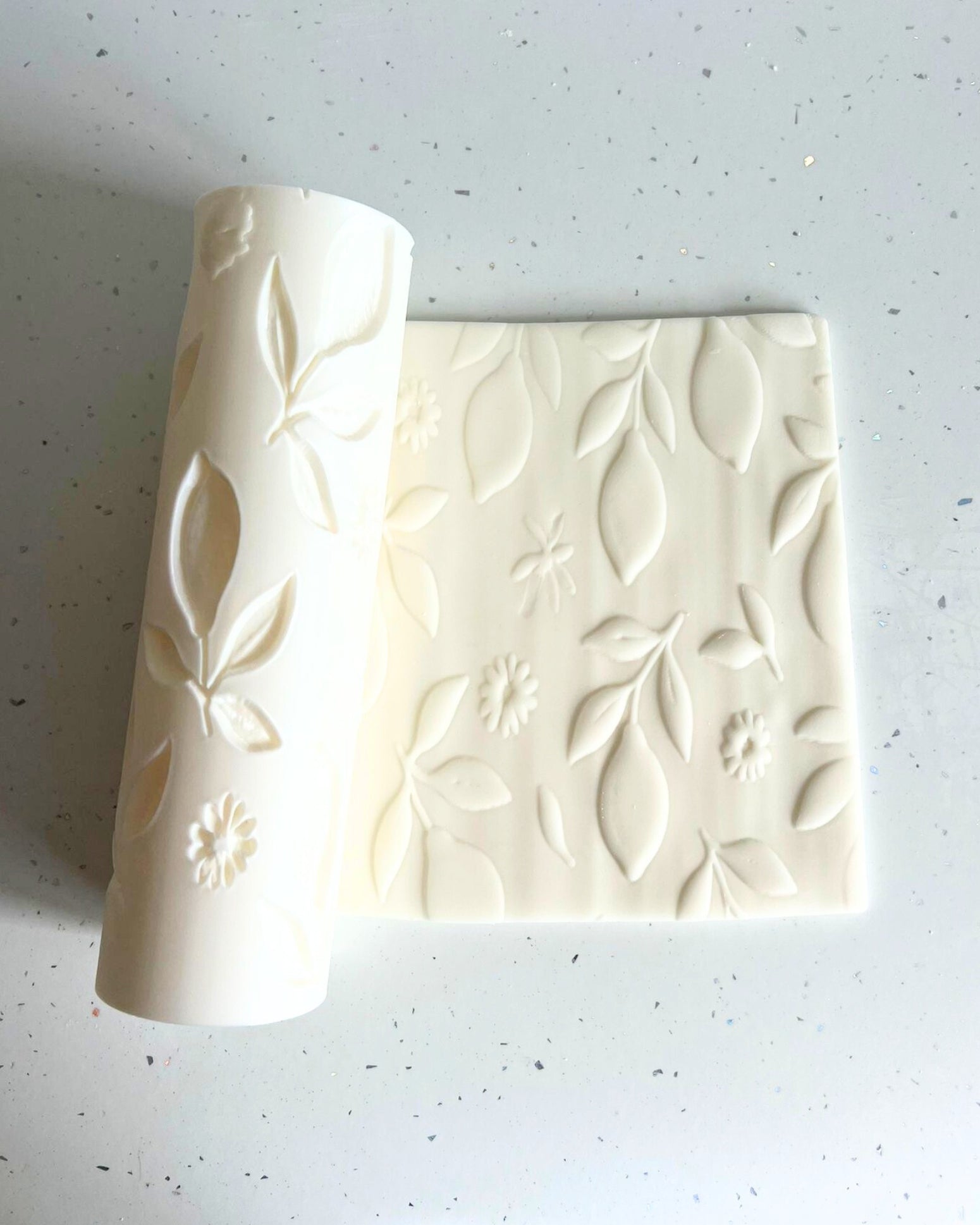
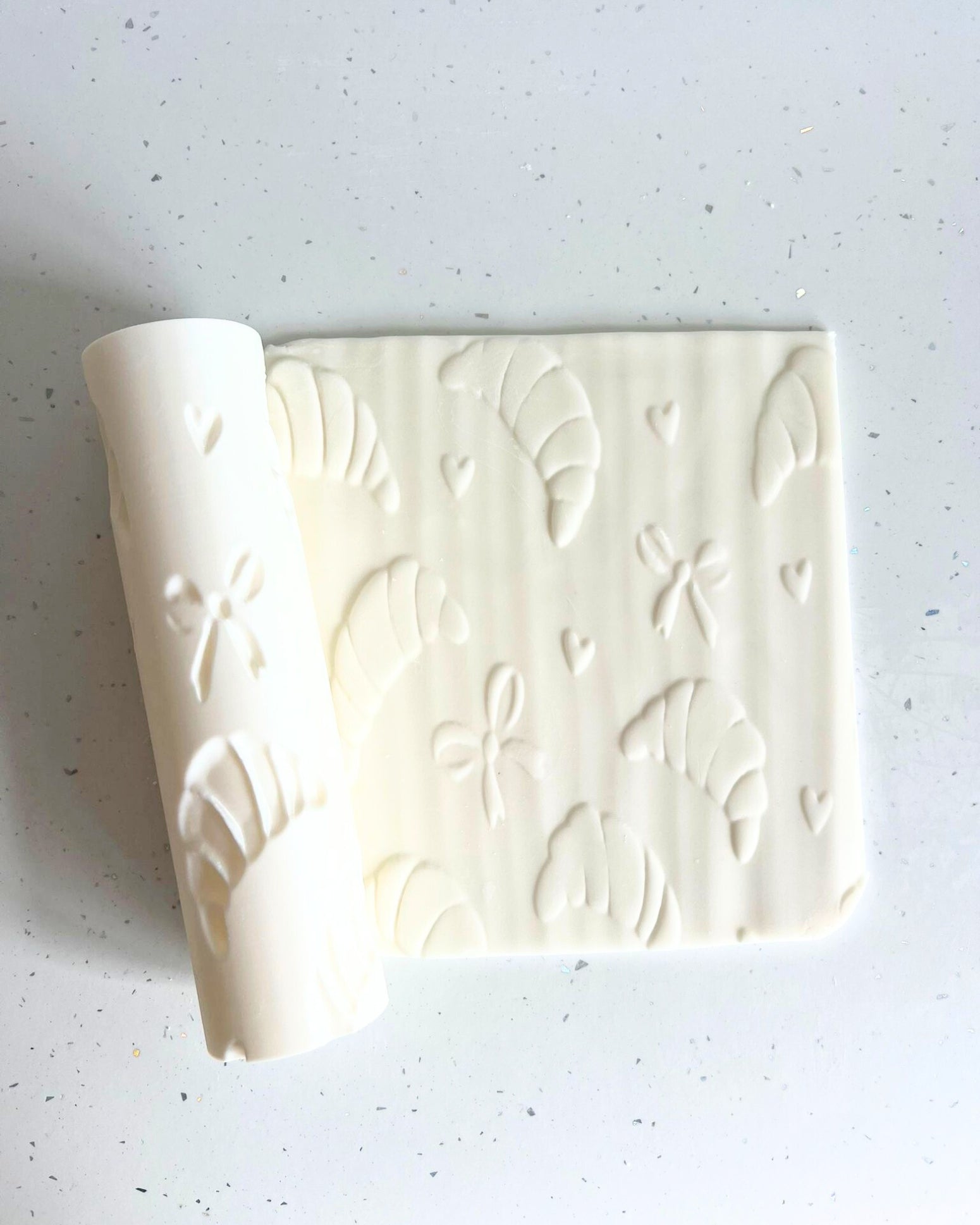
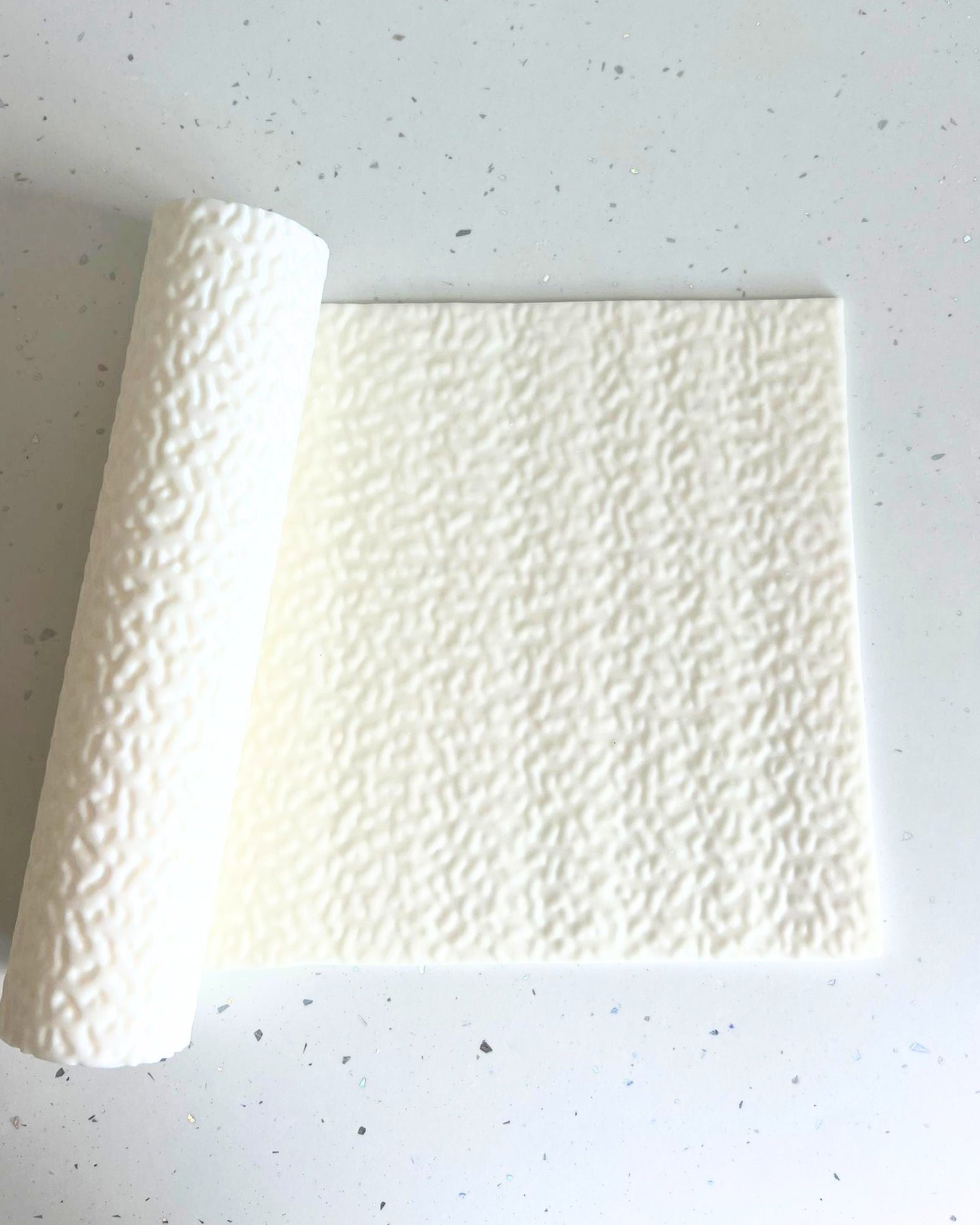
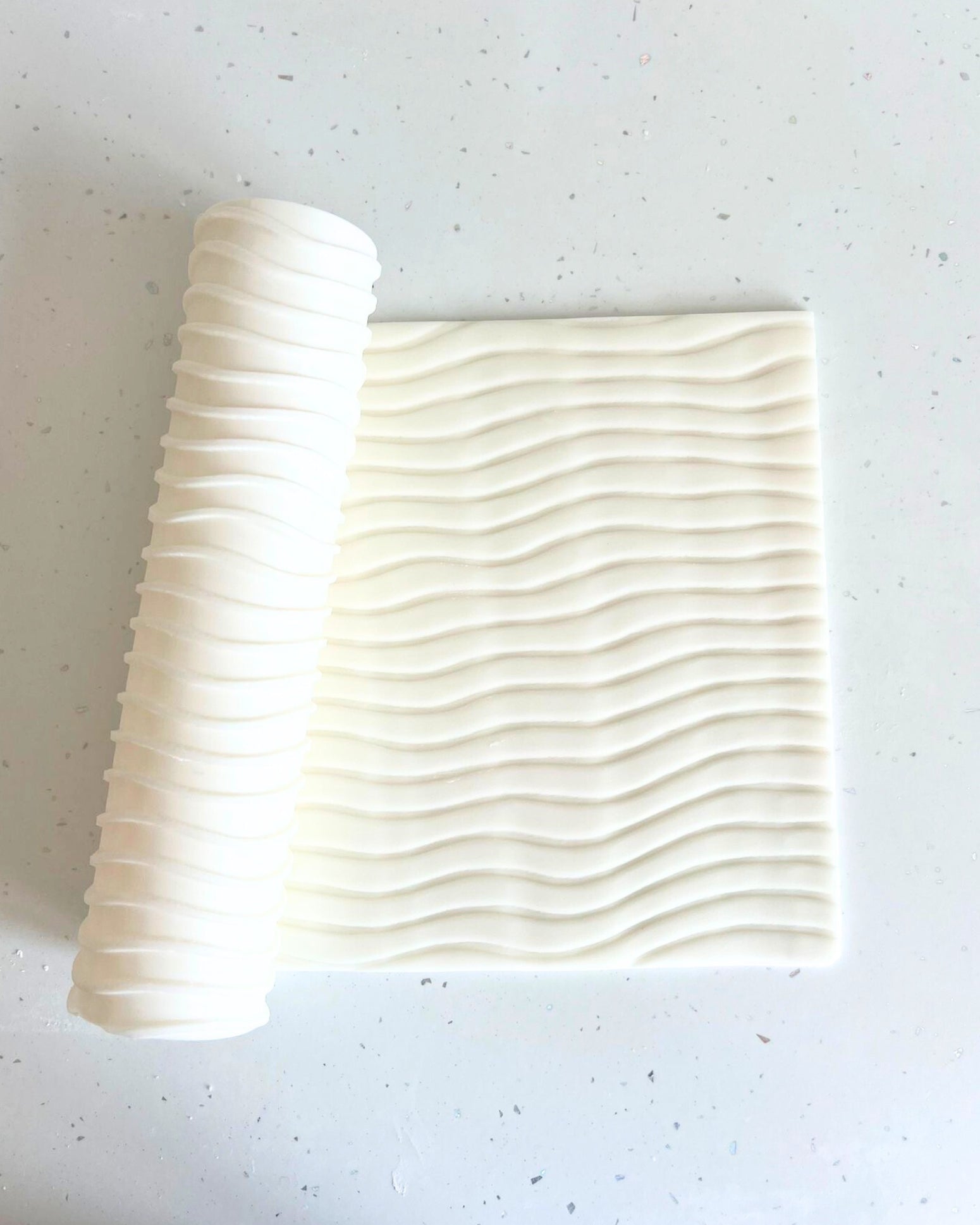
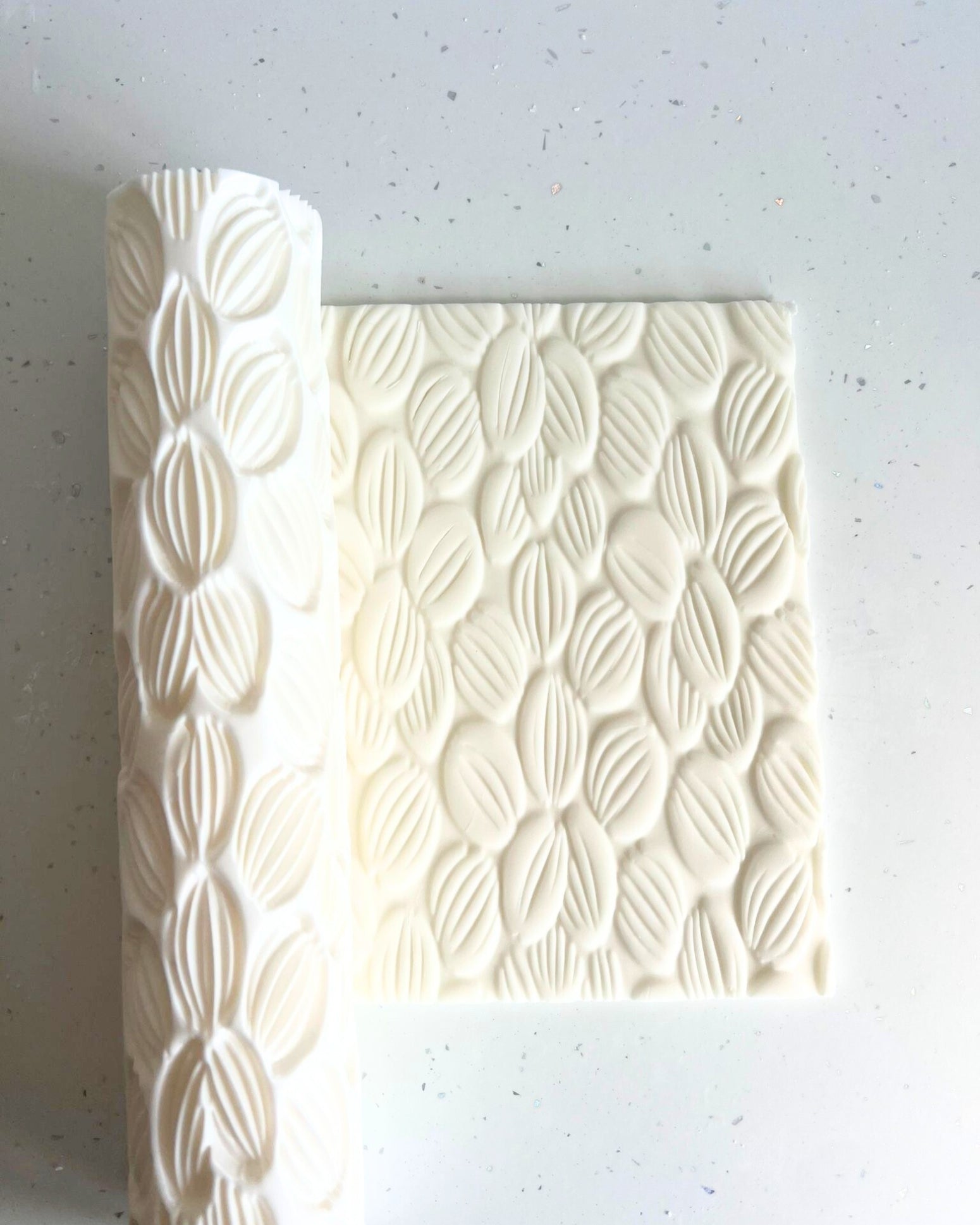
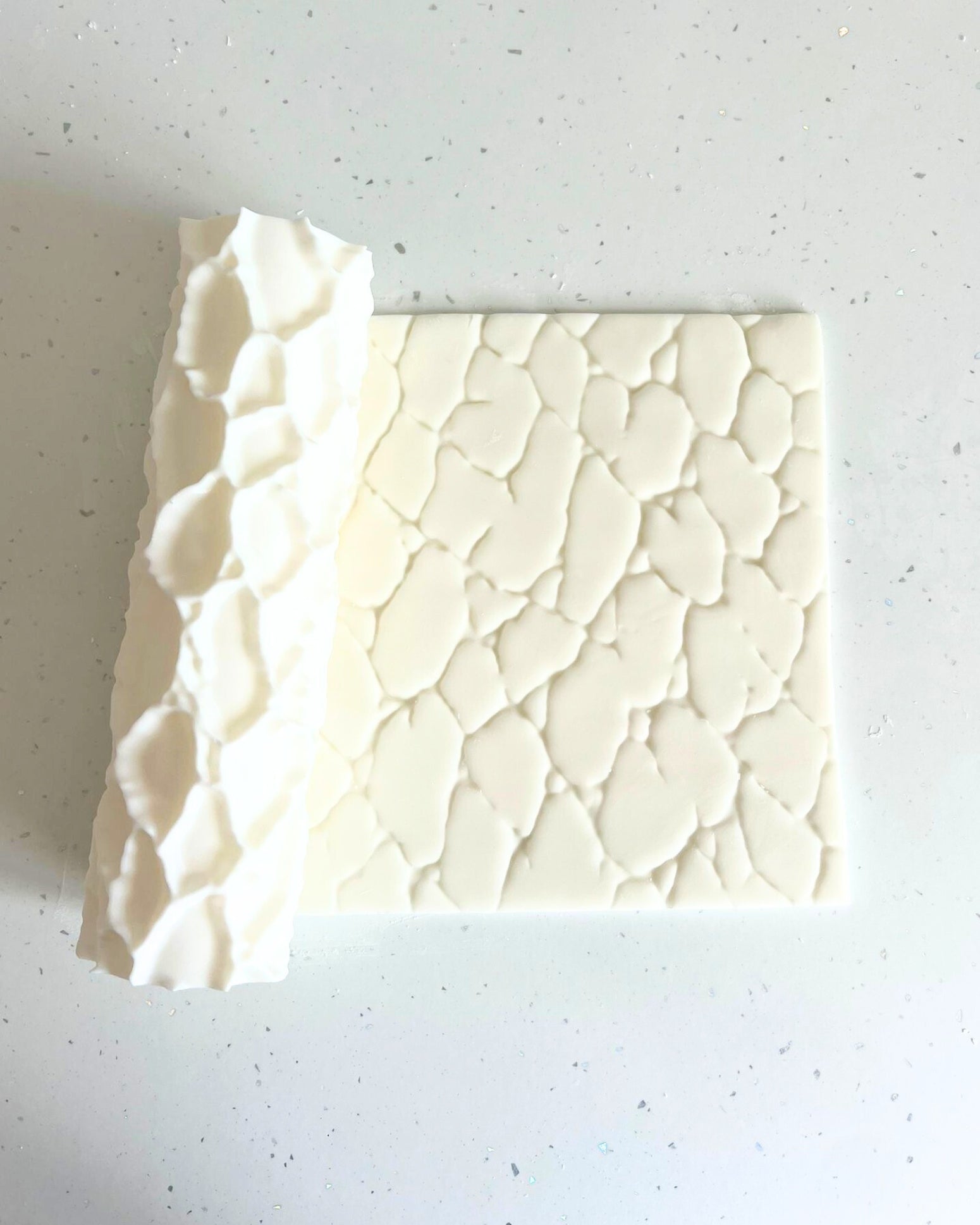
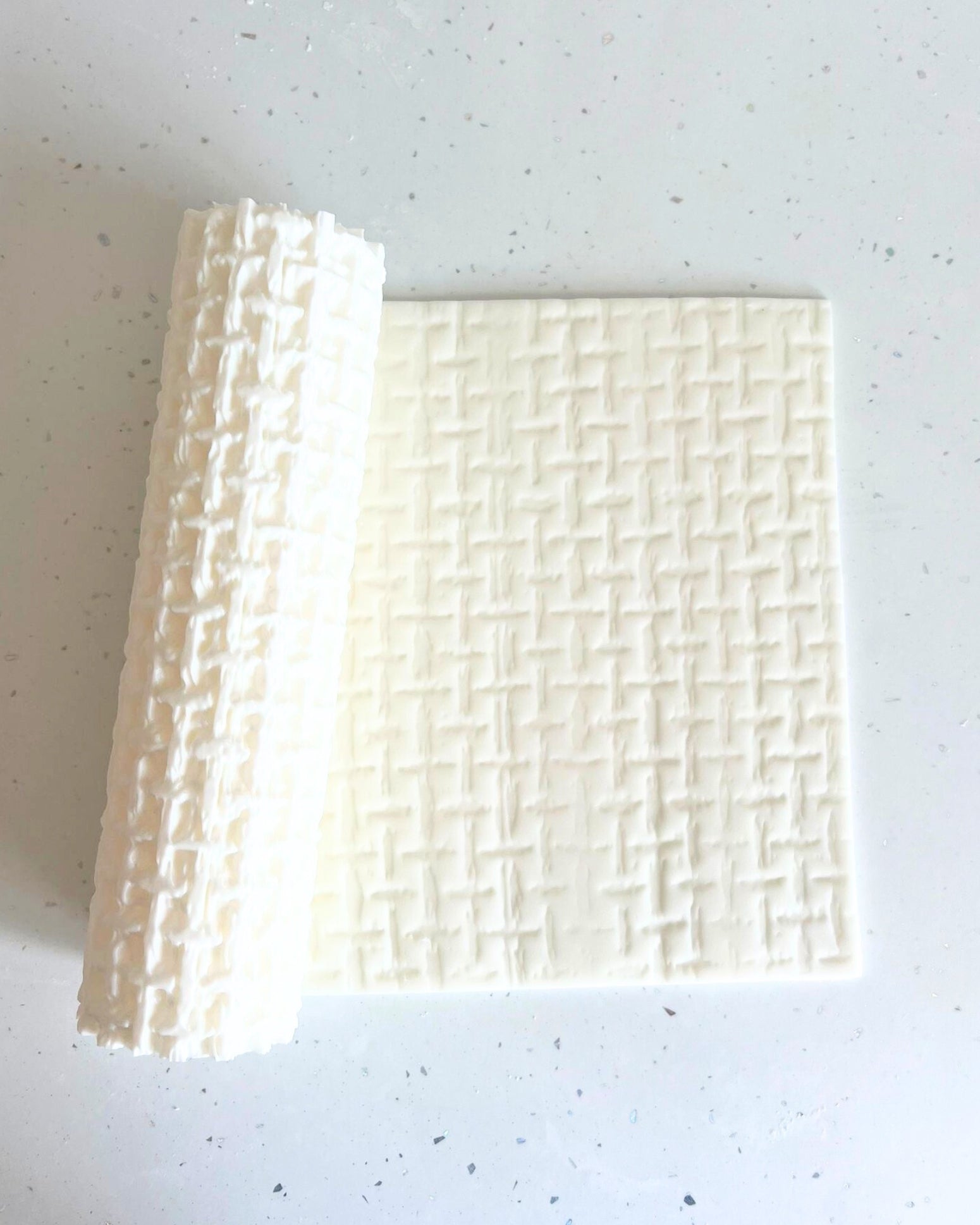
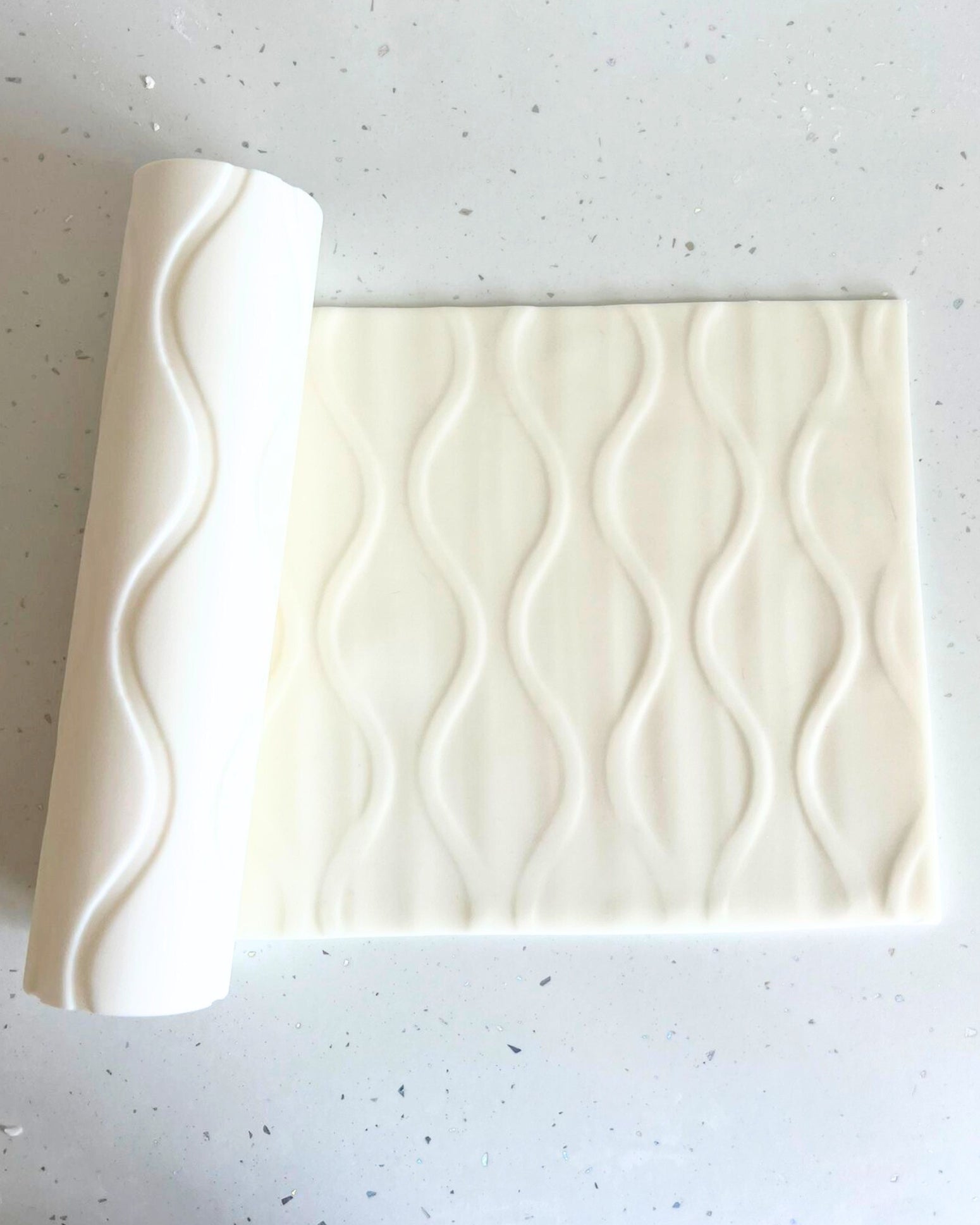
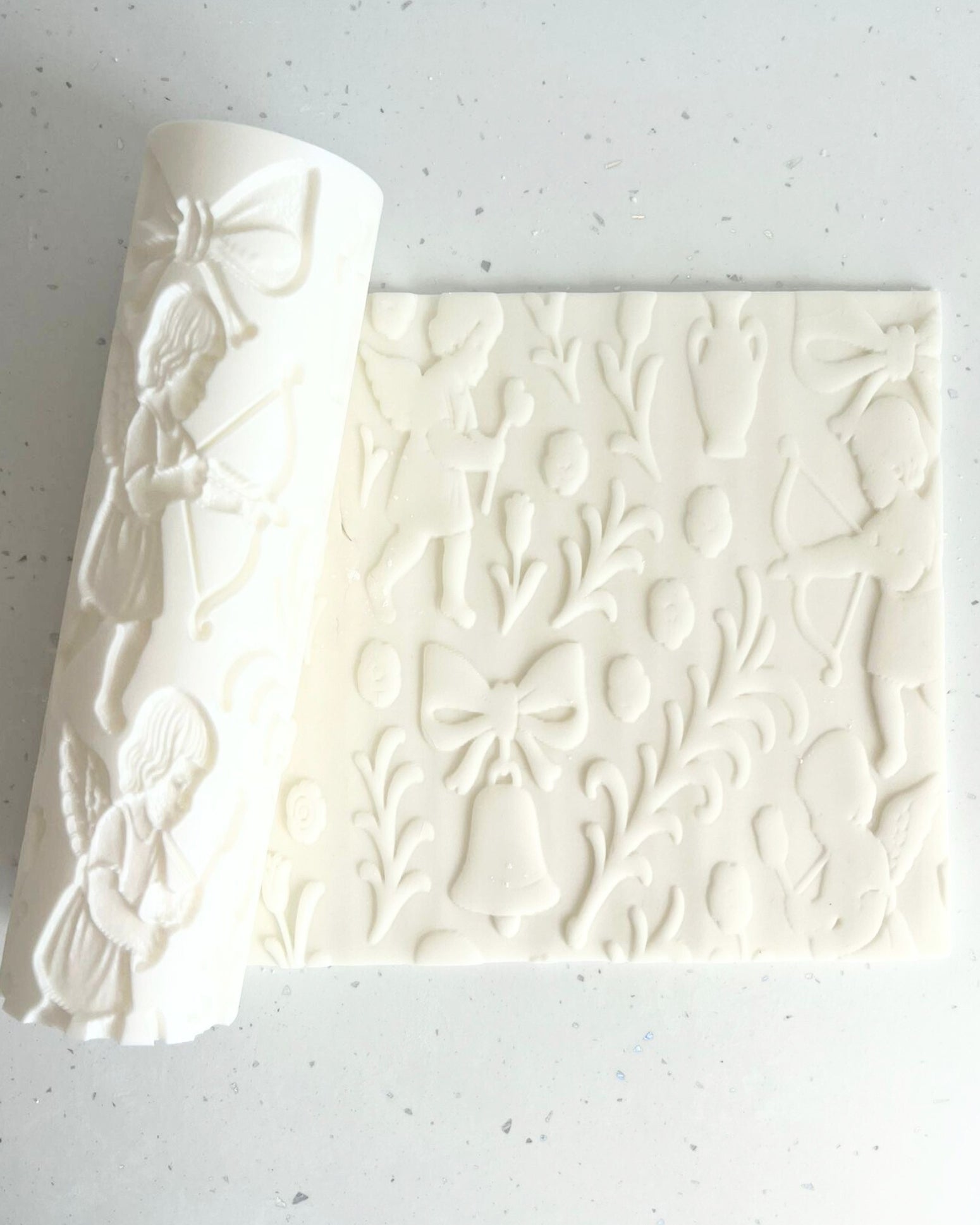
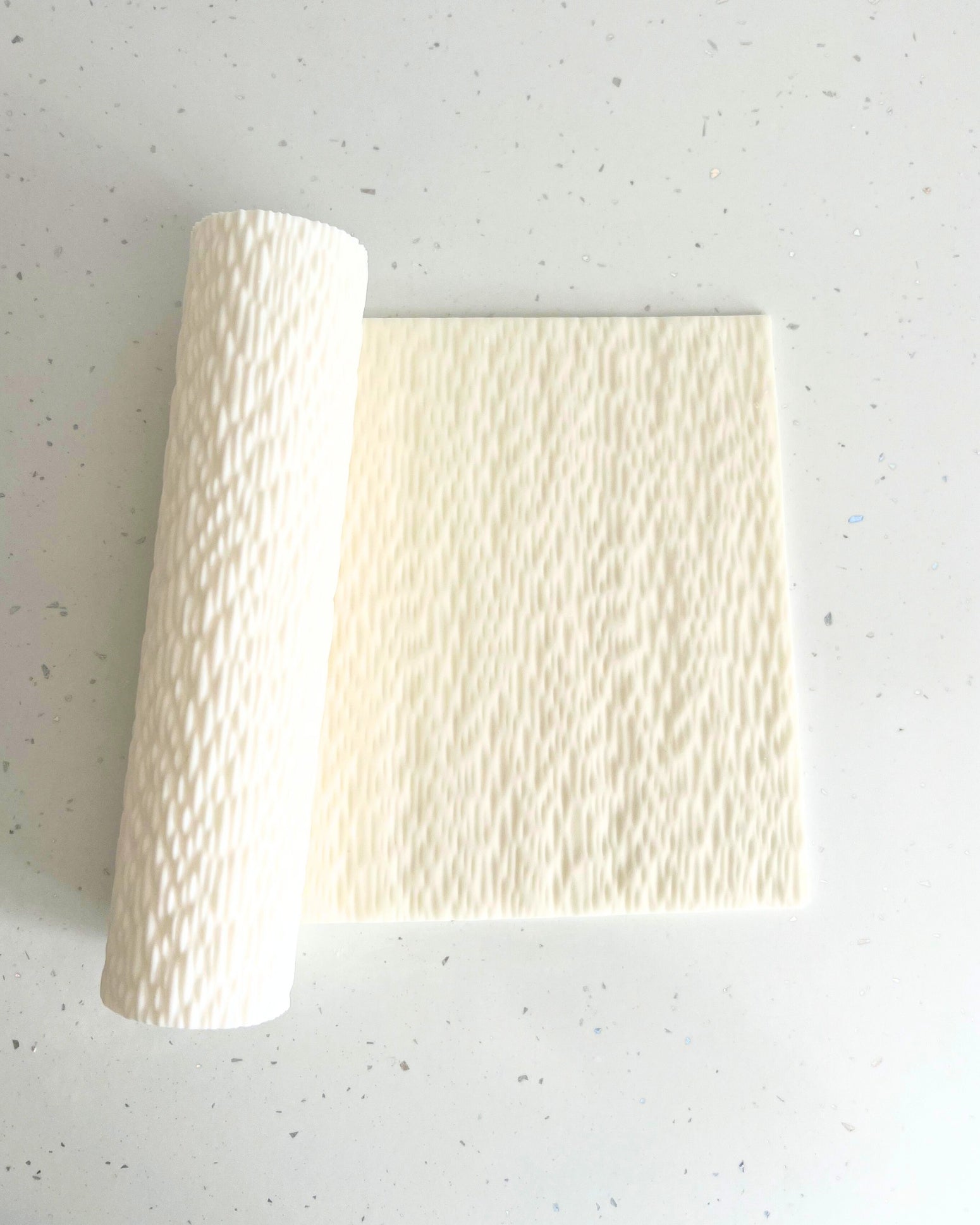
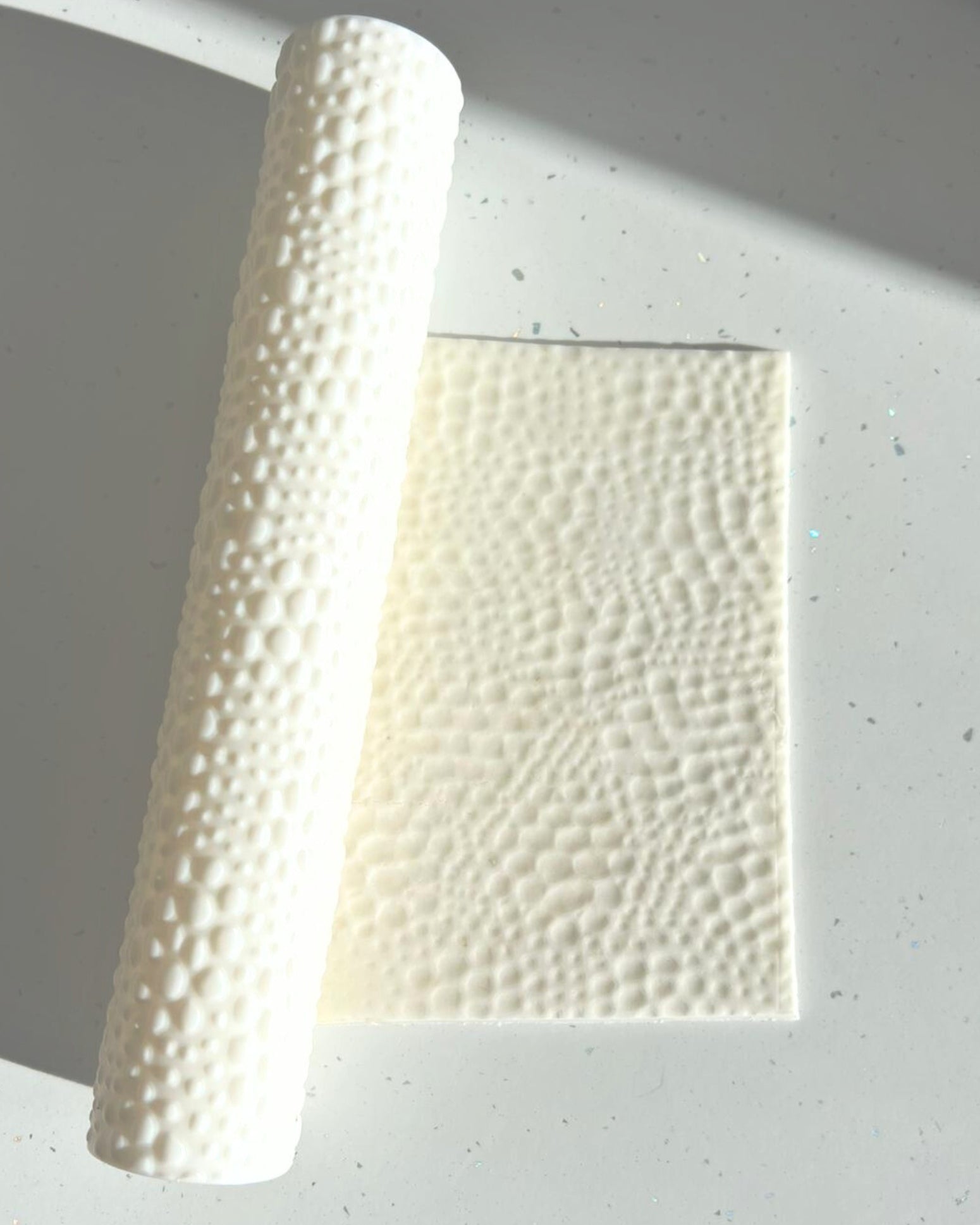
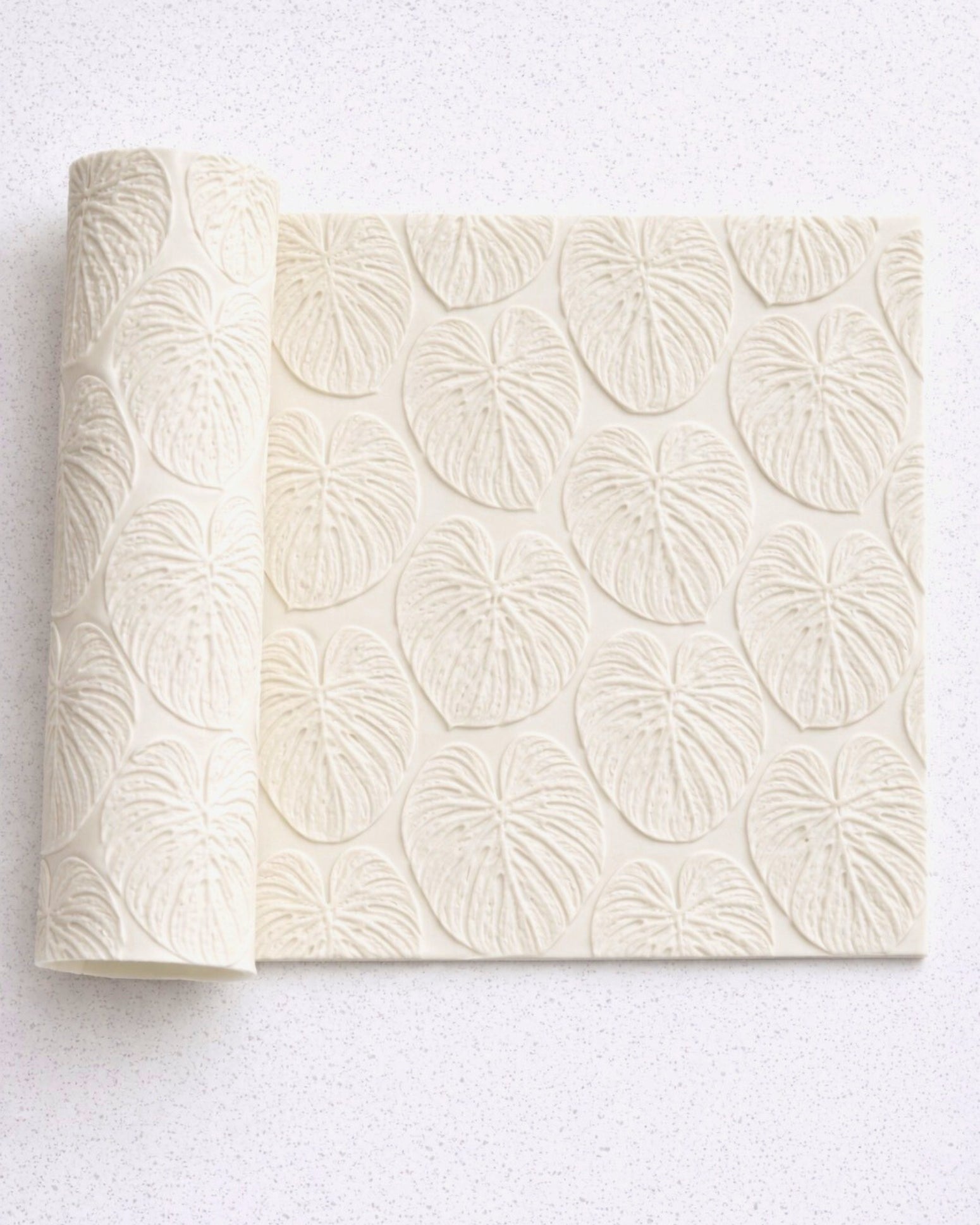
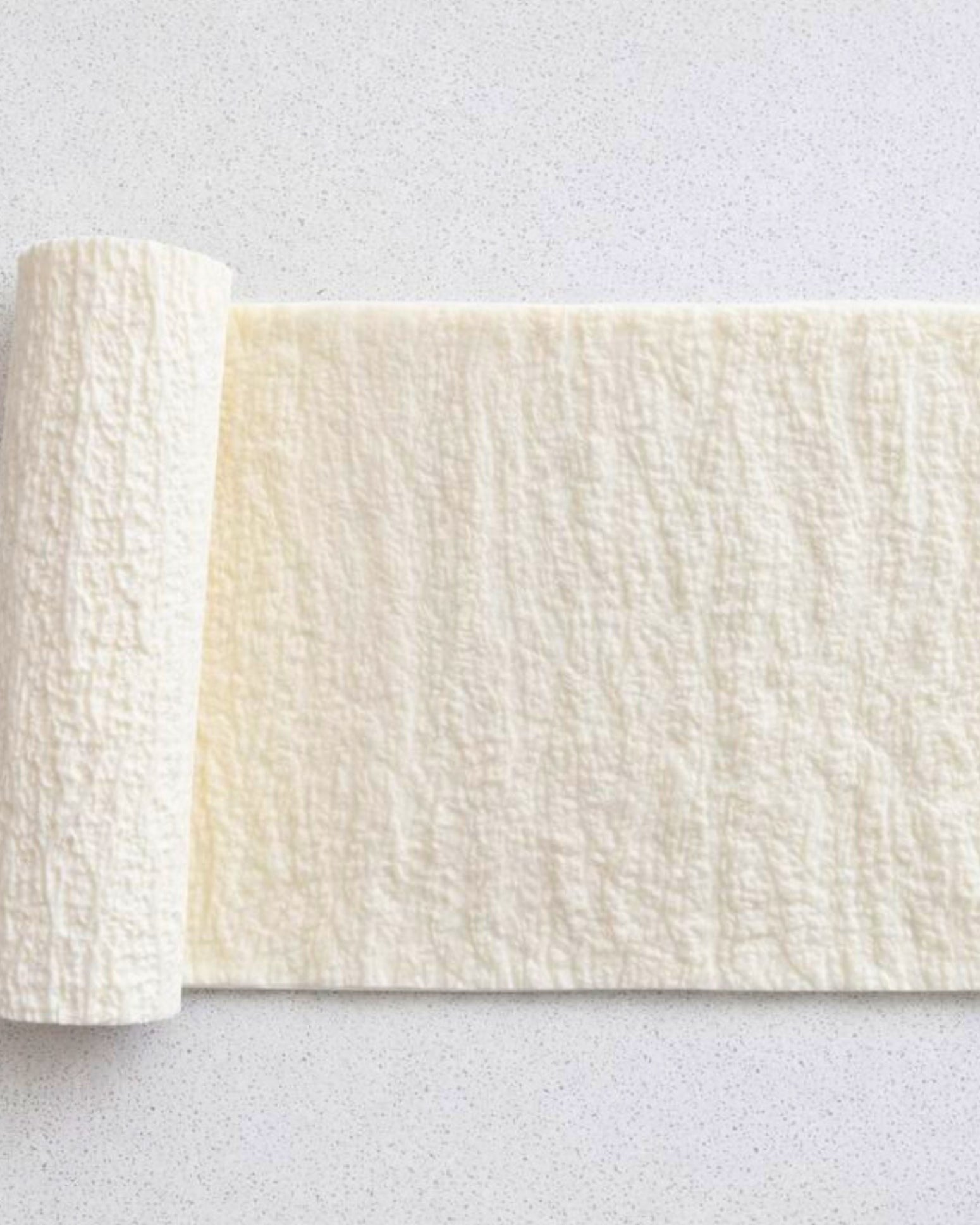
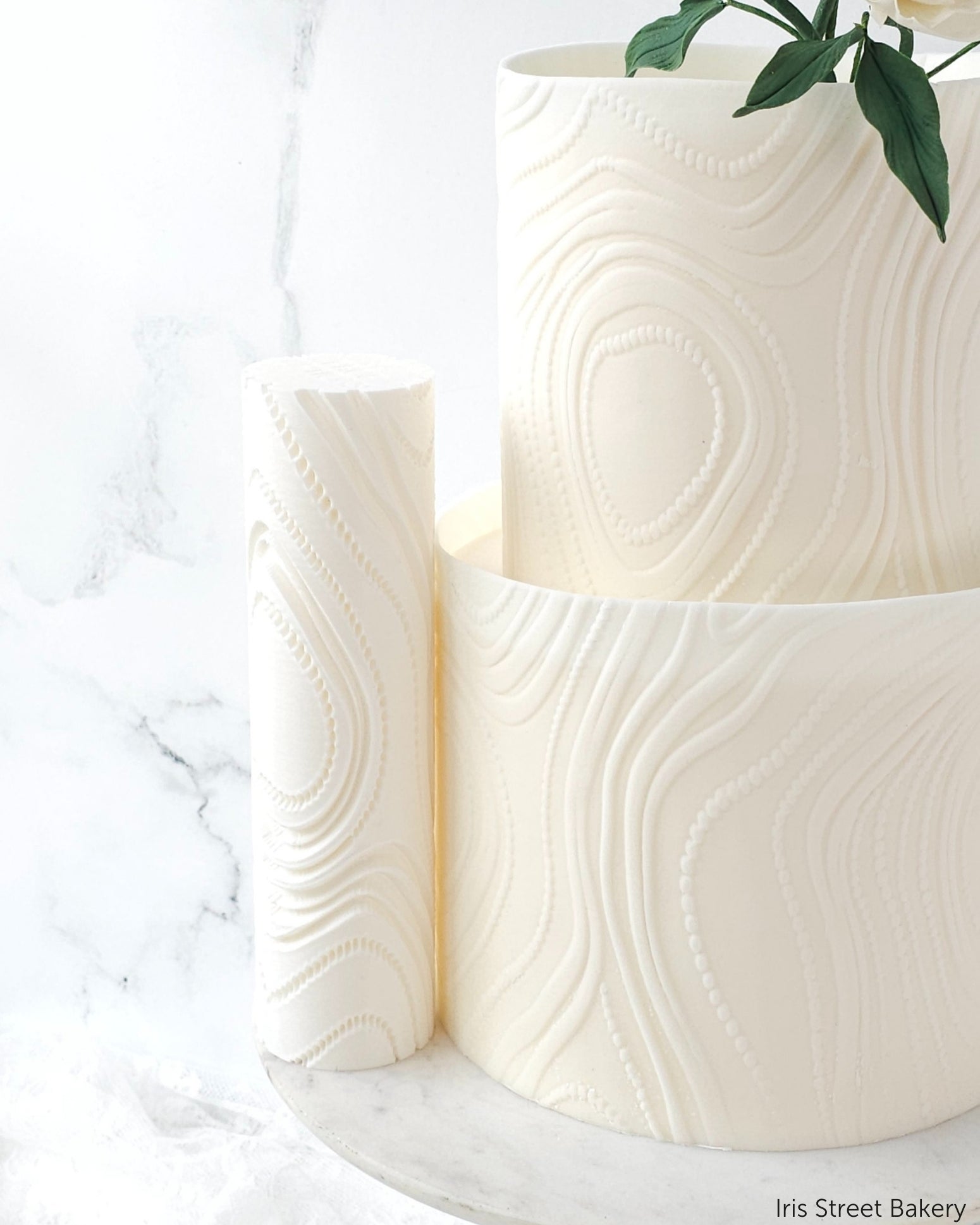
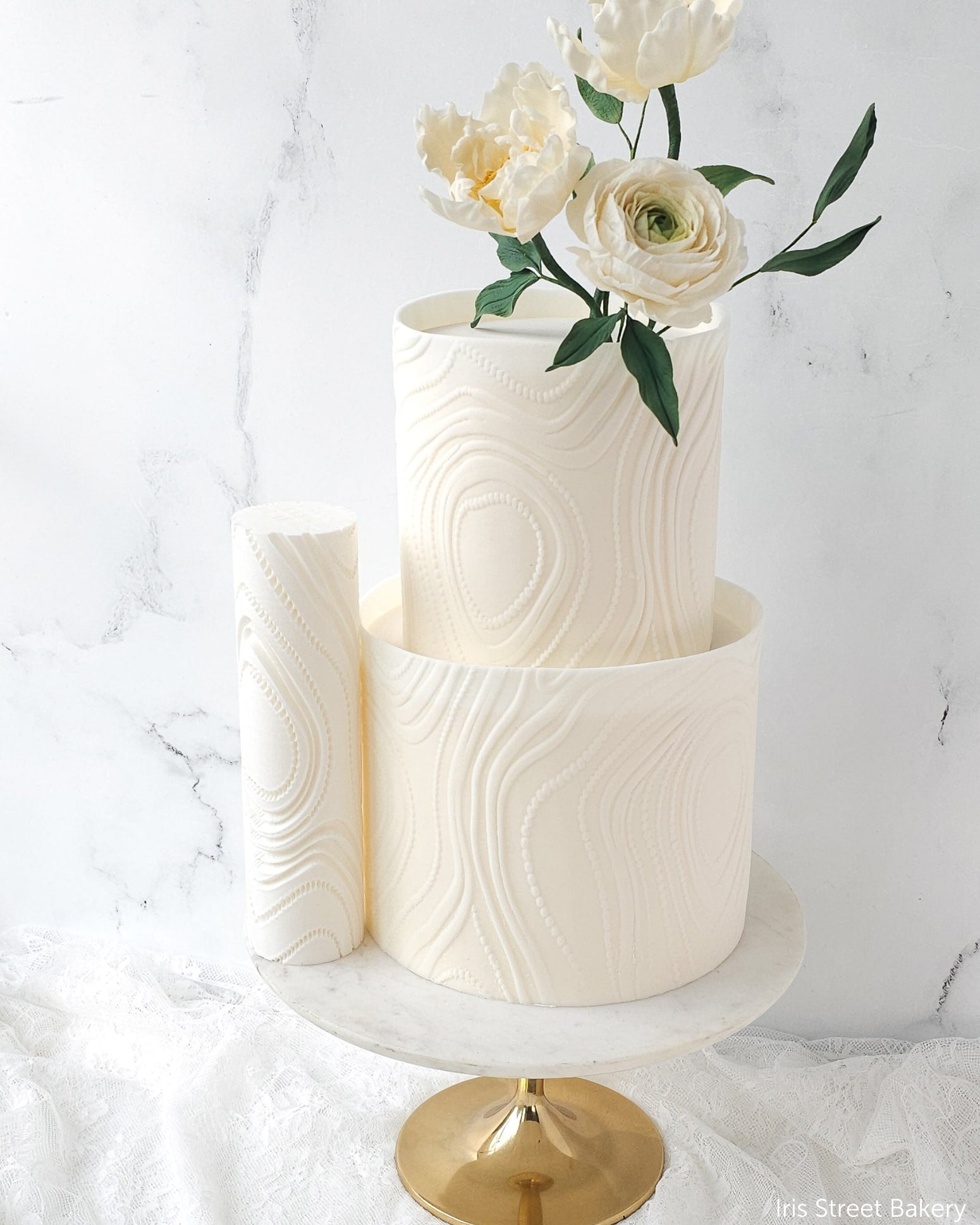
- Texture rolling pin stamps — every pattern matches a real texture rolling pin that cuts that exact relief.
Sketch it, win the booking, then build it with the actual item. All five are worked through in how to sketch real cake props before you build them.
Where to start
Browse the Digital Cake Design range of Procreate stamps and brushes, or read the complete guide to digital cake sketching in Procreate.
If you have never opened Procreate, the Digital Cake Design Course (£145) takes you from a blank canvas to a client-ready sketch, in short lessons you can do ten minutes at a time.
Common questions
Do I need an iPad?
Procreate runs on iPad; Procreate Pocket runs on iPhone. Any model works — the stamps do not rely on pressure sensitivity, so an entry-level iPad with any stylus is enough.
Do I need to be able to draw?
No. Stamps are placed, not drawn. You are assembling a cake from parts rather than sketching freehand, which is why cake makers who describe themselves as terrible at drawing still get clean results.
Can I use the sketches with paying clients?
Yes. The stamps are licensed for commercial use in your own cake business, including client proposals, quotes and social posts.
How long does one sketch take?
Once you know the tools, a straightforward tiered design takes ten to fifteen minutes. The first one takes longer.